-
Three使用OimoPhysics实现物体相关物理特性实例
基础环境搭建:
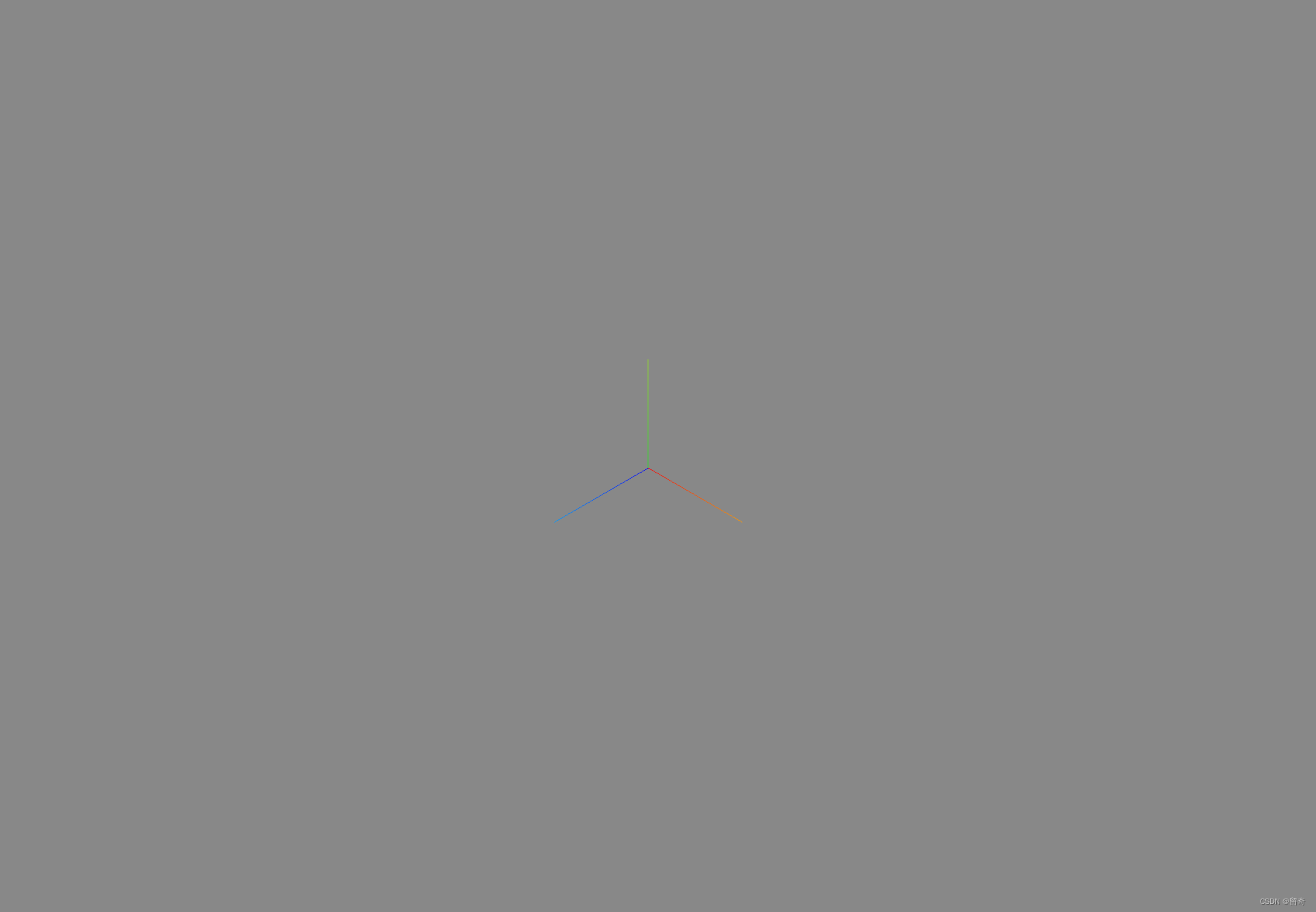
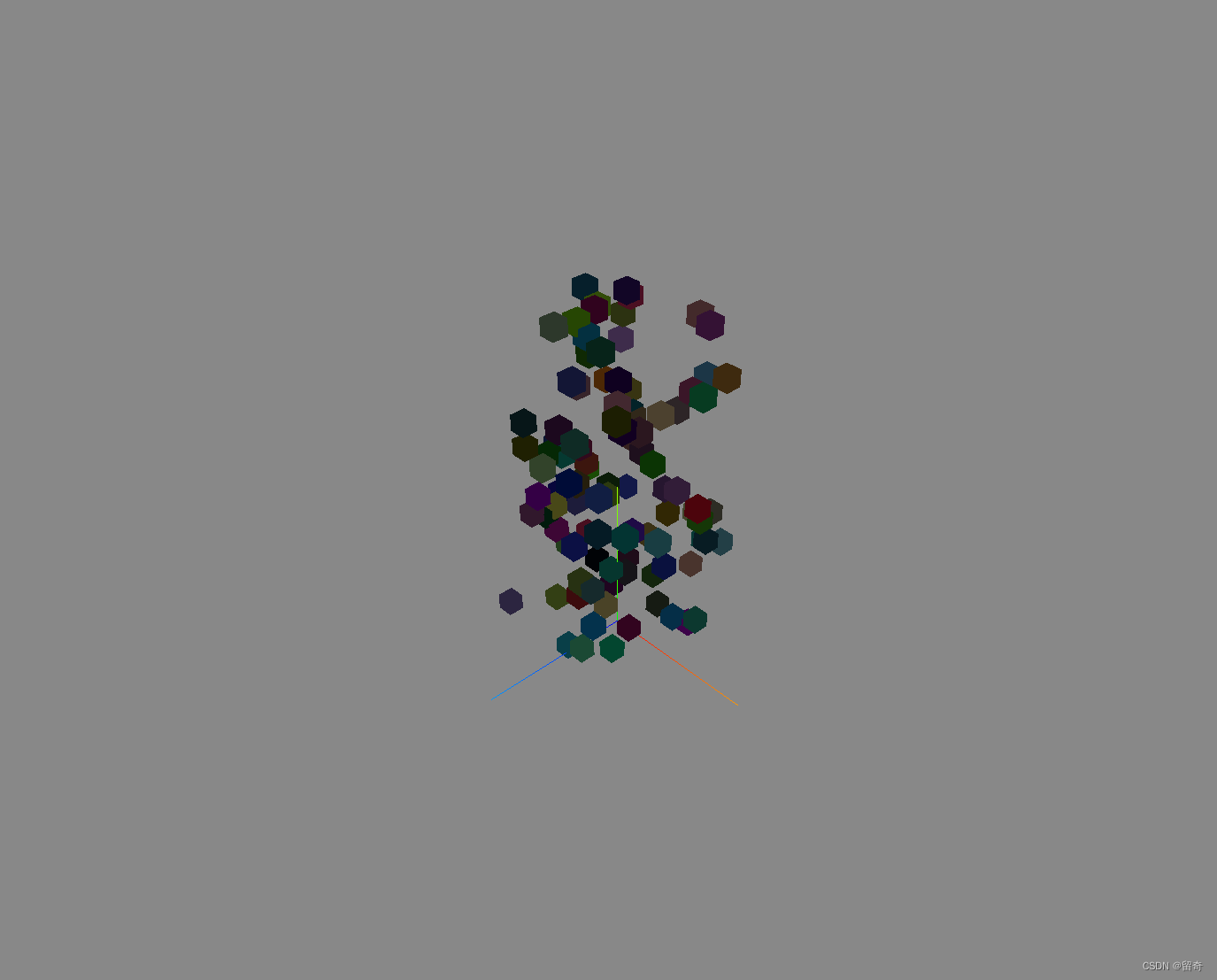
InstancedMesh()创建的立方体物品集合:
boxes = new THREE.InstancedMesh( new THREE.BoxGeometry(0.1, 0.1, 0.1), new THREE.MeshLambertMaterial(), 100 ) const matrix = new THREE.Matrix4() const color = new THREE.Color() for (let i = 0; i < boxes.count; i++) { matrix.setPosition( Math.random() - 0.5,//x:-0.5~0.5 Math.random() * 2,//y:0~2 Math.random() - 0.5//z:0.5~0.5F ) boxes.setMatrixAt(i, matrix) boxes.setColorAt(i, color.setHex(Math.random() * 0xffffff)) } scene.add(boxes)- 1
- 2
- 3
- 4
- 5
- 6
- 7
- 8
- 9
- 10
- 11
- 12
- 13
- 14
- 15
- 16
- 17
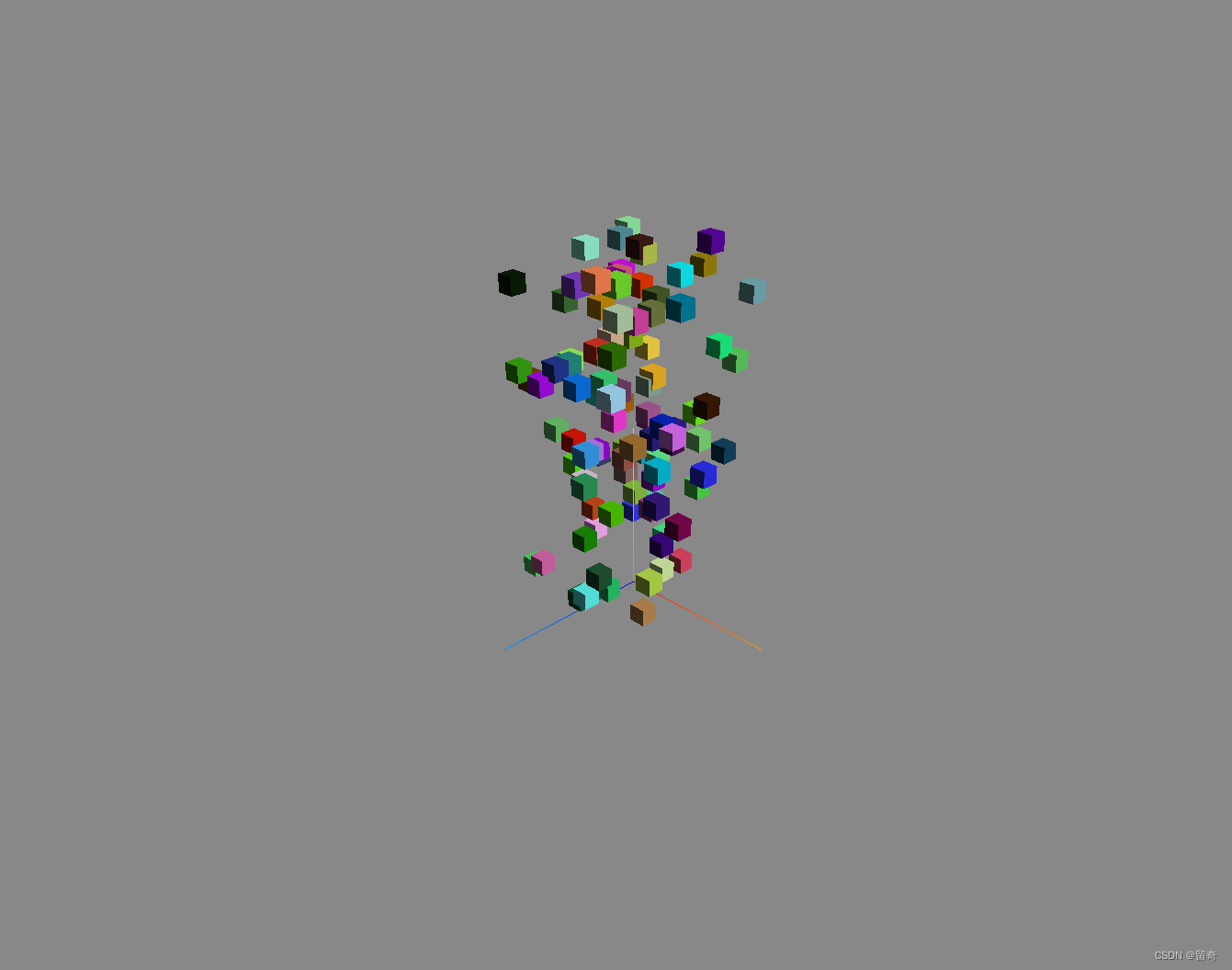
加入平行光能显示明显的阴暗面:
平行光是沿着特定方向发射的光。这种光的表现像是无限远,从它发出的光线都是平行的。常常用平行光来模拟太阳光的效果;太阳足够远,因此我们可以认为太阳的位置是无限远,所以我们认为从太阳发出的光线也都是平行的。
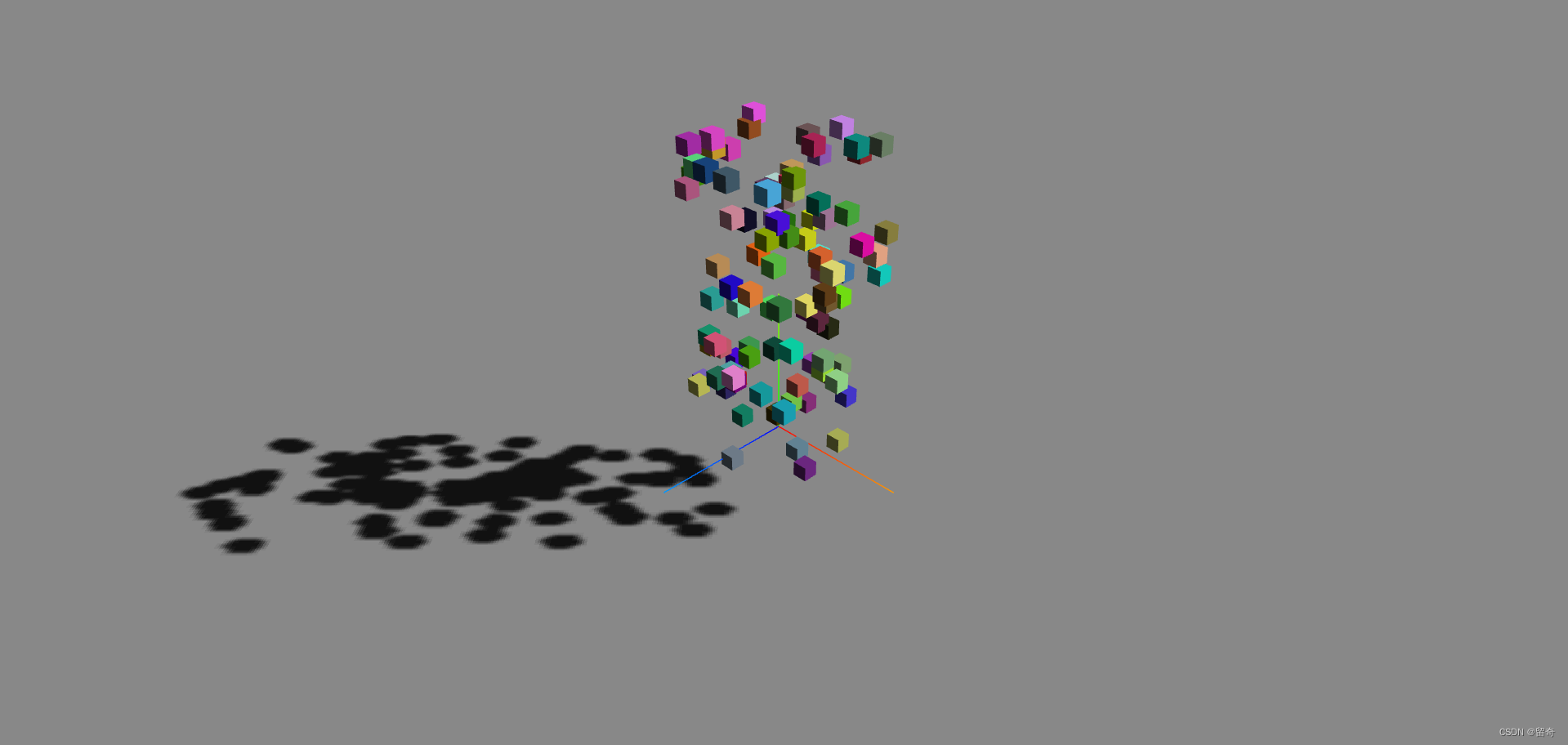
创建地面网格模型:
ShadowMaterial材质可以接收阴影,但在其他方面完全透明。
.color : Color
设置接收阴影的颜色,默认为黑色 (0x000000).floor = new THREE.Mesh( new THREE.BoxGeometry(10, 1, 10), new THREE.ShadowMaterial({ color: 0x111111 }) ) floor.position.set(0, -1, 0) scene.add(floor)- 1
- 2
- 3
- 4
- 5
- 6
接收阴影:
同样的方法创建球体物品集合:
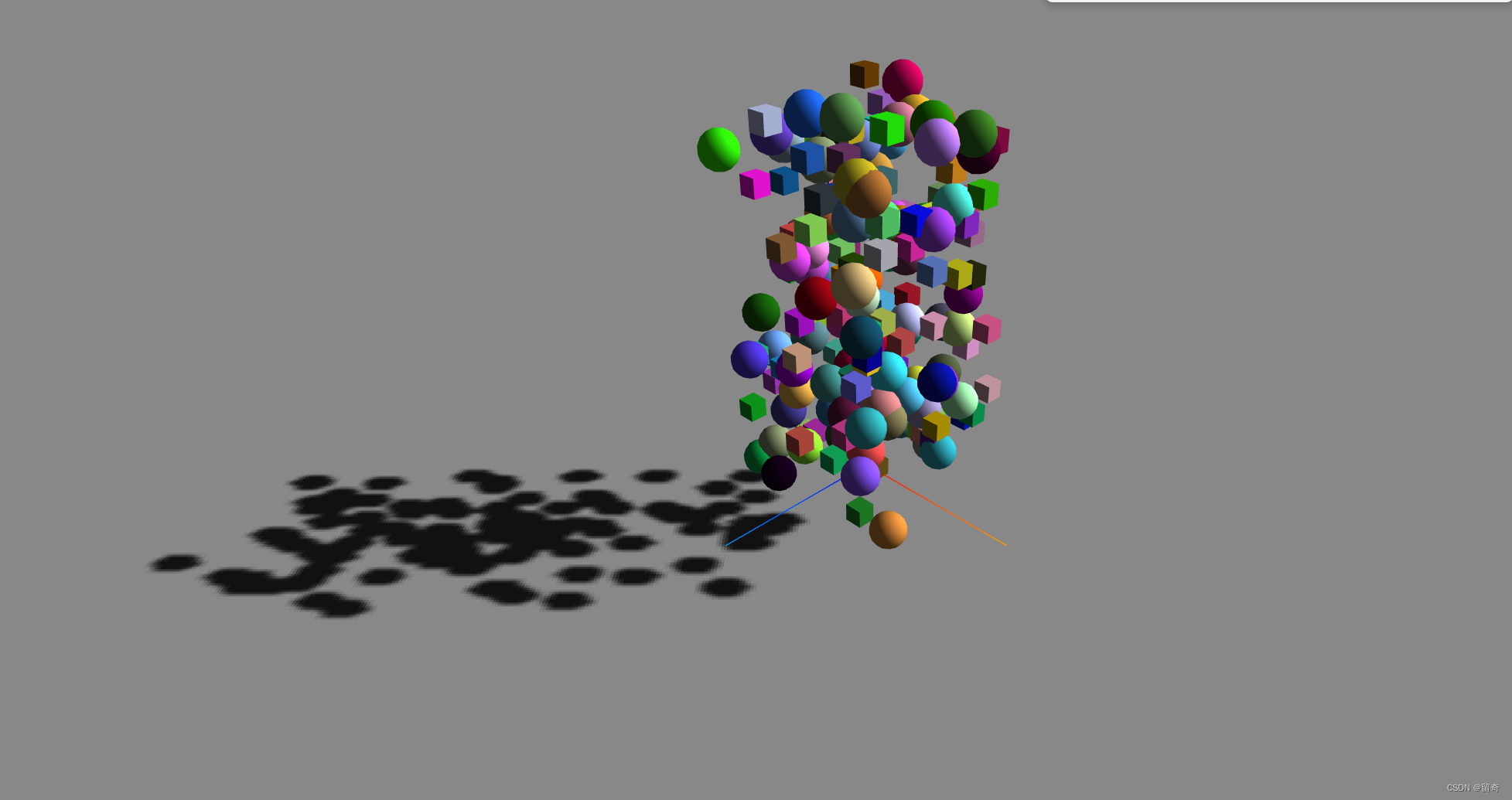
使用OimoPhysics.js实现物体的自由落体及物体间的相互作用
OimoPhysics是一个轻量级的 3D 物理引擎,网上相关资料好像不是很多。https://www.mianshigee.com/project/lo-th-Oimo-js
import { OimoPhysics } from 'three/examples/jsm/physics/OimoPhysics' ... async function enablePhysics() { physics = await OimoPhysics() physics.addMesh(floor) physics.addMesh(boxes, 1) physics.addMesh(spheres, 1) }- 1
- 2
- 3
- 4
- 5
- 6
- 7
- 8
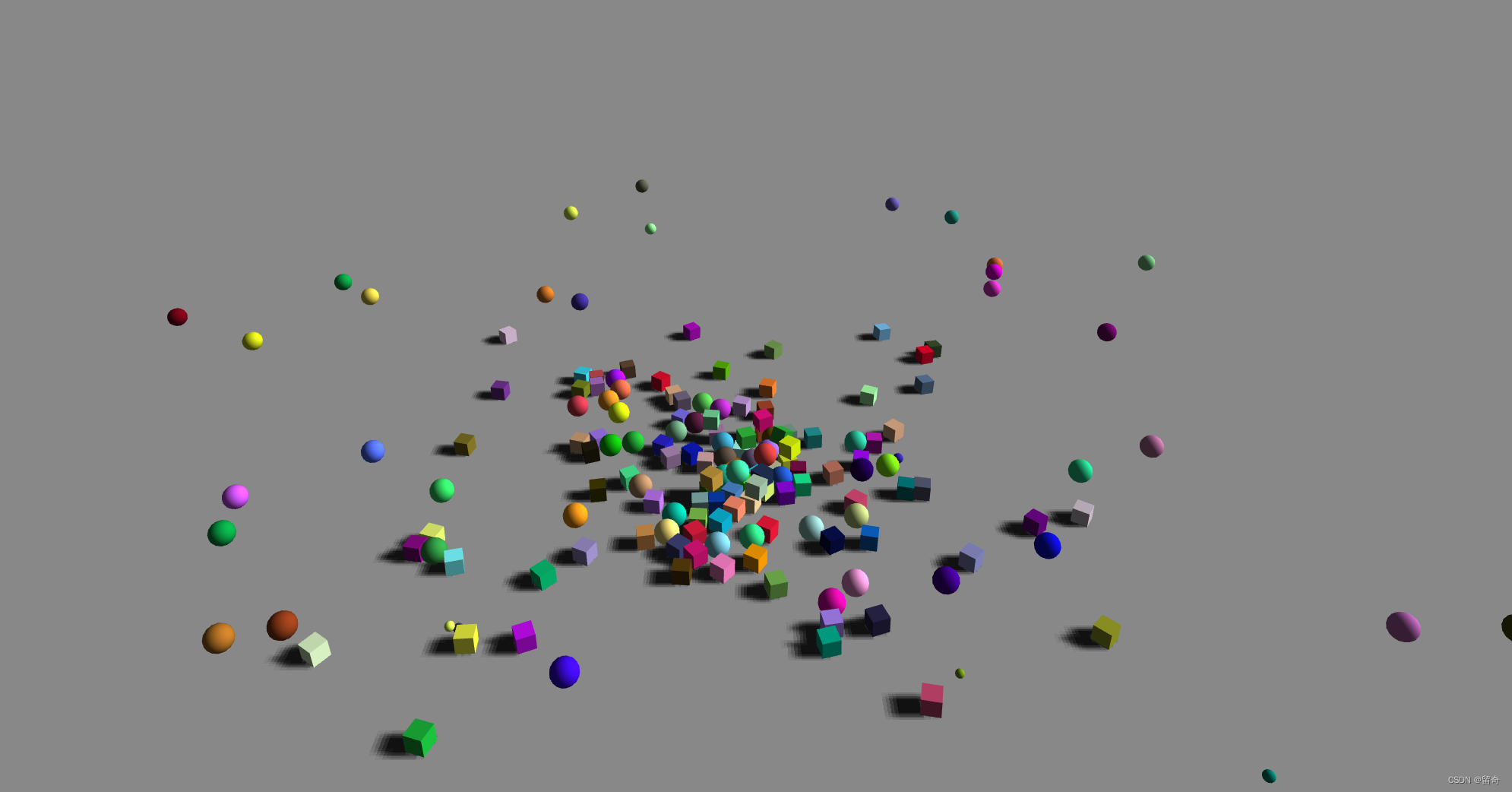
注意调用的时候异步调用。
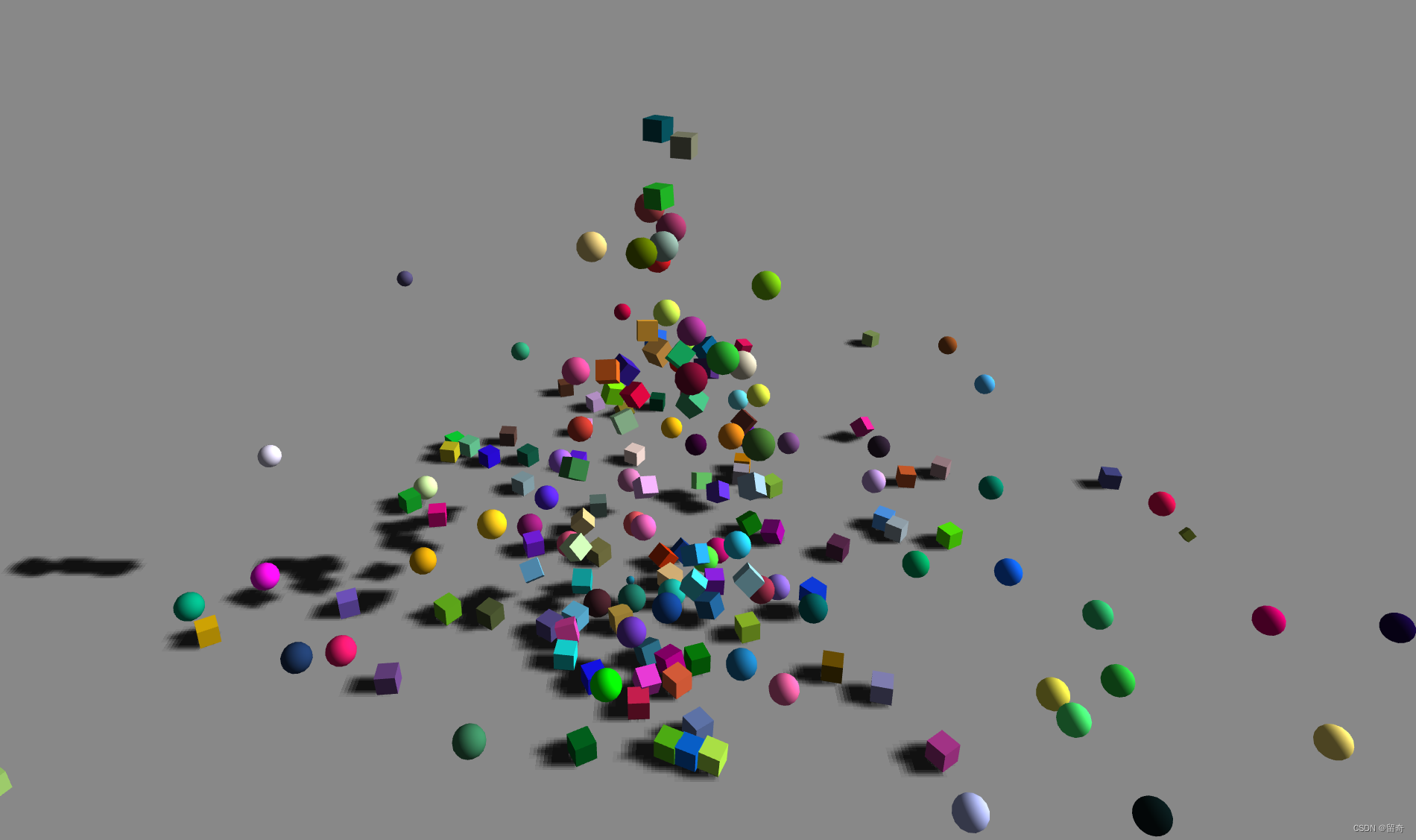
最终涌泉效果:
let position = new THREE.Vector3() ... let index = Math.floor(Math.random() * boxes.count) position.set(0, Math.random() + 1, 0) physics.setMeshPosition(boxes, position, index) index = Math.floor(Math.random() * spheres.count) position.set(0, Math.random() + 1, 0) physics.setMeshPosition(spheres, position, index)- 1
- 2
- 3
- 4
- 5
- 6
- 7
- 8
改进:- 初始化渲染器加入
renderer.outputEncoding = THREE.sRGBEncoding,颜色会变浅。
.outputEncoding : number
定义渲染器的输出编码。默认为THREE.LinearEncoding可能的解释:By setting renderer.outputEncoding = THREE.sRGBEncoding you tell the renderer to convert the final color value in the fragment shader from linear to sRGB color space. Consequently, you also have to tell the renderer when textures hold sRGB encoded data. You do this by assigning THREE.sRGBEncoding to the encoding property of textures. THREE.GLTFLoader does this automatically for all color textures. But when loading textures manually, you have to do this by yourself.
相关链接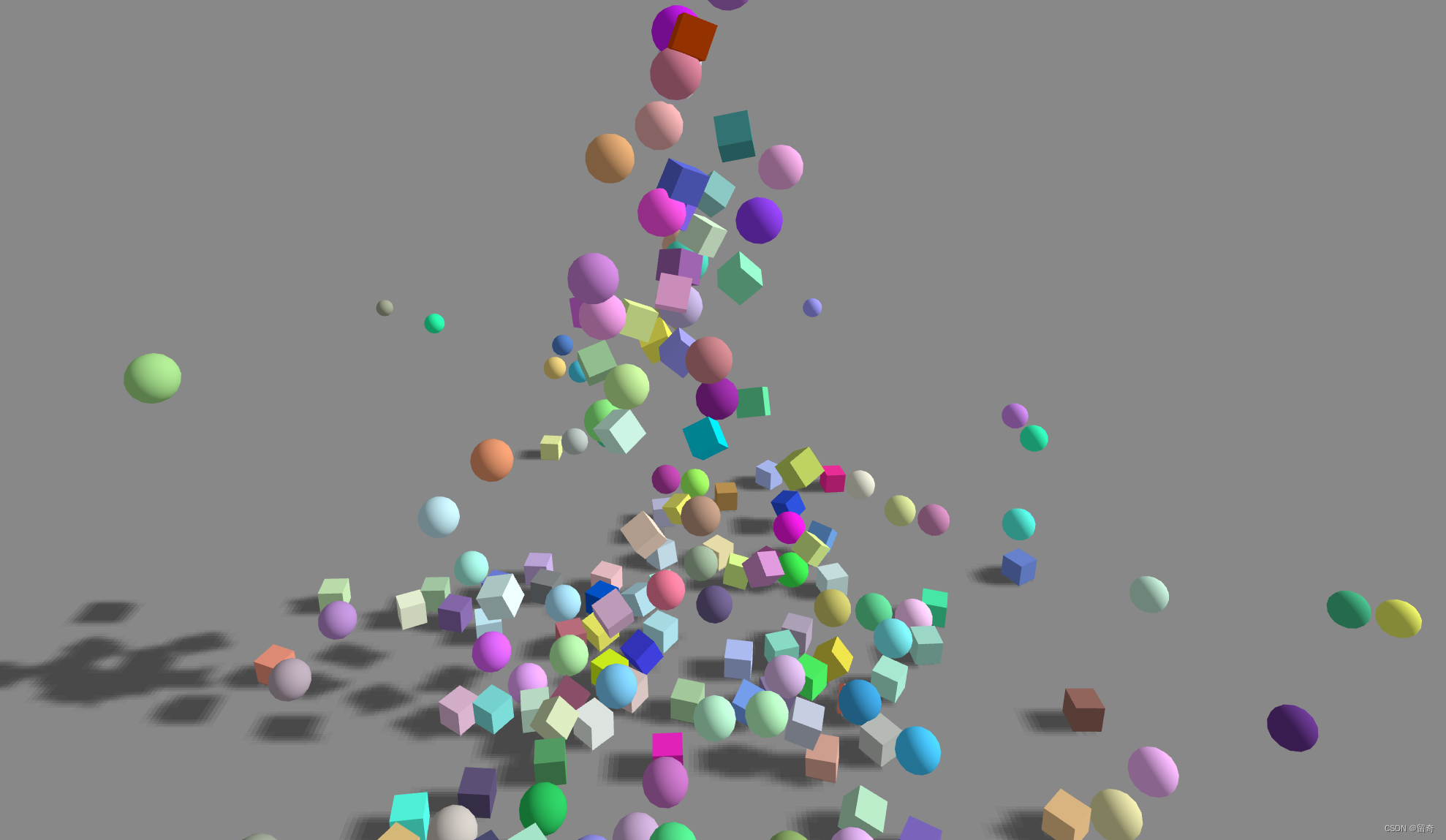
- 提高画质和性能
boxes.instanceMatrix.setUsage(THREE.DynamicDrawUsage)//update every frame spheres.instanceMatrix.setUsage(THREE.DynamicDrawUsage)//update every frame- 1
- 2
.instanceMatrix : InstancedBufferAttribute
表示所有实例的本地变换。 如果你要通过 .setMatrixAt() 来修改实例数据,你必须将它的 needsUpdate 标识为 true 。
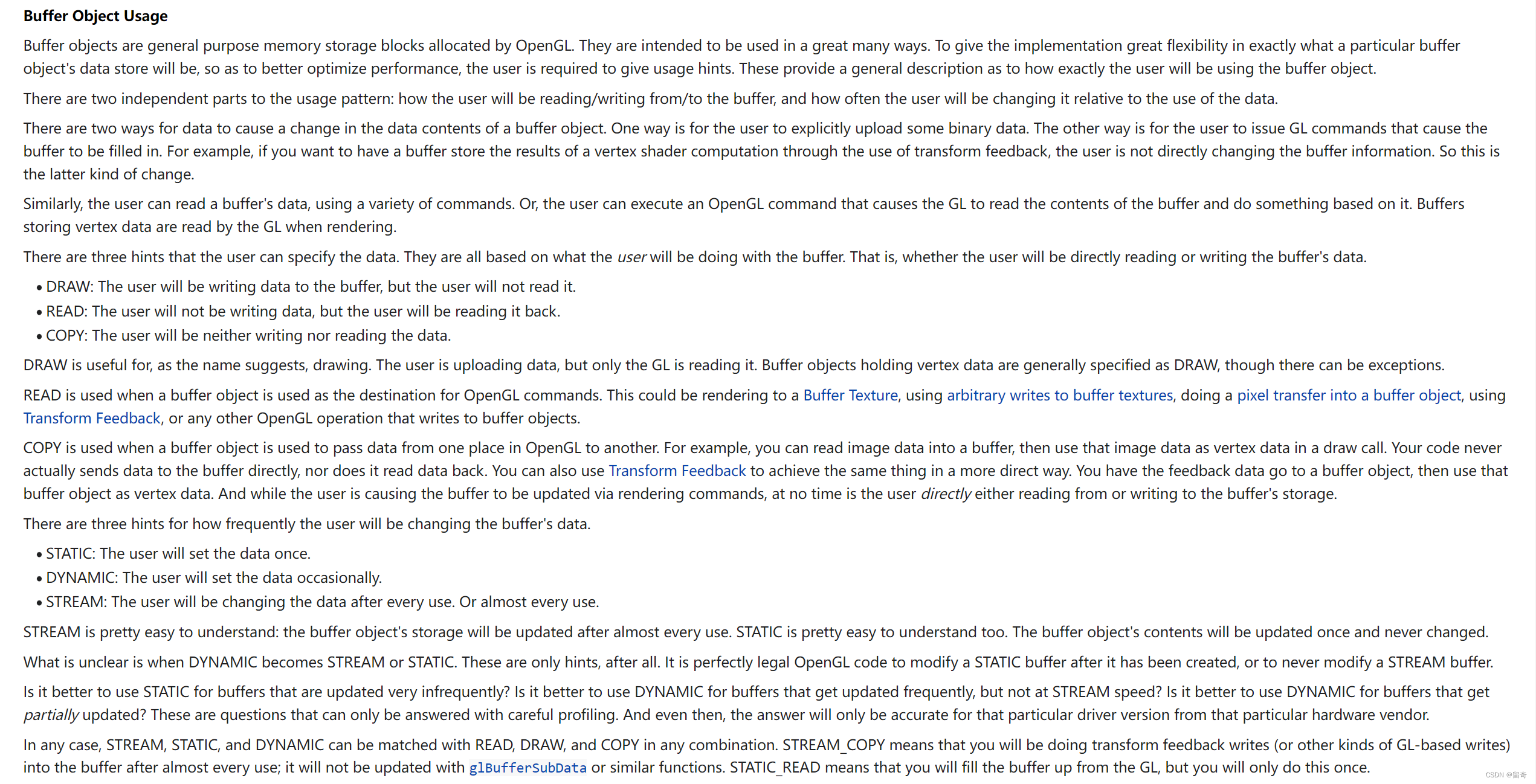
OpenGL相关好像有点复杂:
dirLight.shadow.camera.zoom = 2//?
-
相关阅读:
uni-app 导航栏自定义图标及图标的点击事件
【批处理DOS-CMD命令-汇总和小结】-上网和网络通信相关命令(ping、telnet、nslookup、arp、tracert、ipconfig)
An工具介绍之骨骼工具
【车载音视频电脑】嵌入式AI分析车载DVR,支持8路1080P
【接口测试】POST请求提交数据的三种方式及Postman实现
html之表格标签和列表标签
HTML5+CSS3小实例:简约灵动的深色登录界面
java中的static关键字几个注意点
标准C++day3——构造、析构函数和初始化列表
IDL学习——外部方法调用IDL.pro文件
- 原文地址:https://blog.csdn.net/lqiqil/article/details/126969868
