-
Eclipse导入springboot项目遇到的一些坑
Eclipse导入springboot项目遇到的一些坑- 1
- 用Eclipse生成springboot项目。
我用的是在https://start.spring.io/上面生成一个项目,然后导入到Eclipse中的。
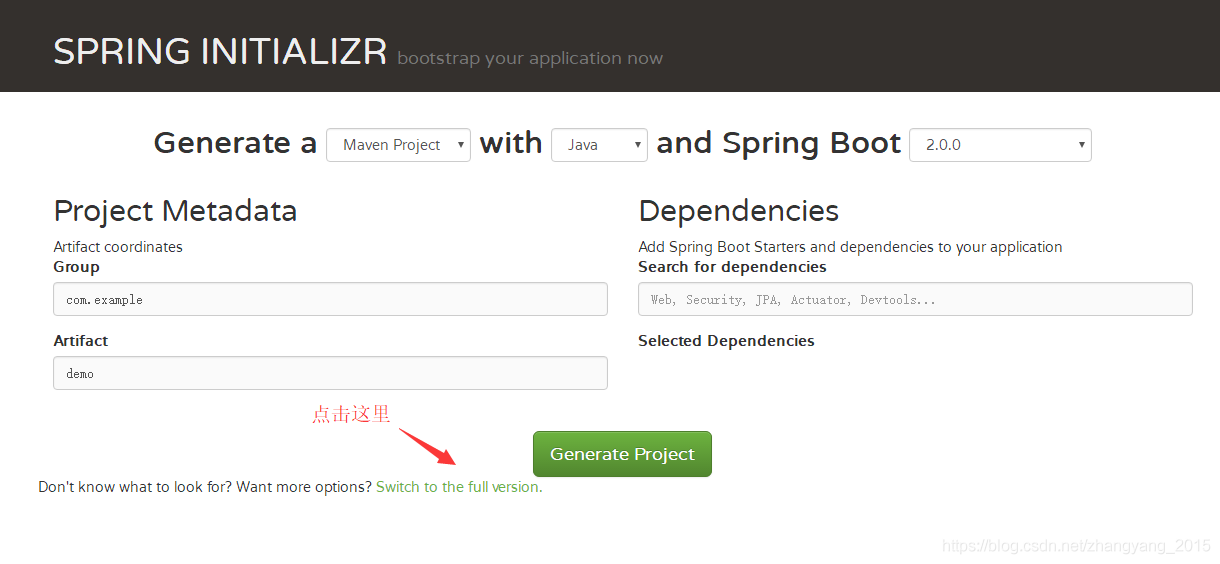
如图,这边可以对SpringBoot项目进行详细设置:
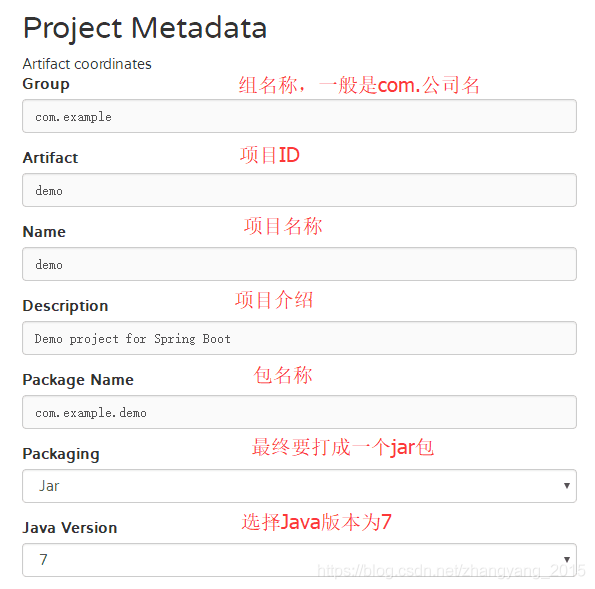

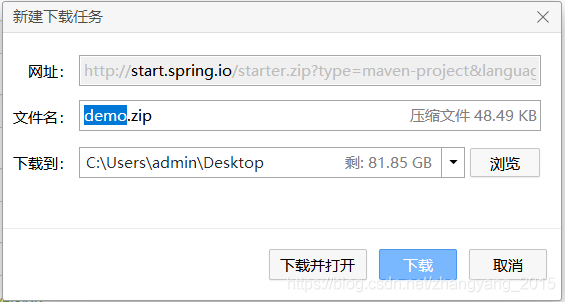
点击按钮下载

然后在Eclipse中导入下载下来的项目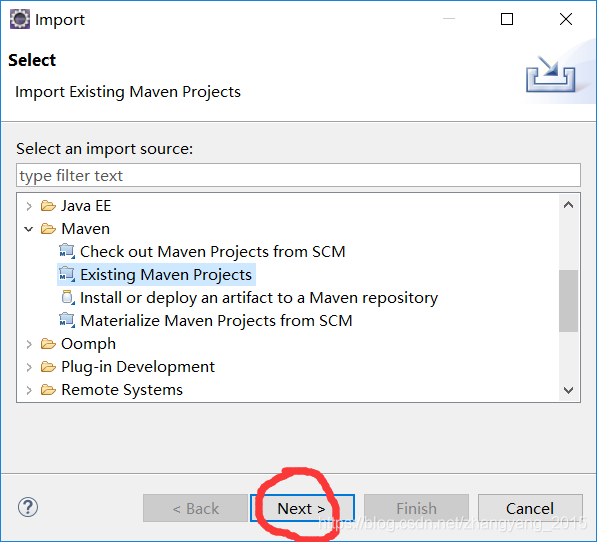 然后下一步下一步就好了,注意第一次导入SpringBoot项目,会自动下载很多jar包,建议替换成阿里云的maven仓库,不然会很慢。
这是主程序的启动类。
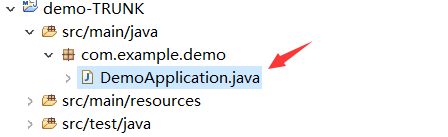
这是主程序中的代码。
@SpringBootApplication public class DemoApplication { public static void main(String[] args) { SpringApplication.run(DemoApplication.class, args); }- 1
- 2
- 3
- 4
- 5
- 6
由于我们需要的是web程序,那么我们还需要在DemoApplication .java同级目录下创建一个SpringBootStartApplication.java的文件。
需要继承【SpringBootServletInitializer】,并重写【configure】方法
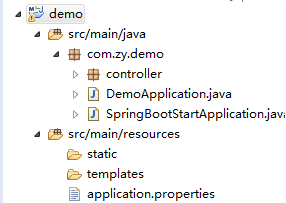
public class SpringBootStartApplication extends SpringBootServletInitializer{ @Override protected SpringApplicationBuilder configure(SpringApplicationBuilder builder) { return builder.sources(DemoApplication.class); } }- 1
- 2
- 3
- 4
- 5
- 6
那么这里就要注意下,这里继承SpringBootServletInitializer后可能会出现错误,找了很多的解决办法最后在pom.xml文件中加上
org.springframework.boot spring-boot-starter-web - 1
- 2
- 3
- 4
嵌入式Web容器层面的约定和定制
spring-boot-starter-web默认使用嵌套式的Tomcat作为Web容器对外提供HTTP服务,默认端口8080对外监听和提供服务。
这样就解决了包的问题。
这时运行程序发现不是web项目,访问地址访问不了,服务直接挂掉。
这是就需要下一步操作了。
选中项目右键—→【properties】—→选择【ProjectFacets】
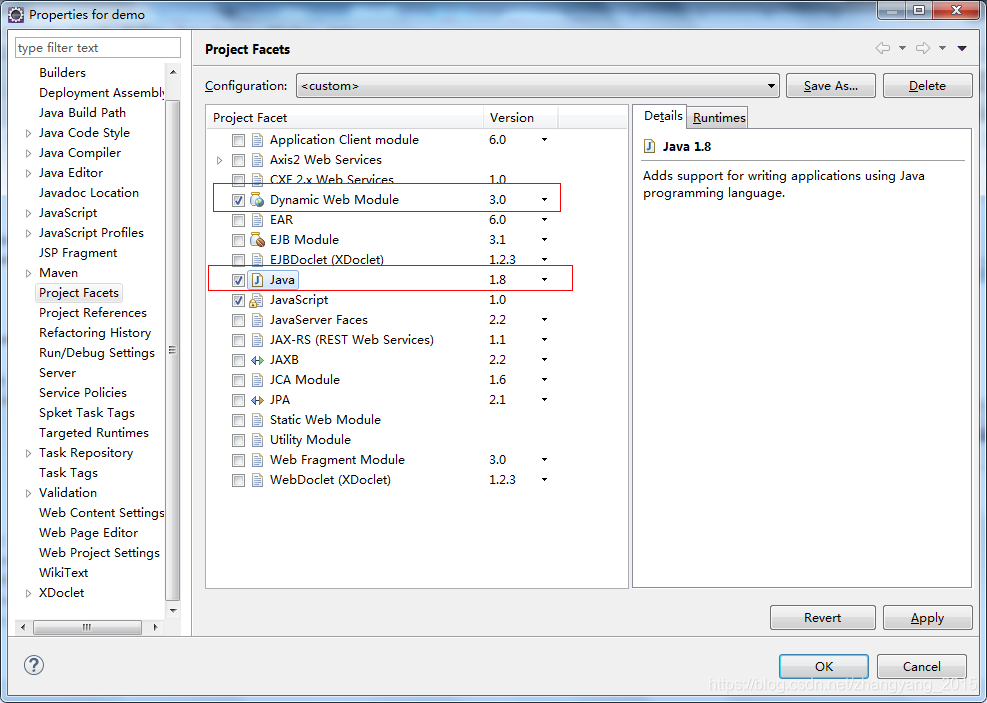
然后运行主程序OK完美!
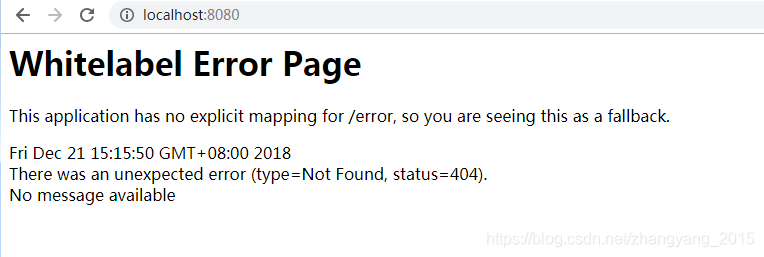
运行发现没有内容,于是还得加上一个controller。
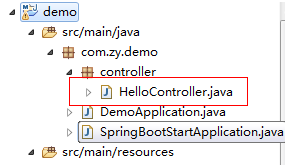
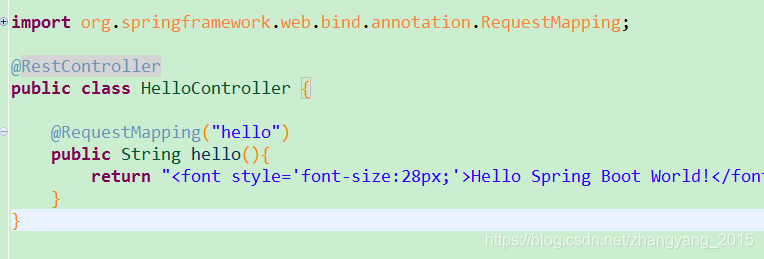
再运行。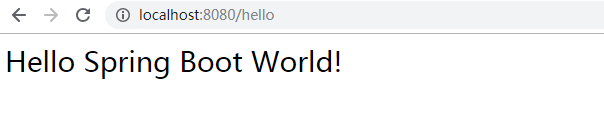
完美,哈哈第一个搭建的springboot程序就成功了。
最近也是很多公司都开始着手这个框架了,这里推荐一个博客相当不错。
http://www.ityouknow.com/很不错,值得推荐。 -
相关阅读:
Elasticsearch应用场景(三)
PD充电调试
从功能测试到自动化测试你都知道他们的有缺点吗?
HCIA网络基础10-交换网络及STP
2023数维杯数学建模C题思路+代码+论文
shell编程01_Shell基础
if-else练习
[附源码]java毕业设计基于JAVAWEB医院挂号系统
微信公众号网页授权登录获取用户基本信息
RFID固定资产管理的应用
- 原文地址:https://blog.csdn.net/m0_67401153/article/details/126358219
- 最新文章
-
沪漂五周年了:我越来越迷茫了
Agentic Skill Routing 实战:别再把所有 Skill 塞进 AI Agent 上下文
MySQL-Seconds_behind_master的精度误差
[MAF预定义ChatClient中间件-03]CachingChatClient——利用缓存省钱省时间
AI的至暗历史:从万众期待到被政府撤资,AI的两次死亡徘徊
Agent OS :五种驯服不确定性的范式
PortSwigger SQL注入LAB11
数据库即时编译JIT
[Begin]AI Learn Data Day 0
深度学习进阶(二十七)现代 LLM 的核心架构设计其二:SwiGLU