-
OpenShift 4 - 在 OpenShift 上安装 GitLab
《OpenShift / RHEL / DevSecOps 汇总目录》
说明:本文已经在OpenShift 4.10环境中验证GitLab
GitLab 是一个完整的开源 DevOps 平台,作为一个单一的应用程序交付,从根本上改变了开发、安全和运营团队协作和构建软件的方式。GitLab 帮助团队将 DevOps 周期时间从几周缩短到几分钟,降低开发流程成本,缩短上市时间,同时提高开发人员的生产力。
在 OpenShift OperatorHub 中提供了 GitLab Operator,它提供以下功能:
- 管理 OpenShift 容器平台中的 GitLab 实例的整个生命周期。
- 简化 GitLab 实例的安装和配置。
- 提供版本之间的无缝升级。
- 设置自动缩放功能。
用 Operator 安装 GitLab
- 使用默认配置安装 GitLab Operator,GitLab Operator 将安装在 gitlab-system 命名空间中。
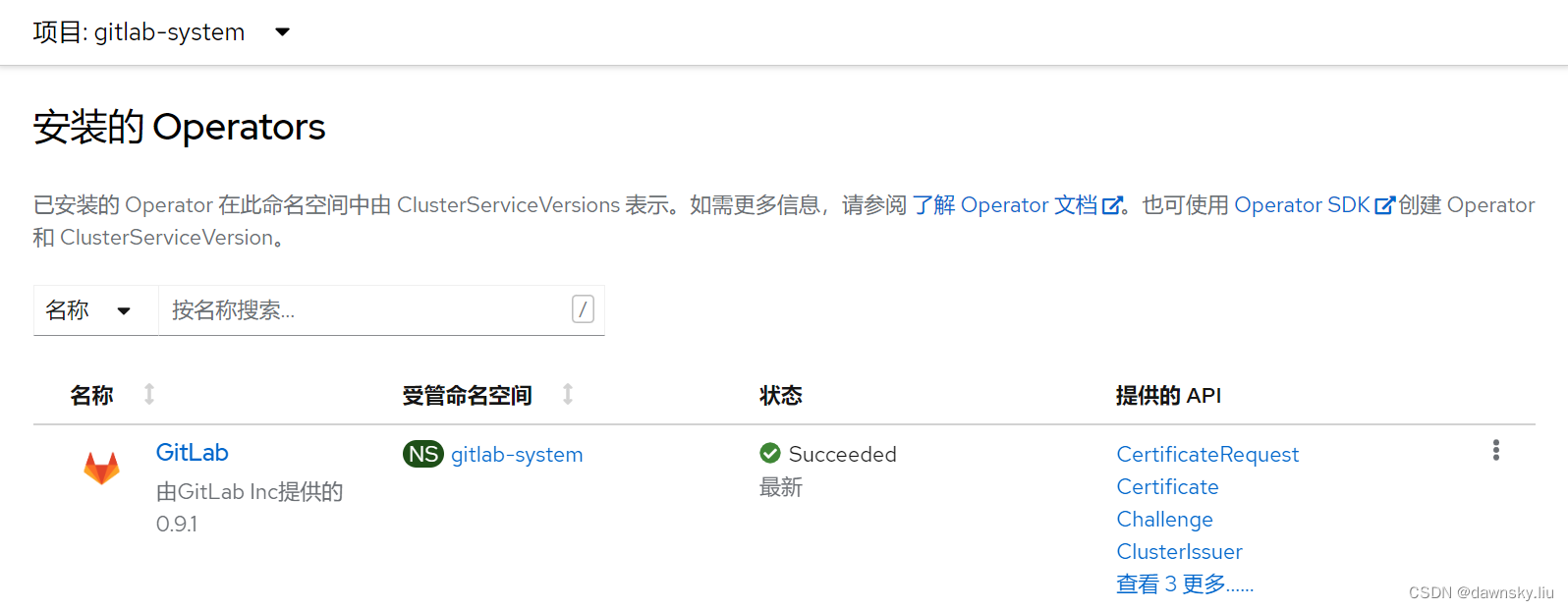
- 在安装好的 GitLab Operator 中使用以下配置创建 GitLab 实例。请使用自己 OpenShift 集群的域名替换下面的 “apps.cluster-bswtl.bswtl.sandbox975.opentlc.com”。
apiVersion: apps.gitlab.com/v1beta1 kind: GitLab metadata: name: gitlab namespace: gitlab-system spec: chart: values: certmanager: install: false global: hosts: domain: apps.cluster-bswtl.bswtl.sandbox975.opentlc.com hostSuffix: null ingress: configureCertmanager: false tls: secretName: null class: none annotations: route.openshift.io/termination: "edge" nginx-ingress: enabled: false version: 6.1.1- 1
- 2
- 3
- 4
- 5
- 6
- 7
- 8
- 9
- 10
- 11
- 12
- 13
- 14
- 15
- 16
- 17
- 18
- 19
- 20
- 21
- 22
- 23
- 24
- 在 GitLab 部署好后,可以在 “开发者” 视图中的 “拓扑” 页面中看到以下部署的资源。

访问 GitLab 控制台
- 由于 GitLab Opeartor 默认创建的 GitLab 控制台访问入口是 Ingress 类型,因此还需要运行以下命令创建 Route 对象。
$ oc create route edge gitlab --service=gitlab-webservice-default --port=http-workhorse -n gitlab-system $ oc get route gitlab -n gitlab-system -o jsonpath=https://'{.spec.host}'; echo- 1
- 2
- 获取 root 用户的缺省密码,然后用其登录以上名为 gitlab 的 route 地址。
$ oc get secret gitlab-gitlab-initial-root-password -o jsonpath="{.data.password}" -n gitlab-system | base64 --decode; echo- 1

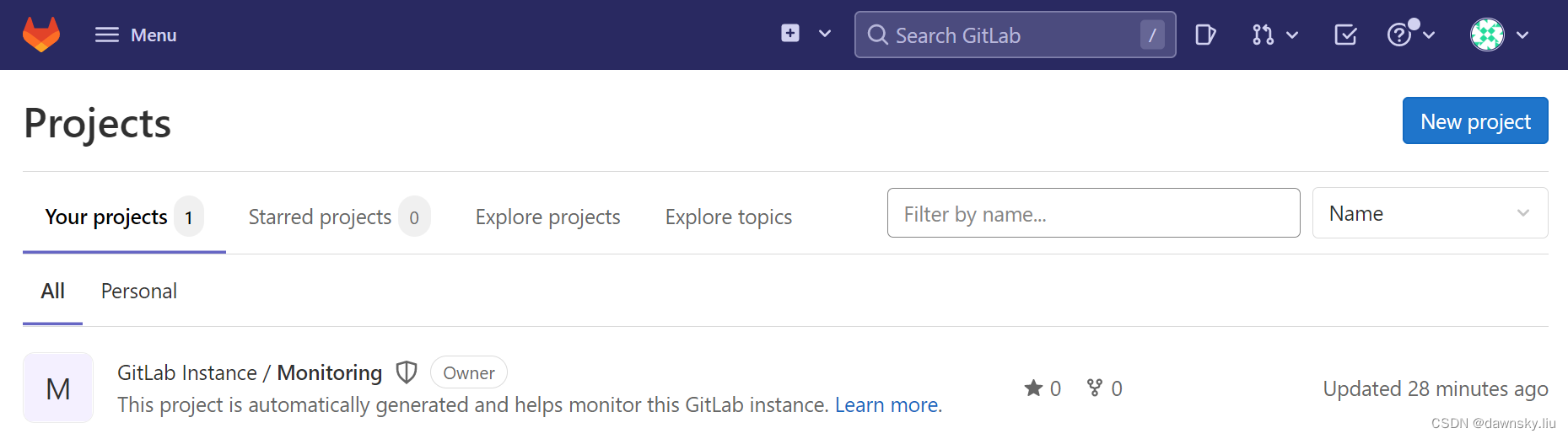
- 登录后可看到 GitLab 缺省页面。
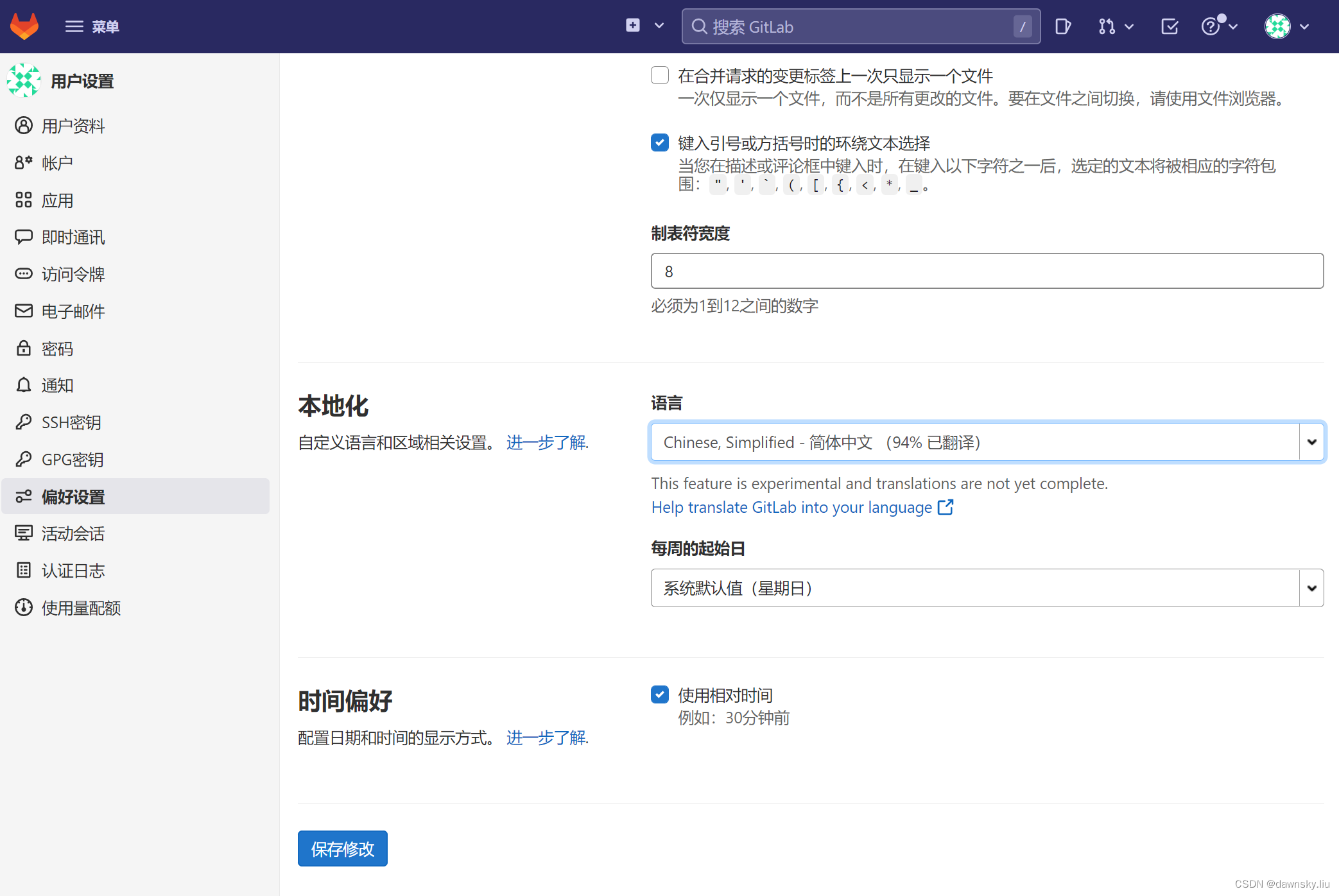
- 可进入 “User Settings” 中的 “Preferences” 页面,调整 “Localization” 的 “Language”,最后 “Save changes” 后刷新页面即可。
访问 Minio 控制台
- 获取登录 Minio 控制台的 accesskey 和 secretkey。
oc get secret gitlab-minio-secret -o jsonpath="{.data.accesskey}" -n gitlab-system | base64 --decode; echo oc get secret gitlab-minio-secret -o jsonpath="{.data.secretkey}" -n gitlab-system | base64 --decode; echo- 1
- 2
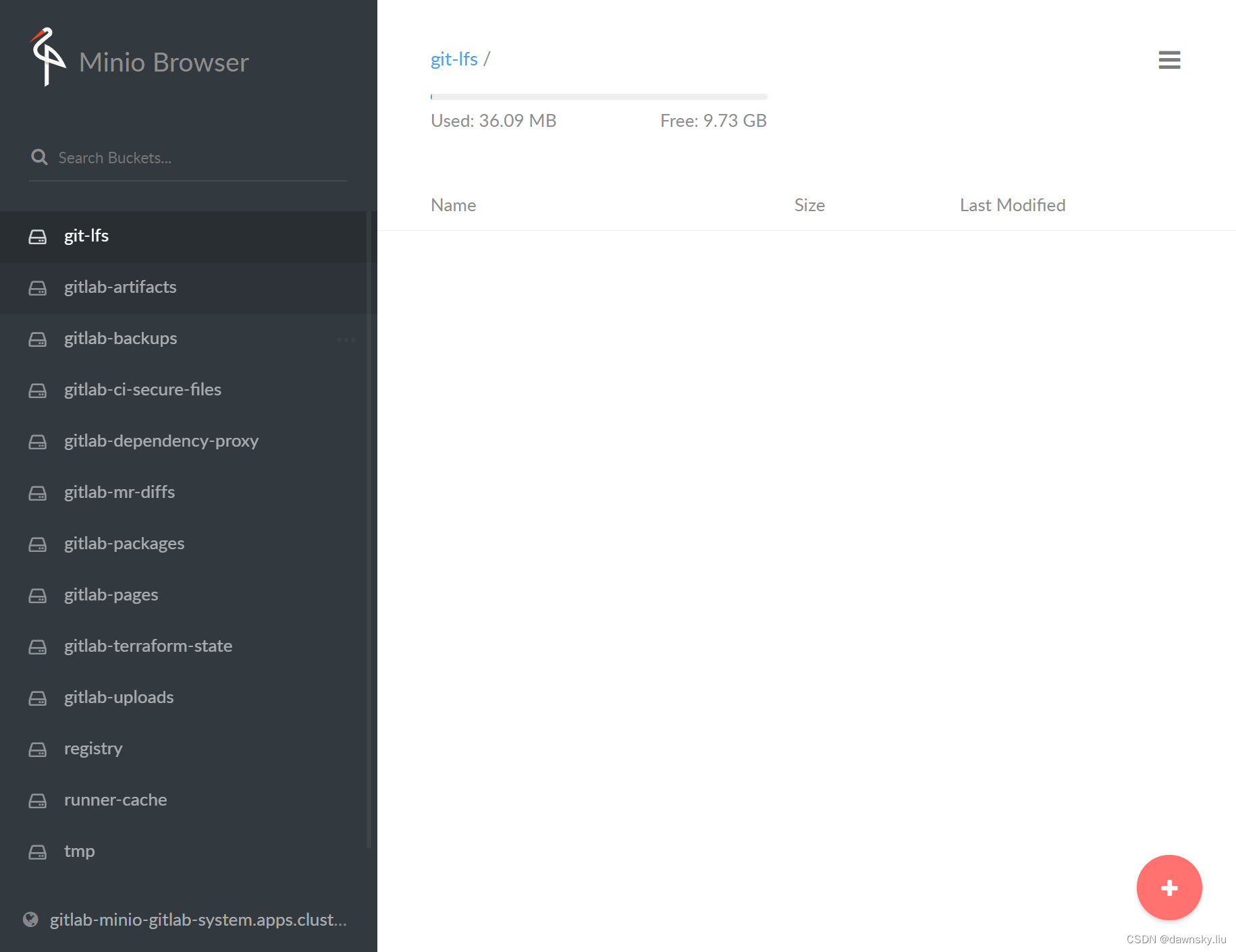
- 创建访问 Minio 控制台的 Route,然后用浏览器访问 Route 地址,并用上一步的 accesskey 和 secretkey 登录。
oc create route edge gitlab-minio --service=gitlab-minio-svc -n gitlab-system oc get route gitlab-minio -n gitlab-system -o jsonpath=https://'{.spec.host}'; echo- 1
- 2
oc create route edge gitlab-registry --service=gitlab-registry -n gitlab-system oc get route gitlab-minio -n gitlab-system -o jsonpath=https://'{.spec.host}'; echo- 1
- 2
视频
用 Operator 在 OpenShift 上部署 GitLab
参考
https://www.youtube.com/watch?v=nJDCUfbEmVI&ab_channel=GitLabUnfiltered
https://docs.gitlab.com/operator/openshift_ingress.html
https://gitlab.com/gitlab-org/cloud-native/gitlab-operator/-/blob/master/doc/openshift_ingress.md -
相关阅读:
CART 算法【python,机器学习,算法】
记录一次SQL函数和优化的问题
前端技能树,面试复习第 49 天—— 虚拟 DOM | 虚拟 DOM 比真实 DOM 真的快吗 | Diff 算法原理
Linux 下获取进程所在文件的路径
“蔚来杯“2022牛客暑期多校训练营8 补题题解(F)
strimzi实战之二:部署和消息功能初体验
【多目标跟踪】《FlowMOT: 3D Multi-Object Tracking by Scene Flow Association》论文阅读笔记
【面试经验】24届前端校招 字节、阿里、美团、快手、腾讯面试经验汇总
python学习之基础语法条件语句
关于C++中内存分区的知识
- 原文地址:https://blog.csdn.net/weixin_43902588/article/details/126071424

- 最新文章
-
沪漂五周年了:我越来越迷茫了
Agentic Skill Routing 实战:别再把所有 Skill 塞进 AI Agent 上下文
MySQL-Seconds_behind_master的精度误差
[MAF预定义ChatClient中间件-03]CachingChatClient——利用缓存省钱省时间
AI的至暗历史:从万众期待到被政府撤资,AI的两次死亡徘徊
Agent OS :五种驯服不确定性的范式
PortSwigger SQL注入LAB11
数据库即时编译JIT
[Begin]AI Learn Data Day 0
深度学习进阶(二十七)现代 LLM 的核心架构设计其二:SwiGLU