-
HarmonyOS NEXT应用开发—在Native侧实现进度通知功能
介绍
本示例通过模拟下载场景介绍如何将Native的进度信息实时同步到ArkTS侧。
效果图预览

使用说明
- 点击“Start Download“按钮后,Native侧启动子线程模拟下载任务
- Native侧启动子线程模拟下载,并通过Arkts的回调函数将进度信息实时传递到Arkts侧
实现思路
- 前端进度条使用Progress绘制
Progress({ value: this.progress, total: 100, type: ProgressType.Ring }) .width($r("app.integer.progress_size")) .height($r("app.integer.progress_size")) .animation({ duration: NativeProgressNotifyConstants.PROGRESS_ANIMATION_DURATION, curve: Curve.Ease }) .style({ strokeWidth: 15 })- 1
- 2
- 3
- 4
- 5
- JS侧调用Native侧方法,并传入用于接收下载进度的回调函数,在该回调函数中更改状态变量
naitiveprogressnotify.startDownload((data: number) => { this.progress = data; console.log("[NativeProgressNotify]progress:" + this.progress); })- 1
- 2
- 3
- 4
- Naitive侧使用std::thread创建子线程执行模拟下载的任务
std::thread downloadThread(downloadTask, asyncContext); downloadThread.detach();- 1
- 2
- Native侧模拟下载的线程中,每100ms执行一次uv_queue_work;向eventloop事件堆栈push异步任务。
while (context && context->progress < 100) { context->progress += 1; napi_acquire_threadsafe_function(tsfn); napi_call_threadsafe_function(tsfn, (void *)context, napi_tsfn_blocking); std::this_thread::sleep_for(std::chrono::milliseconds(100)); }- 1
- 2
- 3
- 4
- 5
- 6
- 在模拟下载任务的子线程中,调用napi_call_function来执行Arkts回调,向Arkts侧传递进度信息
napi_create_int32(arg->env, arg->progress, &progress); napi_call_function(arg->env, nullptr, jsCb, 1, &progress, nullptr);- 1
- 2
高性能知识点
本例中,在Native侧使用子线程执行下载任务,从而避免对主线程资源的占用,能有效提升性能
工程结构&模块类型
verifycode // har类型 |---constants | |---NativeProgressNotifyContants.ets // 常量 |---view | |---NativeProgressNotify.ets // 视图层- 1
- 2
- 3
- 4
- 5
模块依赖
不涉及
参考资料
为了能让大家更好的学习鸿蒙(HarmonyOS NEXT)开发技术,这边特意整理了《鸿蒙开发学习手册》(共计890页),希望对大家有所帮助:
https://qr21.cn/FV7h05《鸿蒙开发学习手册》:
https://qr21.cn/FV7h05如何快速入门:
https://qr21.cn/FV7h05- 基本概念
- 构建第一个ArkTS应用
- ……

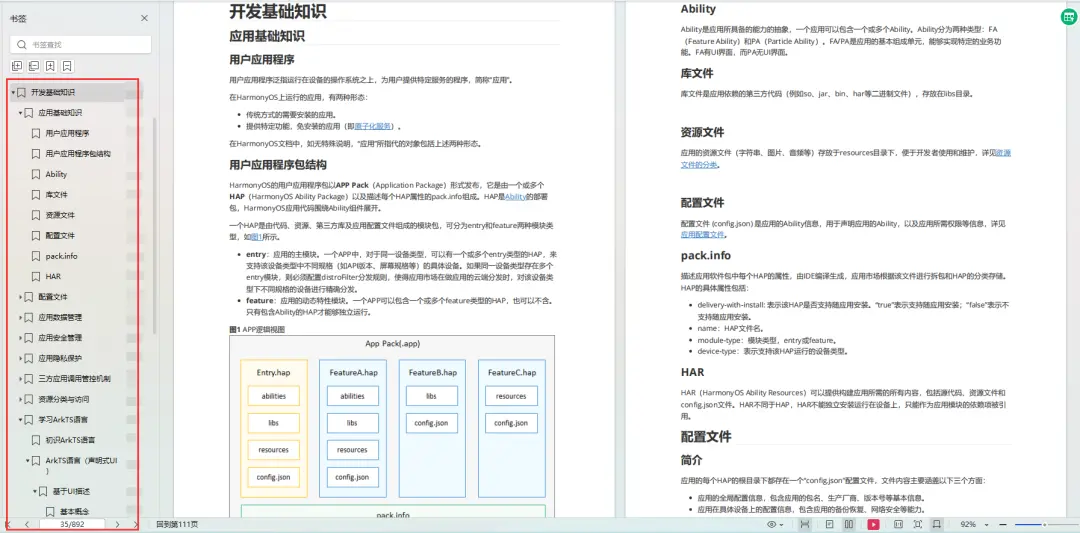
开发基础知识:
https://qr21.cn/FV7h05- 应用基础知识
- 配置文件
- 应用数据管理
- 应用安全管理
- 应用隐私保护
- 三方应用调用管控机制
- 资源分类与访问
- 学习ArkTS语言
- ……
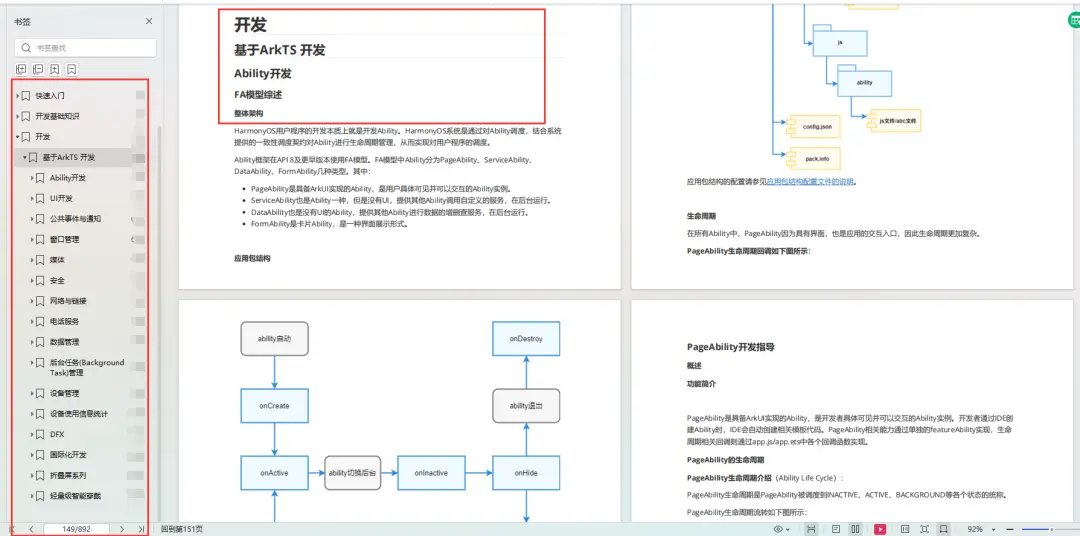
基于ArkTS 开发:
https://qr21.cn/FV7h05- Ability开发
- UI开发
- 公共事件与通知
- 窗口管理
- 媒体
- 安全
- 网络与链接
- 电话服务
- 数据管理
- 后台任务(Background Task)管理
- 设备管理
- 设备使用信息统计
- DFX
- 国际化开发
- 折叠屏系列
- ……
大厂鸿蒙面试题:
https://qr21.cn/FV7h05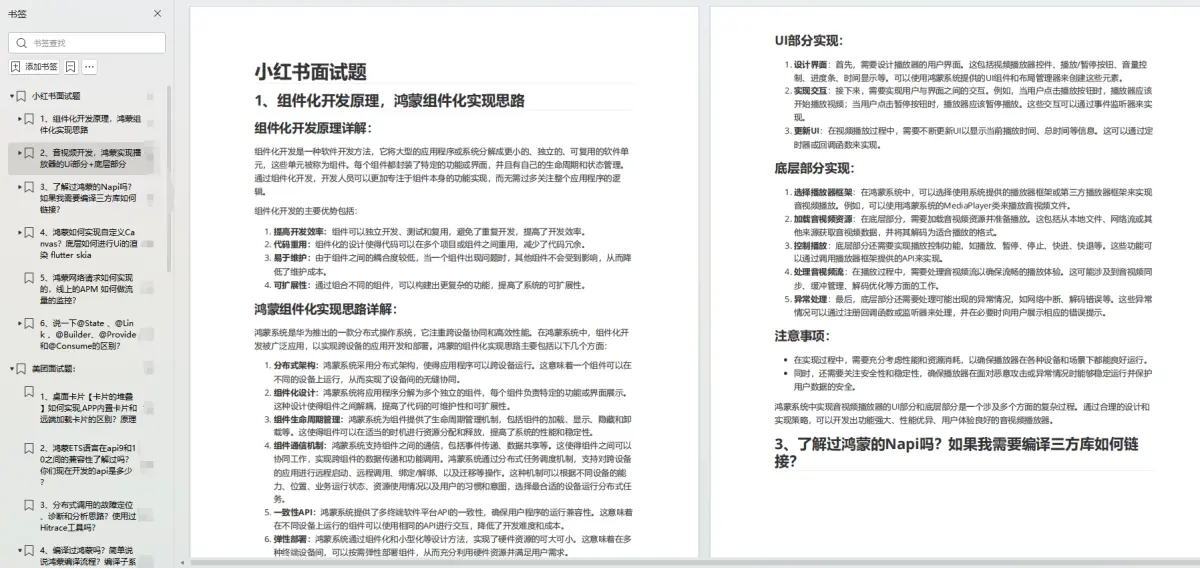
鸿蒙开发面试大盘集篇(共计319页):
https://qr21.cn/FV7h051.项目开发必备面试题
2.性能优化方向
3.架构方向
4.鸿蒙开发系统底层方向
5.鸿蒙音视频开发方向
6.鸿蒙车载开发方向
7.鸿蒙南向开发方向
腾讯T10级高工技术,安卓全套VIP课程全网免费送:https://qr21.cn/D2k9D5 -
相关阅读:
Jmeter常用参数化技巧总结
办公软件 Excel考试面试题库和答案
BIGEMAP中添加第三方卫星影像
Elasticsearch: Index Template
WebDAV之π-Disk派盘 + PassStore
VoLTE基础自学系列 | VoLTE呼叫流程之VoLTE打VoLTE,主被叫接入域为LTE
kafka属性说明
pdd.order.information.get拼多多店铺订单详情接口(店铺订单交易接口,店铺订单明文接口,店铺订单解密接口)代码对接教程
8.字符串转换整数(atoi)
mac笔记本当做服务器记录
- 原文地址:https://blog.csdn.net/maniuT/article/details/136709774