-
第十天-自动化办公-word操作
python-docx:操作word
读取word
1. 安装:
pip install -i https://pypi.tuna.tsinghua.edu.cn/simple python-docx
2. 使用:
import docx
3.使用document获取对象
注意只支持.docx 格式 不支持doc
from docx import Document
#返回word对象
documnet_obj=Document(word地址)
4. 段落的读取
#通过循环每个段落的对象,并调用text
for p in documnet_obj.paragraphs:
print(p.text)
5.表格内容的读取
#通过循环获取行列的内容,每个表格字段字符串
for t in documnet_obj.tables:
for row in t.rows:
for cell in row.cells:
print(cell.text)
#根据列读取
for t in documnet_obj.tables:
for col in t.columns:
for cell in col.cells:
print(cell.text)
创建word
1. 生成标题
document_obj=Document()
#标题样式等级0-9
titleobj=document_obj.add_heading(标题内容,标题样式等级)
#内容追加
titleobj.add_run(字符串)
#保存文档
document_obj.save("xx.docx")
2.保存文档
document_obj=Document()
document_obj.save("xx.docx")
3.添加段落
paraobj=document_obj.add_paragraph("段落内容")
#内容追加
paraobj.add_run("字符串内容")
#可以使用\n来进行换行
4.添加图片
#宽高的定义
from docx.shared import Inches
image_obj=document_obj.add_picture("图片地址",宽,高)
image_obj=document_obj.add_picture("图片地址",width=Inches(5),height=Inches(5))
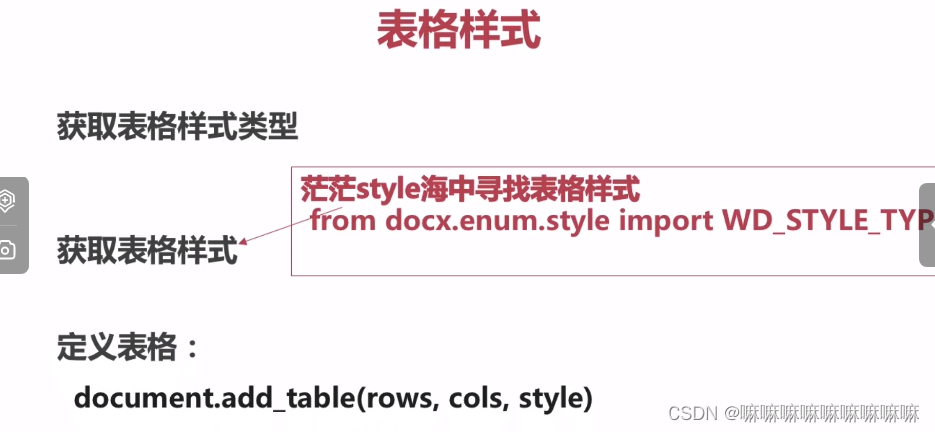
5.添加表格:add_table

6.分页 add_page_break()

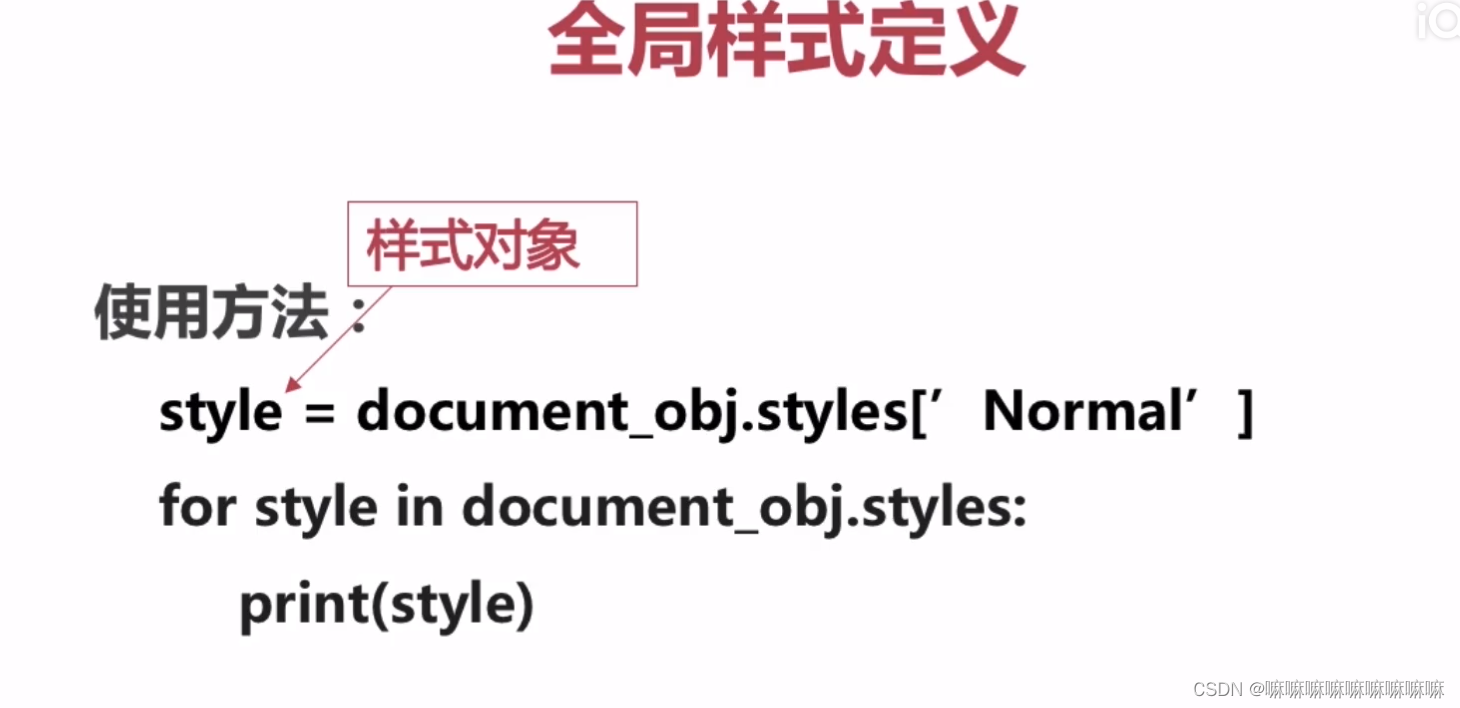
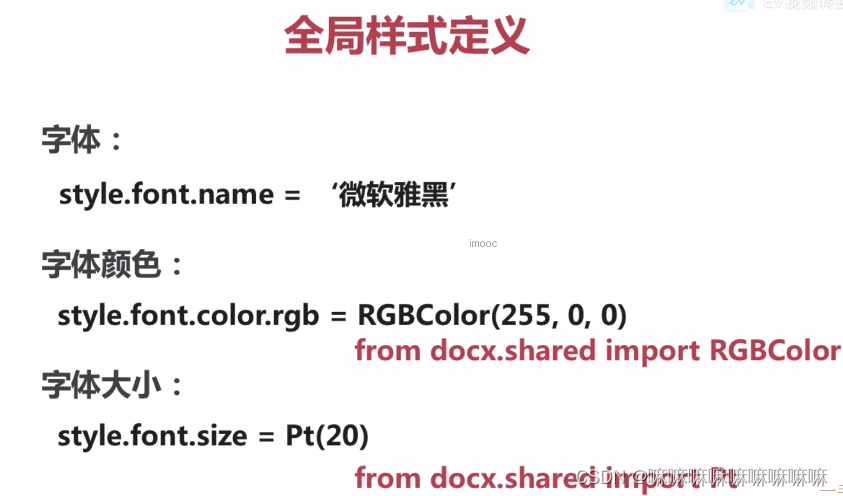
7. 设置全局样式 document_obj.styles[‘Noemal’]
- 查看所有样式
- 设置全局样式
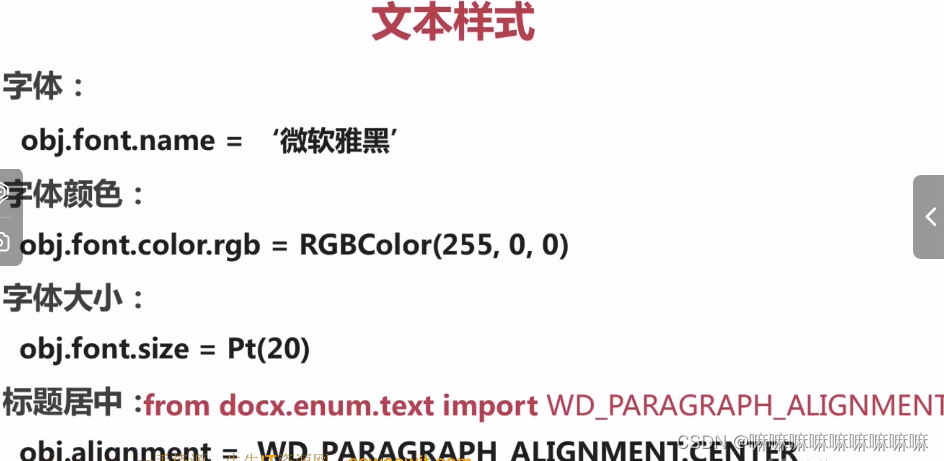
- 文本样式

- 图片样式

- 表格样式
生成pdf
1. pdf工具包:pdfkit
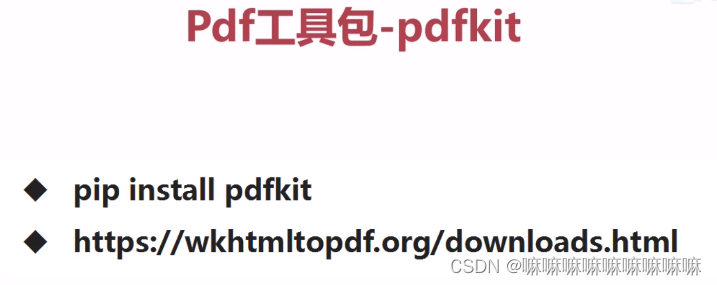
https://wkhtmltopdf.org/downloads.html中可以下载不同系统的模块
2.html转pdf

3.网址转pdf

4.字符串生成pdf

5.word转html
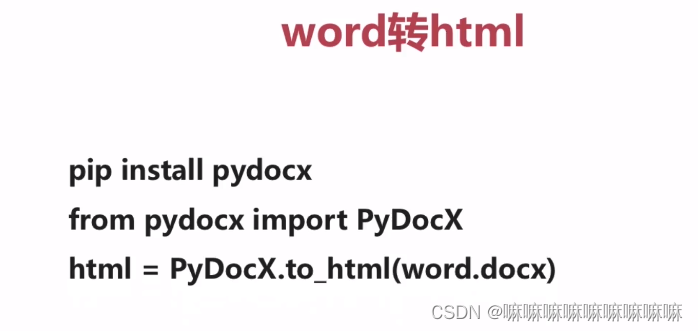
6. demo
# coding:utf-8 import pdfkit from pydocx import PyDocX #html转pdf #注意需要先按装依赖在:https://wkhtmltopdf.org/downloads.html下载 path_to_wkhtmltopdf = r'C:\Program Files\wkhtmltopdf\bin\wkhtmltopdf.exe' config = pdfkit.configuration(wkhtmltopdf=path_to_wkhtmltopdf) #html文件转pdf #pdfkit.from_file("你好.html","你好1.pdf",configuration=config) #网址转pdf #pdfkit.from_url("https://www.imooc.com","慕课网.pdf",configuration=config) html="""你好
""" #html字符串转pdf #pdfkit.from_string(html,"你好.pdf",configuration=config) #word转pdf 先将word转为html html_word=PyDocX.to_html("测试.docx") pdfkit.from_string(html_word,"测试.pdf",configuration=config) -
相关阅读:
SAP abap ALV 自定义按钮功能
SQL 注入漏洞详解
qt模拟鼠标事件
React 中图片请求失败使用裂图
unity 使用声网(Agora)实现语音通话
【BurpSuite】插件开发学习之J2EEScan(下)-主动扫描(21-30)
田忌赛马(贪心算法)
python隶属关系图模型:基于模型的网络中密集重叠社区检测方法
中断锁的意义
利用多Lora节省大模型部署成本|得物技术
- 原文地址:https://blog.csdn.net/qq_34960590/article/details/136221312