-
10个简单好用的Python装饰器
_装饰器(Decorators)_是Python中一种强大而灵活的功能,用于修改或增强函数或类的行为。装饰器本质上是一个函数,它接受另一个函数或类作为参数,并返回一个新的函数或类。它们通常用于在不修改原始代码的情况下添加额外的功能或功能。
装饰器的语法使用
@符号,将装饰器应用于目标函数或类。下面我们将介绍10个非常简单但是却很有用的自定义装饰器。1、@timer:测量执行时间
优化代码性能是非常重要的。@timer装饰器可以帮助我们跟踪特定函数的执行时间。通过用这个装饰器包装函数,我可以快速识别瓶颈并优化代码的关键部分。下面是它的工作原理:
import time def timer(func): def wrapper(*args, **kwargs): start_time = time.time() result = func(*args, **kwargs) end_time = time.time() print(f"{func.__name__} took {end_time - start_time:.2f} seconds to execute.") return result return wrapper @timer def my_data_processing_function(): # Your data processing code here- 1
- 2
- 3
- 4
- 5
- 6
- 7
- 8
- 9
- 10
- 11
- 12
- 13
将@timer与其他装饰器结合使用,可以全面地分析代码的性能。
2、@memoize:缓存结果
在数据科学中,我们经常使用计算成本很高的函数。@memoize装饰器帮助我缓存函数结果,避免了相同输入的冗余计算,显著加快工作流程:
def memoize(func): cache = {} def wrapper(*args): if args in cache: return cache[args] result = func(*args) cache[args] = result return result return wrapper @memoize def fibonacci(n): if n <= 1: return n return fibonacci(n - 1) + fibonacci(n - 2)- 1
- 2
- 3
- 4
- 5
- 6
- 7
- 8
- 9
- 10
- 11
- 12
- 13
- 14
- 15
在递归函数中也可以使用@memoize来优化重复计算。
3、@validate_input:数据验证
数据完整性至关重要,@validate_input装饰器可以验证函数参数,确保它们在继续计算之前符合特定的标准:
def validate_input(func): def wrapper(*args, **kwargs): # Your data validation logic here if valid_data: return func(*args, **kwargs) else: raise ValueError("Invalid data. Please check your inputs.") return wrapper @validate_input def analyze_data(data): # Your data analysis code here- 1
- 2
- 3
- 4
- 5
- 6
- 7
- 8
- 9
- 10
- 11
- 12
可以方便的使用@validate_input在数据科学项目中一致地实现数据验证。
4、@log_results:日志输出
在运行复杂的数据分析时,跟踪每个函数的输出变得至关重要。@log_results装饰器可以帮助我们记录函数的结果,以便于调试和监控:
def log_results(func): def wrapper(*args, **kwargs): result = func(*args, **kwargs) with open("results.log", "a") as log_file: log_file.write(f"{func.__name__} - Result: {result}\n") return result return wrapper @log_results def calculate_metrics(data): # Your metric calculation code here- 1
- 2
- 3
- 4
- 5
- 6
- 7
- 8
- 9
- 10
- 11
将@log_results与日志库结合使用,以获得更高级的日志功能。
5、@suppress_errors:优雅的错误处理
数据科学项目经常会遇到意想不到的错误,可能会破坏整个计算流程。@suppress_errors装饰器可以优雅地处理异常并继续执行:
def suppress_errors(func): def wrapper(*args, **kwargs): try: return func(*args, **kwargs) except Exception as e: print(f"Error in {func.__name__}: {e}") return None return wrapper @suppress_errors def preprocess_data(data): # Your data preprocessing code here- 1
- 2
- 3
- 4
- 5
- 6
- 7
- 8
- 9
- 10
- 11
- 12
@suppress_errors可以避免隐藏严重错误,还可以进行错误的详细输出,便于调试。
6、@validate_output:确保质量结果
确保数据分析的质量至关重要。@validate_output装饰器可以帮助我们验证函数的输出,确保它在进一步处理之前符合特定的标准:
def validate_output(func): def wrapper(*args, **kwargs): result = func(*args, **kwargs) if valid_output(result): return result else: raise ValueError("Invalid output. Please check your function logic.") return wrapper @validate_output def clean_data(data): # Your data cleaning code here- 1
- 2
- 3
- 4
- 5
- 6
- 7
- 8
- 9
- 10
- 11
- 12
这样可以始终为验证函数输出定义明确的标准。
7、@retry:重试执行
@retry装饰器帮助我在遇到异常时重试函数执行,确保更大的弹性:
import time def retry(max_attempts, delay): def decorator(func): def wrapper(*args, **kwargs): attempts = 0 while attempts < max_attempts: try: return func(*args, **kwargs) except Exception as e: print(f"Attempt {attempts + 1} failed. Retrying in {delay} seconds.") attempts += 1 time.sleep(delay) raise Exception("Max retry attempts exceeded.") return wrapper return decorator @retry(max_attempts=3, delay=2) def fetch_data_from_api(api_url): # Your API data fetching code here- 1
- 2
- 3
- 4
- 5
- 6
- 7
- 8
- 9
- 10
- 11
- 12
- 13
- 14
- 15
- 16
- 17
- 18
- 19
使用@retry时应避免过多的重试。
8、@visualize_results:漂亮的可视化
@visualize_results装饰器数据分析中自动生成漂亮的可视化结果
import matplotlib.pyplot as plt def visualize_results(func): def wrapper(*args, **kwargs): result = func(*args, **kwargs) plt.figure() # Your visualization code here plt.show() return result return wrapper @visualize_results def analyze_and_visualize(data): # Your combined analysis and visualization code here- 1
- 2
- 3
- 4
- 5
- 6
- 7
- 8
- 9
- 10
- 11
- 12
- 13
9、@debug:调试变得更容易
调试复杂的代码可能非常耗时。@debug装饰器可以打印函数的输入参数和它们的值,以便于调试:
def debug(func): def wrapper(*args, **kwargs): print(f"Debugging {func.__name__} - args: {args}, kwargs: {kwargs}") return func(*args, **kwargs) return wrapper @debug def complex_data_processing(data, threshold=0.5): # Your complex data processing code here- 1
- 2
- 3
- 4
- 5
- 6
- 7
- 8
- 9
10、@deprecated:处理废弃的函数
随着我们的项目更新迭代,一些函数可能会过时。@deprecated装饰器可以在一个函数不再被推荐时通知用户:
import warnings def deprecated(func): def wrapper(*args, **kwargs): warnings.warn(f"{func.__name__} is deprecated and will be removed in future versions.", DeprecationWarning) return func(*args, **kwargs) return wrapper @deprecated def old_data_processing(data): # Your old data processing code here- 1
- 2
- 3
- 4
- 5
- 6
- 7
- 8
- 9
- 10
总结
装饰器是Python中一个非常强大和常用的特性,它可以用于许多不同的情况,例如缓存、日志记录、权限控制等。通过在项目中使用的我们介绍的这些Python装饰器,可以简化我们的开发流程或者让我们的代码更加健壮。
关于Python学习指南
学好 Python 不论是就业还是做副业赚钱都不错,但要学会 Python 还是要有一个学习规划。最后给大家分享一份全套的 Python 学习资料,给那些想学习 Python 的小伙伴们一点帮助!
包括:Python激活码+安装包、Python web开发,Python爬虫,Python数据分析,人工智能、自动化办公等学习教程。带你从零基础系统性的学好Python!
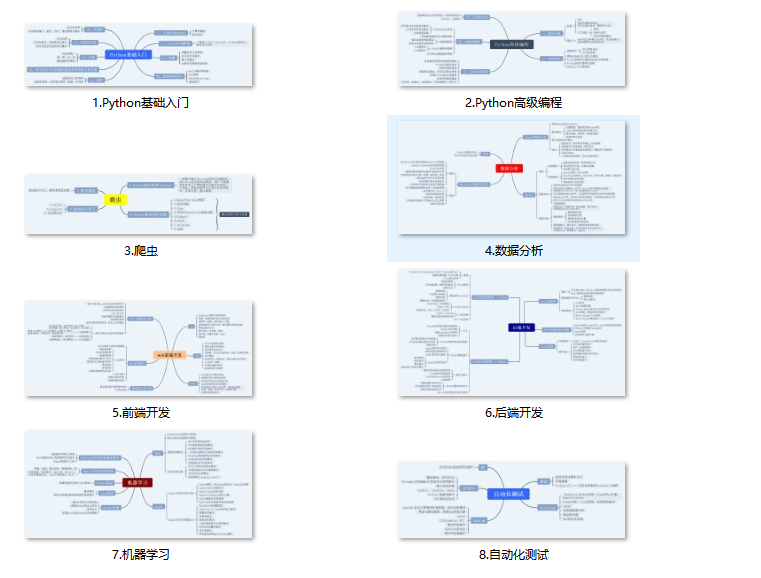
👉Python所有方向的学习路线👈
Python所有方向路线就是把Python常用的技术点做整理,形成各个领域的知识点汇总,它的用处就在于,你可以按照上面的知识点去找对应的学习资源,保证自己学得较为全面。(全套教程文末领取)
👉Python学习视频600合集👈
观看零基础学习视频,看视频学习是最快捷也是最有效果的方式,跟着视频中老师的思路,从基础到深入,还是很容易入门的。
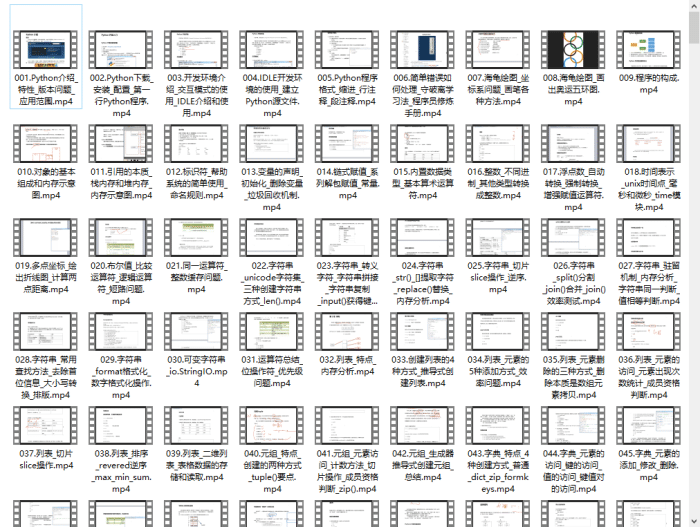
温馨提示:篇幅有限,已打包文件夹,获取方式在:文末
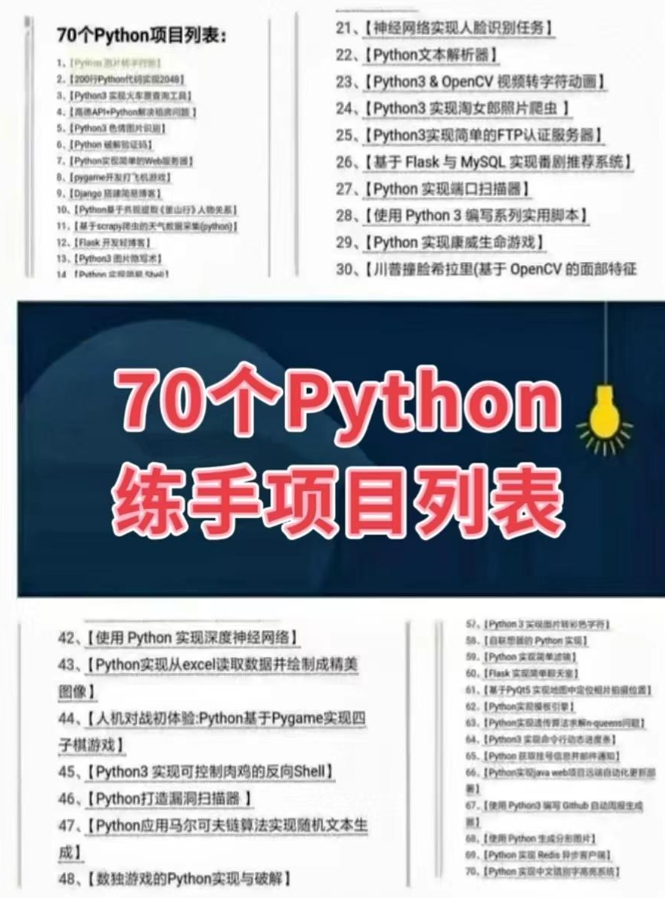
👉Python70个实战练手案例&源码👈
光学理论是没用的,要学会跟着一起敲,要动手实操,才能将自己的所学运用到实际当中去,这时候可以搞点实战案例来学习。
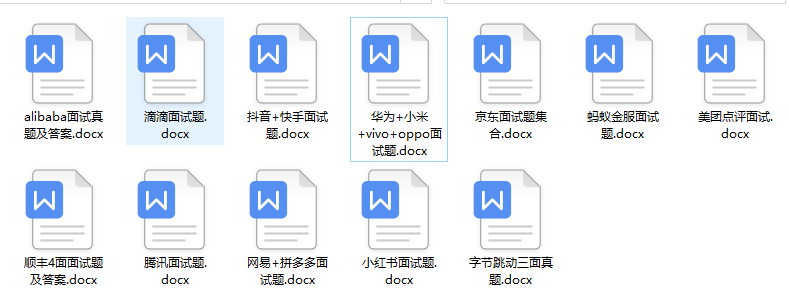
👉Python大厂面试资料👈
我们学习Python必然是为了找到高薪的工作,下面这些面试题是来自阿里、腾讯、字节等一线互联网大厂最新的面试资料,并且有阿里大佬给出了权威的解答,刷完这一套面试资料相信大家都能找到满意的工作。

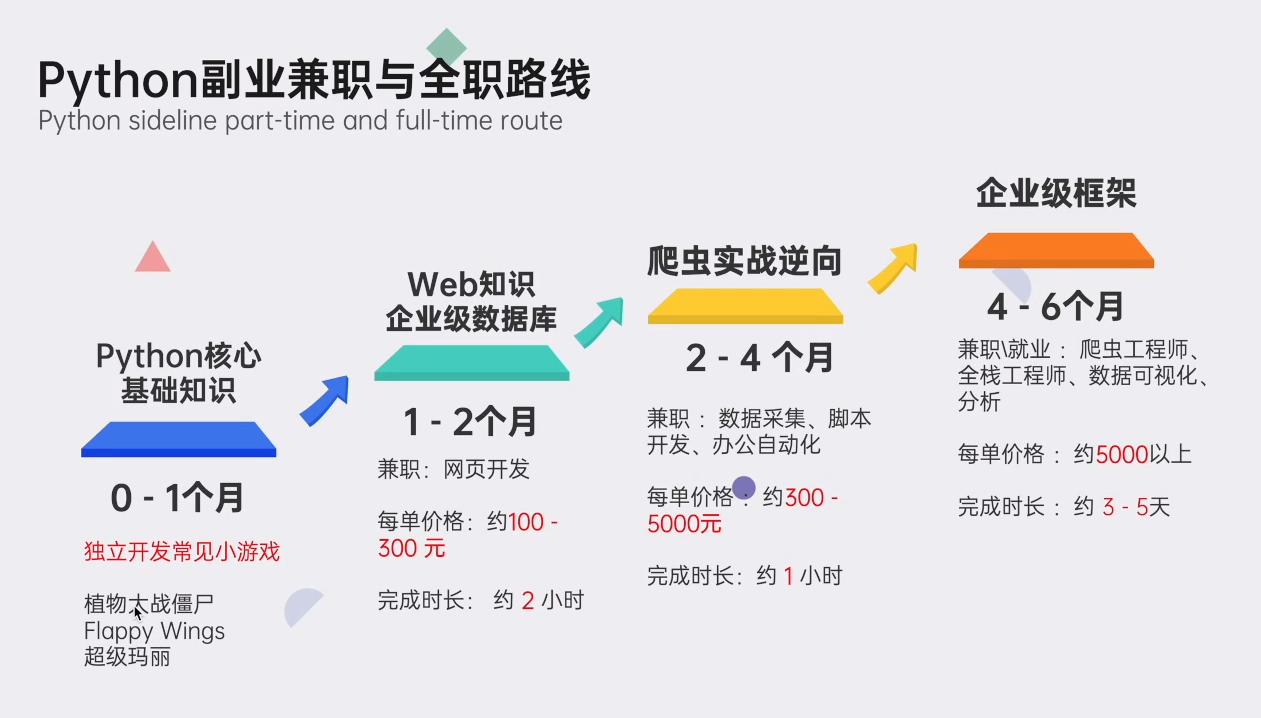
👉Python副业兼职路线&方法👈
学好 Python 不论是就业还是做副业赚钱都不错,但要学会兼职接单还是要有一个学习规划。
👉 这份完整版的Python全套学习资料已经上传,朋友们如果需要可以扫描下方CSDN官方认证二维码或者点击链接免费领取【
保证100%免费】点击免费领取《CSDN大礼包》:Python入门到进阶资料 & 实战源码 & 兼职接单方法 安全链接免费领取
-
相关阅读:
PaddleSeg (2) 模型训练
Vue知识系列(6)每天10个小知识点
多维数据的lstm预测
2022社交电商(众城优选)最火引流拓客新思路,微三云胡佳东
2311ddip1000不能从函数返回域引用
数据库设计详细教程上篇(数据库设计流程)
【软件测试】毕业打工两年,辞职一年后转行月薪18K,软件测试让我发起了第一春......
The 19th ZCPC -G. Easy Glide
大数据安全 | 【实验】凯撒加密与解密
C语言tips-字符串处理函数及其实现
- 原文地址:https://blog.csdn.net/Python84310366/article/details/134087739

- 最新文章
-
沪漂五周年了:我越来越迷茫了
Agentic Skill Routing 实战:别再把所有 Skill 塞进 AI Agent 上下文
MySQL-Seconds_behind_master的精度误差
[MAF预定义ChatClient中间件-03]CachingChatClient——利用缓存省钱省时间
AI的至暗历史:从万众期待到被政府撤资,AI的两次死亡徘徊
Agent OS :五种驯服不确定性的范式
PortSwigger SQL注入LAB11
数据库即时编译JIT
[Begin]AI Learn Data Day 0
深度学习进阶(二十七)现代 LLM 的核心架构设计其二:SwiGLU