-
【QT】常用控件——按钮组
继承Widget
PushButton

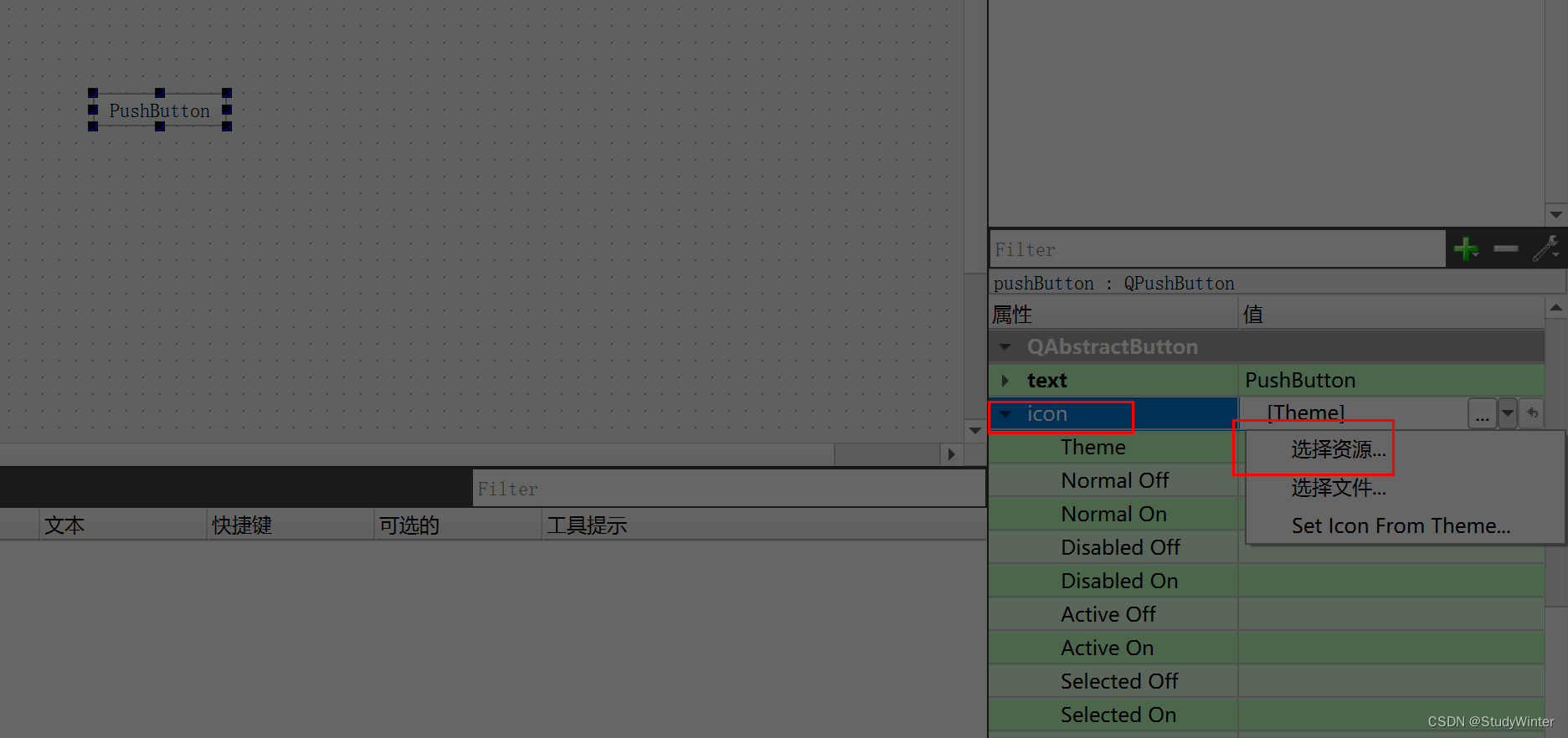
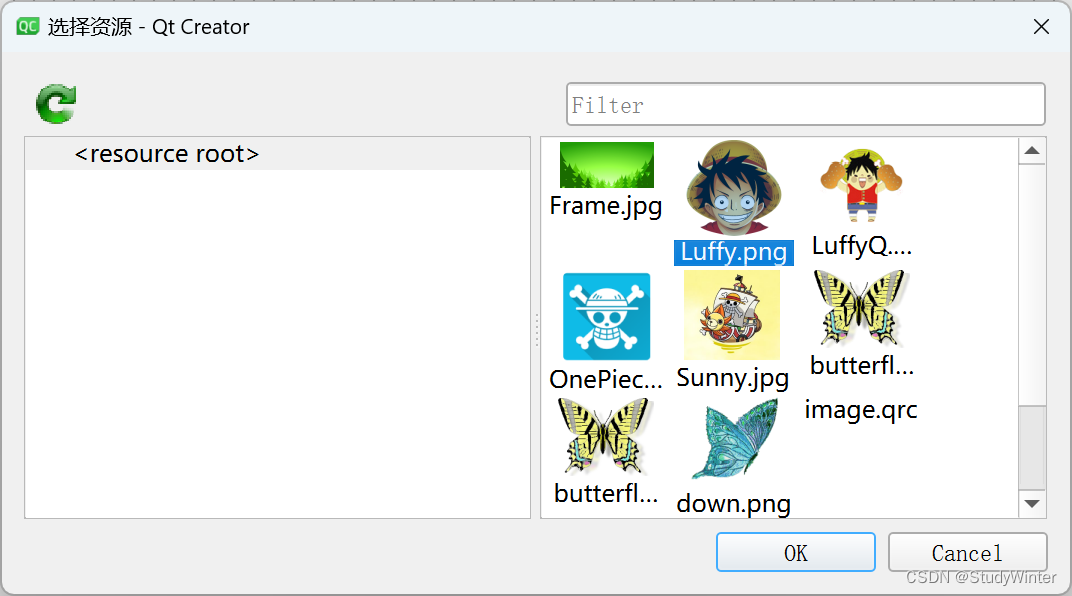
设置图片,先导入图片资源,见:【QT】资源文件导入_复制其他项目中的文件到qt项目中_StudyWinter的博客-CSDN博客
在布局中添加图片
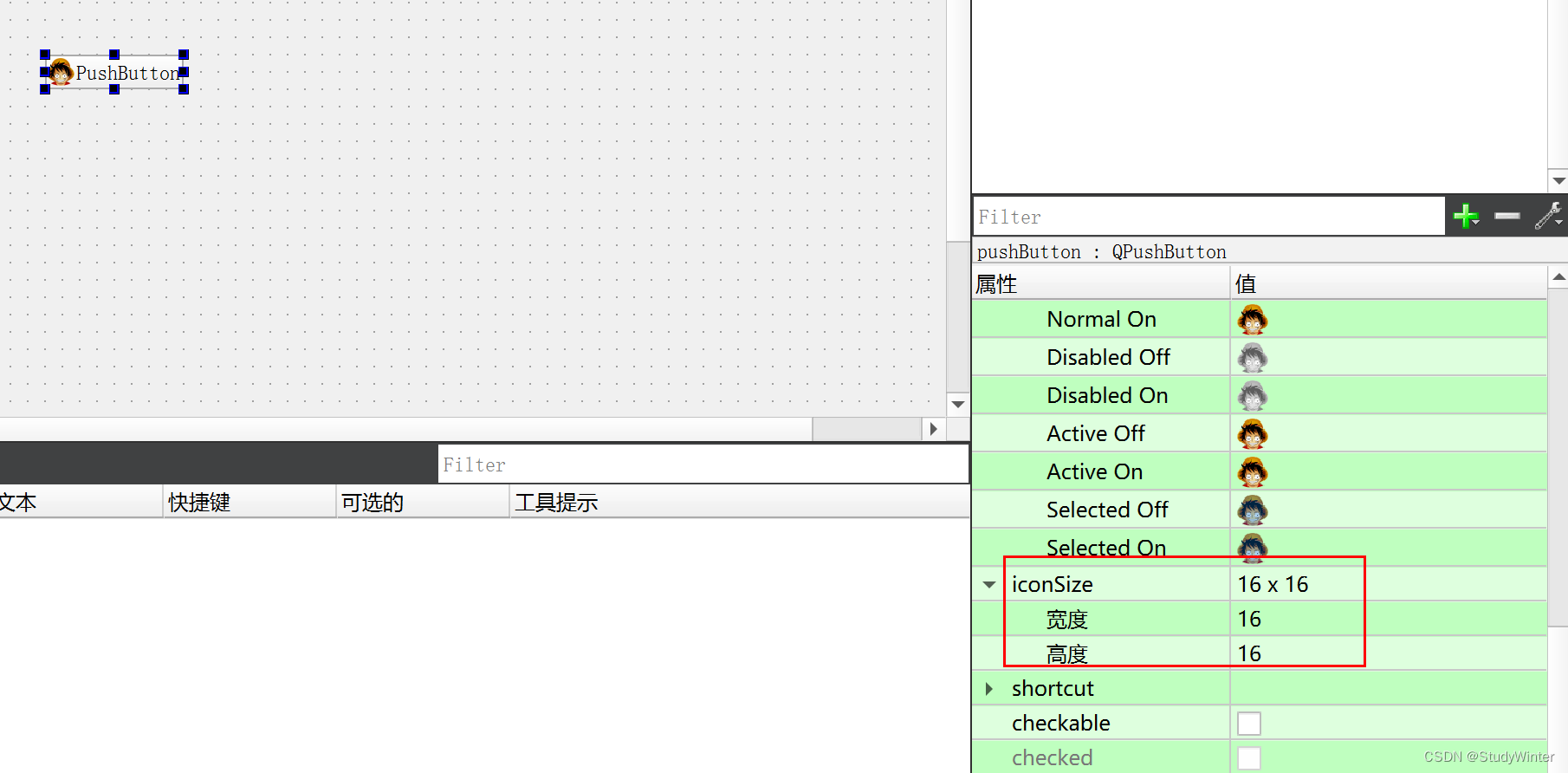
调整尺寸
toolButton
显示图片、文本
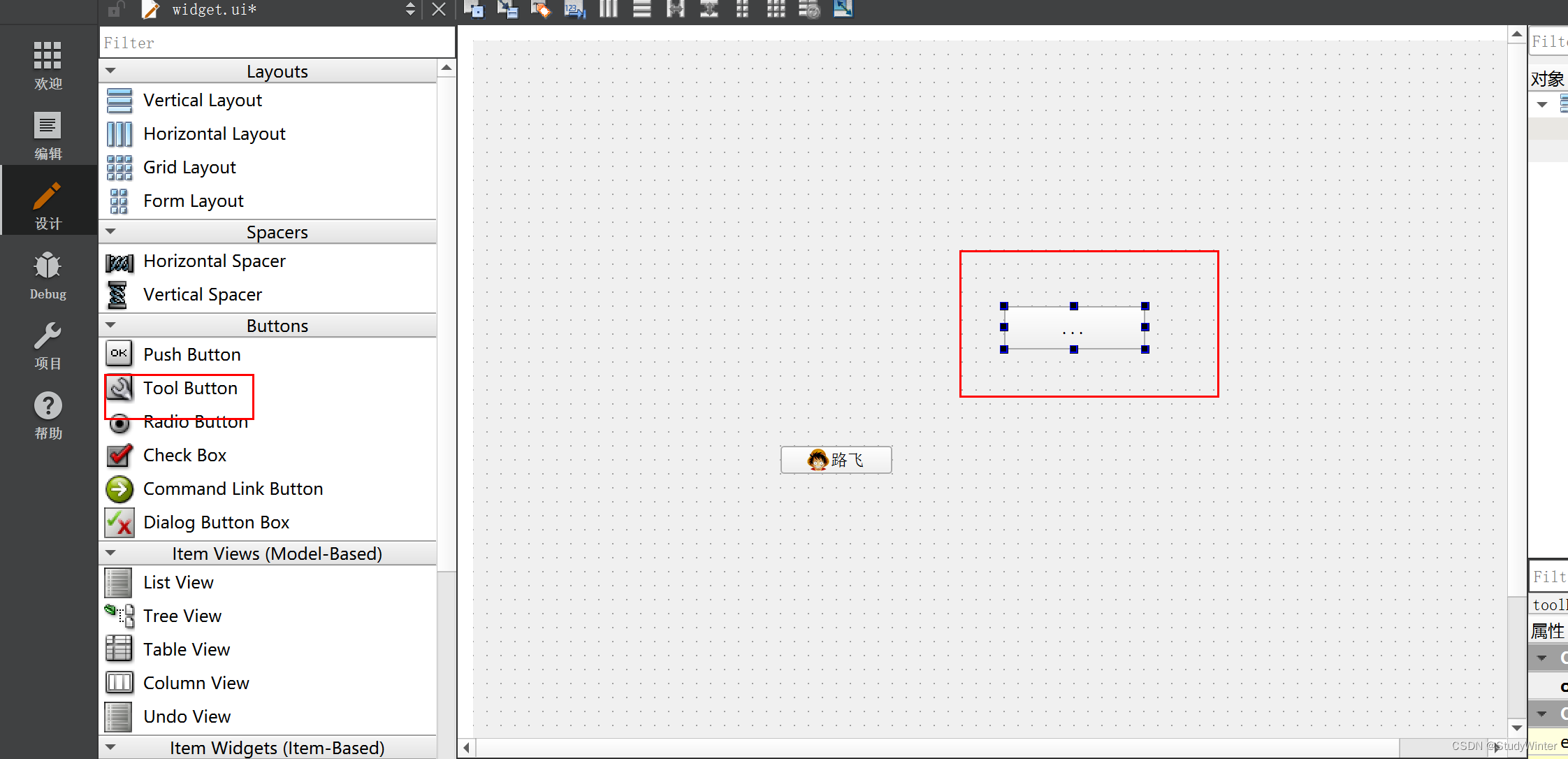
显示图片(图片和文字都有时,显示图片)
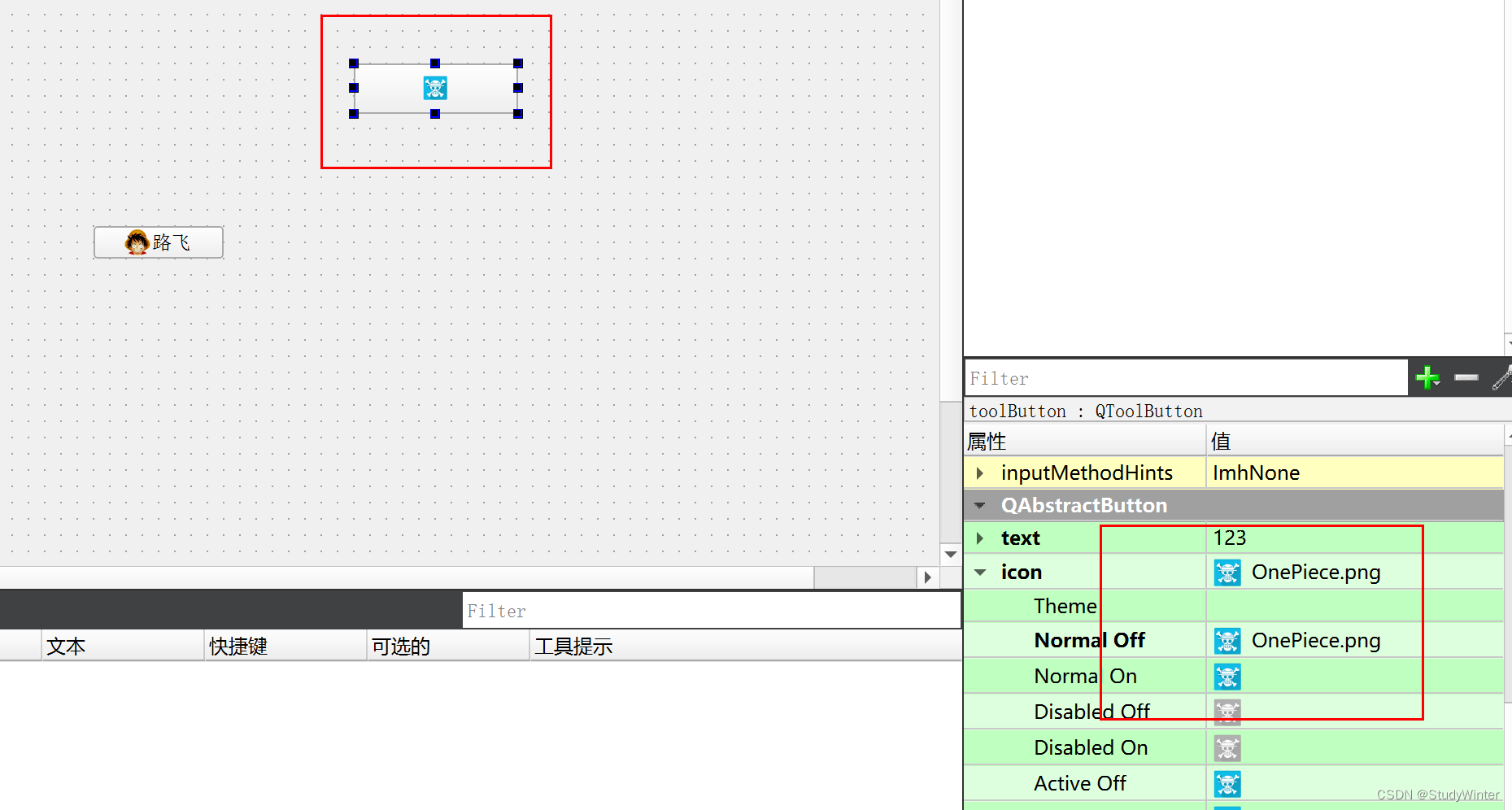
显示文字
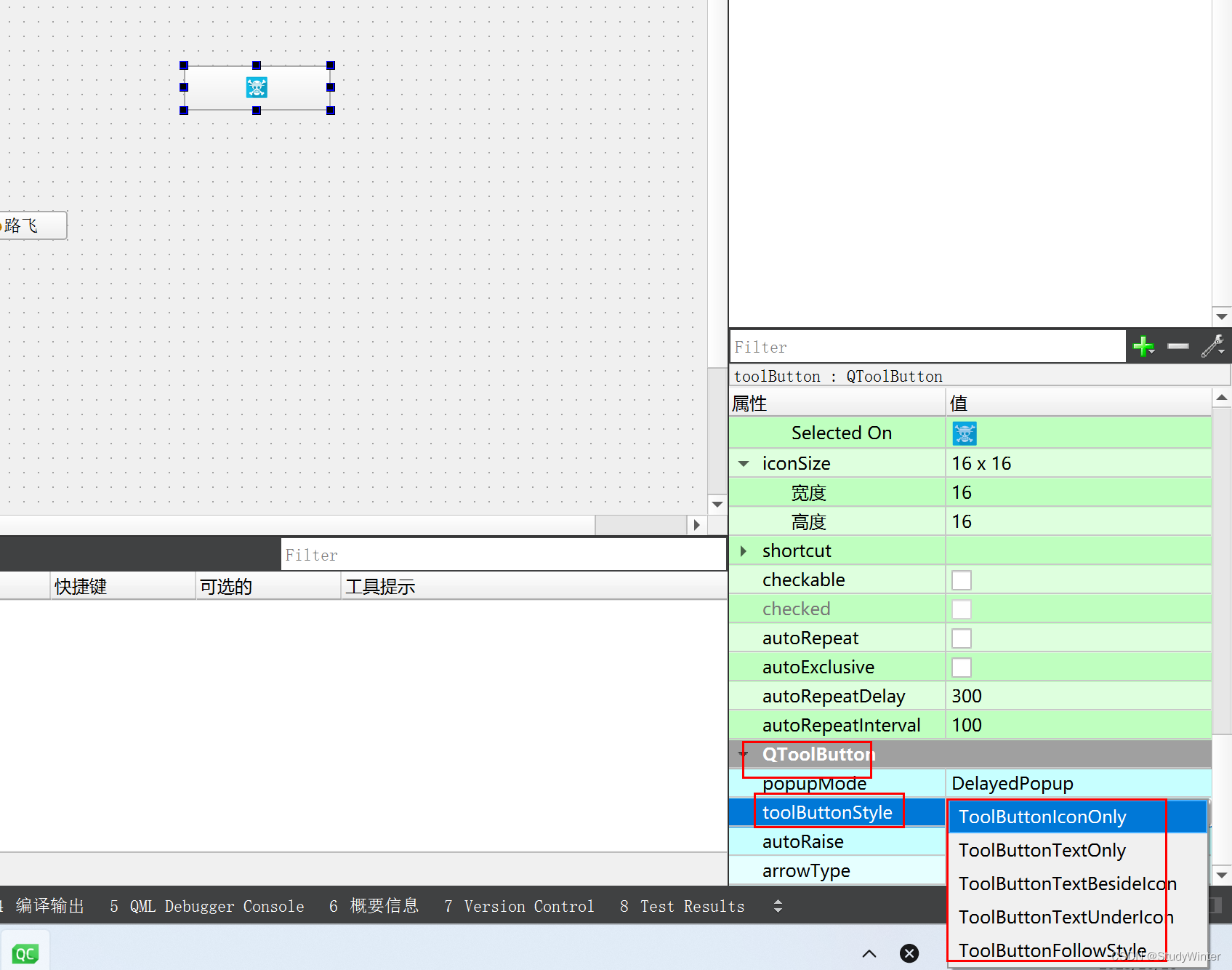
透明
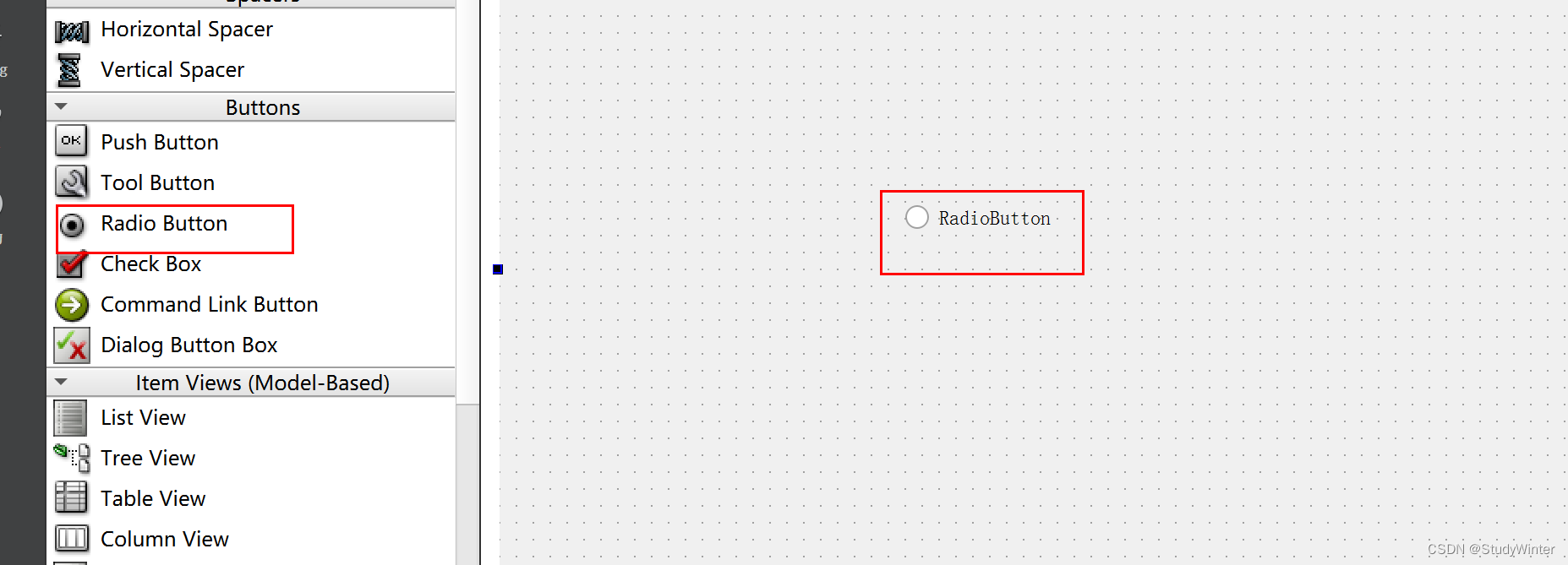
RadioButton
单选按钮
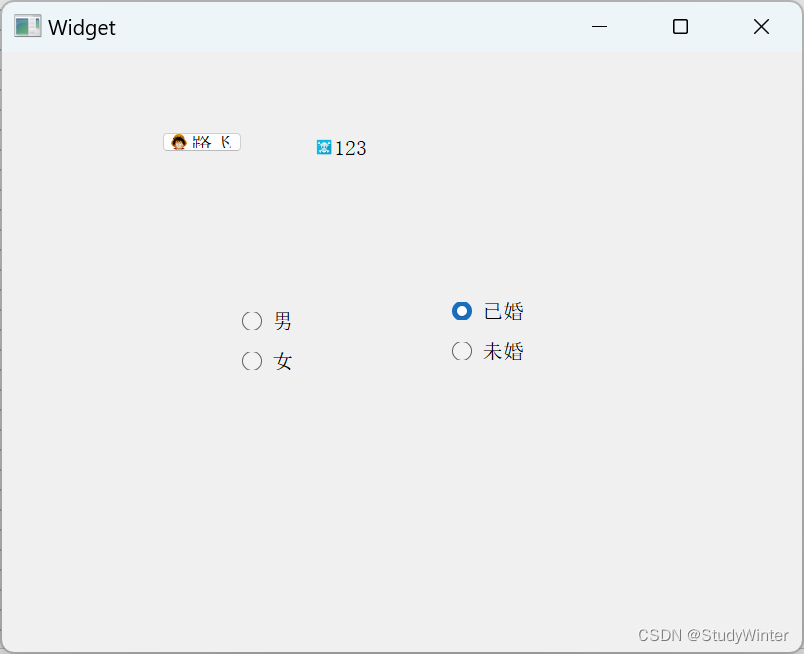
四个中只能选一个,布局
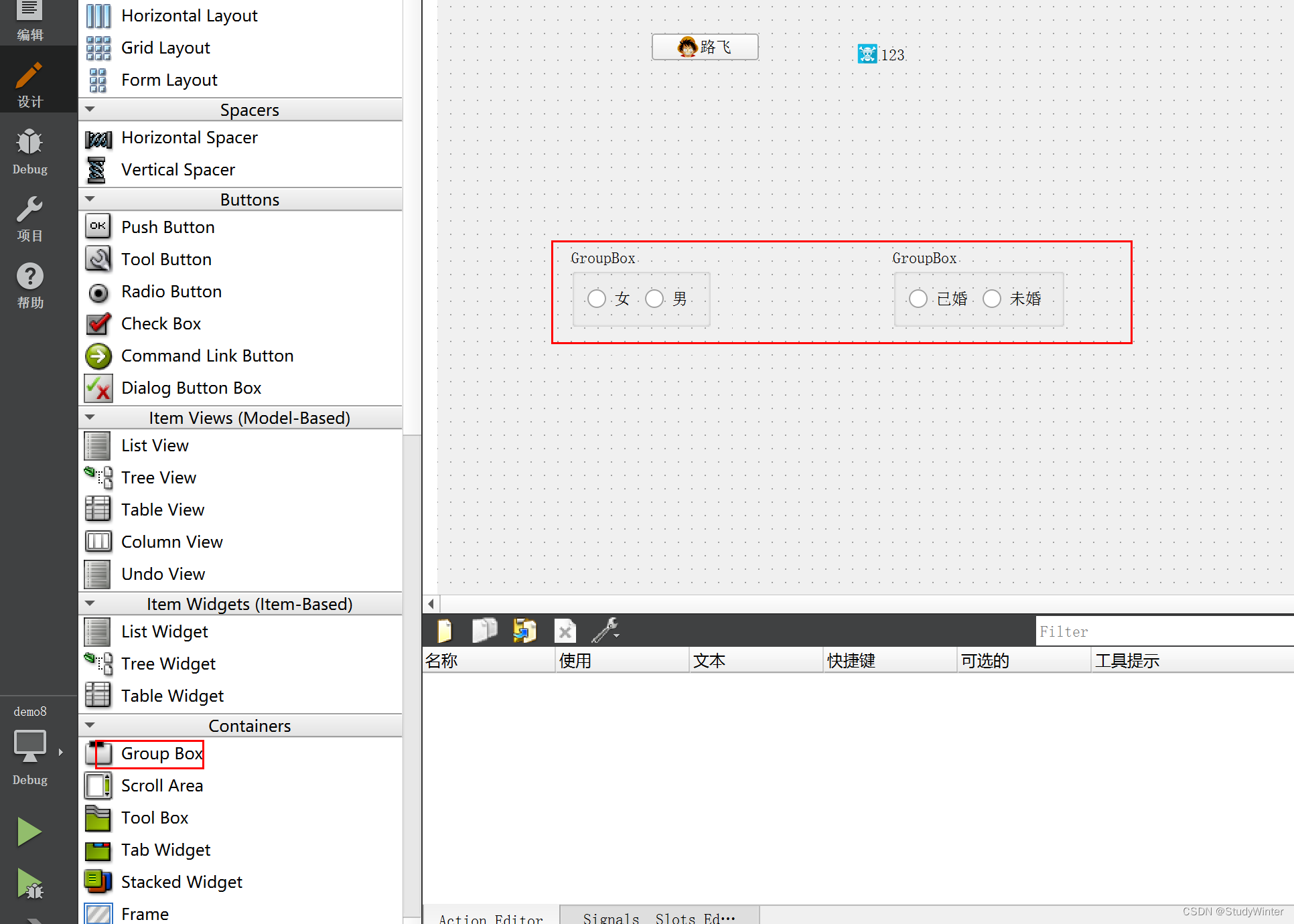
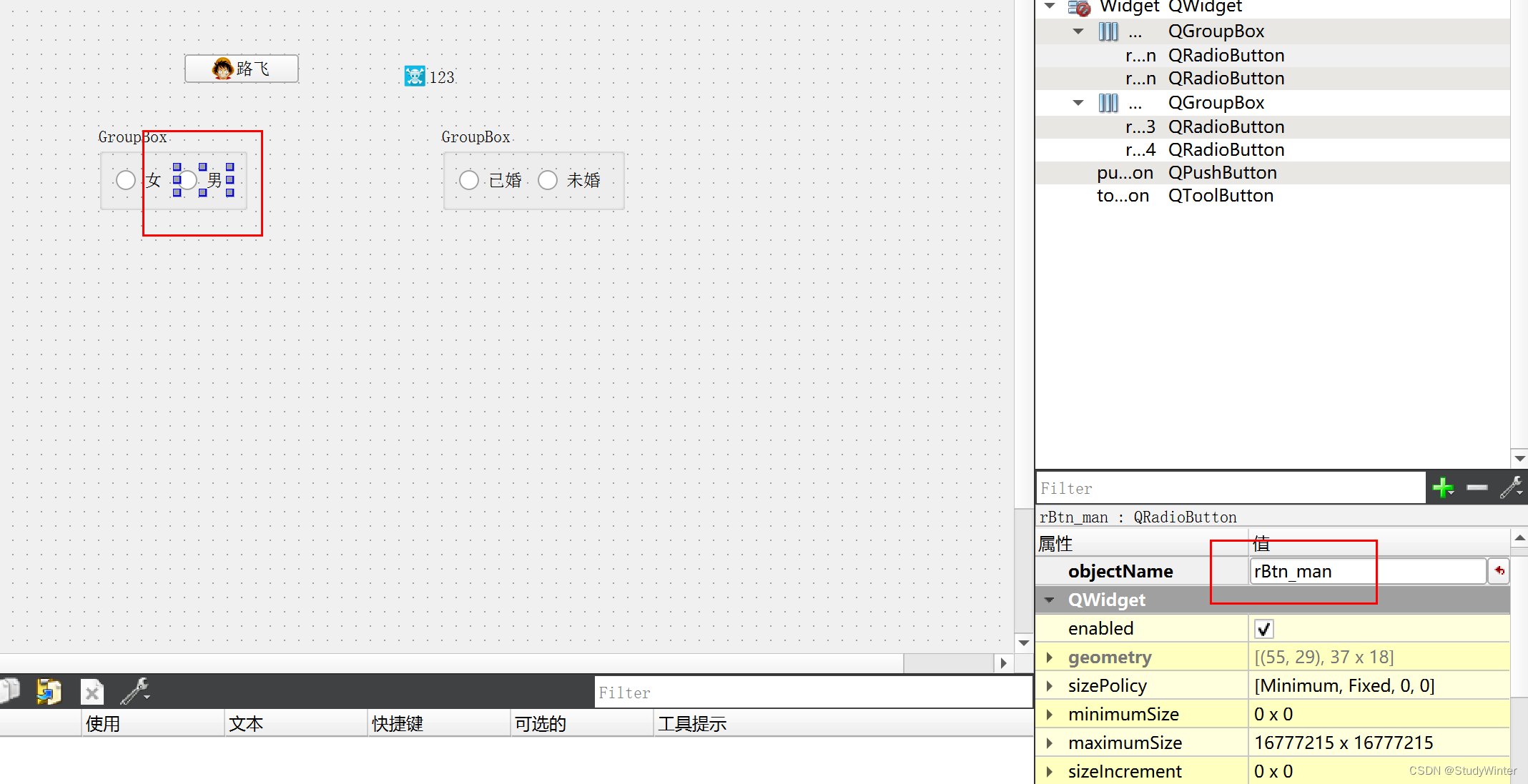
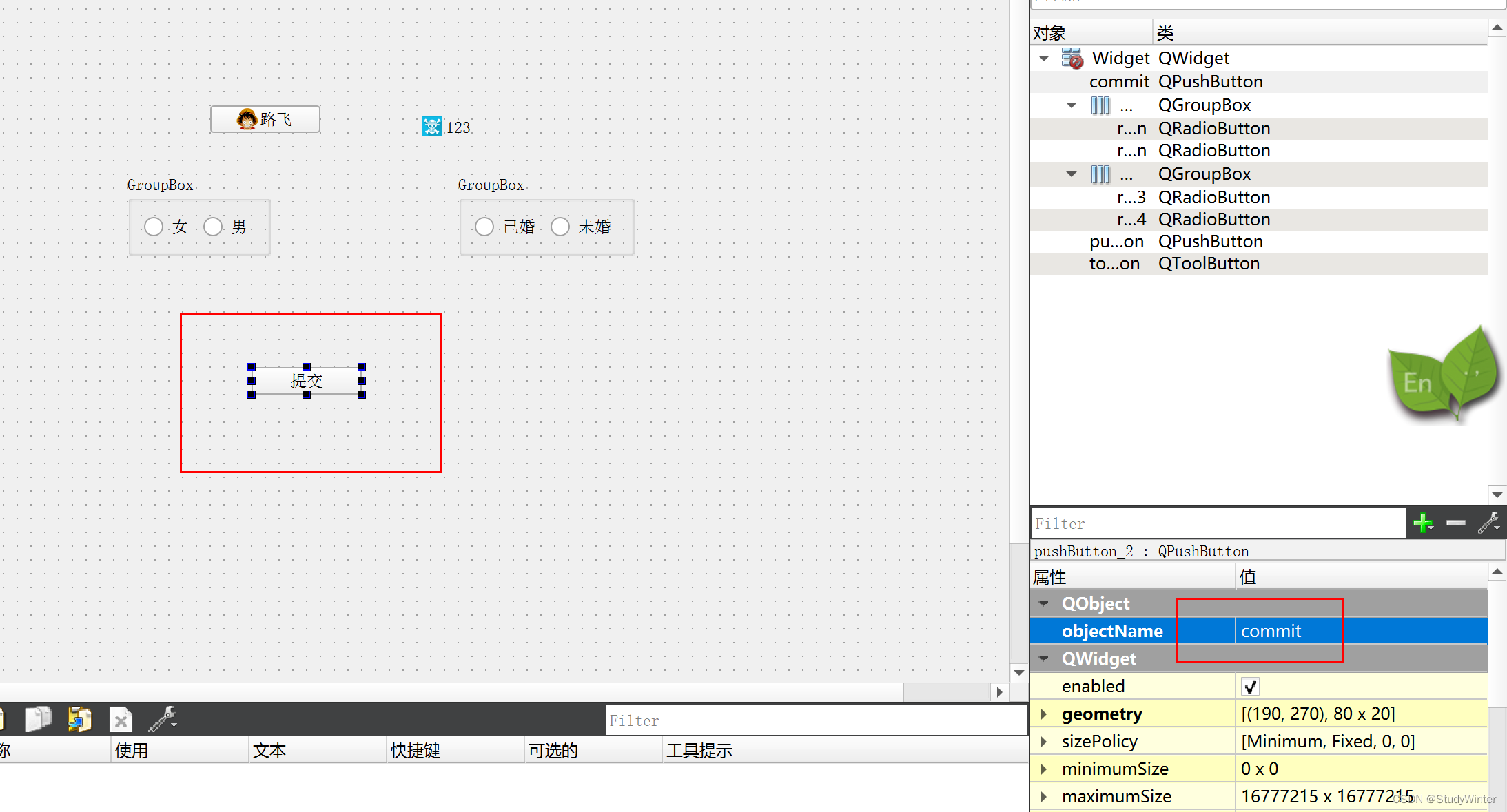
默认选择一个,先改名
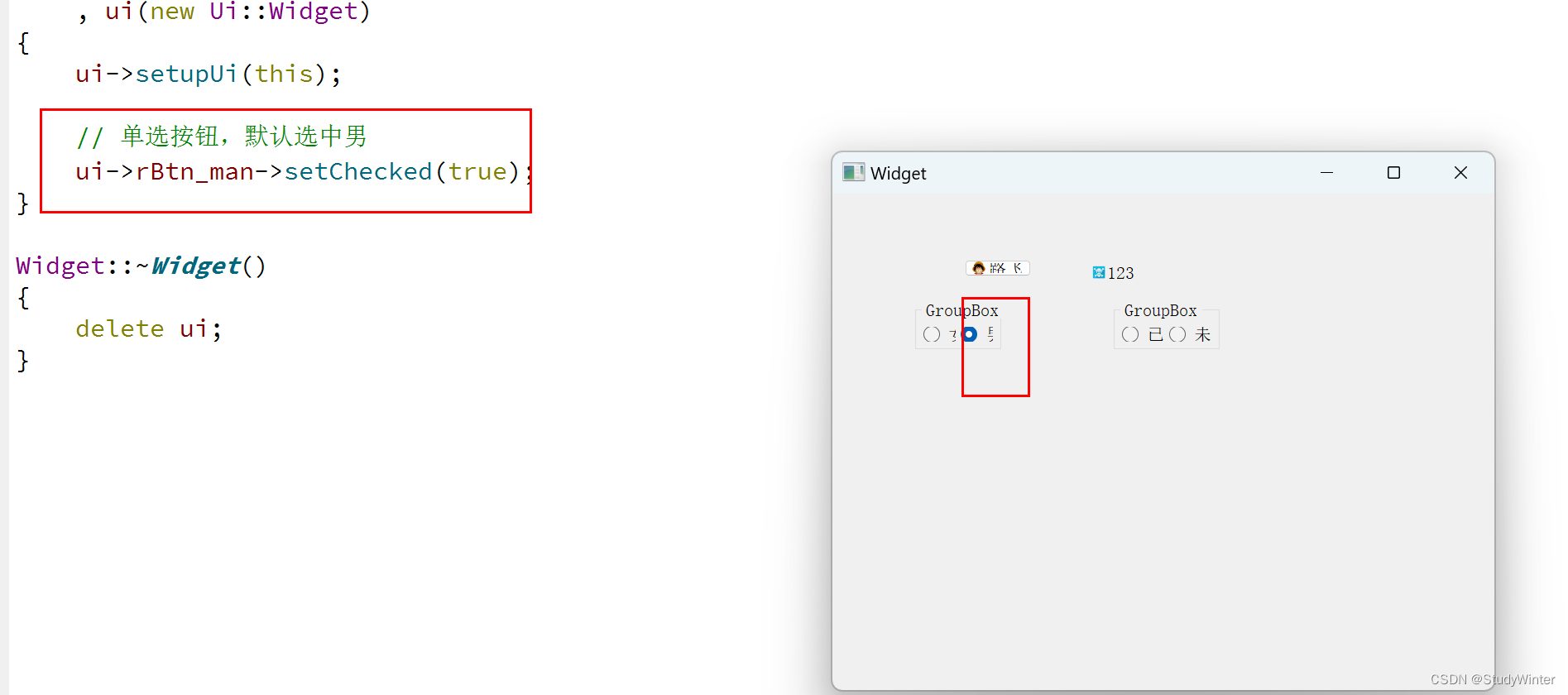
执行
捕获用户的选择
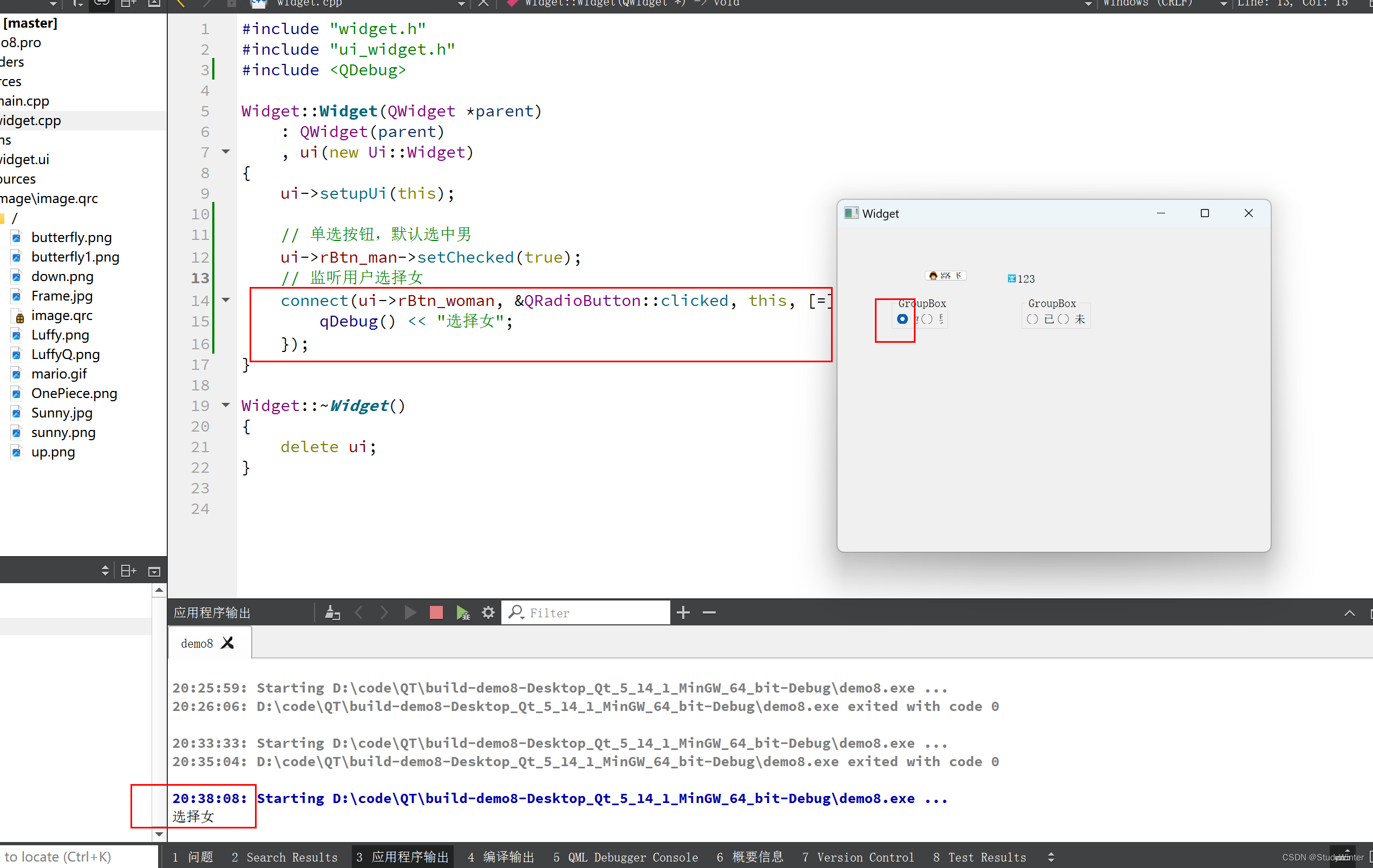
代码
- #include "widget.h"
- #include "ui_widget.h"
- #include
- Widget::Widget(QWidget *parent)
- : QWidget(parent)
- , ui(new Ui::Widget)
- {
- ui->setupUi(this);
- // 单选按钮,默认选中男
- ui->rBtn_man->setChecked(true);
- // 监听用户选择女
- connect(ui->rBtn_woman, &QRadioButton::clicked, this, [=]() {
- qDebug() << "选择女";
- });
- }
- Widget::~Widget()
- {
- delete ui;
- }
用户最终的选择
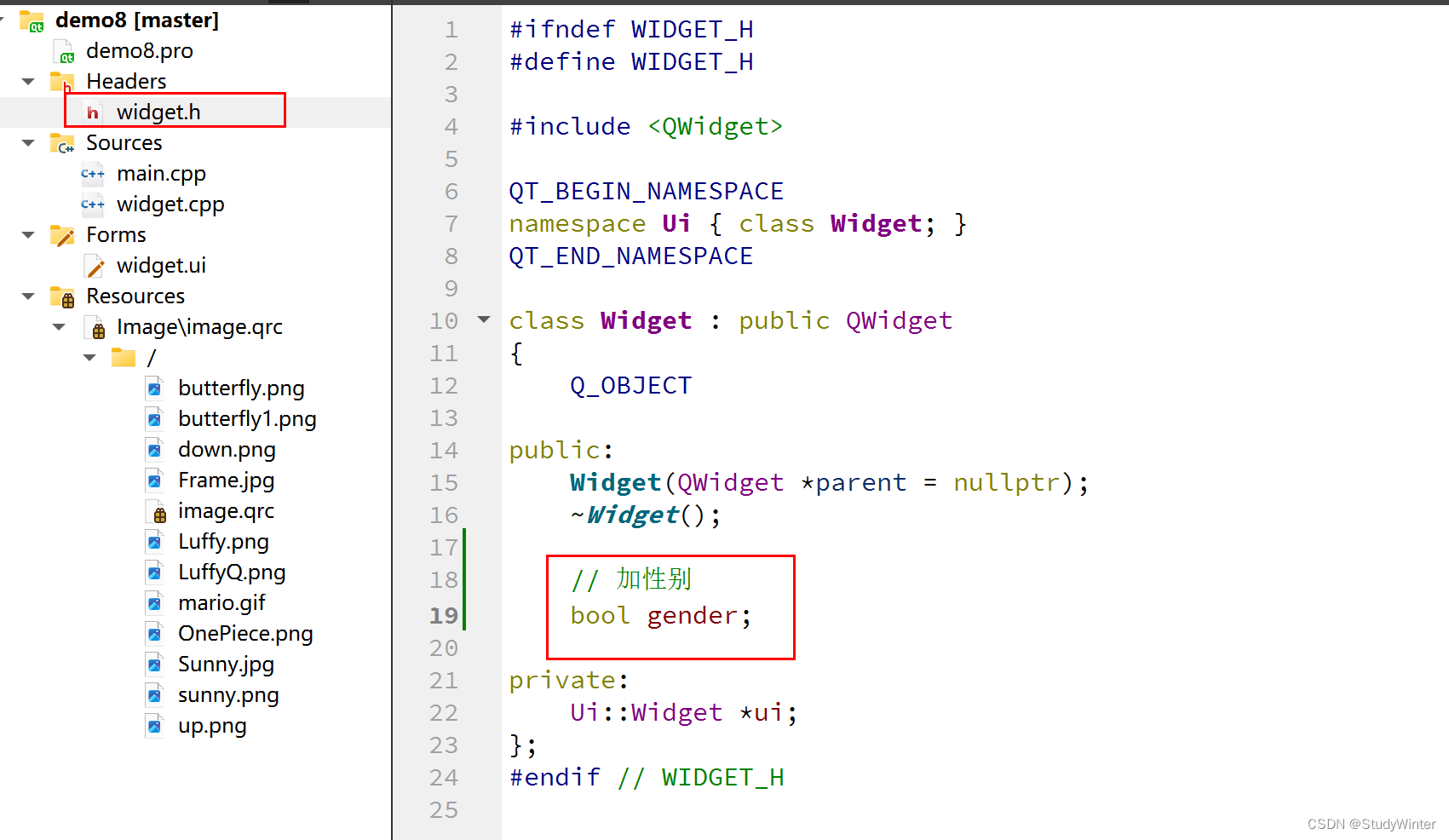
加一个性别参数
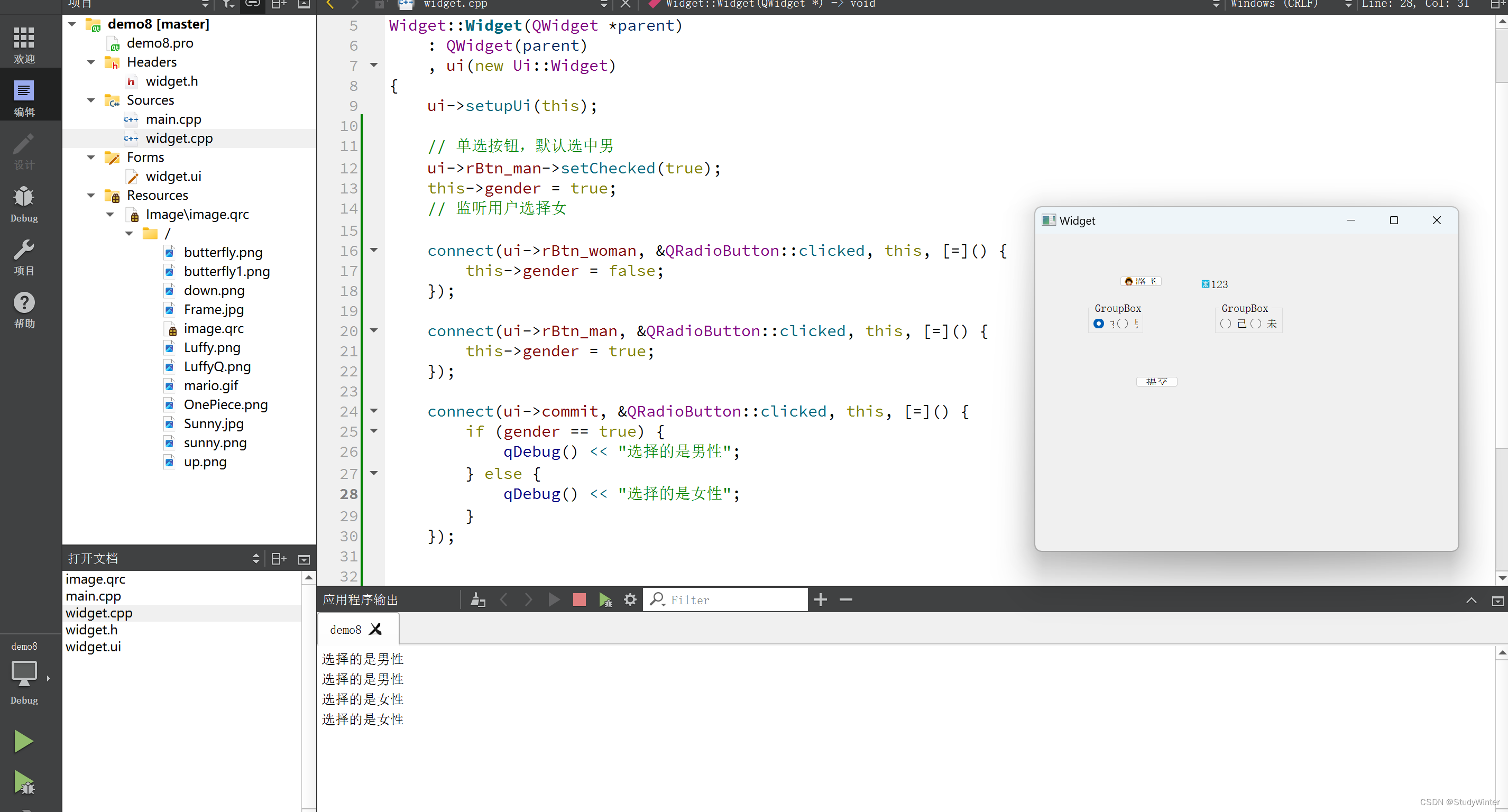
代码
- #include "widget.h"
- #include "ui_widget.h"
- #include
- Widget::Widget(QWidget *parent)
- : QWidget(parent)
- , ui(new Ui::Widget)
- {
- ui->setupUi(this);
- // 单选按钮,默认选中男
- ui->rBtn_man->setChecked(true);
- this->gender = true;
- // 监听用户选择女
- connect(ui->rBtn_woman, &QRadioButton::clicked, this, [=]() {
- this->gender = false;
- });
- connect(ui->rBtn_man, &QRadioButton::clicked, this, [=]() {
- this->gender = true;
- });
- connect(ui->commit, &QRadioButton::clicked, this, [=]() {
- if (gender == true) {
- qDebug() << "选择的是男性";
- } else {
- qDebug() << "选择的是女性";
- }
- });
- }
- Widget::~Widget()
- {
- delete ui;
- }
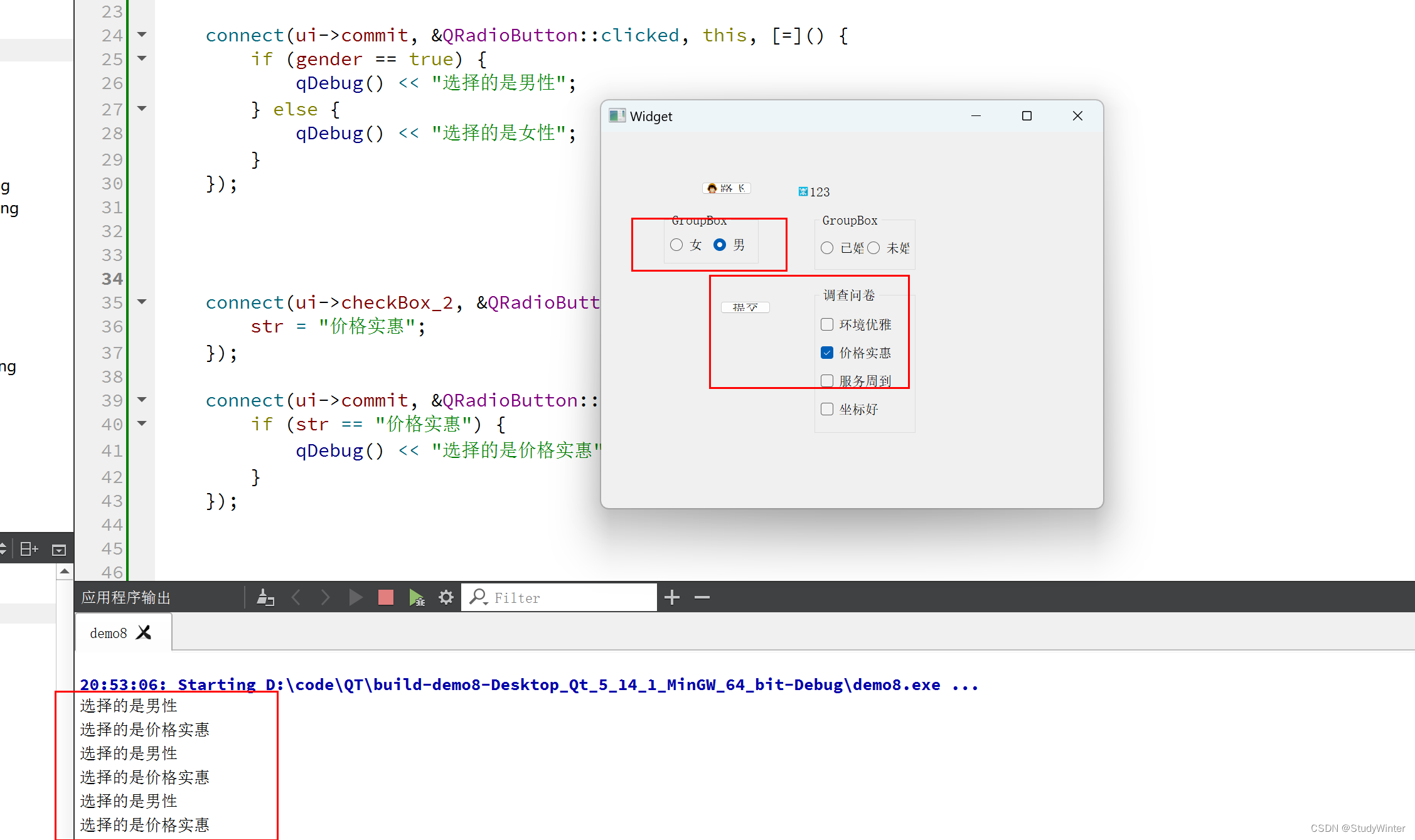
结果
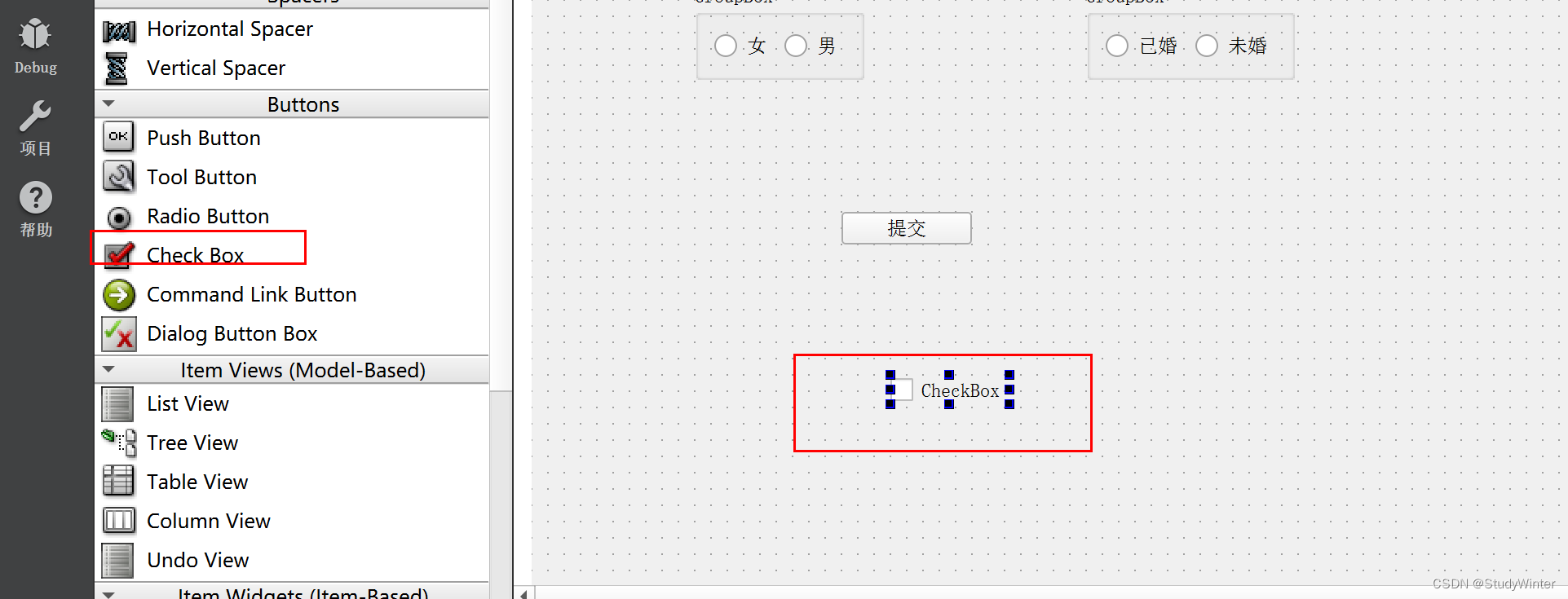
CheckBox
复选按钮
监听价格实惠是否被选中,
法一:同样加属性

代码
- #include "widget.h"
- #include "ui_widget.h"
- #include
- Widget::Widget(QWidget *parent)
- : QWidget(parent)
- , ui(new Ui::Widget)
- {
- ui->setupUi(this);
- // 单选按钮,默认选中男
- ui->rBtn_man->setChecked(true);
- this->gender = true;
- // 监听用户选择女
- connect(ui->rBtn_woman, &QRadioButton::clicked, this, [=]() {
- this->gender = false;
- });
- connect(ui->rBtn_man, &QRadioButton::clicked, this, [=]() {
- this->gender = true;
- });
- connect(ui->commit, &QRadioButton::clicked, this, [=]() {
- if (gender == true) {
- qDebug() << "选择的是男性";
- } else {
- qDebug() << "选择的是女性";
- }
- });
- connect(ui->checkBox_2, &QRadioButton::clicked, this, [=]() {
- str = "价格实惠";
- });
- connect(ui->commit, &QRadioButton::clicked, this, [=]() {
- if (str == "价格实惠") {
- qDebug() << "选择的是价格实惠";
- }
- });
- }
- Widget::~Widget()
- {
- delete ui;
- }
结果
法二:
使用checkbox特有的信号
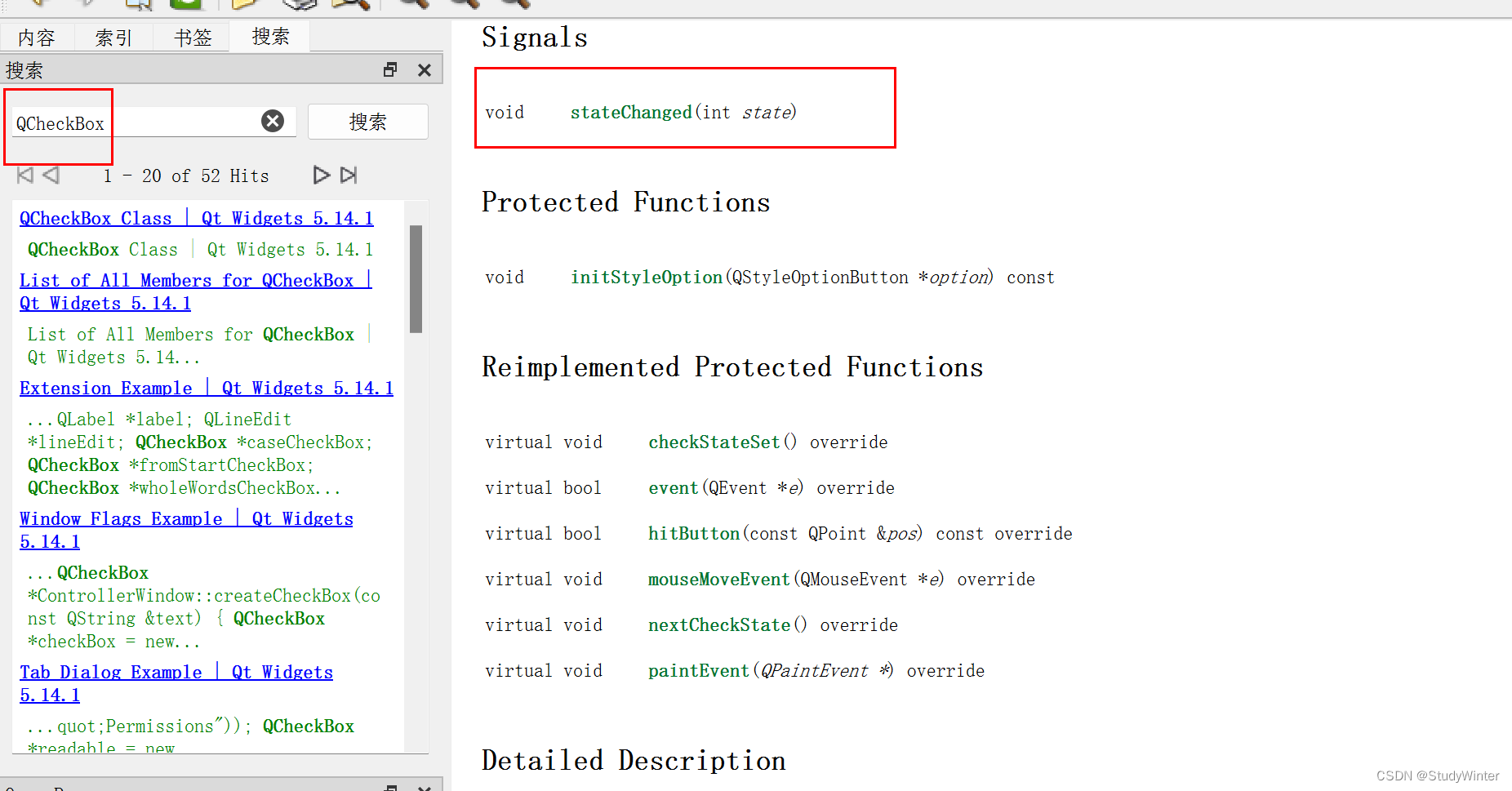
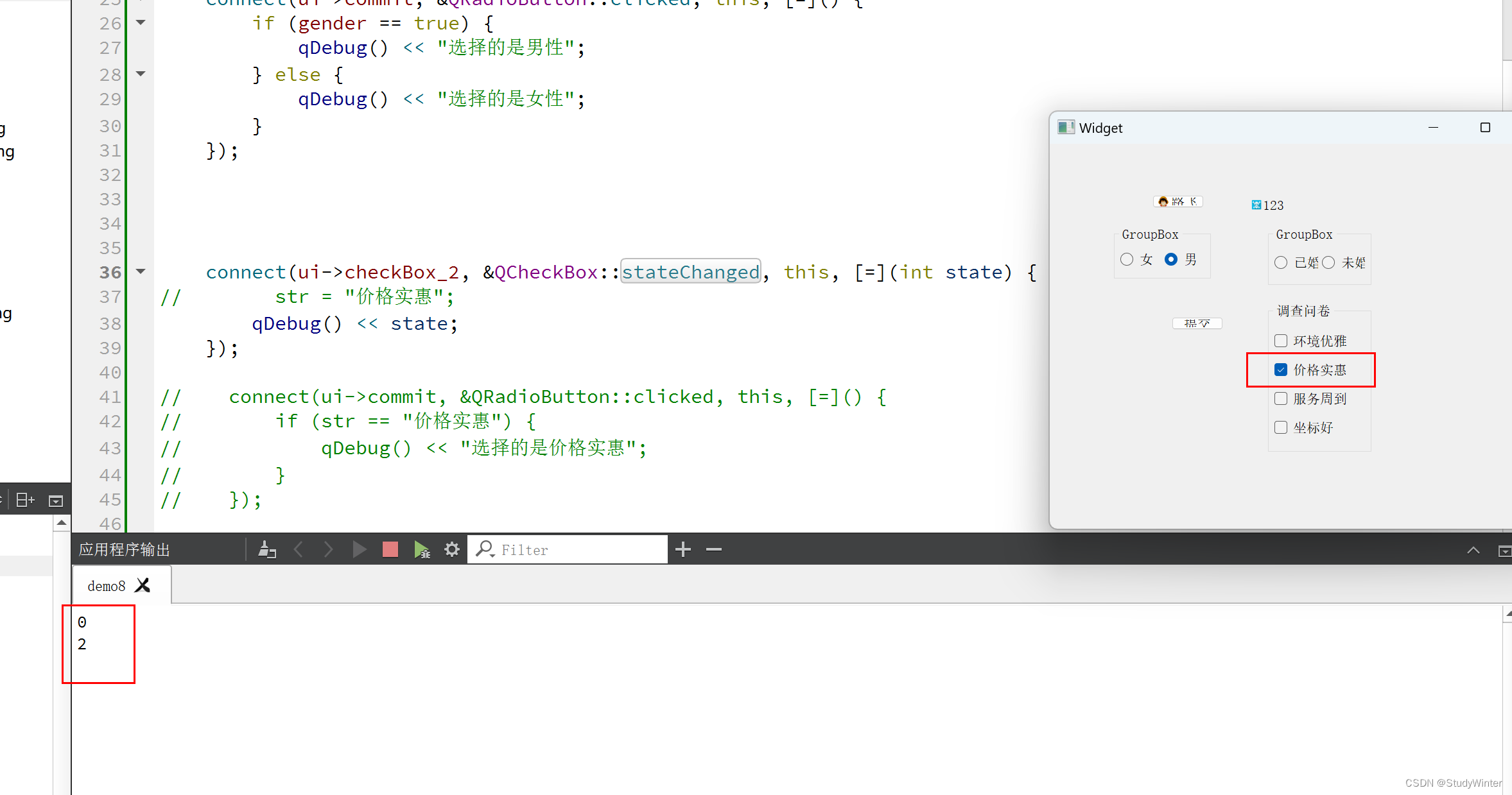
选中是2,取消是0
代码
- #include "widget.h"
- #include "ui_widget.h"
- #include
- #include
- Widget::Widget(QWidget *parent)
- : QWidget(parent)
- , ui(new Ui::Widget)
- {
- ui->setupUi(this);
- // 单选按钮,默认选中男
- ui->rBtn_man->setChecked(true);
- this->gender = true;
- // 监听用户选择女
- connect(ui->rBtn_woman, &QRadioButton::clicked, this, [=]() {
- this->gender = false;
- });
- connect(ui->rBtn_man, &QRadioButton::clicked, this, [=]() {
- this->gender = true;
- });
- connect(ui->commit, &QRadioButton::clicked, this, [=]() {
- if (gender == true) {
- qDebug() << "选择的是男性";
- } else {
- qDebug() << "选择的是女性";
- }
- });
- connect(ui->checkBox_2, &QCheckBox::stateChanged, this, [=](int state) {
- qDebug() << state;
- });
- }
- Widget::~Widget()
- {
- delete ui;
- }
法一:代码:怎么没有1呢,半选中状态
ui->checkBox_2->setTristate(true); // 第三种状态,半选中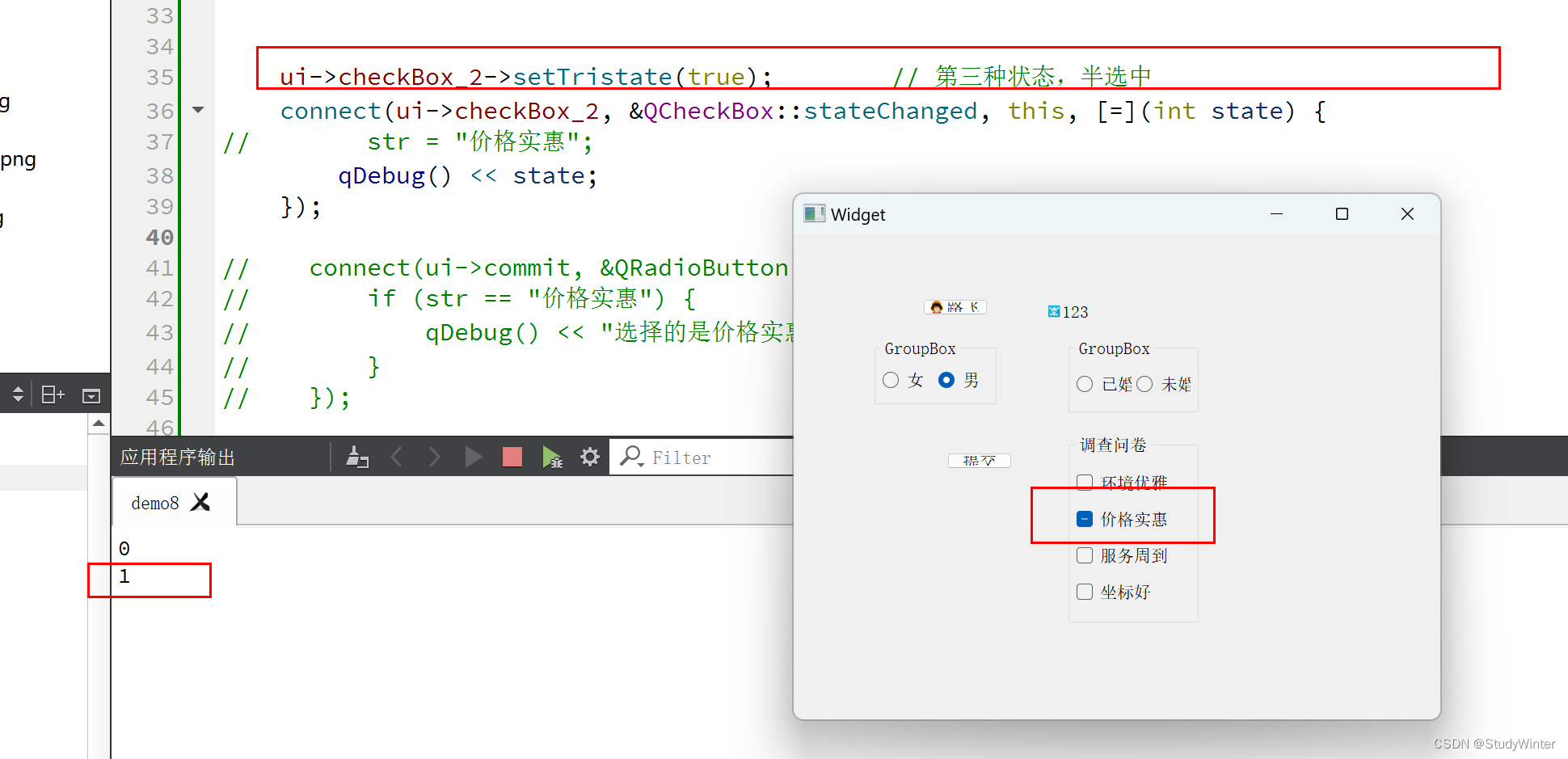
法二:√
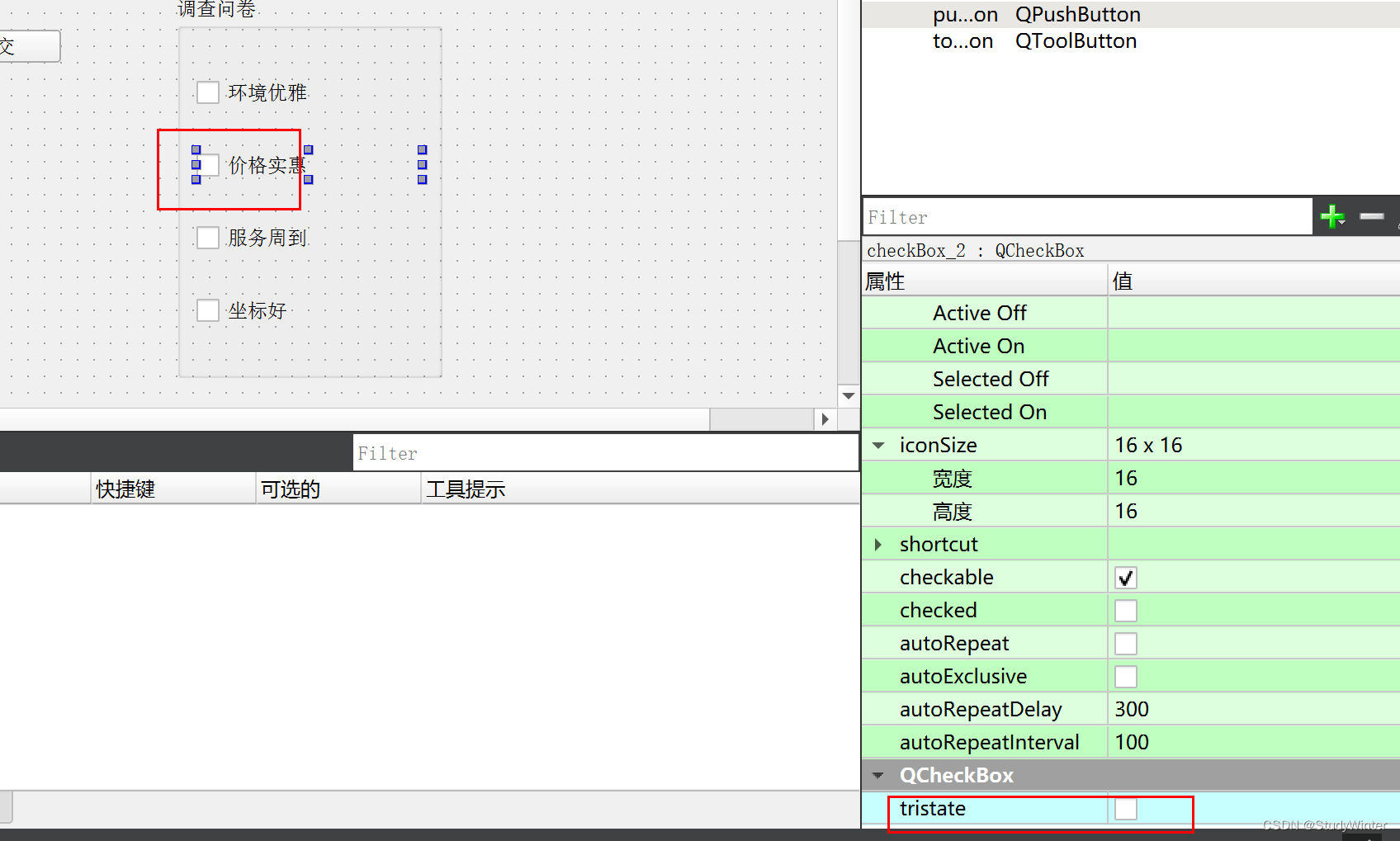
最好使用一种(代码或者控件),防止凌乱。
-
相关阅读:
Apollo中的身份验证与授权:保护你的数据
Android切圆角的几种方式
LeetCode 每日一题 2022/8/8-2022/8/14
PostgreSQL with(with recursive )查询
C/C++陷阱——变量名和函数名的冲突问题
WMS仓储管理系统解决方案的有哪些功能
【预测模型-随机森林分类】基于随机森林算法实现数据分类附matlab代码
别让 Linux 成为拿offer的阻碍
java.lang.Float类下byteValue()方法具有什么功能呢?
kali搭建vulhub漏洞靶场
- 原文地址:https://blog.csdn.net/Zhouzi_heng/article/details/133913648
