-
【python 游戏】闲的无聊?那就和博主一起来滑雪吧~
前言
滑雪运动(特别是现代竞技滑雪)发展到当今,项目不断在增多,领域不断在扩展。
世界比赛正规的大项目分为:高山滑雪、北欧滑雪(Nordic Skiing,越野滑雪、跳台滑雪)、自由式滑雪、冬季两项滑雪、雪上滑板滑雪等。(文末送读者福利)
纯竞技滑雪具有鲜明的竞争性、专项性,相关条件要求严格,非一般人所能具备和适应。
旅游滑雪是出于娱乐、健身的目的,受人为因素制约程度很轻,男女老幼均可在雪场上轻松、愉快地滑行,饱享滑雪运动的无穷乐趣。
而近年疫情限制行动半径,只能在附近寻找乐趣,于是今天我就来分享一下滑雪代码~
所需素材
字体


配置文件'''导入模块''' import os '''FPS''' FPS = 40 '''游戏屏幕大小''' SCREENSIZE = (640, 640) '''图片路径''' SKIER_IMAGE_PATHS = [ os.path.join(os.getcwd(), 'resources/images/skier_forward.png'), os.path.join(os.getcwd(), 'resources/images/skier_right1.png'), os.path.join(os.getcwd(), 'resources/images/skier_right2.png'), os.path.join(os.getcwd(), 'resources/images/skier_left2.png'), os.path.join(os.getcwd(), 'resources/images/skier_left1.png'), os.path.join(os.getcwd(), 'resources/images/skier_fall.png') ] OBSTACLE_PATHS = { 'tree': os.path.join(os.getcwd(), 'resources/images/tree.png'), 'flag': os.path.join(os.getcwd(), 'resources/images/flag.png') } '''背景音乐路径''' BGMPATH = os.path.join(os.getcwd(), 'resources/music/bgm.mp3') '''字体路径''' FONTPATH = os.path.join(os.getcwd(), 'resources/font/FZSTK.TTF')- 1
- 2
- 3
- 4
- 5
- 6
- 7
- 8
- 9
- 10
- 11
- 12
- 13
- 14
- 15
- 16
- 17
- 18
- 19
- 20
- 21
- 22
- 23
- 24
- 25
- 26
- 27
- 28
- 29
运行文件
'''导入模块''' import sys import cfg import pygame import random '''滑雪者类''' class SkierClass(pygame.sprite.Sprite): def __init__(self): pygame.sprite.Sprite.__init__(self) # 滑雪者的朝向(-2到2) self.direction = 0 self.imagepaths = cfg.SKIER_IMAGE_PATHS[:-1] self.image = pygame.image.load(self.imagepaths[self.direction]) self.rect = self.image.get_rect() self.rect.center = [320, 100] self.speed = [self.direction, 6-abs(self.direction)*2] '''改变滑雪者的朝向. 负数为向左,正数为向右,0为向前''' def turn(self, num): self.direction += num self.direction = max(-2, self.direction) self.direction = min(2, self.direction) center = self.rect.center self.image = pygame.image.load(self.imagepaths[self.direction]) self.rect = self.image.get_rect() self.rect.center = center self.speed = [self.direction, 6-abs(self.direction)*2] return self.speed '''移动滑雪者''' def move(self): self.rect.centerx += self.speed[0] self.rect.centerx = max(20, self.rect.centerx) self.rect.centerx = min(620, self.rect.centerx) '''设置为摔倒状态''' def setFall(self): self.image = pygame.image.load(cfg.SKIER_IMAGE_PATHS[-1]) '''设置为站立状态''' def setForward(self): self.direction = 0 self.image = pygame.image.load(self.imagepaths[self.direction]) ''' Function:障碍物类- 1
- 2
- 3
- 4
- 5
- 6
- 7
- 8
- 9
- 10
- 11
- 12
- 13
- 14
- 15
- 16
- 17
- 18
- 19
- 20
- 21
- 22
- 23
- 24
- 25
- 26
- 27
- 28
- 29
- 30
- 31
- 32
- 33
- 34
- 35
- 36
- 37
- 38
- 39
- 40
- 41
- 42
- 43
- 44
- 45
- 46
- 47
Input:
img_path: 障碍物图片路径 location: 障碍物位置 attribute: 障碍物类别属性 ''' class ObstacleClass(pygame.sprite.Sprite): def __init__(self, img_path, location, attribute): pygame.sprite.Sprite.__init__(self) self.img_path = img_path self.image = pygame.image.load(self.img_path) self.location = location self.rect = self.image.get_rect() self.rect.center = self.location self.attribute = attribute self.passed = False '''移动''' def move(self, num): self.rect.centery = self.location[1] - num '''创建障碍物''' def createObstacles(s, e, num=10): obstacles = pygame.sprite.Group() locations = [] for i in range(num): row = random.randint(s, e) col = random.randint(0, 9) location = [col*64+20, row*64+20] if location not in locations: locations.append(location) attribute = random.choice(list(cfg.OBSTACLE_PATHS.keys())) img_path = cfg.OBSTACLE_PATHS[attribute] obstacle = ObstacleClass(img_path, location, attribute) obstacles.add(obstacle) return obstacles '''合并障碍物''' def AddObstacles(obstacles0, obstacles1): obstacles = pygame.sprite.Group() for obstacle in obstacles0: obstacles.add(obstacle) for obstacle in obstacles1: obstacles.add(obstacle) return obstacles '''显示游戏开始界面''' def ShowStartInterface(screen, screensize): screen.fill((255, 255, 255)) tfont = pygame.font.Font(cfg.FONTPATH, screensize[0]//5) cfont = pygame.font.Font(cfg.FONTPATH, screensize[0]//20) title = tfont.render(u'滑雪游戏', True, (255, 0, 0)) content = cfont.render(u'按任意键开始游戏', True, (0, 0, 255)) trect = title.get_rect() trect.midtop = (screensize[0]/2, screensize[1]/5) crect = content.get_rect() crect.midtop = (screensize[0]/2, screensize[1]/2) screen.blit(title, trect) screen.blit(content, crect) while True: for event in pygame.event.get(): if event.type == pygame.QUIT: pygame.quit() sys.exit() elif event.type == pygame.KEYDOWN: return pygame.display.update() '''显示分数''' def showScore(screen, score, pos=(10, 10)): font = pygame.font.Font(cfg.FONTPATH, 30) score_text = font.render("Score: %s" % score, True, (0, 0, 0)) screen.blit(score_text, pos) '''更新当前帧的游戏画面''' def updateFrame(screen, obstacles, skier, score): screen.fill((255, 255, 255)) obstacles.draw(screen) screen.blit(skier.image, skier.rect) showScore(screen, score) pygame.display.update()- 1
- 2
- 3
- 4
- 5
- 6
- 7
- 8
- 9
- 10
- 11
- 12
- 13
- 14
- 15
- 16
- 17
- 18
- 19
- 20
- 21
- 22
- 23
- 24
- 25
- 26
- 27
- 28
- 29
- 30
- 31
- 32
- 33
- 34
- 35
- 36
- 37
- 38
- 39
- 40
- 41
- 42
- 43
- 44
- 45
- 46
- 47
- 48
- 49
- 50
- 51
- 52
- 53
- 54
- 55
- 56
- 57
- 58
- 59
- 60
- 61
- 62
- 63
- 64
- 65
- 66
- 67
- 68
- 69
- 70
- 71
- 72
- 73
- 74
- 75
- 76
- 77
- 78
- 79
- 80
- 81
- 82
- 83
主程序
def main(): # 游戏初始化 pygame.init() pygame.mixer.init() pygame.mixer.music.load(cfg.BGMPATH) pygame.mixer.music.set_volume(0.4) pygame.mixer.music.play(-1) # 设置屏幕 screen = pygame.display.set_mode(cfg.SCREENSIZE) pygame.display.set_caption('滑雪游戏 ') # 游戏开始界面 ShowStartInterface(screen, cfg.SCREENSIZE) # 实例化游戏精灵 # --滑雪者 skier = SkierClass() # --创建障碍物 obstacles0 = createObstacles(20, 29) obstacles1 = createObstacles(10, 19) obstaclesflag = 0 obstacles = AddObstacles(obstacles0, obstacles1) # 游戏clock clock = pygame.time.Clock() # 记录滑雪的距离 distance = 0 # 记录当前的分数 score = 0 # 记录当前的速度 speed = [0, 6] # 游戏主循环 while True: # --事件捕获 for event in pygame.event.get(): if event.type == pygame.QUIT: pygame.quit() sys.exit() if event.type == pygame.KEYDOWN: if event.key == pygame.K_LEFT or event.key == pygame.K_a: speed = skier.turn(-1) elif event.key == pygame.K_RIGHT or event.key == pygame.K_d: speed = skier.turn(1) # --更新当前游戏帧的数据 skier.move() distance += speed[1] if distance >= 640 and obstaclesflag == 0: obstaclesflag = 1 obstacles0 = createObstacles(20, 29) obstacles = AddObstacles(obstacles0, obstacles1) if distance >= 1280 and obstaclesflag == 1: obstaclesflag = 0 distance -= 1280 for obstacle in obstacles0: obstacle.location[1] = obstacle.location[1] - 1280 obstacles1 = createObstacles(10, 19) obstacles = AddObstacles(obstacles0, obstacles1) for obstacle in obstacles: obstacle.move(distance) # --碰撞检测 hitted_obstacles = pygame.sprite.spritecollide(skier, obstacles, False) if hitted_obstacles: if hitted_obstacles[0].attribute == "tree" and not hitted_obstacles[0].passed: score -= 50 skier.setFall() updateFrame(screen, obstacles, skier, score) pygame.time.delay(1000) skier.setForward() speed = [0, 6] hitted_obstacles[0].passed = True elif hitted_obstacles[0].attribute == "flag" and not hitted_obstacles[0].passed: score += 10 obstacles.remove(hitted_obstacles[0]) # --更新屏幕 updateFrame(screen, obstacles, skier, score) clock.tick(cfg.FPS) '''run''' if __name__ == '__main__': main()- 1
- 2
- 3
- 4
- 5
- 6
- 7
- 8
- 9
- 10
- 11
- 12
- 13
- 14
- 15
- 16
- 17
- 18
- 19
- 20
- 21
- 22
- 23
- 24
- 25
- 26
- 27
- 28
- 29
- 30
- 31
- 32
- 33
- 34
- 35
- 36
- 37
- 38
- 39
- 40
- 41
- 42
- 43
- 44
- 45
- 46
- 47
- 48
- 49
- 50
- 51
- 52
- 53
- 54
- 55
- 56
- 57
- 58
- 59
- 60
- 61
- 62
- 63
- 64
- 65
- 66
- 67
- 68
- 69
- 70
- 71
- 72
- 73
- 74
- 75
- 76
- 77
- 78
效果

尾语
读书多了,容颜自然改变,许多时候,
自己可能以为许多看过的书籍都成了过眼云烟,不复记忆,其实他们仍是潜在的。
在气质里,在谈吐上,在胸襟的无涯,当然也可能显露在生活和文字里。
——三毛《送你一匹马》
本文章到这里就结束啦~感兴趣的小伙伴可以复制代码去试试哦 😝
读者福利:知道你对Python感兴趣,便准备了这套python学习资料,
对于0基础小白入门:
如果你是零基础小白,想快速入门Python是可以考虑的。
一方面是学习时间相对较短,学习内容更全面更集中。
二方面是可以找到适合自己的学习方案零基础Python学习资源介绍
👉Python学习路线汇总👈
Python所有方向的技术点做的整理,形成各个领域的知识点汇总,它的用处就在于,你可以按照上面的知识点去找对应的学习资源,保证自己学得较为全面。(学习教程文末领取哈)

👉Python必备开发工具👈

温馨提示:篇幅有限,已打包文件夹,获取方式在:文末
👉Python学习视频600合集👈
观看零基础学习视频,看视频学习是最快捷也是最有效果的方式,跟着视频中老师的思路,从基础到深入,还是很容易入门的。

👉实战案例👈
光学理论是没用的,要学会跟着一起敲,要动手实操,才能将自己的所学运用到实际当中去,这时候可以搞点实战案例来学习。

👉100道Python练习题👈
检查学习结果。

👉面试刷题👈


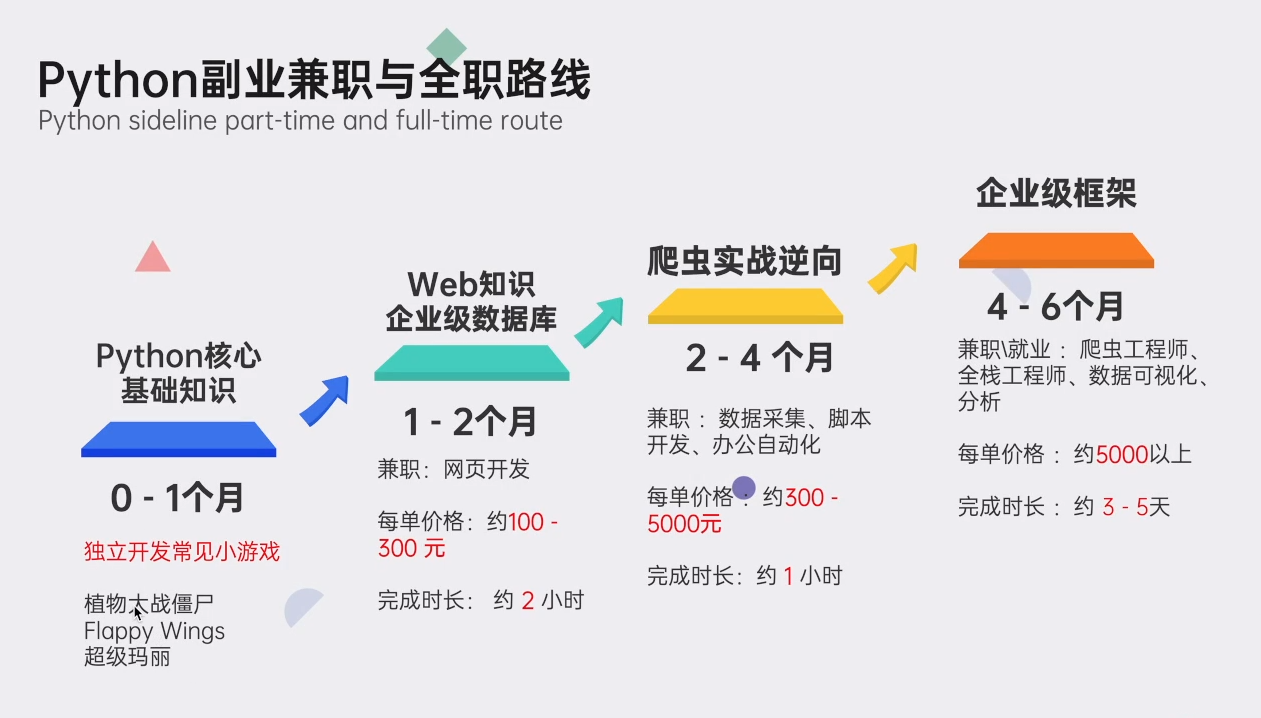
资料领取
这份完整版的Python全套学习资料已为大家备好,朋友们如果需要可以微信扫描下方二维码添加,输入"领取资料" 可免费领取全套资料【有什么需要协作的还可以随时联系我】朋友圈也会不定时的更新最前言python知识。

好文推荐
了解python的前景: https://blog.csdn.net/weixin_49892805/article/details/127196159
python有什么用: https://blog.csdn.net/weixin_49892805/article/details/127214402
-
相关阅读:
【PyTorchVideo教程01】快速实现视频动作识别
基于Oracle数据库高校学生宿舍管理系统
Redis学习笔记(常用数据类型,发布订阅,事务和锁机制,持久化,集群,雪崩,缓存击穿,分布式锁)
Node.js操作MySQL8.0数据库无法连接
欧盟加密监管法案通过,美国急了?
css复合选择器
【数据结构】第五章树与二叉树(1):树与二叉树的定义、性质,二叉树的存储结构
一份谷歌写给 CTO 们的报告 - DORA 2023 版全面解读
自己写了一个简易的android transformation.map
Kafka&陌陌案例,220903,,
- 原文地址:https://blog.csdn.net/weixin_49892805/article/details/127754302
