-
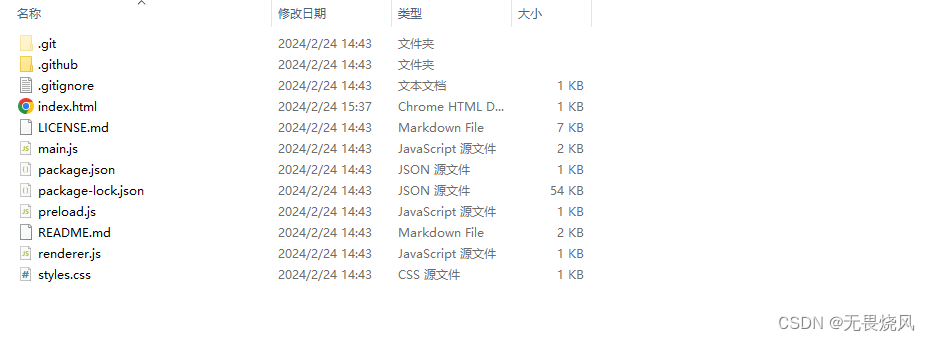
[electron]官方示例解析
官方例子
main.js
const { app, BrowserWindow } = require('electron')- 1
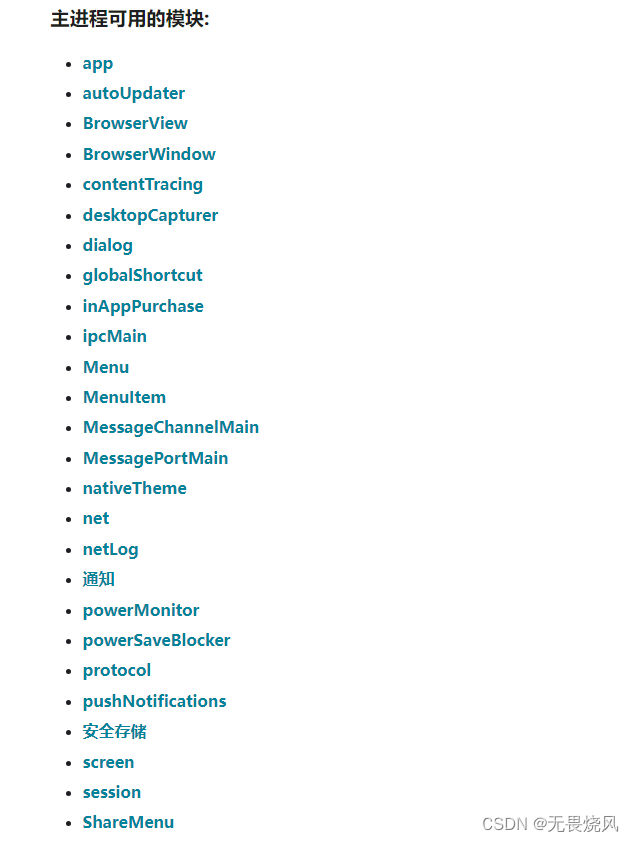
说句实话这里的语法是有部分看不懂的。导入模块虽然
electron有很多模块。但是这里只是用到了app和BrowserWindow
function createWindow () { // Create the browser window. const mainWindow = new BrowserWindow({ width: 800, height: 600, webPreferences: { preload: path.join(__dirname, 'preload.js') } }) // and load the index.html of the app. mainWindow.loadFile('index.html') // Open the DevTools. // mainWindow.webContents.openDevTools() }- 1
- 2
- 3
- 4
- 5
- 6
- 7
- 8
- 9
- 10
- 11
- 12
- 13
- 14
- 15
- 16
创建窗口函数,new了一个
BrowserWindow。并指定了一些属性,然后加载html文件app.whenReady().then(() => { createWindow() app.on('activate', function () { // On macOS it's common to re-create a window in the app when the // dock icon is clicked and there are no other windows open. if (BrowserWindow.getAllWindows().length === 0) createWindow() }) })- 1
- 2
- 3
- 4
- 5
- 6
- 7
- 8
- 9
当
appwhenReady之后就可以创建窗口了,调用createWindow()函数。app.on('window-all-closed', function () { if (process.platform !== 'darwin') app.quit() })- 1
- 2
- 3
当所有窗口退出后。
app退出。package.json
{ "name": "electron-quick-start", "version": "1.0.0", "description": "A minimal Electron application", "main": "main.js", "scripts": { "start": "electron ." }, "repository": "https://github.com/electron/electron-quick-start", "keywords": [ "Electron", "quick", "start", "tutorial", "demo" ], "author": "GitHub", "license": "CC0-1.0", "devDependencies": { "electron": "^29.0.0" } }- 1
- 2
- 3
- 4
- 5
- 6
- 7
- 8
- 9
- 10
- 11
- 12
- 13
- 14
- 15
- 16
- 17
- 18
- 19
- 20
- 21
- 22
这个文件可以由
npm init自动生成。自动生成的文件需要将修改为"scripts": { "start": "electron ." }- 1
- 2
- 3
然后就可以通过 vscode直接运行electron程序了。
-
相关阅读:
项目管理中,项目干系人的角色和责任
【云原生】手把手教你在arm64架构系统,安装kubernetes及适配kubevela
leetcode:2053. 数组中第 K 个独一无二的字符串(python3解法)
The Last Naruto,兼容IE11的vue脚手架
故障治理:如何进行故障复盘
【Go】十九、网络连接与请求发送
适配手机《植物大战僵尸杂交版》最新整合包,附Android、iOS、Windows保姆级教程和工具合集!
一个与 WSL2 建立远程的简单方法
医院敏感文件交互 如何保障安全和效率?
华为机试真题 C++ 实现【字符串排序】
- 原文地址:https://blog.csdn.net/qq_47500842/article/details/136276248