-
Python爬虫进阶:提升爬虫效率

一、单线程+多任务异步协程
- 协程
在函数(特殊函数)定义的时候,使用async修饰,函数调用后,内部语句不会立即执行,而是会返回一个协程对象
- 任务对象
任务对象=高级的协程对象(进一步封装)=特殊的函数
任务对象必须要注册到时间循环对象中
给任务对象绑定回调:爬虫的数据解析中- 事件循环
当做是一个装载任务对象的容器
当启动事件循环对象的时候,存储在内的任务对象会异步执行- 特殊函数内部不能写不支持异步请求的模块,如time,requests…否则虽然不报错但实现不了异步
time.sleep – asyncio.sleep
requests – aiohttpimport asyncio import time start_time = time.time() async def get_request(url): await asyncio.sleep(2) print(url,'下载完成!') urls = [ 'www.1.com', 'www.2.com', ] task_lst = [] # 任务对象列表 for url in urls: c = get_request(url) # 协程对象 task = asyncio.ensure_future(c) # 任务对象 # task.add_done_callback(...) # 绑定回调 task_lst.append(task) loop = asyncio.get_event_loop() # 事件循环对象 loop.run_until_complete(asyncio.wait(task_lst)) # 注册,手动挂起- 1
- 2
- 3
- 4
- 5
- 6
- 7
- 8
- 9
- 10
- 11
- 12
- 13
- 14
- 15
- 16
- 17
- 18
- 19
- 20
- 21
- 22
二、线程池+requests模块
# 线程池 import time from multiprocessing.dummy import Pool start_time = time.time() url_list = [ 'www.1.com', 'www.2.com', 'www.3.com', ] def get_request(url): print('正在下载...',url) time.sleep(2) print('下载完成!',url) pool = Pool(3) pool.map(get_request,url_list) print('总耗时:',time.time()-start_time)- 1
- 2
- 3
- 4
- 5
- 6
- 7
- 8
- 9
- 10
- 11
- 12
- 13
- 14
- 15
- 16
- 17
- 18
三、两个方法提升爬虫效率
起一个flask服务端
from flask import Flask import time app = Flask(__name__) @app.route('/bobo') def index_bobo(): time.sleep(2) return 'hello bobo!' @app.route('/jay') def index_jay(): time.sleep(2) return 'hello jay!' @app.route('/tom') def index_tom(): time.sleep(2) return 'hello tom!' if __name__ == '__main__': app.run(threaded=True)- 1
- 2
- 3
- 4
- 5
- 6
- 7
- 8
- 9
- 10
- 11
- 12
- 13
- 14
- 15
- 16
- 17
- 18
- 19
- 20
- 21
- 22
aiohttp模块+单线程多任务异步协程
import asyncio import aiohttp import requests import time start = time.time() async def get_page(url): # page_text = requests.get(url=url).text # print(page_text) # return page_text async with aiohttp.ClientSession() as s: #生成一个session对象 async with await s.get(url=url) as response: page_text = await response.text() print(page_text) return page_text urls = [ 'http://127.0.0.1:5000/bobo', 'http://127.0.0.1:5000/jay', 'http://127.0.0.1:5000/tom', ] tasks = [] for url in urls: c = get_page(url) task = asyncio.ensure_future(c) tasks.append(task) loop = asyncio.get_event_loop() loop.run_until_complete(asyncio.wait(tasks)) end = time.time() print(end-start) # 异步执行! # hello tom! # hello bobo! # hello jay! # 2.0311079025268555- 1
- 2
- 3
- 4
- 5
- 6
- 7
- 8
- 9
- 10
- 11
- 12
- 13
- 14
- 15
- 16
- 17
- 18
- 19
- 20
- 21
- 22
- 23
- 24
- 25
- 26
- 27
- 28
- 29
- 30
- 31
- 32
- 33
- 34
- 35
- 36
- 37
''' aiohttp模块实现单线程+多任务异步协程 并用xpath解析数据 ''' import aiohttp import asyncio from lxml import etree import time start = time.time() # 特殊函数:请求的发送和数据的捕获 # 注意async with await关键字 async def get_request(url): async with aiohttp.ClientSession() as s: async with await s.get(url=url) as response: page_text = await response.text() return page_text # 返回页面源码 # 回调函数,解析数据 def parse(task): page_text = task.result() tree = etree.HTML(page_text) msg = tree.xpath('/html/body/ul//text()') print(msg) urls = [ 'http://127.0.0.1:5000/bobo', 'http://127.0.0.1:5000/jay', 'http://127.0.0.1:5000/tom', ] tasks = [] for url in urls: c = get_request(url) task = asyncio.ensure_future(c) task.add_done_callback(parse) #绑定回调函数! tasks.append(task) loop = asyncio.get_event_loop() loop.run_until_complete(asyncio.wait(tasks)) end = time.time() print(end-start)- 1
- 2
- 3
- 4
- 5
- 6
- 7
- 8
- 9
- 10
- 11
- 12
- 13
- 14
- 15
- 16
- 17
- 18
- 19
- 20
- 21
- 22
- 23
- 24
- 25
- 26
- 27
- 28
- 29
- 30
- 31
- 32
- 33
- 34
- 35
- 36
- 37
- 38
- 39
- 40
- 41
requests模块+线程池
import time import requests from multiprocessing.dummy import Pool start = time.time() urls = [ 'http://127.0.0.1:5000/bobo', 'http://127.0.0.1:5000/jay', 'http://127.0.0.1:5000/tom', ] def get_request(url): page_text = requests.get(url=url).text print(page_text) return page_text pool = Pool(3) pool.map(get_request, urls) end = time.time() print('总耗时:', end-start) # 实现异步请求 # hello jay! # hello bobo! # hello tom! # 总耗时: 2.0467123985290527- 1
- 2
- 3
- 4
- 5
- 6
- 7
- 8
- 9
- 10
- 11
- 12
- 13
- 14
- 15
- 16
- 17
- 18
- 19
- 20
- 21
- 22
- 23
- 24
- 25
总结
- 爬虫的加速目前掌握了两种方法:
aiohttp模块+单线程多任务异步协程
requests模块+线程池- 爬虫接触的模块有三个:
requests
urllib
aiohttp- 接触了一下flask开启服务器
关于Python技术储备
学好 Python 不论是就业还是做副业赚钱都不错,但要学会 Python 还是要有一个学习规划。最后大家分享一份全套的 Python 学习资料,给那些想学习 Python 的小伙伴们一点帮助!
👉CSDN大礼包:《Python入门资料&实战源码&安装工具】免费领取(安全链接,放心点击)
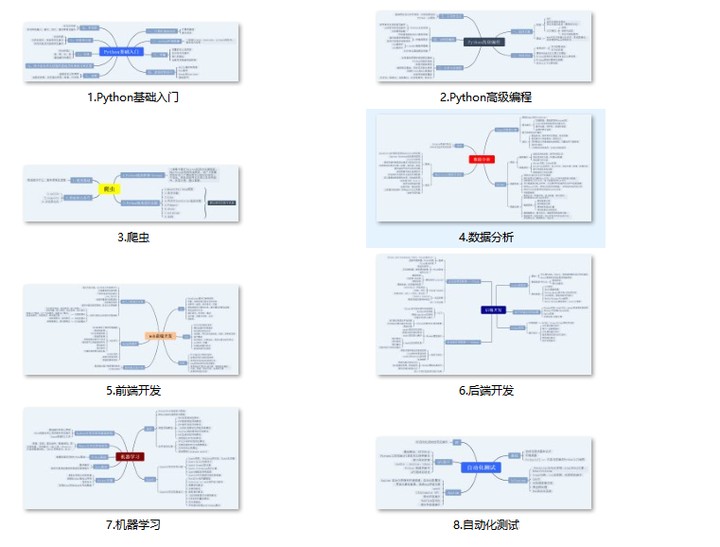
一、Python所有方向的学习路线
Python所有方向的技术点做的整理,形成各个领域的知识点汇总,它的用处就在于,你可以按照上面的知识点去找对应的学习资源,保证自己学得较为全面。
二、Python基础学习视频
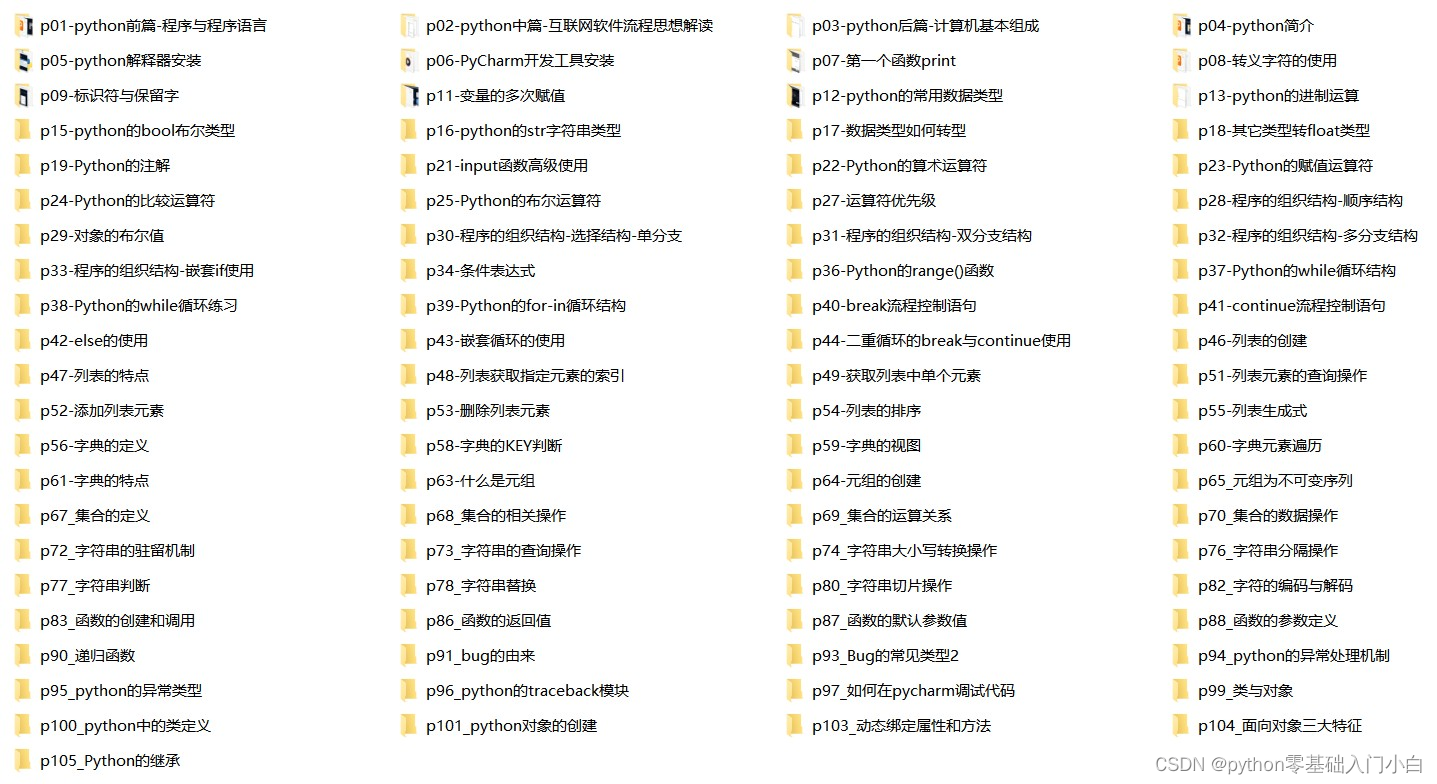
② 路线对应学习视频
还有很多适合0基础入门的学习视频,有了这些视频,轻轻松松上手Python~在这里插入图片描述
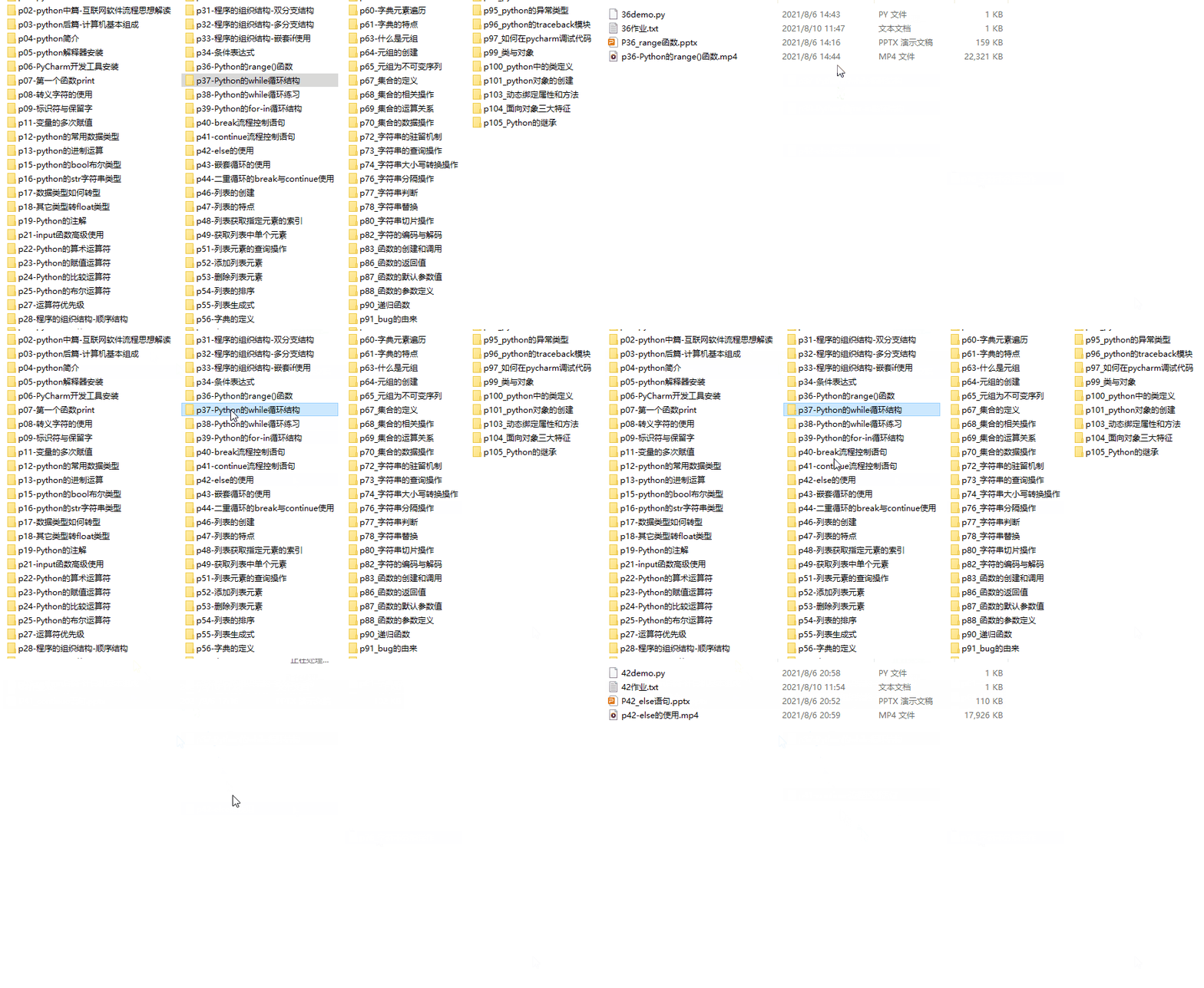
③练习题
每节视频课后,都有对应的练习题哦,可以检验学习成果哈哈!
因篇幅有限,仅展示部分资料三、精品Python学习书籍
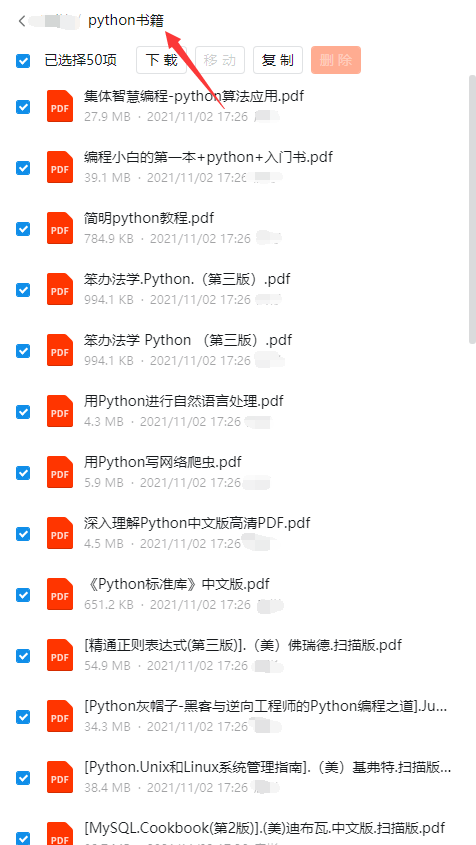
当我学到一定基础,有自己的理解能力的时候,会去阅读一些前辈整理的书籍或者手写的笔记资料,这些笔记详细记载了他们对一些技术点的理解,这些理解是比较独到,可以学到不一样的思路。
四、Python工具包+项目源码合集
①Python工具包
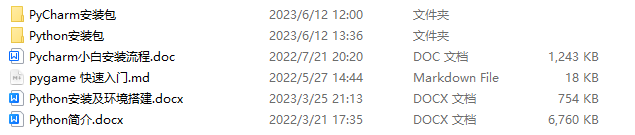
学习Python常用的开发软件都在这里了!每个都有详细的安装教程,保证你可以安装成功哦!
②Python实战案例
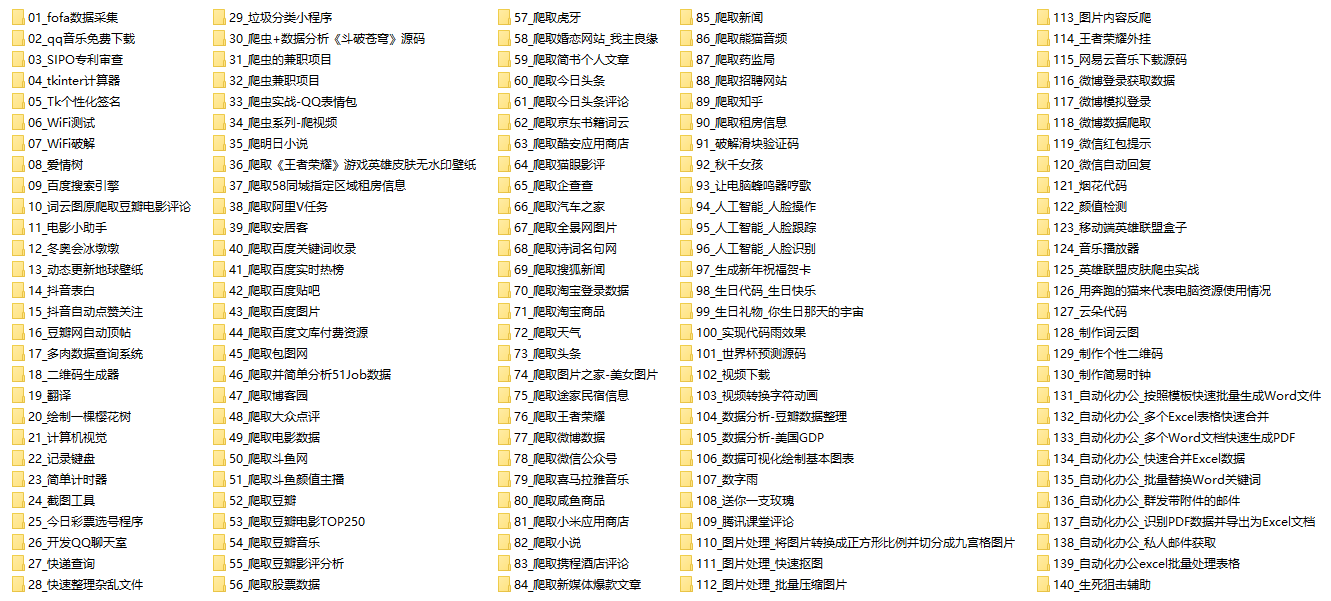
光学理论是没用的,要学会跟着一起敲代码,动手实操,才能将自己的所学运用到实际当中去,这时候可以搞点实战案例来学习。100+实战案例源码等你来拿!
③Python小游戏源码
如果觉得上面的实战案例有点枯燥,可以试试自己用Python编写小游戏,让你的学习过程中增添一点趣味!

五、面试资料
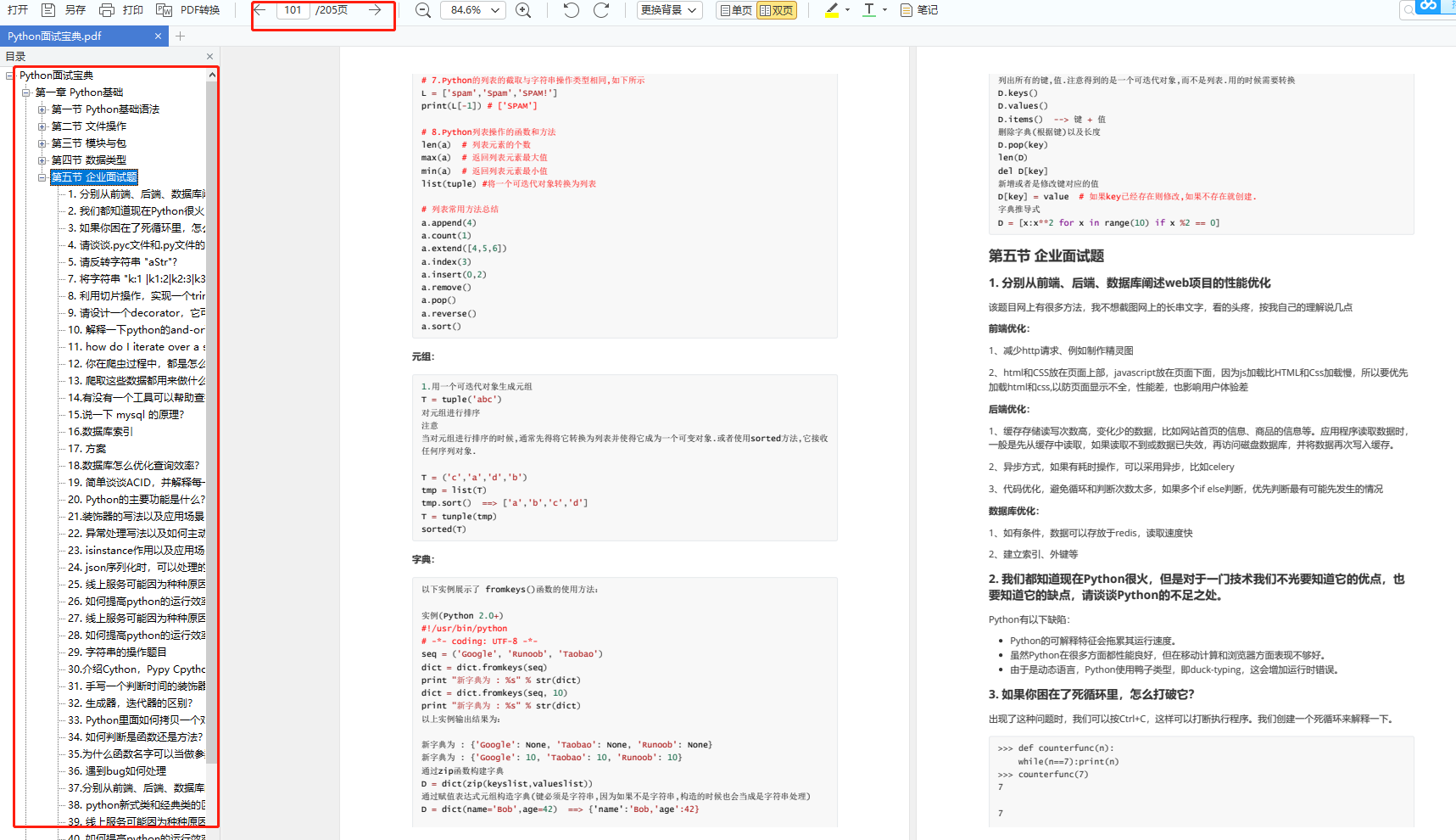
我们学习Python必然是为了找到高薪的工作,下面这些面试题是来自阿里、腾讯、字节等一线互联网大厂最新的面试资料,并且有阿里大佬给出了权威的解答,刷完这一套面试资料相信大家都能找到满意的工作。

六、Python兼职渠道
而且学会Python以后,还可以在各大兼职平台接单赚钱,各种兼职渠道+兼职注意事项+如何和客户沟通,我都整理成文档了。


这份完整版的Python全套学习资料已经上传CSDN,朋友们如果需要可以微信扫描下方CSDN官方认证二维码免费领取【保证100%免费】
-
相关阅读:
在微信小程序上做一个「博客园年度总结」:解决前端获取接口数据太慢的一种思路
Dubbo(一)——概念与环境搭建
React 补充
eclipse项目导入教程
java计算机毕业设计中小企业的在线工作日志管理系统源程序+mysql+系统+lw文档+远程调试
MySQL几种方法的数据库备份
note_47: sony wf-1000xm4右耳机忽然连不上
c++23中的新功能之十四输入输出指针
std::function
Nginx配置实例-反向代理
- 原文地址:https://blog.csdn.net/2301_80240808/article/details/134421930
