-
Kafka集群修改单个Topic数据保存周期
在大数据部门经常使用Kafka集群,有的时候大数据部门可能在Kafka中的Topic数据保存时间不需要很长,一旦被消费后就不需要一直保留。默认Topic存储时间为
7day,个别的Topic或者某台Kafka集群需要修改Topic数据保存的一个周期,调整为3天或者1天目前修改Topic 有两种方法
- 通过修改Kafka配置文件,使全局生效,所有的Topic数据保存时间都进行修改
- 通过参数调整某个Topic数据保存时间
以上两种方式均进行演示
相关版本信息
- [root@web-03 ~]# /opt/kafka/bin/kafka-topics.sh --version
- 3.4.0 (Commit:2e1947d240607d53)
- [root@web-03 ~]# cat /etc/redhat-release
- CentOS Linux release 7.4.1708 (Core)
- [root@web-03 ~]# uname -r
- 3.10.0-693.el7.x86_64
全局生效
修改配置文件
- [root@web-03 ~]# vim /opt/kafka/config/server.properties
- # The minimum age of a log file to be eligible for deletion due to age
- log.retention.hours=12
- #单位为小时
如果是集群需要集群内其它机器也修改
修改完配置文件重启,配置文件是全局生效
单个Topic生效
首先我们先查看目前的
Topic- [root@web-03 ~]# /opt/kafka/bin/kafka-topics.sh --list --bootstrap-server 192.168.31.71:9092
- tw222
- two
使用
describe参数查看详细Topic数值- [root@web-03 ~]# /opt/kafka/bin/kafka-topics.sh --bootstrap-server 192.168.31.71:9092 --describe --topic tw222
- Topic: tw222 TopicId: qS-h_V78ShyKC6pN1cuCfw PartitionCount: 2 ReplicationFactor: 1 Configs: segment.bytes=1073741824
- Topic: tw222 Partition: 0 Leader: 0 Replicas: 0 Isr: 0
- Topic: tw222 Partition: 1 Leader: 0 Replicas: 0 Isr: 0
- [root@web-03 ~]#
使用
kafka-configs.sh修改Topic名称为tw222- [root@web-03 ~]# /opt/kafka/bin/kafka-configs.sh --bootstrap-server 192.168.31.71:9092 --alter --entity-name tw222 --entity-type topics --add-config retention.ms=86400000
- #下面为输出结果
- Completed updating config for topic tw222.
- #--entity-name 指定Topic名称 tw222
- #--entity-type topics 类型为Topic
- #retention.ms=数据保留时间
- 86400000毫秒=1天
- 172800000毫秒=2天
- 259200000毫秒=3天
毫秒计算器可以访问下面的地址,由abcdocker维护
在线时间换算,年月周天换算,时间单位换算工具-abcdocker在线工具系统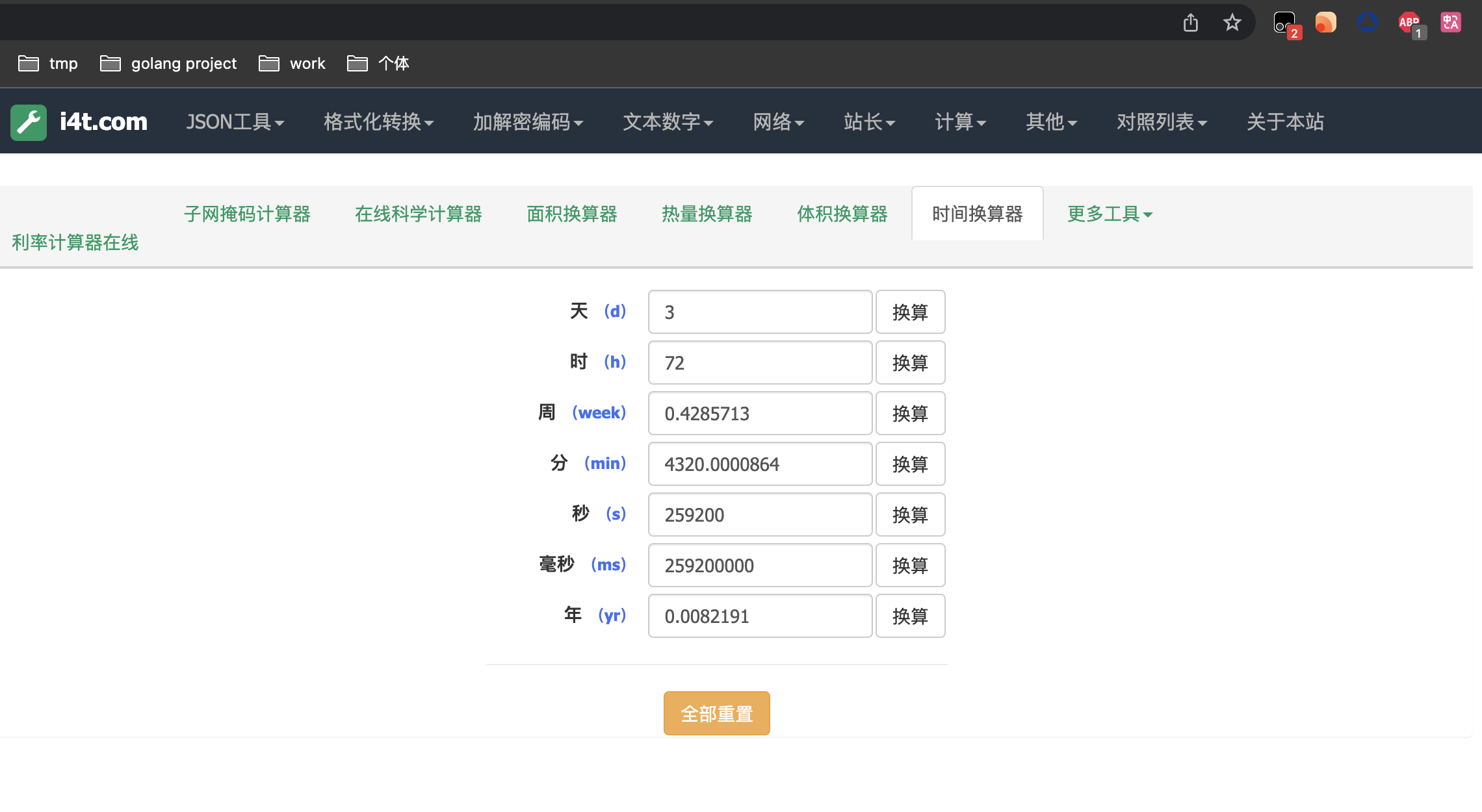
接下来我们查看效果
- [root@web-03 ~]# /opt/kafka/bin/kafka-topics.sh --bootstrap-server 192.168.31.71:9092 --describe --topic tw222
- Topic: tw222 TopicId: qS-h_V78ShyKC6pN1cuCfw PartitionCount: 2 ReplicationFactor: 1 Configs: segment.bytes=1073741824,retention.ms=86400000
- Topic: tw222 Partition: 0 Leader: 0 Replicas: 0 Isr: 0
- Topic: tw222 Partition: 1 Leader: 0 Replicas: 0 Isr: 0
- #retention.ms=86400000这里表示已经为Topic添加了过期时间

相关文章:
-
相关阅读:
基于JAVA后勤招标采购管理系统2021计算机毕业设计源码+数据库+lw文档+系统+部署
虹科示波器 | 汽车免拆检修 | 2021款广汽丰田威兰达PHEV车发动机故障灯异常点亮
【算法专题--链表】两两交换链表中的节点 -- 高频面试题(图文详解,小白一看就懂!!!)
vue文档网址
patch
C++面试八股文:如何实现一个strncpy函数?
Docker入门学习笔记(狂神版)
【每日一题】 Dijkstra求最短路 II,堆优化算法
Apache的配置详解
c#多线程同步执行
- 原文地址:https://blog.csdn.net/qq_32445015/article/details/130750263