import matplotlib.pyplot as plt
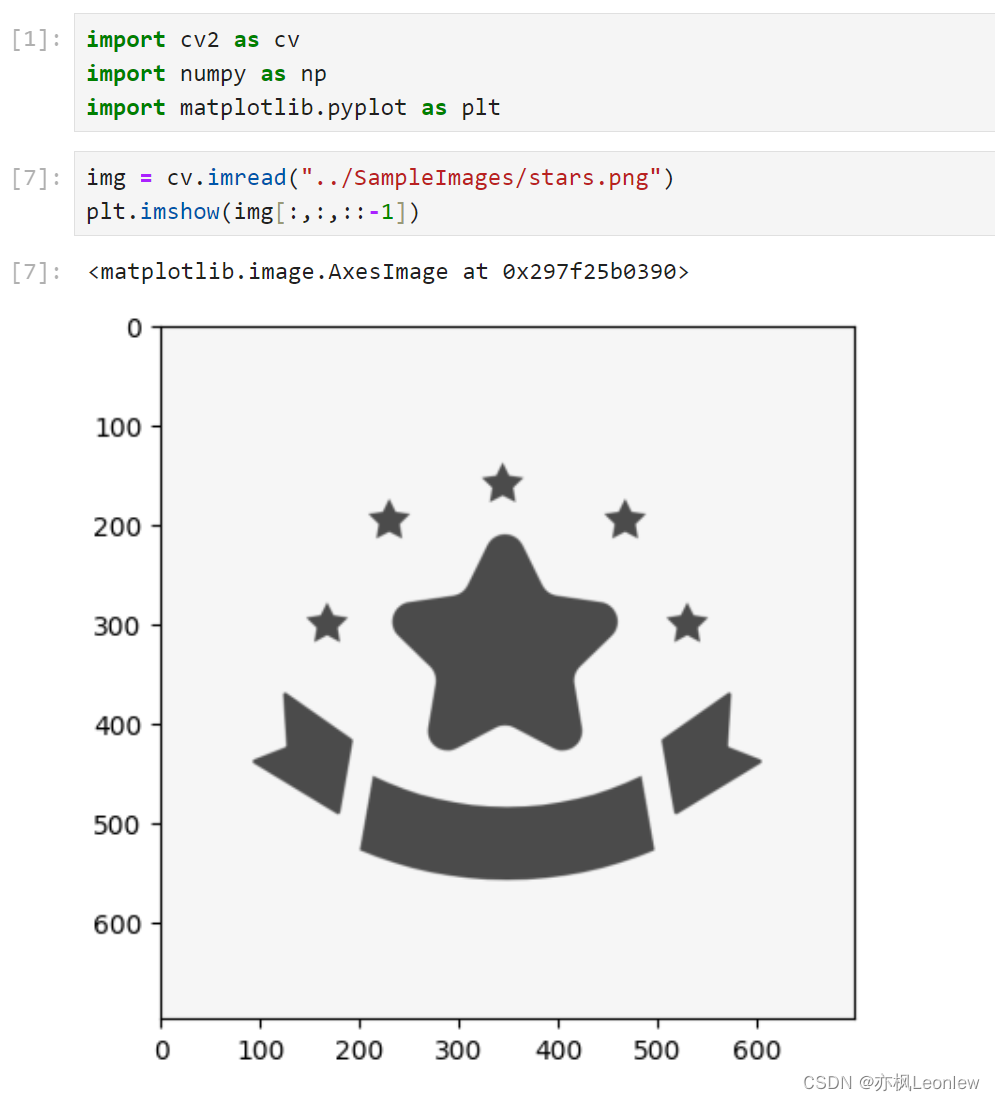
img = cv.imread("../SampleImages/stars.png")
plt.imshow(img[:,:,::-1])
img_gray = cv.cvtColor(img, cv.COLOR_BGR2GRAY)
ret,thresh = cv.threshold(img_gray, 127, 255, 0)
plt.imshow(thresh, cmap=plt.cm.gray)
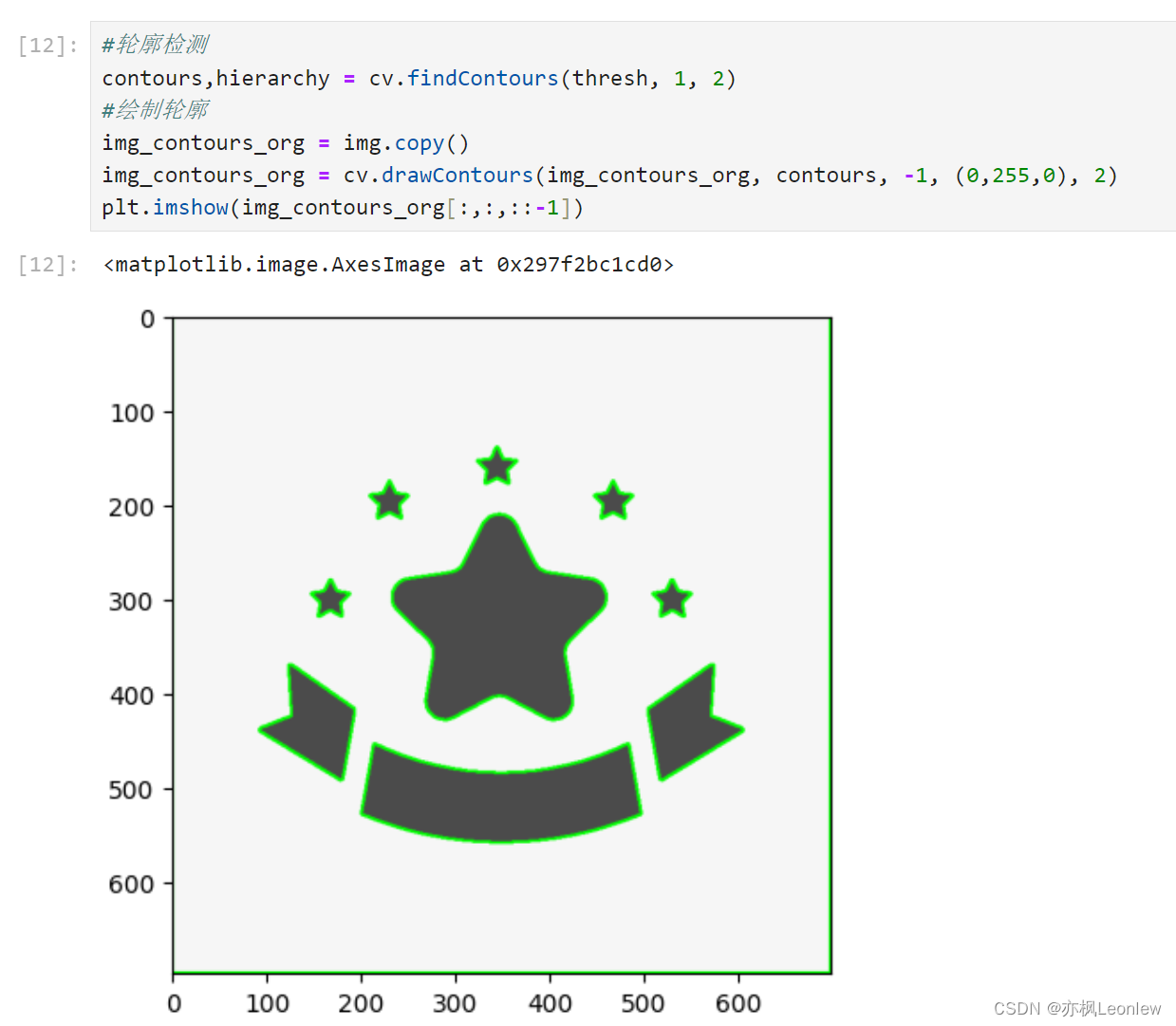
contours,hierarchy = cv.findContours(thresh, 1, 2)
img_contours_org = img.copy()
img_contours_org = cv.drawContours(img_contours_org, contours, -1, (0,255,0), 2)
plt.imshow(img_contours_org[:,:,::-1])
img_rect_contour = img.copy()
#x,y,w,h = cv.boundingRect(contour)
#x,y,w,h: 矩形左上角(x,y)坐标,以及矩形的宽度和高度
#参考资料:https://blog.csdn.net/hjxu2016/article/details/77833984
x,y,w,h = cv.boundingRect(contour)
img_rect_contour = cv.rectangle(img_rect_contour, (x,y), (x+w,y+h), (0,255,0), 2)
#rect = cv.minAreaRect(contour)
#rect: 最小外接矩阵的信息(中心(x,y),(w,h),旋转角度)
#参考资料:https://blog.csdn.net/lanyuelvyun/article/details/76614872
rect = cv.minAreaRect(contour)
#使用boxPoints获得最小外接矩阵的4个顶点坐标
cv.polylines(img_rect_contour, [box], True, (0,0,255), 2)
plt.imshow(img_rect_contour[:,:,::-1])