-
一文学会JavaScript计时事件
JavaScript 计时事件
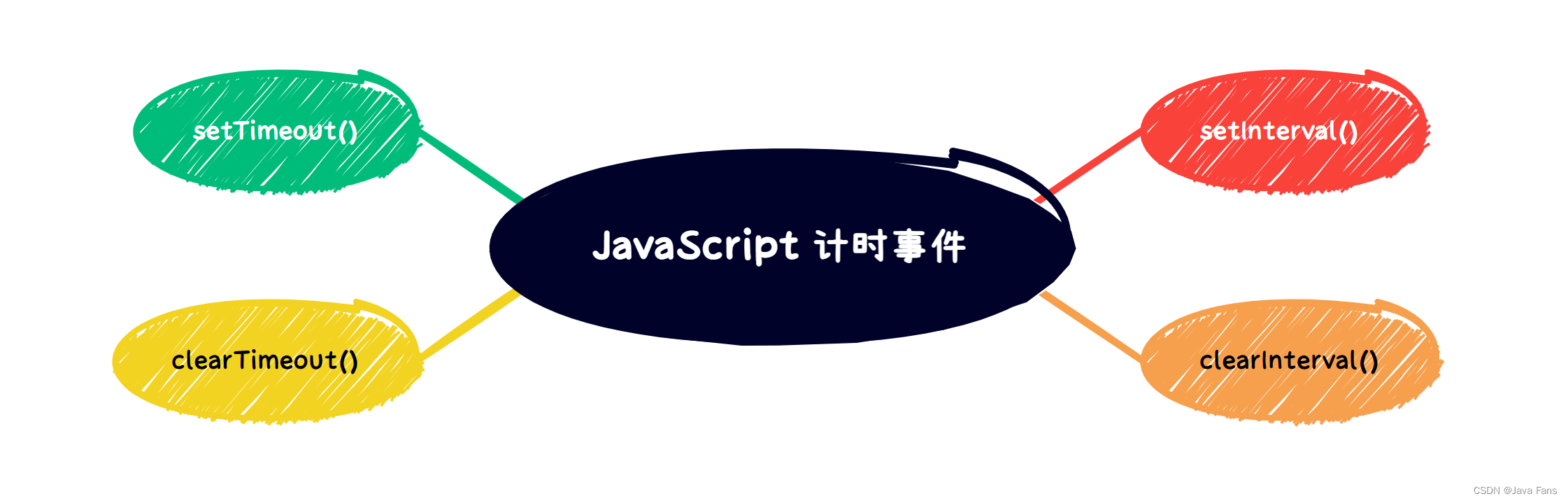
通过使用 JavaScript,我们有能力做到在一个设定的时间间隔之后来执行代码,而不是在函数被调用后立即执行。我们称之为计时事件。
在 JavaScript 中使用计时事件是很容易的有四个常用方法:
setInterval() - 间隔指定的毫秒数不停地执行指定的代码。
clearInterval() -方法用于停止 setInterval() 方法执行的函数代码。
setTimeout() - 在指定的毫秒数后执行指定代码。
clearTimeout() -方法用于停止执行setTimeout()方法的函数代码。
注意: setInterval() 和 setTimeout() 是 HTML DOM Window对象的两个方法。
setInterval() 方法
setInterval() 间隔指定的毫秒数不停地执行指定的代码
语法:
window.setInterval(“javascript function”,milliseconds);
window.setInterval() 方法可以不使用 window 前缀,直接使用函数 setInterval()。setInterval() 第一个参数是函数(function);第二个参数间隔的毫秒数。
注意: 1000 毫秒是一秒。
实例:
显示当前时间DOCTYPE html> <html> <head> <meta charset="utf-8"> <title>时钟显示title> <style> div{ width: 300px; height: 100px; background-color: aquamarine; margin: 50px auto; text-align: center; line-height: 100px; border:1px solid black; border-radius: 100px; } style> head> <body> <div>div> body> <script> var divEle=document.querySelector('div'); setInterval(function(){dateTimes()},1000); //封装时间的函数 function dateTimes(){ var date=new Date(); var dateHours=date.getHours(); var dateMinutes=date.getMinutes(); var dateSeconds=date.getSeconds(); if(parseInt(dateHours)<10){ dateHours='0'+dateHours; } if(parseInt(dateMinutes)<10){ dateMinutes='0'+dateMinutes; } if(parseInt(dateSeconds)<10){ dateSeconds='0'+dateSeconds; } var xingQi=date.getDay(); var weeks=['星期日','星期一','星期二','星期三','星期四','星期五','星期六'] var dateStr=date.getFullYear()+'年'+(date.getMonth()+1)+'月'+date.getDate() +'日,'+dateHours+":"+dateMinutes+":"+dateSeconds+','+weeks[xingQi]; divEle.innerText=dateStr; // return dateStr; } // divEle.innerText=dateTimes(); script> html>- 1
- 2
- 3
- 4
- 5
- 6
- 7
- 8
- 9
- 10
- 11
- 12
- 13
- 14
- 15
- 16
- 17
- 18
- 19
- 20
- 21
- 22
- 23
- 24
- 25
- 26
- 27
- 28
- 29
- 30
- 31
- 32
- 33
- 34
- 35
- 36
- 37
- 38
- 39
- 40
- 41
- 42
- 43
- 44
- 45
- 46
- 47
- 48
- 49
- 50
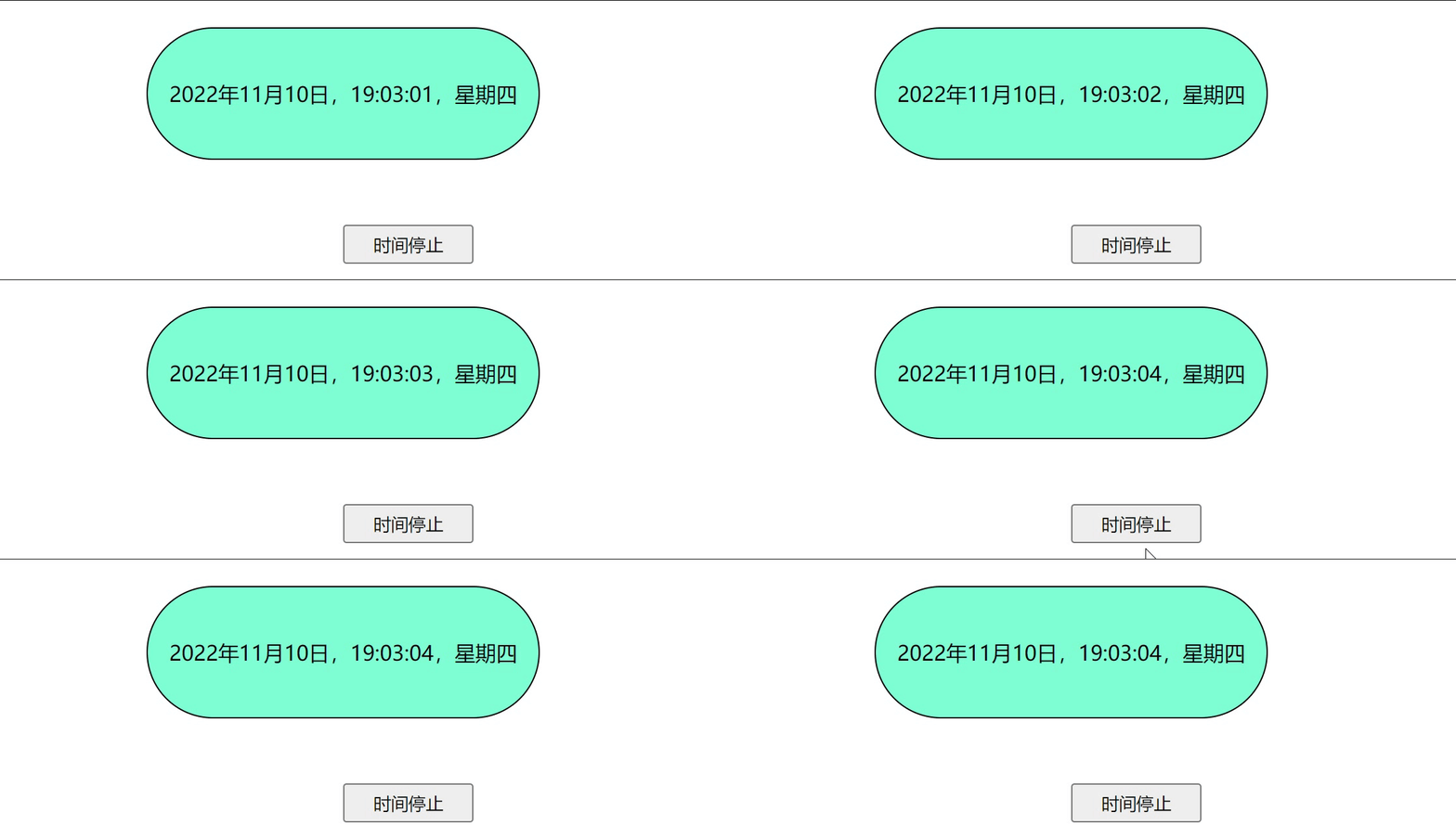
运行效果:

clearInterval() 方法
clearInterval() 方法用于停止 setInterval() 方法执行的函数代码。
语法:
window.clearInterval(intervalVariable)
window.clearInterval() 方法可以不使用window前缀,直接使用函数clearInterval()。要使用 clearInterval() 方法, 在创建计时方法时你必须使用全局变量:
myVar=setInterval(“javascript function”,milliseconds);
然后你可以使用 clearInterval() 方法来停止执行。实例:
DOCTYPE html> <html> <head> <meta charset="utf-8"> <title>时钟显示title> <style> div{ width: 300px; height: 100px; background-color: aquamarine; margin: 50px auto; text-align: center; line-height: 100px; border:1px solid black; border-radius: 100px; } button{ width: 100px; height: 30px; margin: 0 auto; margin-left: 50%; } style> head> <body> <div>div> <button onclick="myStopFunction()">时间停止button> body> <script> var divEle=document.querySelector('div'); var myVar=setInterval(function(){dateTimes()},1000); //封装时间的函数 function dateTimes(){ var date=new Date(); var dateHours=date.getHours(); var dateMinutes=date.getMinutes(); var dateSeconds=date.getSeconds(); if(parseInt(dateHours)<10){ dateHours='0'+dateHours; } if(parseInt(dateMinutes)<10){ dateMinutes='0'+dateMinutes; } if(parseInt(dateSeconds)<10){ dateSeconds='0'+dateSeconds; } var xingQi=date.getDay(); var weeks=['星期日','星期一','星期二','星期三','星期四','星期五','星期六'] var dateStr=date.getFullYear()+'年'+(date.getMonth()+1)+'月'+date.getDate() +'日,'+dateHours+":"+dateMinutes+":"+dateSeconds+','+weeks[xingQi]; divEle.innerText=dateStr; // return dateStr; } function myStopFunction(){ clearInterval(myVar); } // divEle.innerText=dateTimes(); script> html>- 1
- 2
- 3
- 4
- 5
- 6
- 7
- 8
- 9
- 10
- 11
- 12
- 13
- 14
- 15
- 16
- 17
- 18
- 19
- 20
- 21
- 22
- 23
- 24
- 25
- 26
- 27
- 28
- 29
- 30
- 31
- 32
- 33
- 34
- 35
- 36
- 37
- 38
- 39
- 40
- 41
- 42
- 43
- 44
- 45
- 46
- 47
- 48
- 49
- 50
- 51
- 52
- 53
- 54
- 55
- 56
- 57
- 58
- 59
- 60
- 61
运行效果:
setTimeout() 方法
setTimeout() 在指定的毫秒数后执行指定代码。
语法:
myVar= window.setTimeout(“javascript function”, milliseconds);
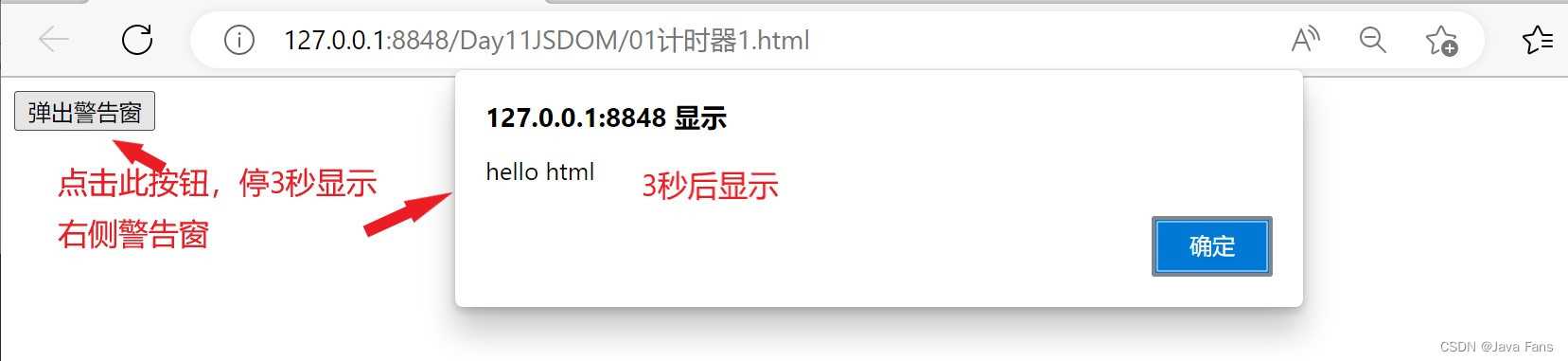
setTimeout() 方法会返回某个值。在上面的语句中,值被储存在名为 myVar 的变量中。假如你希望取消这个 setTimeout(),你可以使用这个变量名来指定它。setTimeout() 的第一个参数是含有 JavaScript 语句的字符串。这个语句可能诸如 “alert(‘5 seconds!’)”,或者对函数的调用,诸如 alertMsg。
第二个参数指示从当前起多少毫秒后执行第一个参数。
提示:1000 毫秒等于一秒。
实例:
DOCTYPE html> <html> <head> <meta charset="utf-8" /> <title>计时器title> head> <body> <button onclick="showAlert()">弹出警告窗button> body> <script> var result2; function showAlert(){ result2 =setTimeout(function(){ alert('hello html'); },3000); } script> html>- 1
- 2
- 3
- 4
- 5
- 6
- 7
- 8
- 9
- 10
- 11
- 12
- 13
- 14
- 15
- 16
- 17
- 18
- 19
- 20
- 21
运行效果:
clearTimeout() 方法
clearTimeout() 方法用于停止执行setTimeout()方法的函数代码。
语法:
window.clearTimeout(timeoutVariable)
window.clearTimeout() 方法可以不使用window 前缀。要使用clearTimeout() 方法, 你必须在创建超时方法中(setTimeout)使用全局变量:
myVar=setTimeout(“javascript function”,milliseconds);如果函数还未被执行,你可以使用 clearTimeout() 方法来停止执行函数代码。
实例:
DOCTYPE html> <html> <head> <meta charset="utf-8" /> <title>计时器title> head> <body> <button onclick="showAlert()">弹出警告窗button> <button onclick="stopAlert()">停止弹出警告窗button> body> <script> var result2; function showAlert(){ result2 =setTimeout(function(){ alert('hello html'); },3000); } function stopAlert(){ clearTimeout(result2); } script> html>- 1
- 2
- 3
- 4
- 5
- 6
- 7
- 8
- 9
- 10
- 11
- 12
- 13
- 14
- 15
- 16
- 17
- 18
- 19
- 20
- 21
- 22
- 23
- 24
- 25
- 26
运行效果:

-
相关阅读:
Spring Boot最核心的25个注解
客户案例:CAC2.0监测异常账号行为,缓解暴力破解攻击
通过js获取用户网络ip地址
生成式AI模型大PK——GPT-4、Claude 2.1和Claude 3.0 Opus
基本算法——直接选择排序
【JavaWeb】Servlet技术
MAC下downie下载网页视频报错“转换错误”解决方案
Docker 常用命令整理
使用Windbg排查线程死锁引起的连不上服务器问题
策略梯度(Policy Gradient)算法学习
- 原文地址:https://blog.csdn.net/hh867308122/article/details/127785348
