-
App移动端测试【9】monkey测试特定的App
通过monkey测试特定的App
1.Monkey测试特定的app
通过monkey可以测试特定的app,基础语法如下:
adb shell monkey [options] 200- 1
1.1 包约束
回顾通过uiautomator 去查看某个应用的包名。如qq包名:com.tencent.mobileqq 微信包名:com.tencent.mm
参数-p,如adb shell monkey –p com.tencent.mobileqq 100- 1
如果说同时操纵2个应用
adb shell monkey –p com.tencent.mobileqq -p com.tencent.mm 500 #同时启动了微信与qq- 1
- 2
1.2. Activity约束
Activity涉及到类,与开发人员息息相关。而自动化测试工程师未必知道,因此使用率并不高
参数 –c,格式:adb shell monkey -c- 1
1.3. 当出错的时候该如何处理
- 当应用程序崩溃后,继续发送事件
adb shell monkey --ignore-crashes- 1
- 超时错误继续发送事件
adb shell monkey --ignore-timeouts- 1
- 当应用程序权限错误发生后继续发送事件
adb shell monkey --ignore-security-exceptions- 1
- 其他:安卓系统崩溃等。
2.Monkey命令综合案例
案例:
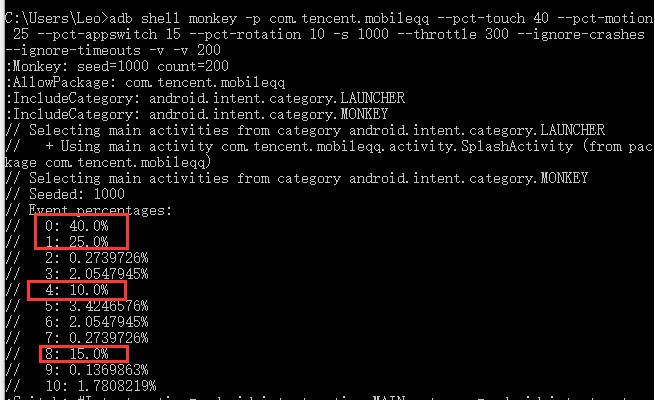
以腾讯qq为例进行测试,通过monkey对qq进行随机操作测试。
要求:- 指定包名 com.tencent.mobileqq (-p)
- 假设qq日常操作的触摸事件与手势事件较多,因此该2项占用比例要较多 --pct-touch(40%) 和 –pct-motion(25%)
- 对activity进行大量测试 --pct-appswitch将activity的事件占比调整到15%
- 对屏幕的旋转测试,–pct-rotation(10%)
- 便于回放事件流一致。需要设定Seed -s
- 考虑到2个事件操作间的间隔,设定间隔时间为1000ms,每个monkey操作固定延迟0.3秒
- 考虑monkey执行过程中,可能会程序发生意外(崩溃等)–ignore-crashes --ignore-timeouts
- 使用日志,-v,日志级别是1级即可(2个-v)
Monkey脚本:
C:\Users\Leo>adb shell monkey -p com.tencent.mobileqq --pct-touch 40 --pct-motion 25 --pct-appswitch 15 --pct-rotation 10 -s 1000 --throttle 300 --ignore-crashes --ignore-timeouts -v -v 200- 1
测试精讲视频
如果你觉的文章读的不过瘾,可以查看详细的视频教程。
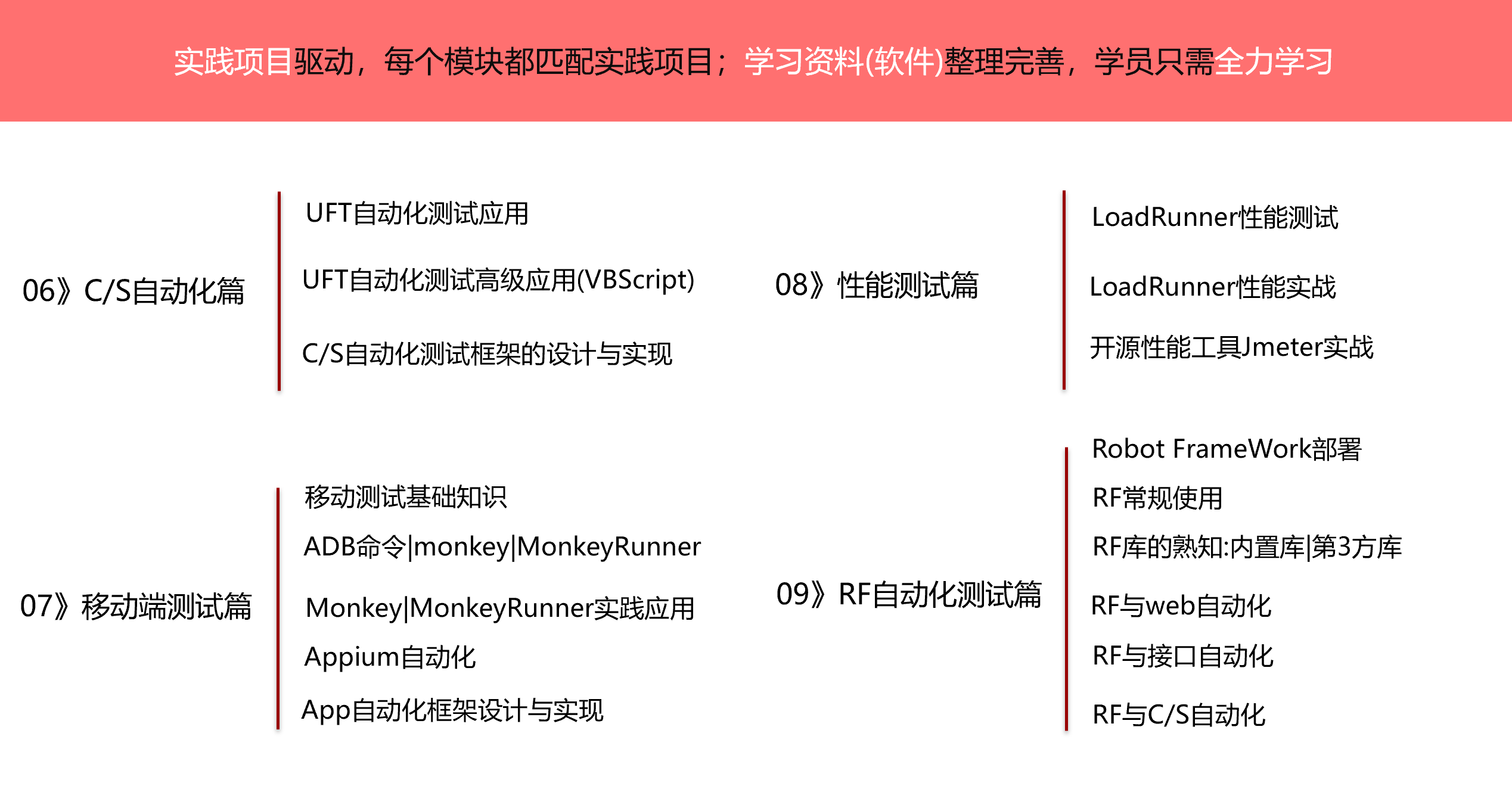
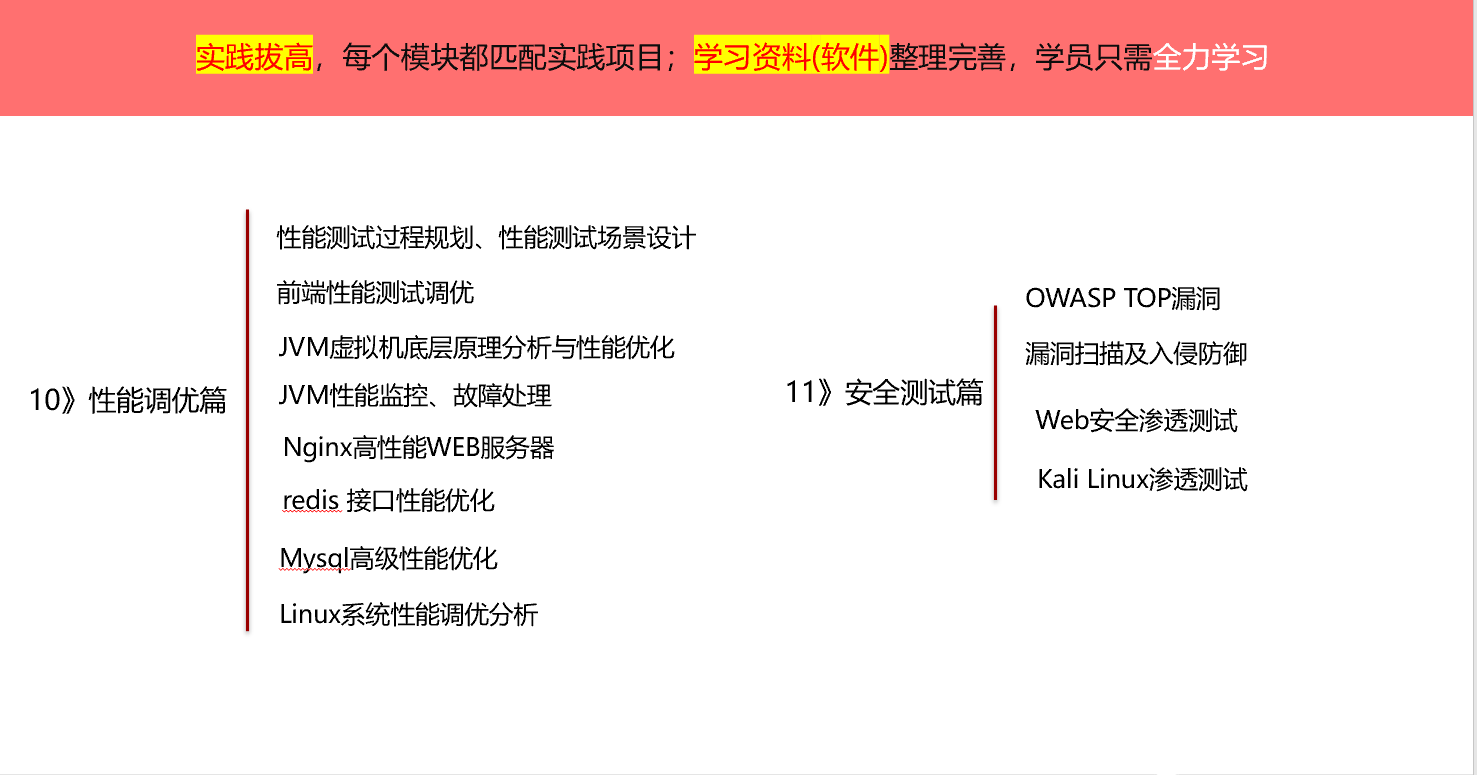
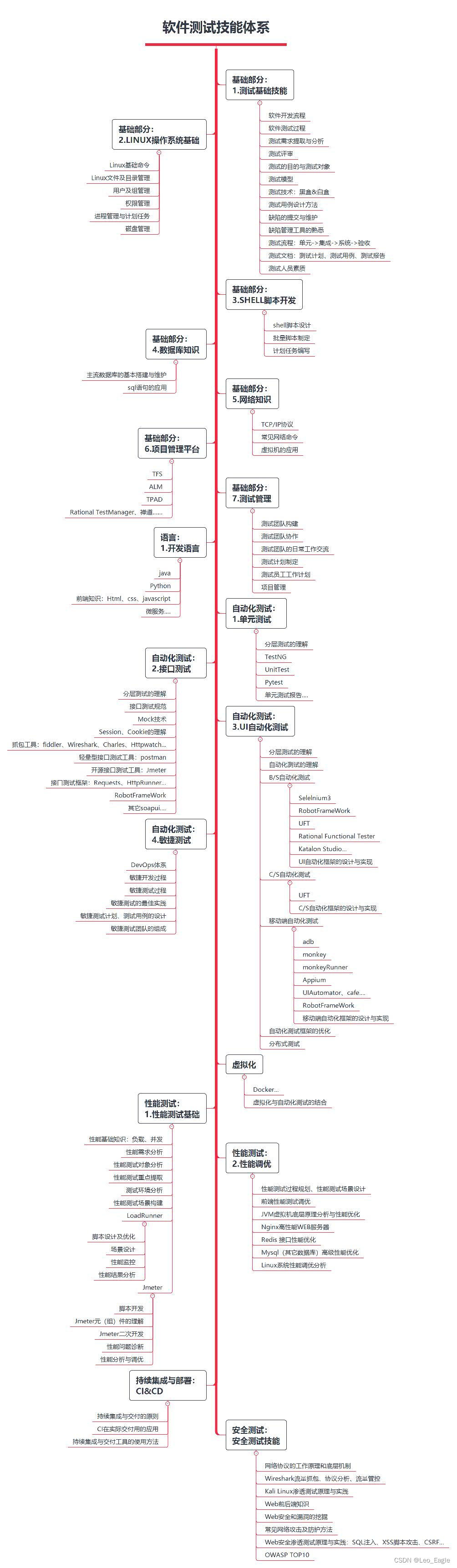
学习路线如下

-
相关阅读:
【力扣刷题 动态规划】LeetCode 139 单词拆分、LeetCode 300 最长递增子序列 ✌
LeetCode 150. 逆波兰表达式求值
面渣逆袭:半个小时成功拿下阿里一面HashMap追魂二十三问
实现自定义SpringBoot的Starter
LeetCode每日一题(1621. Number of Sets of K Non-Overlapping Line Segments)
Python基于PHP+MySQL的个人网页设计与实现
MATLAB科学计算从入门到精通
【剑指offer48:字符串的排列(下一次排列的进阶版本)】
C#线程间操作无效:从不是创建控件“textbox1”的线程访问它
【华为OD机试python】数据分类【2023 B卷|100分】
- 原文地址:https://blog.csdn.net/hb_lxp/article/details/126660223