-
SpringBoot 整合 JustAuth 实现第三方登录 | gitee登录
我第一次想去实现
gitee、github登录的时候,完全就是各种搜索,看到一个知识点去了解一个知识点,当时 JustAuth 其实已经存在了,但是远没有现在这么容易搜索到。一、第三方登录
在实现第三方登录前,咱们先聊聊第三方登录背后大致的实现逻辑吧,代码实现其实很简单,思想在这种时候,可能比代码更为重要一些。
现在只要稍微大点的网站或是app都会支持第三方登录吧,面对我们开发者居多的 gitee、github、google等,面对普通用户较多的qq、微信等第三方登录。
第三方登录大都是基于OAuth2.0协议实现的,OAuth是一项协议,它为用户资源的授权提供了一个安全、开放而简易的标准,OAuth的授权不会使第三方触及到用户的账号信息(比如密码)。
市面上也有很多例子,像我们平常肯定也是使用过第三方登录的。
假如你注册一个平台,在你选择使用第三方登录时,一般都会跳转到你选择的登录平台的登录页面去,在那里进行密码的输入,以及用户信息的验证。你注册的那个平台,不会接触到你的密码账号信息等信息,一般都是授权一些昵称、头像等基本信息的使用,一定程度上保护了你本人的一些信息在网络上的扩散和泄露。
二、项目中接入Gitee登录
如果是自己从0到1实现第三方其实也是可以的,只不过要不过自己封装一些请求罢了。市面有并且不止一种方面帮我们造出了轮子,适当的学会偷懒还是可以的~
这个适当的偷懒,并非说让大家依赖在使用这一层,在能够使用之后,你应该要有好奇和热爱探索的时候,你该去试着想一想还有没有更简便的方式,又或是你自己可以封装这样的一个工具吗?亦或是心中有那么一种想知道它是如何实现的想法。
我觉得这才是学习时候的成长,并且就算是在以后突然多了一些定制化的需求,你也有足够大的把握去实现它。
被动的推动,远不如自我的好奇来的实在和有趣~
2.1、准备环境
导入jar~
拥有一个Gitee账号~
2.1.1、gitee创建一个应用
在个人设置中,找到数据管理中的第三方应用。

然后点击创建应用:


创建成功后,拿到
Client ID、Client Secret两个信息
2.1.2、准备项目
创建springboot项目、导入依赖

- <parent>
- <groupId>org.springframework.boot</groupId>
- <artifactId>spring-boot-starter-parent</artifactId>
- <version>2.5.2</version>
- <relativePath/> <!-- lookup parent from repository -->
- </parent>
- <properties>
- <maven.compiler.source>8</maven.compiler.source>
- <maven.compiler.target>8</maven.compiler.target>
- </properties>
- <dependencies>
- <dependency>
- <groupId>org.springframework.boot</groupId>
- <artifactId>spring-boot-starter</artifactId>
- <version>2.5.2</version>
- </dependency>
- <dependency>
- <groupId>org.springframework.boot</groupId>
- <artifactId>spring-boot-starter-web</artifactId>
- <version>2.5.2</version>
- </dependency>
- <dependency>
- <groupId>org.springframework.boot</groupId>
- <artifactId>spring-boot-starter-test</artifactId>
- </dependency>
- <dependency>
- <groupId>junit</groupId>
- <artifactId>junit</artifactId>
- <version>4.12</version>
- </dependency>
- <dependency>
- <groupId>com.alibaba</groupId>
- <artifactId>fastjson</artifactId>
- <version>1.2.72</version>
- </dependency>
- <dependency>
- <groupId>org.projectlombok</groupId>
- <artifactId>lombok</artifactId>
- <version>1.18.20</version>
- </dependency>
- <dependency>
- <groupId>cn.hutool</groupId>
- <artifactId>hutool-all</artifactId>
- <version>5.1.4</version>
- </dependency>
- <dependency>
- <groupId>com.xkcoding.justauth</groupId>
- <artifactId>justauth-spring-boot-starter</artifactId>
- <version>1.4.0</version>
- </dependency>
- </dependencies>
- 复制代码
yml配置文件
- server:
- port: 8089
- spring:
- application:
- name: springboot-redis
- justauth:
- enabled: true
- type:
- GITEE:
- client-id: 创建成功的应用的id
- client-secret: 创建成功的应用的密钥
- redirect-uri: http://127.0.0.1:8089/oauth/gitee/callback #项目中的回调地址
- cache:
- type: default
- 复制代码
另外还有个主启动类,无需特殊注解,普通的SpringBoot启动类即可。
2.2、Controller类的编写
- package com.nzc.controller;
-
- import cn.hutool.json.JSONUtil;
- import com.xkcoding.justauth.AuthRequestFactory;
- import lombok.RequiredArgsConstructor;
- import lombok.extern.slf4j.Slf4j;
- import me.zhyd.oauth.model.AuthCallback;
- import me.zhyd.oauth.model.AuthResponse;
- import me.zhyd.oauth.request.AuthRequest;
- import me.zhyd.oauth.utils.AuthStateUtils;
- import org.springframework.beans.factory.annotation.Autowired;
- import org.springframework.web.bind.annotation.GetMapping;
- import org.springframework.web.bind.annotation.PathVariable;
- import org.springframework.web.bind.annotation.RequestMapping;
- import org.springframework.web.bind.annotation.RestController;
-
- import javax.servlet.http.HttpServletResponse;
- import java.io.IOException;
- import java.util.List;
-
- /**
- * @description:
- * @author: Yihui Wang
- * @date: 2022年07月22日 18:47
- */
- @Slf4j
- @RestController
- @RequestMapping("/oauth")
- public class AuthController {
-
- @Autowired
- private AuthRequestFactory factory;
-
- @GetMapping
- public List
list() { - return factory.oauthList();
- }
-
- @GetMapping("/login/{type}")
- public void login(@PathVariable String type, HttpServletResponse response) throws IOException {
- AuthRequest authRequest = factory.get(type);
- response.sendRedirect(authRequest.authorize(AuthStateUtils.createState()));
- }
-
- @GetMapping("/{type}/callback")
- public AuthResponse login(@PathVariable String type, AuthCallback callback) {
- AuthRequest authRequest = factory.get(type);
- AuthResponse response = authRequest.login(callback);
- log.info("【response】= {}", JSONUtil.toJsonStr(response));
- return response;
- }
-
- }
- 复制代码
咋说勒,到这一步,你就成功引入了Gitee的第三方登录~
justAuth 用两个字来形容就是
简和全。我先来说一说这个controller类的一些操作,
我们首先访问
localhost:8089/login/{type}接口,这里的type是实现哪个第三方登录,这里就是填什么类型,像我们实现了 gitee,此处便填写gitee。进入方法后,
AuthRequestFactory通过 type,get出一个AuthRequest,这个AuthRequest是一个接口,里面是一早就封装了相关第三方登录的请求接口,我们是直接拿来用的。稍微看一下源码就知道了~
response.sendRedirect(authRequest.authorize(AuthStateUtils.createState()));是重定向到第三方登录的接口,正确授权后,会跳转到我们先前在应用中写好的回调方法中 。
第二个接口
/oauth/{type}/callback是就是正确授权后,请求的回调接口,即是当 gitee 授权通过后,将会调用的接口。2.3、测试实现
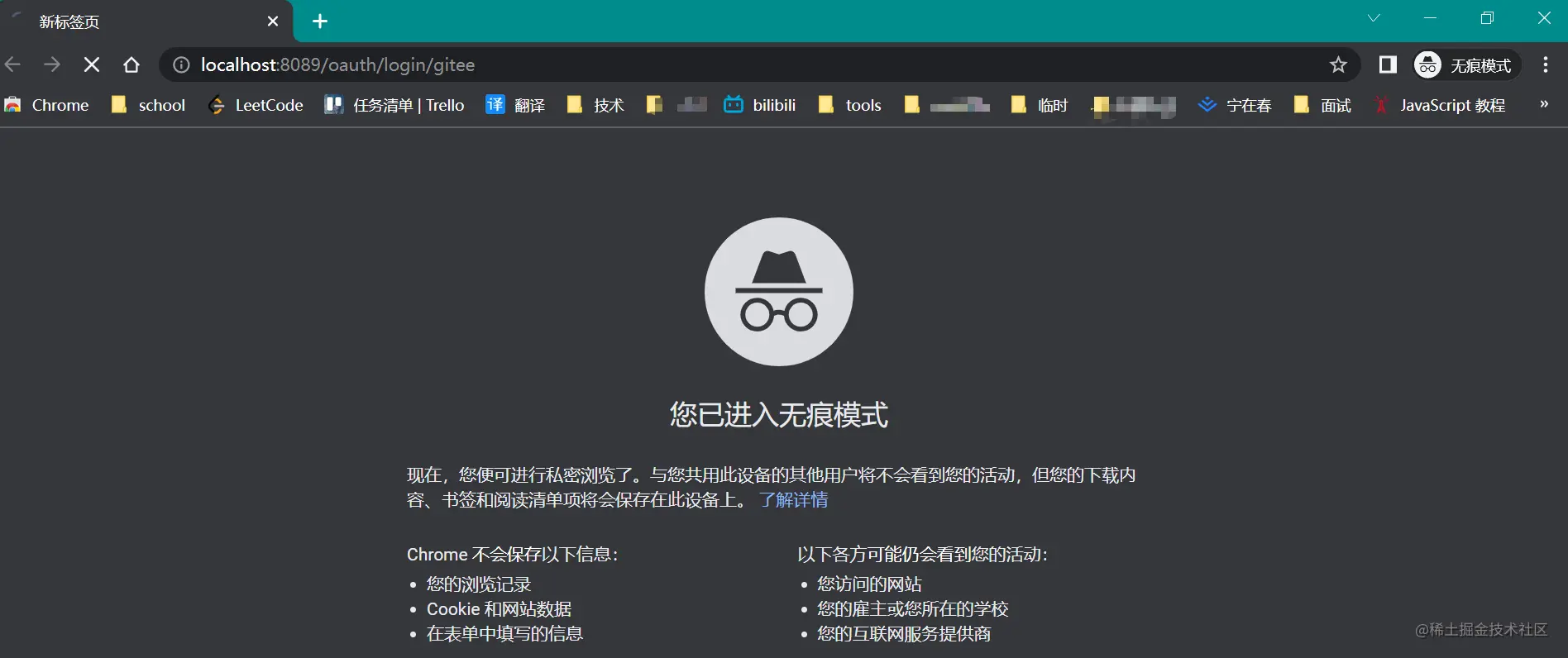
如果是没登录的情况下,会跳转到登录页,如果是已登录的情况,就是一个授权的界面。

成功登录后就会调用我们写好的回调接口,返回登录用户的相关信息。

这一段json数据其实就含有我们想要的信息,也有着我之后想继续写文章的知识点。
- {
- "code": 2000,
- "msg": null,
- "data": {
- "username": "crushlxb",
- "nickname": "宁在春",
- "gender": "UNKNOWN",
- "source": "GITEE",
- "token": {
- "accessToken": "33087141a9f029f0ad647b720653104e",
- "expireIn": 86400,
- "refreshToken": "c5d35725a443d62deb106febb99f2e1c534cc394dfb39c00c7e9d1ccf3a35b4e",
- "refreshTokenExpireIn": 0,
- },
- "rawUserInfo": {
- "gists_url": "https://gitee.com/api/v5/users/crushlxb/gists{/gist_id}",
- "repos_url": "https://gitee.com/api/v5/users/crushlxb/repos",
- }
- }
- }
- 复制代码
一些我个人信息的东西,我都去掉了,这里面我比较感兴趣的还是
accessToken和refreshToken的实现,并不是说是多难,而是觉得这是值得写上一篇文章的知识点,至少它是比较实用的的~大家感兴趣也可以去看一看~
后记
JustAuth 的 gitee地址justauth-spring-boot-starter在这里,如果对大家有帮助,希望大家能去点个Star,我觉得每一个正向反馈,都是对于开源作者的鼓励,也是他们坚持下去的动力。
我觉得技术的发展从来都不是因为某个人而发展庞大的,而是我们这一整个群体。
我对技术充满浪漫主义的想法,也只有在文章中能写一写,所以偶尔我就喜欢上说上这样的一番废话,其实我每次在写到开源的项目或技术时,我都会提一嘴点star这样的事情,倒不是打广告,而是我感觉这其实和我写文章是一样的感受,希望能够接收到大家的正向反馈。
若是不喜,望各位见谅,并竟我的创作除了希望自己的文字能产生对他人的帮助外,就是希望能够满足自己的愉悦和诉说自己的言语。
-
相关阅读:
Java枚举类(Enum)和注解(Annotation)讲解——Java第十二讲
C#知识总结 基础篇(上)
java计算机毕业设计苗木购销系统源码+系统+mysql数据库+lw文档
9月7日扒面经
echarts制作关系图谱
QT+OSG/osgEarth编译之五十二:osgVolume+Qt编译(一套代码、一套框架,跨平台编译,版本:OSG-3.6.5工具库osgVolume)
Vue再次入门<一>互动教程
【云原生】SpringCloud系列之客户端负载均衡Ribbon
Javascript V8引擎与Blob对象
grpc学习分享
- 原文地址:https://blog.csdn.net/java_beautiful/article/details/126462735
