-
Qt QSVG使用详解
SVG 伸缩可矢量图形(SVG)是一种基于XML的语言,用于描述二维矢量图形。SVG 使用 XML 格式定义图像。
Qt QSVG使用详解目录
本文作者原创,转载请附上文章出处与本文链接。
1 SVG基本格式
以下示例出自 iconfont 阿里巴巴矢量图
- <svg xmlns="http://www.w3.org/2000/svg" viewBox="0 0 512 512">
- <path d="M256 0C114.6 0 0 114.6 0 256s114.6 256 256 256s256-114.6 256-256S397.4 0 256 0zM256 464c-114.7 0-208-93.31-208-208S141.3 48 256 48s208 93.31 208 208S370.7 464 256 464zM255.1 176C255.1 176 255.1 176 255.1 176c21.06 0 40.92 8.312 55.83 23.38c9.375 9.344 24.53 9.5 33.97 .1562c9.406-9.344 9.469-24.53 .1562-33.97c-24-24.22-55.95-37.56-89.95-37.56c0 0 .0313 0 0 0c-33.97 0-65.95 13.34-89.95 37.56c-49.44 49.88-49.44 131 0 180.9c24 24.22 55.98 37.56 89.95 37.56c.0313 0 0 0 0 0c34 0 65.95-13.34 89.95-37.56c9.312-9.438 9.25-24.62-.1562-33.97c-9.438-9.312-24.59-9.219-33.97 .1562c-14.91 15.06-34.77 23.38-55.83 23.38c0 0 .0313 0 0 0c-21.09 0-40.95-8.312-55.89-23.38c-30.94-31.22-30.94-82.03 0-113.3C214.2 184.3 234 176 255.1 176z"/>
- svg>
2 加载SVG矢量图
- QSvgRenderer render;
- render.load (QString("D:/copyright.svg"));
- QSize size = render.defaultSize ();
- QPixmap *pix = new QPixmap(30, 30);
- //QPixmap pix(size*5); // 可以在这儿直接缩放处理
- pix->fill (Qt::transparent); // 像素清空
- QPainter painter(pix);
- painter.setRenderHints (QPainter::Antialiasing);
- render.render (&painter);
- ui->pushButton->setIcon(QIcon(*pix));
- ui->pushButton->setIconSize(QSize(30, 30));
- ui->pushButton->setFlat(true);
- //ui->pushButton->setStyleSheet("border: 0px"); //消除边框
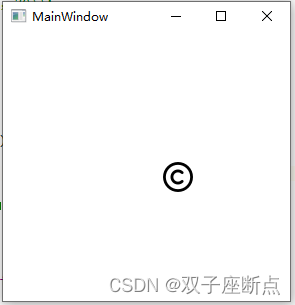
3 生成矢量图
- QSvgGenerator generator; // 定义SVG的产生器
- generator.setFileName (QString("temp.svg")); // 设置SVG文件名
- generator.setDescription ("Test QSvgGenerator"); // 无所谓
- QSize size(400,400);
- generator.setSize (size); // 设置大小
- generator.setViewBox(QRect(0, 0, 400, 400)); // 视口大小
- QPainter painter; // 小画家
- painter.begin (&generator);
- QRect rect(0,0,400,400);
- painter.setBrush (Qt::cyan);
- painter.drawEllipse (rect); // 直接在 generator 上绘制 一个圆
- painter.end (); // 需要保证绘制结束
- "1.0" encoding="UTF-8" standalone="no"?>
- <svg width="141.111mm" height="141.111mm"
- viewBox="0 0 400 400"
- xmlns="http://www.w3.org/2000/svg" xmlns:xlink="http://www.w3.org/1999/xlink" version="1.2" baseProfile="tiny">
- <title>Qt SVG Documenttitle>
- <desc>Test QSvgGeneratordesc>
- <defs>
- defs>
- <g fill="none" stroke="black" stroke-width="1" fill-rule="evenodd" stroke-linecap="square" stroke-linejoin="bevel" >
- <g fill="#00ffff" fill-opacity="1" stroke="#000000" stroke-opacity="1" stroke-width="1" stroke-linecap="square" stroke-linejoin="bevel" transform="matrix(1,0,0,1,0,0)"
- font-family="SimSun" font-size="9" font-weight="400" font-style="normal"
- >
- <circle cx="200" cy="200" r="200"/>
- g>
- g>
- svg>

4 矢量图下载网站
4.1 阿里巴巴
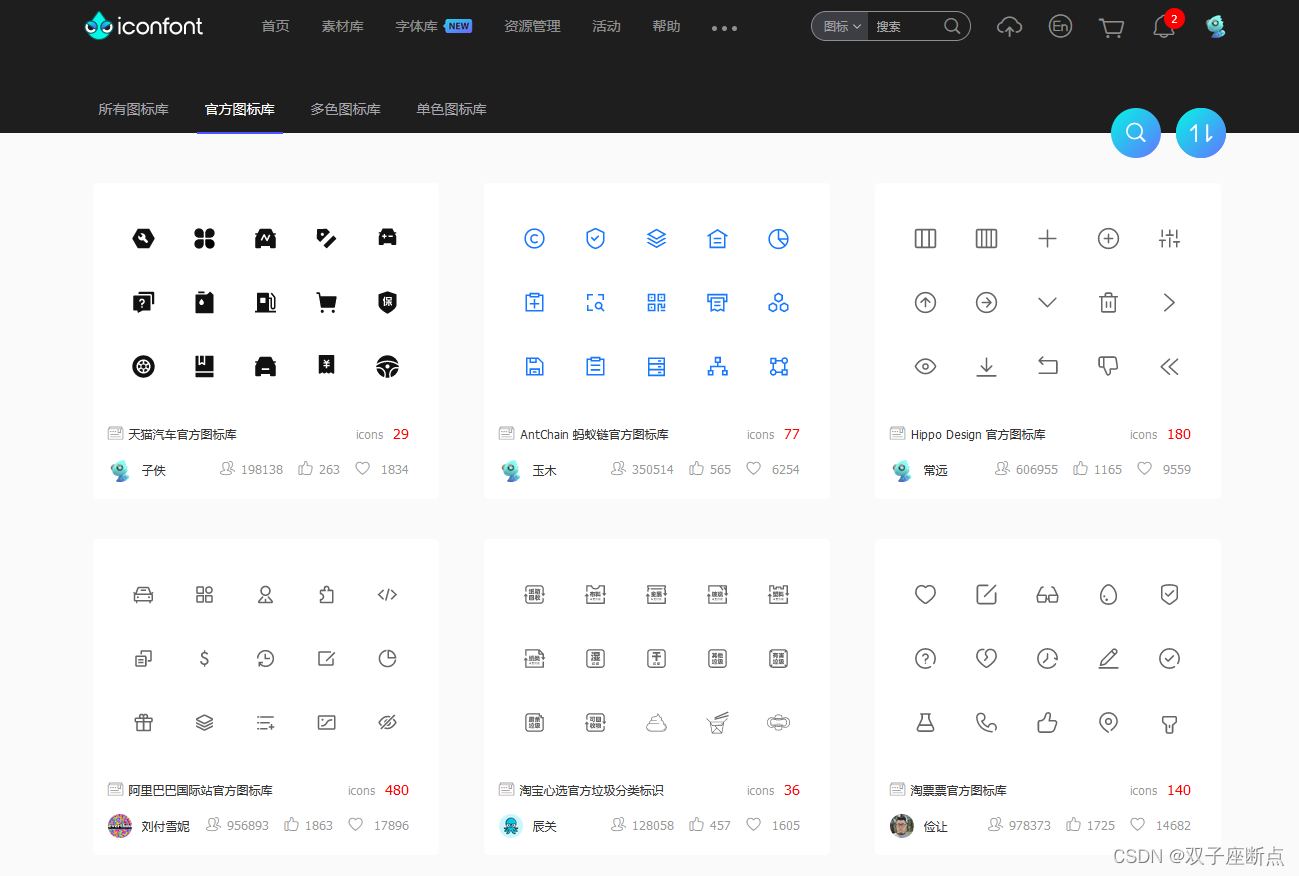
阿里巴巴官方矢量图网站: iconfont-阿里巴巴矢量图标库
4.2 Lineicons
Free Line Icons for Designers and Developers - Lineicons

4.3 ionicons
Ionicons: Premium Open Source Icon Pack for Ionic Framework

5 下载地址
本博客源代码下载地址:QSVG使用Demo程序-C++文档类资源-CSDN下载
-
相关阅读:
Java 小数过多出现E情况
【c++】智能指针
ISP图像处理Pipeline
赠书 | 《认知控制》:我们的大脑如何完成任务?
Computed
基于Android+OpenCV+CNN+Keras的智能手语数字实时翻译——深度学习算法应用(含Python、ipynb工程源码)+数据集(二)
react 函数式组件使用 cdn方式
Vue Express结合MySQL项目
自动化监控系统Prometheus&Grafana
JavaEE-http/https/Tomcat(下)
- 原文地址:https://blog.csdn.net/qq_37529913/article/details/126428075

- 最新文章
-
沪漂五周年了:我越来越迷茫了
Agentic Skill Routing 实战:别再把所有 Skill 塞进 AI Agent 上下文
MySQL-Seconds_behind_master的精度误差
[MAF预定义ChatClient中间件-03]CachingChatClient——利用缓存省钱省时间
AI的至暗历史:从万众期待到被政府撤资,AI的两次死亡徘徊
Agent OS :五种驯服不确定性的范式
PortSwigger SQL注入LAB11
数据库即时编译JIT
[Begin]AI Learn Data Day 0
深度学习进阶(二十七)现代 LLM 的核心架构设计其二:SwiGLU