-
若依 ruoyi 分离版 vue 简单的行内编辑实现
需要实现的效果:双击文本 - 修改文本 - 保存修改。

原码:仅文本显示文字内容
<el-table-column label="商品" align="center" prop="goodsName" width="200" v-if="columns[1].visible" />
实现双击文本、修改文本:
在上面源码基础上进行编辑,新增如下
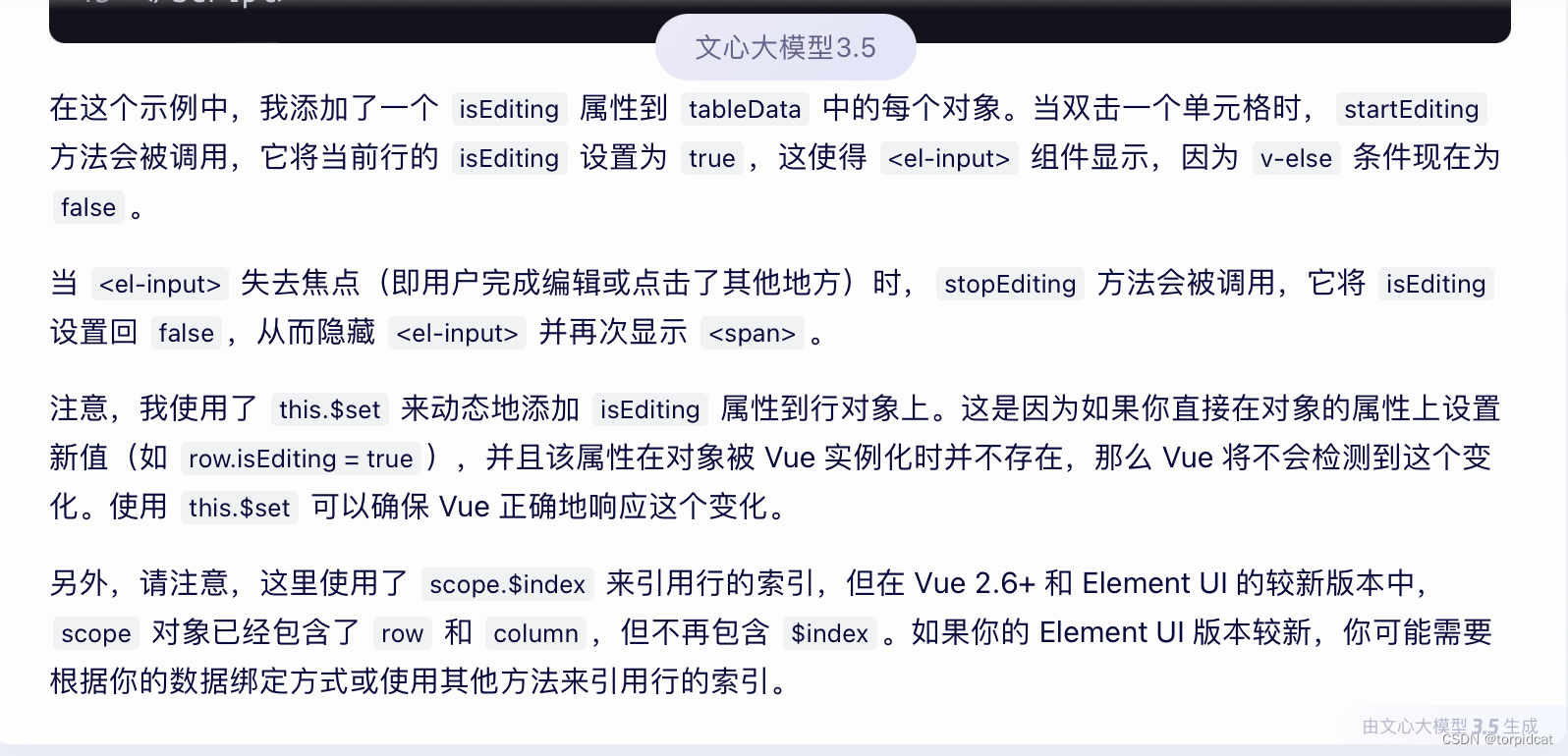
修改后代码:
- <el-table-column label="商品" align="center" prop="goodsName" width="200" v-if="columns[1].visible">
- <template slot-scope="scope">
- <span v-if="!scope.row.isEditing" @dblclick="startEditing(scope.$index, scope.row)">{{scope.row.goodsName}}span>
- <span v-else><el-input v-model="scope.row.goodsName" @blur="stopEditing(scope.$index, scope.row)" @keyup.enter.native="stopEditing(scope.$index, scope.row)"/>span>
- template>
- el-table-column>

行内文本框的双击事件、失去焦点/回车事件:
- startEditing(index, row) {
- // 启用编辑模式:设置当前行的isEditing属性值为true,使用 this.$set 同步更新视图为文本框
- this.$set(row, 'isEditing', true);
- },
- stopEditing(index, row) {
- // 禁用编辑模式:设置当前行的isEditing属性值为false,使用 this.$set 同步更新视图为文本
- this.$set(row, 'isEditing', false);
- console.info(row);
- console.info(row.id);
- console.info(row.goodsId);
- console.info(row.goodsName);
- // 这里可以添加保存或其他逻辑
- // 调用接口,更新数据
- }

后端数据集合对象中,新增属性 isEditing

总体参考代码:
- <template>
- <el-table :data="tableData">
- <el-table-column label="商品" align="center" width="200">
- <template slot-scope="scope">
- <span
- v-if="!scope.row.isEditing"
- @dblclick="startEditing(scope.$index, scope.row)"
- >
- {{ scope.row.goodsName }}
- span>
- <el-input
- v-else
- v-model="scope.row.goodsName"
- @keyup.enter.native="stopEditing(scope.$index, scope.row)"
- @blur="stopEditing(scope.$index, scope.row)"
- />
- template>
- el-table-column>
- el-table>
- template>
- <script>
- export default {
- data() {
- return {
- tableData: [
- { goodsName: '商品1', isEditing: false },
- { goodsName: '商品2', isEditing: false },
- // ... 其他数据
- ],
- };
- },
- methods: {
- startEditing(index, row) {
- this.$set(row, 'isEditing', true); // 启用编辑模式
- },
- stopEditing(index, row) {
- this.$set(row, 'isEditing', false); // 禁用编辑模式
- // 这里可以添加保存或其他逻辑
- },
- },
- };
- script>
其他
1. 想要一体版的,看这里 https://blog.csdn.net/torpidcat/article/details/101369733
2. vue-ele-editable 适用原生vue
https://github.com/dream2023/vue-ele-editable
-
相关阅读:
sqlserver==索引解析,执行计划,索引大小
airplay:实现
外汇天眼:外汇投资入门必看!做好3件事,任何人都能提高交易胜率
Ubuntu下Nginx配置ModSecurity详细思路及过程
YOLOv7训练自己的VOC数据集
(182)Verilog HDL:97 设计一个移位功能之shift4
XLSX json转文本流 & json转文件
Mysql优化---避免索引失效的原则
华为交换机ssh远程登录配置命令
固定资产管理系统能帮助企业解决哪些问题?
- 原文地址:https://blog.csdn.net/torpidcat/article/details/140038541
- 最新文章
-
沪漂五周年了:我越来越迷茫了
Agentic Skill Routing 实战:别再把所有 Skill 塞进 AI Agent 上下文
MySQL-Seconds_behind_master的精度误差
[MAF预定义ChatClient中间件-03]CachingChatClient——利用缓存省钱省时间
AI的至暗历史:从万众期待到被政府撤资,AI的两次死亡徘徊
Agent OS :五种驯服不确定性的范式
PortSwigger SQL注入LAB11
数据库即时编译JIT
[Begin]AI Learn Data Day 0
深度学习进阶(二十七)现代 LLM 的核心架构设计其二:SwiGLU