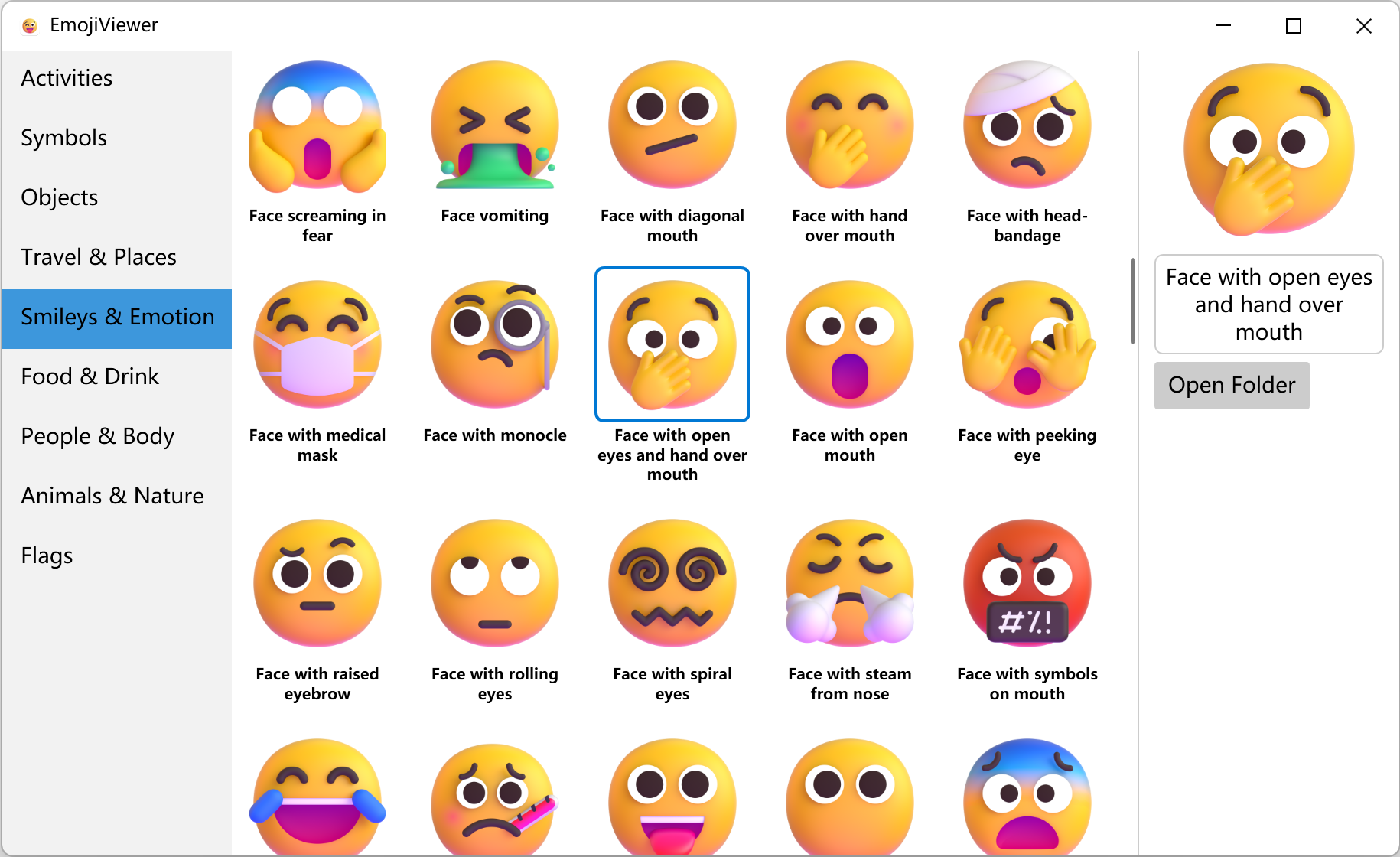
微软在发布 Windows 11 系统的时候,发布过一个开源的 Emoji 表情 fluentui-emoji 。因为我经常需要里面的一些表情图片,在仓库一个个查找特别的不方便,所以我做了一个表情查看器,可以很方便的查看所有表情,同时可以定位到表情文件的位置。这套 fluentui-emoji 表情一共有 1545 个。
开源地址:https://github.com/he55/EmojiViewer
功能实现
fluentui-emoji 下的 assets 文件夹下的每一个子文件夹对应一个 Emoji 表情文件夹,表情文件夹里面的 metadata.json 文件储存着 Emoji 表情的元数据。3D 文件夹里面储存的是 256x256 的 png 图片,其他文件夹储存的是 svg 矢量图片。然后要做的就是遍历每一个文件夹,解析里面的元数据和图片文件
-
资产文件夹结构

-
Emoji 表情结构

-
metadata.json文件结构
{
  "cldr": "zany face",
  "fromVersion": "5.0",
  "glyph": "🤪",
  "glyphAsUtfInEmoticons": [
    "1f92a_zanyface",
    "hysterical"
  ],
  "group": "Smileys & Emotion",
  "keywords": [
    "eye",
    "goofy",
    "large",
    "small",
    "zany face"
  ],
  "mappedToEmoticons": [
    "1f92a_zanyface"
  ],
  "tts": "zany face",
  "unicode": "1f92a"
}
数据解析
解析元数据,把 json 转成 Model。解析 json 文件我不想单独引入一个包,这里使用了一个只有 300 行代码的 json 解析库 TinyJson
- Model 类
public class EmojiObject
{
    public string cldr { get; set; }
    public string fromVersion { get; set; }
    public string glyph { get; set; }
    public string group { get; set; }
    public string[] keywords { get; set; }
    public string[] mappedToEmoticons { get; set; }
    public string tts { get; set; }
    public string unicode { get; set; }
}
- json 转成 Model
string filePath = Path.Combine(dir, "metadata.json");
string json = File.ReadAllText(filePath);
EmojiObject emoji = TinyJson.JSONParser.FromJson(json);
- 图片文件查找
string imageDir = Path.Combine(dir, "3D");
if (!Directory.Exists(imageDir))
    imageDir = Path.Combine(dir, @"Default\3D");

var files = Directory.GetFiles(imageDir, "*.png");
- 对表情数据进行分组,完整解析代码可以看 https://github.com/he55/EmojiViewer
string dir = Path.GetFullPath(@"fluentui-emoji\assets");
List assets = LoadData(dir);
List categories = assets.GroupBy(x => x.emoji.group)
    .Select(x => new EmojiCategory { title = x.Key, assets = x.ToList() })
    .ToList();
listBox.ItemsSource = categories;
- 界面显示
最终效果
