--- Redis 安装部署 ---
//环境准备
systemctl stop firewalld
systemctl disable firewalld
setenforce 0
sed -i 's/enforcing/disabled/' /etc/selinux/config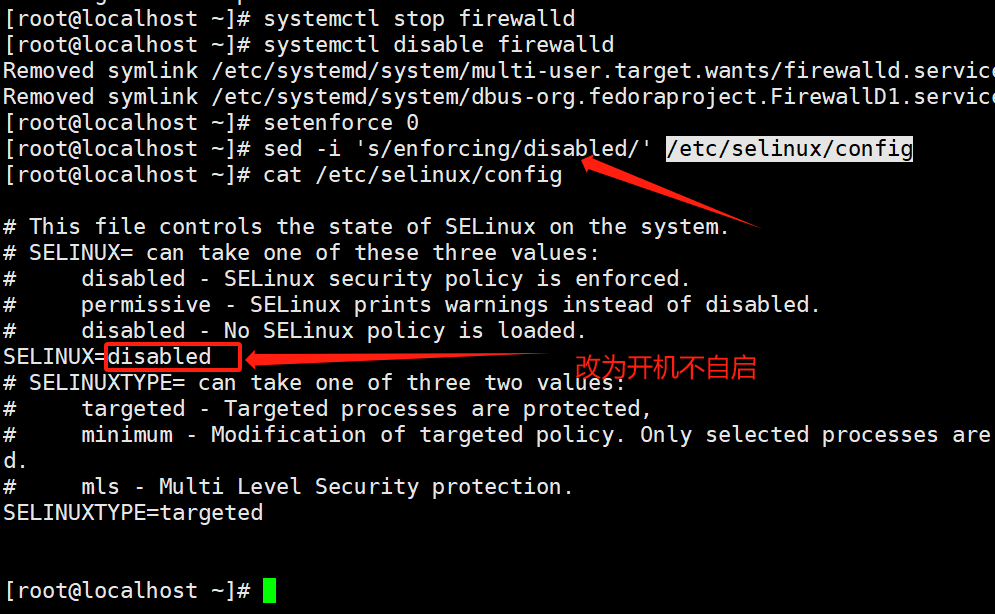
#修改内核参数
vim /etc/sysctl.conf
vm.overcommit_memory = 1 #当设置为1时,表示内存过度承诺启用
net.core.somaxconn = 2048 #等待 监听队列的最大长度为2048个连接
sysctl -p
//安装redis
yum install -y gcc gcc-c++ make
tar zxvf /opt/redis-7.0.9.tar.gz -C /opt/
cd /opt/redis-7.0.9
make
make PREFIX=/usr/local/redis install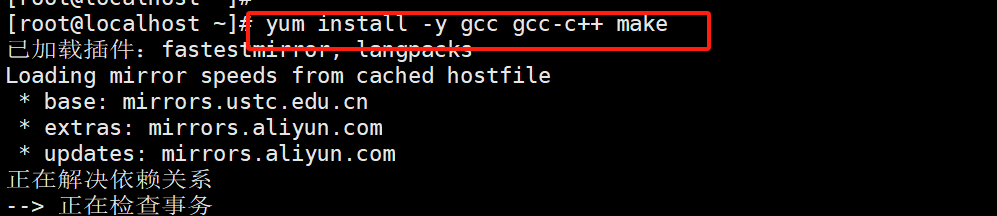
#由于Redis源码包中直接提供了 Makefile 文件,所以在解压完软件包后,不用先执行 ./configure 进行配置,可直接执行 make 与 make install 命令进行安装。
#创建redis工作目录
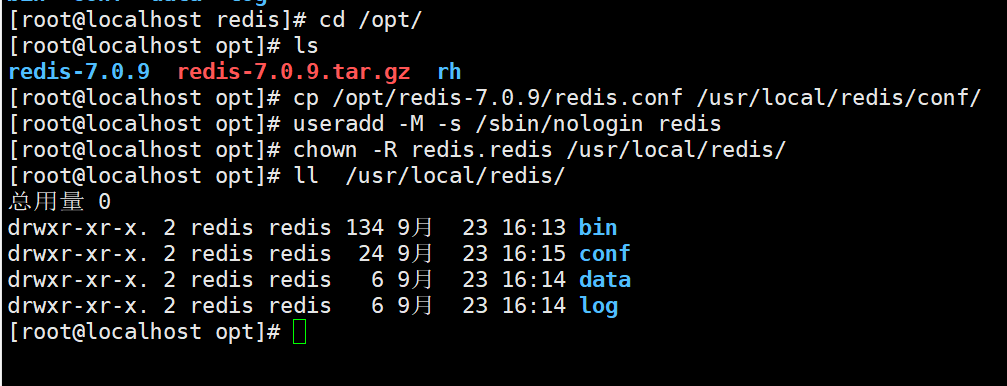
mkdir /usr/local/redis/{conf,log,data}
cp /opt/redis-7.0.9/redis.conf /usr/local/redis/conf/
useradd -M -s /sbin/nologin redis
chown -R redis.redis /usr/local/redis/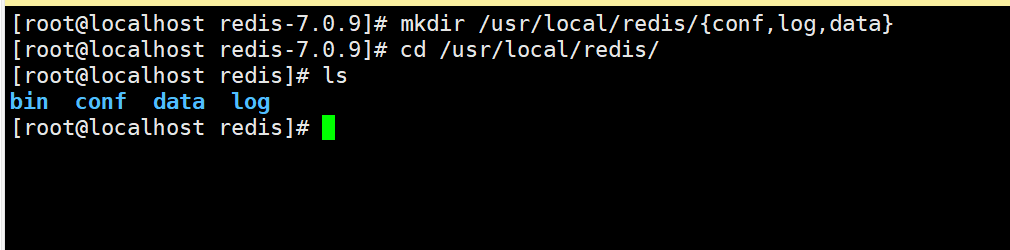
#环境变量
vim /etc/profile
PATH=$PATH:/usr/local/redis/bin #增加一行
source /etc/profile
//修改配置文件
vim /usr/local/redis/conf/redis.conf
bind 127.0.0.1 192.168.80.10                    #87行,添加 监听的主机地址
protected-mode no                   #111行,将本机访问保护模式设置no。如果开启了,那么在没有设定bind ip且没有设密码的情况下,Redis只允许接受本机的响应
port 6379                                       #138行,Redis默认的监听6379端口
daemonize yes                                   #309行,设置为守护进程,后台启动
pidfile /usr/local/redis/log/redis_6379.pid     #341行,指定 PID 文件
logfile "/usr/local/redis/log/redis_6379.log"   #354行,指定日志文件
dir /usr/local/redis/data                       #504行,指定持久化文件所在目录
requirepass abc123                              #1037行,增加一行,设置redis密码
//定义systemd服务管理脚本
vim /usr/lib/systemd/system/redis-server.service
[Unit]
Description=Redis Server
After=network.target
[Service]
User=redis
Group=redis
Type=forking
TimeoutSec=0
PIDFile=/usr/local/redis/log/redis_6379.pid
ExecStart=/usr/local/redis/bin/redis-server /usr/local/redis/conf/redis.conf
ExecReload=/bin/kill -s HUP $MAINPID
ExecStop=/bin/kill -s QUIT $MAINPID
PrivateTmp=true
[Install]
WantedBy=multi-user.target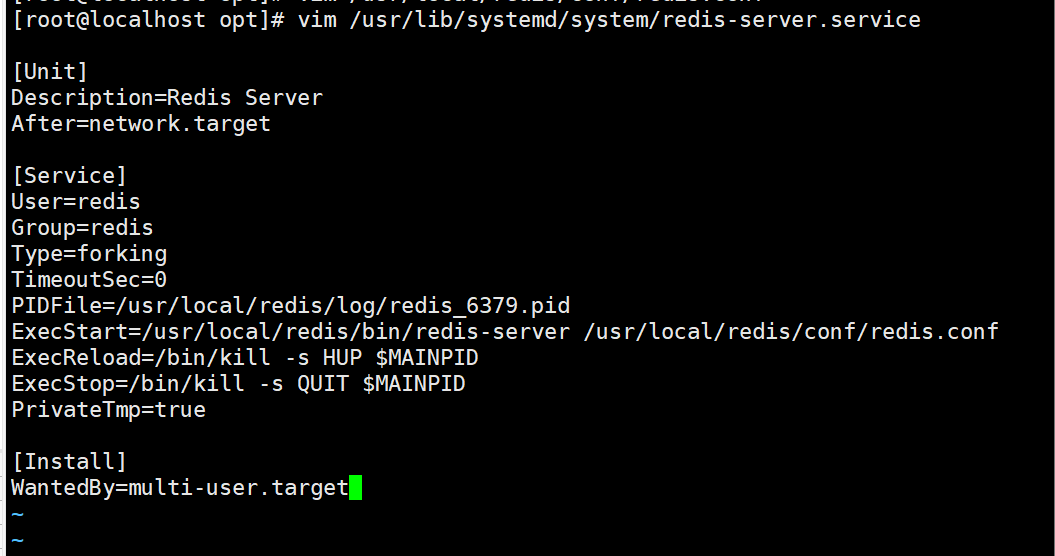
#启动服务
systemctl start redis-server
systemctl enable redis-server
netstat -lntp | grep 6379
__EOF__