-
【电商项目实战】修改密码(详细篇)
🍁
博客主页:👉@不会压弯的小飞侠
✨欢迎关注:👉点赞👍收藏⭐留言✒
✨系列专栏:👉SpringBoot电商项目实战
✨学习社区:👉不会压弯的小飞侠
✨知足上进,不负野心。
🔥欢迎大佬指正,一起学习!一起加油!
🍁修改密码-持久层
- 在执行修改密码之前,还应检查用户数据是否存在、并检查用户数据是否被标记为“已删除”、并检查原密码是否正确,这些检查都可以通过查询用户数据来辅助完成
🔥接口与抽象方法
- 在UserMapper接口添加updatePasswordByUid(Integer uid,String password,String
modifiedUser,Date modifiedTime)抽象方法。
/** * 根据用户的id来修改密码 * @param uid 用户的id * @param password 用户输入的新密码 * @param modifiedUser 修改的执行者 * @param modifiedTime 修改时间 * @return 返回值为受影响的行数 */ Integer updatePasswordByUid(Integer uid, String password, String modifiedUser, Date modifiedTime); /** * 根据id查询用户的数据 * @param id 用户的id * @return 如果找到返回对象 */ User findByUid(Integer id);- 1
- 2
- 3
- 4
- 5
- 6
- 7
- 8
- 9
- 10
- 11
- 12
- 13
- 14
- 15
- 16
- 在UserMapper.xml中配置updatePasswordByUid()、findByUid()抽象方法的映射。
<!-- 根据uid更新用户的密码: Integer updatePasswordByUid( @Param("uid") Integer uid, @Param("password") String password, @Param("modifiedUser") String modifiedUser, @Param("modifiedTime") Date modifiedTime) --> <update id="updatePasswordByUid"> UPDATE t_user SET password = #{password}, modified_user = #{modifiedUser}, modified_time = #{modifiedTime} WHERE uid = #{uid} </update> <!-- 根据用户id查询用户数据:User findByUid(Integer uid) --> <select id="findByUid" resultMap="UserEntityMap"> SELECT * FROM t_user WHERE uid = #{uid} </select>- 1
- 2
- 3
- 4
- 5
- 6
- 7
- 8
- 9
- 10
- 11
- 12
- 13
- 14
- 15
- 16
- 17
- 18
- 19
- 20
- 21
- 在UserMapperTests中编写并执行单元测试。
@Test public void updatePasswordByUid(){ userMapper.updatePasswordByUid(9,"321","jkj",new Date()); } @Test public void findByUid(){ System.out.println(userMapper.findByUid(9)); }- 1
- 2
- 3
- 4
- 5
- 6
- 7
- 8
- 9
- 10
-
测试
-
密码修改成功
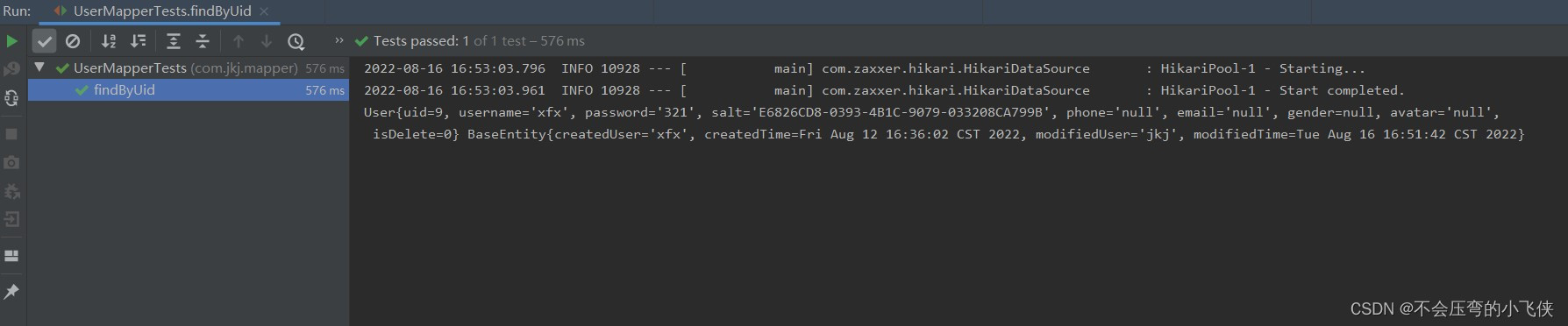
- 去数据库再次查看是否修改成功

🍁修改密码-业务层
🔥异常
- 1.用户在修改密码前,需要检查用户数据是否存在及是否被标记为“已删除”。如果检查不通过则应抛出UserNotFoundException异常。
- 2.用户修改密码时,可能会因为输入的原密码错误导致修改失败,则应抛出
PasswordNotMatchException异常。 - 3.在执行修改密码时,如果返回的受影响行数与预期值不同,则应抛UpdateException异常。
- 4.创建com.jkj.service.exception.UpdateException异常类,继承自ServiceException类。
public class UpdateException extends ServiceException { public UpdateException() { super(); } public UpdateException(String message) { super(message); } public UpdateException(String message, Throwable cause) { super(message, cause); } public UpdateException(Throwable cause) { super(cause); } protected UpdateException(String message, Throwable cause, boolean enableSuppression, boolean writableStackTrace) { super(message, cause, enableSuppression, writableStackTrace); } }- 1
- 2
- 3
- 4
- 5
- 6
- 7
- 8
- 9
- 10
- 11
- 12
- 13
- 14
- 15
- 16
- 17
- 18
- 19
- 20
- 21
🔥接口与抽象方法
- 在IUserService中添加changePassword(Integer uid, String username, String oldPassword, StringnewPassword)抽象方法。
/** * 修改密码 * @param uid 当前登录的用户id * @param username 用户名 * @param oldPassword 原密码 * @param newPassword 新密码 */ public void changePassword(Integer uid, String username, String oldPassword, String newPassword);- 1
- 2
- 3
- 4
- 5
- 6
- 7
- 8
🔥 实现抽象方法
- 1.在UserServiceImpl类中实现changePassword()抽象方法。
@Override public void changePassword(Integer uid, String username, String oldPassword, String newPassword) { // 调用userMapper的findByUid()方法,根据参数uid查询用户数据 User result = userMapper.findByUid(uid); // 检查查询结果是否为null if (result == null) { // 是:抛出UserNotFoundException异常 throw new UserNotFoundException("用户数据不存在"); } // 检查查询结果中的isDelete是否为1 if (result.getIsDelete().equals(1)) { // 是:抛出UserNotFoundException异常 throw new UserNotFoundException("用户数据不存在"); } // 从查询结果中取出盐值 String salt = result.getSalt(); // 将参数oldPassword结合盐值加密,得到oldMd5Password String oldMd5Password = getMd5Password(oldPassword, salt); // 判断查询结果中的password与oldMd5Password是否不一致 if (!result.getPassword().contentEquals(oldMd5Password)) { // 是:抛出PasswordNotMatchException异常 throw new PasswordNotMatchException("原密码错误"); } // 将参数newPassword结合盐值加密,得到newMd5Password String newMd5Password = getMd5Password(newPassword, salt); // 创建当前时间对象 Date now = new Date(); // 调用userMapper的updatePasswordByUid()更新密码,并获取返回值 Integer rows = userMapper.updatePasswordByUid(uid, newMd5Password, username, now); // 判断以上返回的受影响行数是否不为1 if (rows != 1) { // 是:抛出UpdateException异常 throw new UpdateException("更新用户数据时出现未知错误,请联系系统管理员"); } }- 1
- 2
- 3
- 4
- 5
- 6
- 7
- 8
- 9
- 10
- 11
- 12
- 13
- 14
- 15
- 16
- 17
- 18
- 19
- 20
- 21
- 22
- 23
- 24
- 25
- 26
- 27
- 28
- 29
- 30
- 31
- 32
- 33
- 34
- 35
- 36
- 37
- 38
- 39
🔥单元测试。
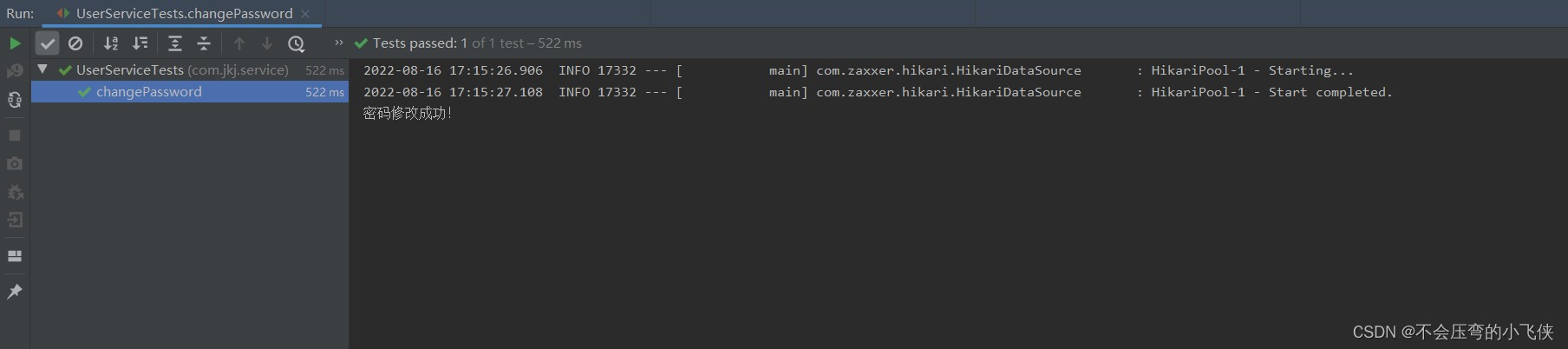
- 在UserServiceTests中编写并执行单元测试。
@Test public void changePassword() { try { Integer uid =10; String username = "cat"; String oldPassword = "123456"; String newPassword = "123"; iUserService.changePassword(uid, username, oldPassword, newPassword); System.out.println("密码修改成功!"); } catch (ServiceException e) { System.out.println("密码修改失败!" + e.getClass().getSimpleName()); System.out.println(e.getMessage()); } }- 1
- 2
- 3
- 4
- 5
- 6
- 7
- 8
- 9
- 10
- 11
- 12
- 13
- 14
🍁修改密码-控制层
🔥处理异常
- 在用户修改密码的业务中抛出了新的UpdateException异常,需要在BaseController类中进行处理。
/** @ExceptionHandler用于统一处理方法抛出的异常 */ @ExceptionHandler({ServiceException.class, FileUploadException.class}) public JsonResult<Void> handleException(Throwable e) { JsonResult<Void> result = new JsonResult<Void>(e); if (e instanceof UsernameDuplicateException) { result.setState(4000); } else if (e instanceof UserNotFoundException) { result.setState(4001); } else if (e instanceof PasswordNotMatchException) { result.setState(4002); } else if (e instanceof InsertException) { result.setState(5000); } else if (e instanceof UpdateException) { result.setState(5001); }; return result; }- 1
- 2
- 3
- 4
- 5
- 6
- 7
- 8
- 9
- 10
- 11
- 12
- 13
- 14
- 15
- 16
- 17
- 18
- 19
- 20
- 21
- 22
- 23
🔥设计请求
- 设计用户提交的请求,并设计响应的方式。
- 请求路径:/users/change_password
- 请求参数:String oldPassword, String newPassword, HttpSession session
- 请求类型:POST
- 响应结果:JsonResult
🔥处理请求
- 在UserController类中添加处理请求的changePassword(String oldPassword, String newPassword,HttpSession session)方法,实现UserController控制器中的修改密码方法的代码。
@RequestMapping("change_password") public JsonResult<Void> changePassword(String oldPassword, String newPassword, HttpSession session) { // 调用session.getAttribute("")获取uid和username Integer uid = getUidFromSession(session); String username = getUsernameFromSession(session); // 调用业务对象执行修改密码 userService.changePassword(uid, username, oldPassword, newPassword); // 返回成功 return new JsonResult<Void>(OK); }- 1
- 2
- 3
- 4
- 5
- 6
- 7
- 8
- 9
- 10
🍁修改密码-前端页面
- 在password.html页面中body标签内部的最后,添加script标签用于编写JavaScript程序。
<!--页脚结束--> <script type="text/javascript"> $("#btn-change-password").click(function() { $.ajax({ url: "/users/change_password", type: "POST", data: $("#form-change-password").serialize(), dataType: "json", success: function(json) { if (json.state == 200) { alert("修改成功!"); } else { alert("修改失败!" + json.message); } } }); }); </script>- 1
- 2
- 3
- 4
- 5
- 6
- 7
- 8
- 9
- 10
- 11
- 12
- 13
- 14
- 15
- 16
- 17
- 18
🍁启动项目
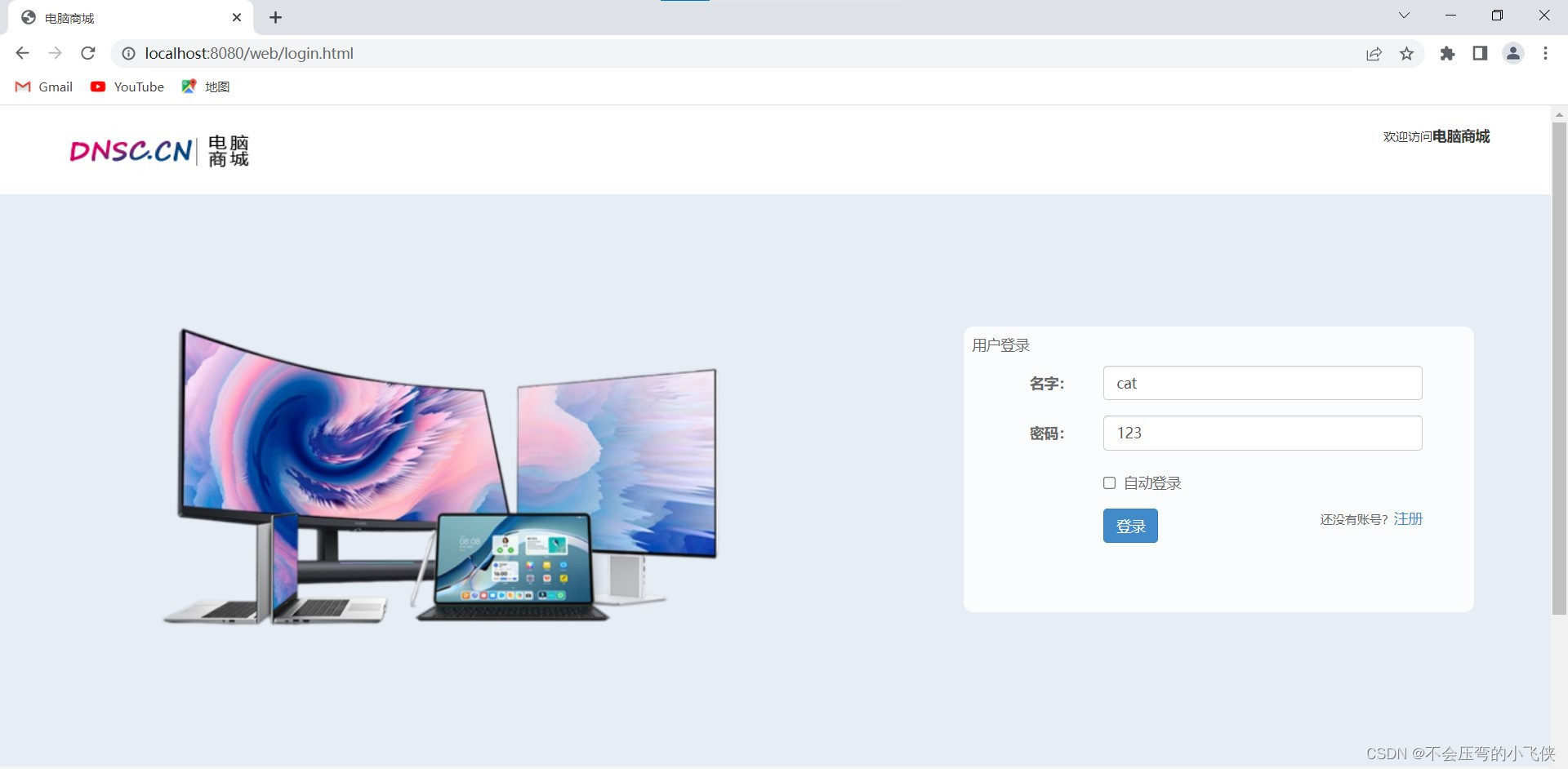
- 启动项目先登录,访问http://localhost:8080/web/login.html页面并进行修改密码。
- 用户名:cat
- 密码:123
- 点击管理–>修改密码
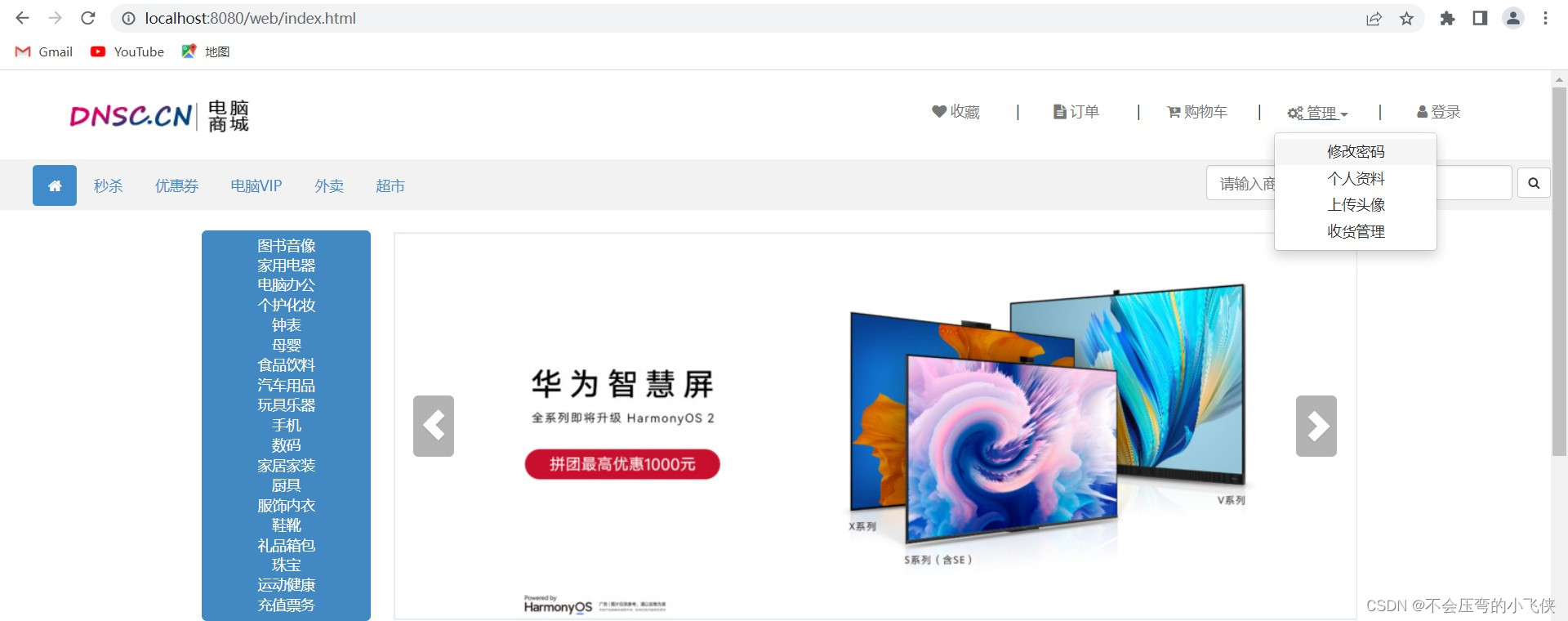
- 输入原密码:123
- 输入新密码:321
- 确定密码:321
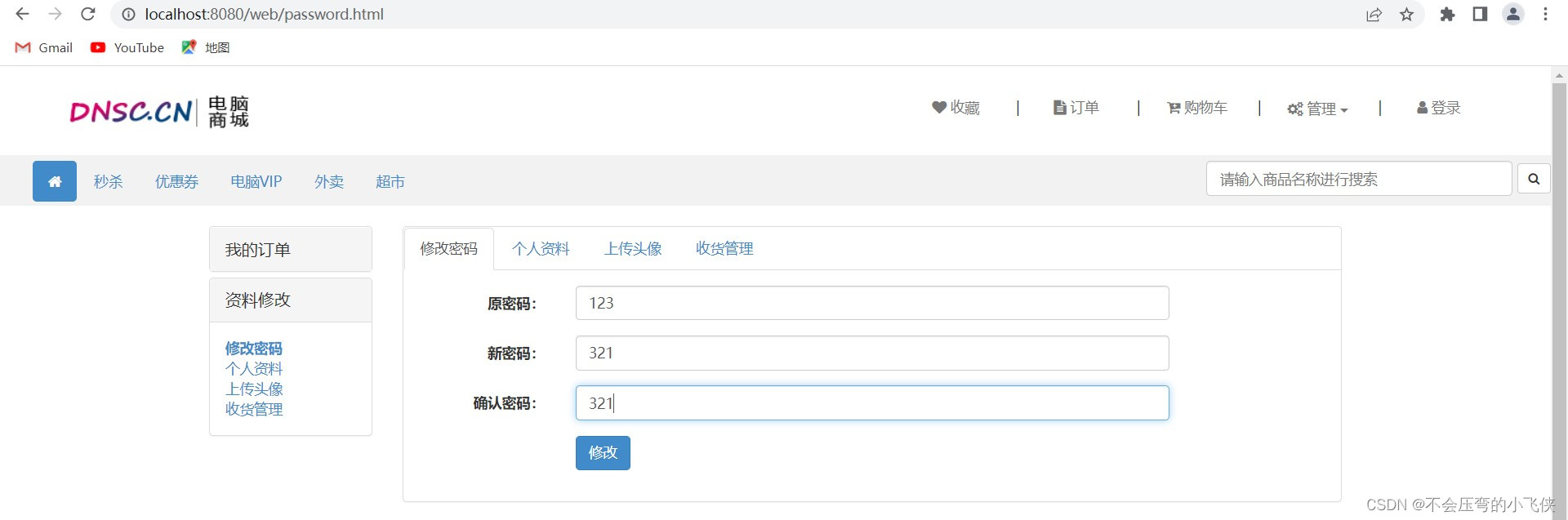
- 点击确定,修改成功
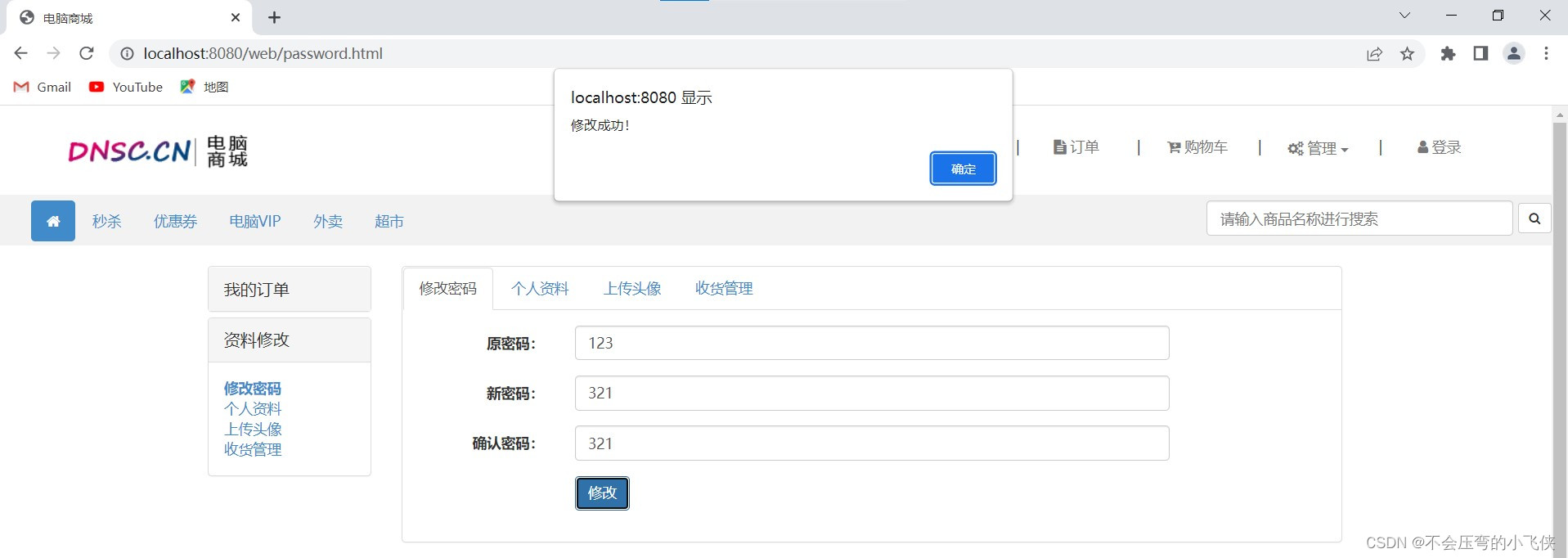
- 重新登录
- 用户名:cat
- 密码:321
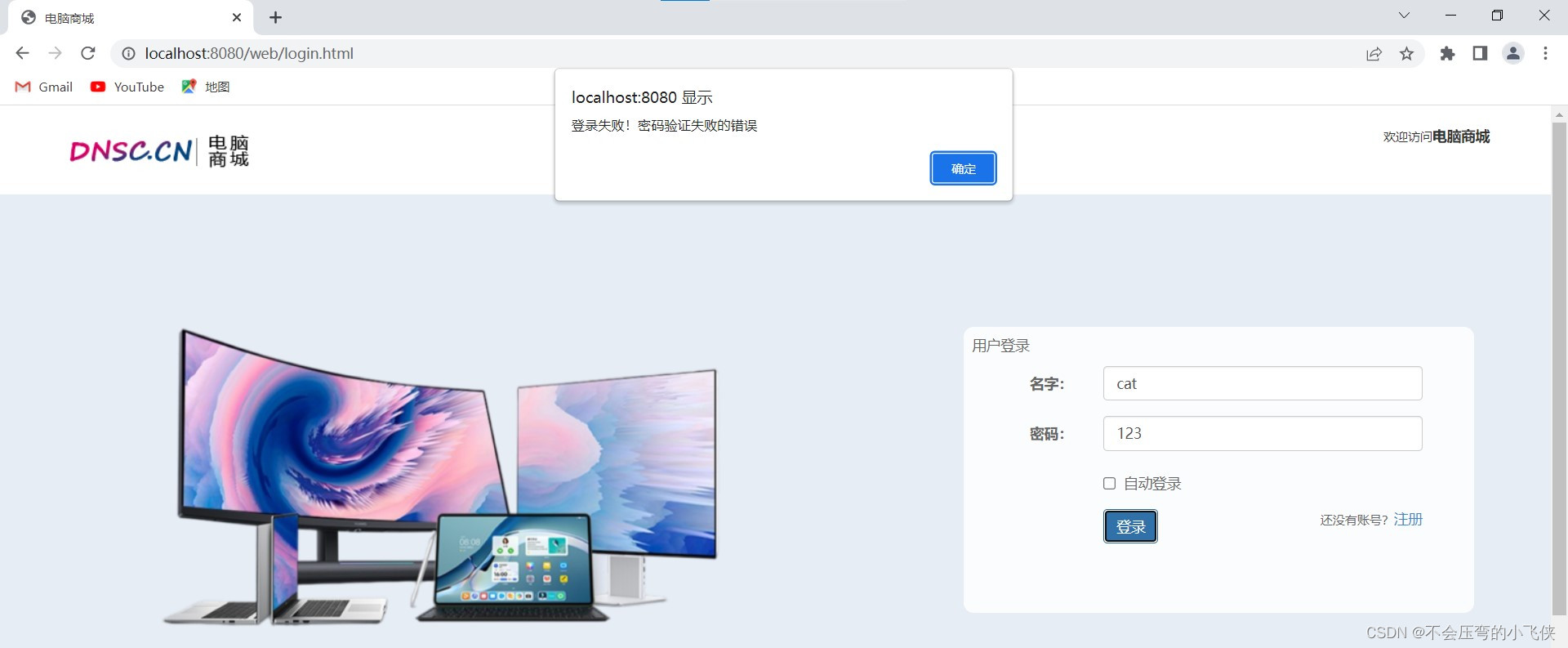
- 登录成功
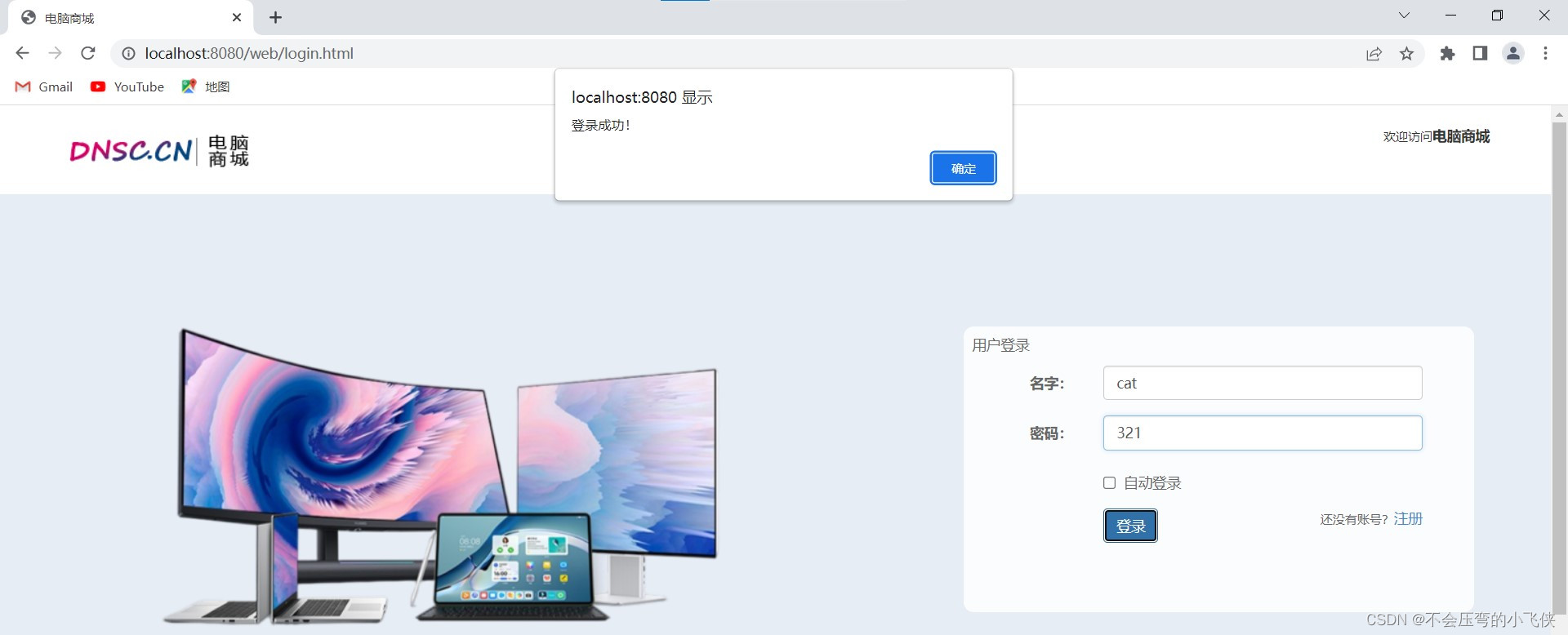
学习视频:
【SpringBoot项目实战完整版】SpringBoot+MyBatis+MySQL电脑商城项目实战-哔哩哔哩】
https://b23.tv/qGh9x9L
-
相关阅读:
ubuntu22.04 启用 root登录
嵌入式Linux与树莓派相关练习
(免费分享)基于springboot健康运动-带论文
【【萌新的SOC学习之AXI接口简介】】
kafka---- zookeeper集群搭建
关于Linux性能调优之内存负载调优
【数据结构与算法——C语言】“串操作与算法”之“编写模式匹配算法”
八大排序汇总及其稳定性
高质量的子程序
【Node】第三方模块&自定义模块
- 原文地址:https://blog.csdn.net/qq_43514330/article/details/126450086
