-
Nginx 负载均衡 初步配置&验证 笔记
需求
有两台windows服务器,iis承载WebAPI,测试使用Windows平台Nginx做负载均衡验证。
A机IP及Web端口:192.168.7.54:8052。
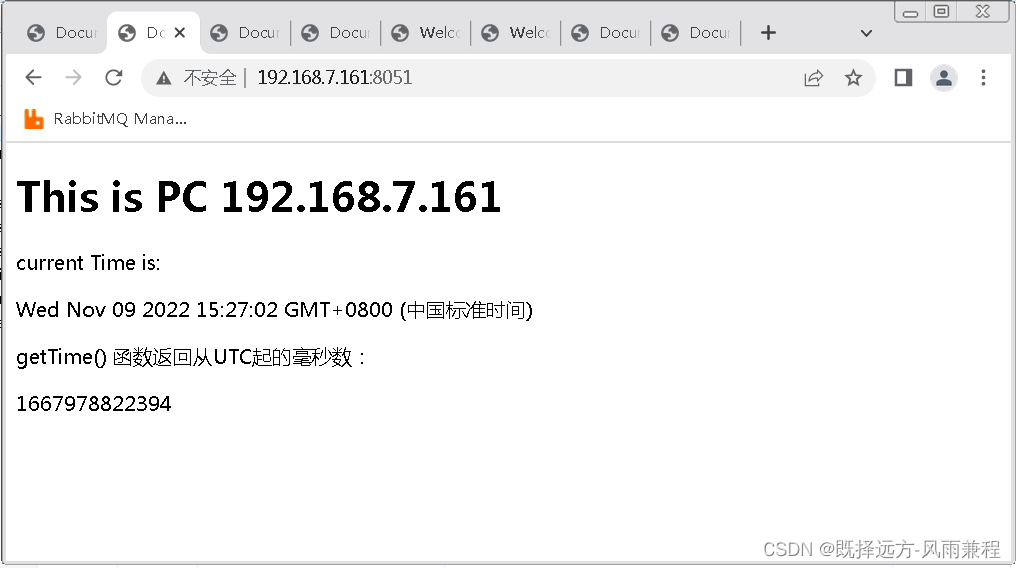
B机IP及Web端口:192.168.7.161:8051。
Nginx所在机器IP及端口:192.168.7.161:8050。
A机Web页面示意,这里显示了A机的IP和当前时间。

B机Web页面示意,这里显示了B机的IP和当前时间。
Nginx安装及启动
Nginx在windows平台安装,已有博友写的很详细了。
参考Nginx Windows详细安装部署教程 - taiyonghai - 博客园
下载地址:nginx: download
启动时如果失败,需要检查是否IIS或其他程序占用了默认的80端口,如是则进入nginx-1.22.1\conf\目录找到nginx.conf修改默认的端口,本例改为8123.
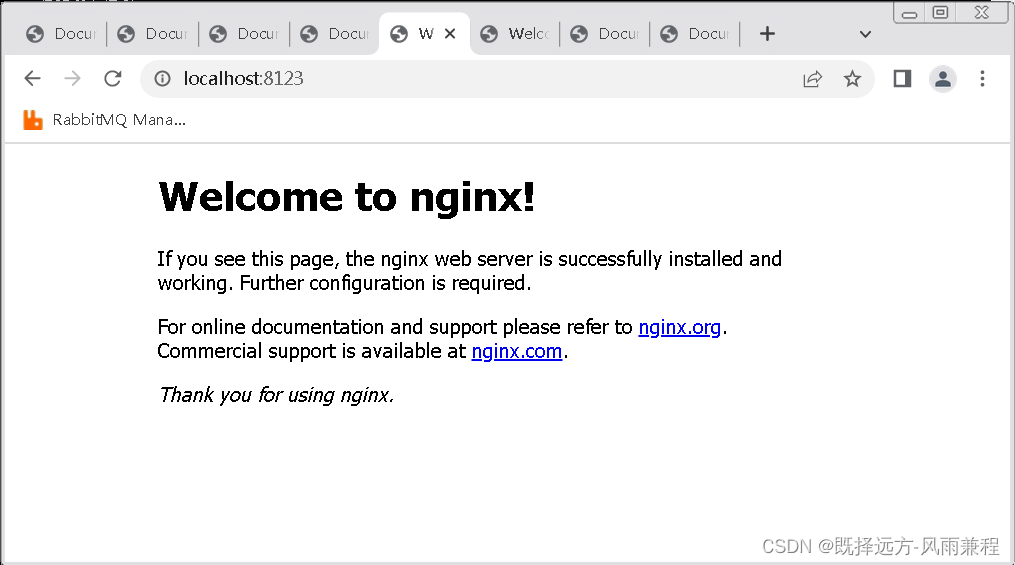
cmd下cd到nginx-1.22.1目录后使用【start nginx】启动nginx后,在浏览器中输入【http://localhost:8123/】即可看到Nginx的欢迎页面。
以下是cmd中启动nginx、查找nginx进程、退出nginx的命令。(start nginx输入两遍是因为第一次端口被占用而启动失败)
- Microsoft Windows [版本 6.1.7601]
- 版权所有 (c) 2009 Microsoft Corporation。保留所有权利。
- D:\JavaDevEnv\nginx-1.22.1>start nginx
- D:\JavaDevEnv\nginx-1.22.1>start nginx
- D:\JavaDevEnv\nginx-1.22.1>tasklist /fi "imagename eq nginx.exe"
- 映像名称 PID 会话名 会话# 内存使用
- ========================= ======== ================ =========== ============
- nginx.exe 4532 RDP-Tcp#0 1 5,824 K
- nginx.exe 5360 RDP-Tcp#0 1 6,064 K
- D:\JavaDevEnv\nginx-1.22.1>nginx -s quit
nginx欢迎界面
配置Nginx实现两台Web服务器负载均衡
进入nginx-1.22.1\conf\目录找到nginx.conf用记事本打开。
在http花括号内最后增加一个server节(nginx支持多个server节,即一个nginx支持监听多个端口)
针对本文需求,增加的配置如下
- #wdh config the servers
- upstream myhttpIISServer{
- server 192.168.7.54:8052;
- server 192.168.7.161:8051;
- }
- #wdh config the proxy
- server{
- listen 8050;
- server_name localhost;
- location /{
- proxy_pass http://myhttpIISServer;
- }
- }
配置负载均衡的策略有多种,可参考博文nginx配置负载均衡_飞翔绝恋的博客-CSDN博客_nginx配置负载均衡
本文配置的完整的nginx.conf内容如下
- #user nobody;
- worker_processes 1;
- #error_log logs/error.log;
- #error_log logs/error.log notice;
- #error_log logs/error.log info;
- #pid logs/nginx.pid;
- events {
- worker_connections 1024;
- }
- http {
- include mime.types;
- default_type application/octet-stream;
- #log_format main '$remote_addr - $remote_user [$time_local] "$request" '
- # '$status $body_bytes_sent "$http_referer" '
- # '"$http_user_agent" "$http_x_forwarded_for"';
- #access_log logs/access.log main;
- sendfile on;
- #tcp_nopush on;
- #keepalive_timeout 0;
- keepalive_timeout 65;
- #gzip on;
- server {
- listen 8123;
- server_name localhost;
- #charset koi8-r;
- #access_log logs/host.access.log main;
- location / {
- root html;
- index index.html index.htm;
- }
- #error_page 404 /404.html;
- # redirect server error pages to the static page /50x.html
- #
- error_page 500 502 503 504 /50x.html;
- location = /50x.html {
- root html;
- }
- # proxy the PHP scripts to Apache listening on 127.0.0.1:80
- #
- #location ~ \.php$ {
- # proxy_pass http://127.0.0.1;
- #}
- # pass the PHP scripts to FastCGI server listening on 127.0.0.1:9000
- #
- #location ~ \.php$ {
- # root html;
- # fastcgi_pass 127.0.0.1:9000;
- # fastcgi_index index.php;
- # fastcgi_param SCRIPT_FILENAME /scripts$fastcgi_script_name;
- # include fastcgi_params;
- #}
- # deny access to .htaccess files, if Apache's document root
- # concurs with nginx's one
- #
- #location ~ /\.ht {
- # deny all;
- #}
- }
- # another virtual host using mix of IP-, name-, and port-based configuration
- #
- #server {
- # listen 8000;
- # listen somename:8080;
- # server_name somename alias another.alias;
- # location / {
- # root html;
- # index index.html index.htm;
- # }
- #}
- # HTTPS server
- #
- #server {
- # listen 443 ssl;
- # server_name localhost;
- # ssl_certificate cert.pem;
- # ssl_certificate_key cert.key;
- # ssl_session_cache shared:SSL:1m;
- # ssl_session_timeout 5m;
- # ssl_ciphers HIGH:!aNULL:!MD5;
- # ssl_prefer_server_ciphers on;
- # location / {
- # root html;
- # index index.html index.htm;
- # }
- #}
- #wdh config the servers
- upstream myhttpIISServer{
- server 192.168.7.54:8052;
- server 192.168.7.161:8051;
- }
- #wdh config the proxy
- server{
- listen 8050;
- server_name localhost;
- location /{
- proxy_pass http://myhttpIISServer;
- }
- }
- }
配置完之后使用cmd命令重启nginx(有帖子介绍重启命令为nginx -s reload,本文未尝试)
此外还有一个重要事项,分别在A机设置防火墙允许8052端口通过、设置B机防火墙允许8050、8051端口通过。
测试
测试打开浏览器输入【http://192.168.7.161:8050/】,持续刷新页面,可以看到页面在
A机(192.168.7.54:8052)和B机(192.168.7.161:8051)之间不断切换,但客户端浏览器的url未变,印证了nginx已将客户端请求分发到不同Web服务器上。

延伸使用,在项目实战中前后端分离项目,可以将nginx负载均衡用到后端WebAPI上;在读写分离+mysql一主多从项目中,也可以将nginx负载均衡用于多个mysql服务器。
-
相关阅读:
4405. 统计子矩阵
HTML5 Canvas 限定文本区域大小,文字自动换行,自动缩放
OSPF高级特性 —— LSA-3过滤 + Distribute-list过滤
Qt中利用QTextBrowser控件设计日志窗口
0递归中等 LeetCode306. 累加数
cool-admin node.js 实现分页 数据获取 直接框架
选举
DNG格式详解,DNG是什么?为何DNG可以取代RAW统一单反相机、苹果安卓移动端相机拍摄输出原始图像数据标准
【C++】学习笔记——类和对象_4
Unity3D 基础——鼠标悬停更改物体颜色,移走恢复
- 原文地址:https://blog.csdn.net/wangdonghao137/article/details/127771025
