-
How to record the screen on your Mac
It's very efficient way to help us identify what issue you met; All you need is QuickTime Player, which comes free with your Mac.
-
If it's not in the Dock, look in Applications in the Finder, or simply search in Spotlight.
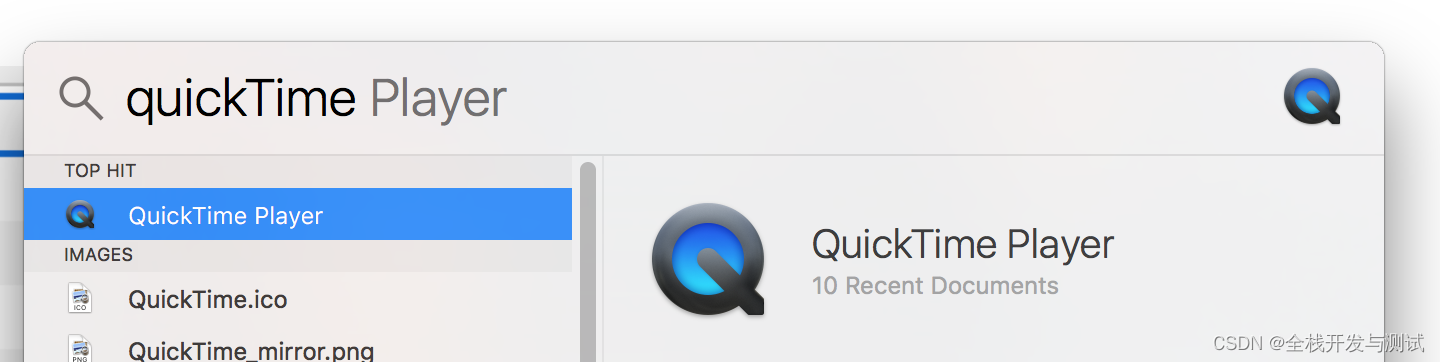
- Select New Screen Recording from the file menu or right click on the QuickTime Player icon and choose New Screen Recording from that menu.

-
A Screen Recording box will pop up on your screen.
Click on the white down arrow to see more options.
You can choose whether to use the build-in microphone, or an external microphone for audio.
You can also choose whether your mouse clicks should show up.

- Now you could record the whole progress of Webex meeting
- You could export it as 720P video and make small size file: File - Export As - 720p..
- Don't forget to send the recording to us~~
MAC.How to capture tcpdump
You can follow these 4 steps as below:
1. Try to exit all other applications
2. Open Terminal and try to enter this command ( sudo tcpdump -w ~/**.tcpd )
3. After step#2 above, try to replicate issue asap
4. Go to the Terminal and click 'Press combination key: Ctrl+C' to end tcpdump capture and send **.tcpd to us -
-
相关阅读:
基于人工智能的图像分类算法研究与实现 - 深度学习卷积神经网络图像分类 计算机竞赛
pycharm 打开Terminal时报错activate.ps1,因为在此系统上禁止运行脚本,并因此无法进入虚拟环境
面试系列多线程:谈谈线程池的核心参数及工作原理
C++ 组合模式
Java服务中心面试题目,微服务治理面试
Object.preventExtensions vs Object.seal vs Object.freeze
K. Kingdom‘s Power,树形dp
自动控制原理7.7---离散系统的数字校正
公开课:1小时攻破云原生面试难点-孟凡杰
每天一个数据分析题(四百)- 一元线性回归模型
- 原文地址:https://blog.csdn.net/weixin_42727710/article/details/127679161