部署Apollo#
apollo单机部署(快速安装)#
Apollo官网:https://www.apolloconfig.com/#/zh/deployment/quick-start-docker
官网单机部署的方式分为两种:普通部署和docker部署。
普通部署#
需要安装MySQL和Java环境。
Apollo服务端共需要两个数据库:ApolloPortalDB(apollo页面)和ApolloConfigDB(apollo使用的),把数据库、表的创建和样例数据都分别准备了sql文件,只需要导入数据库即可。
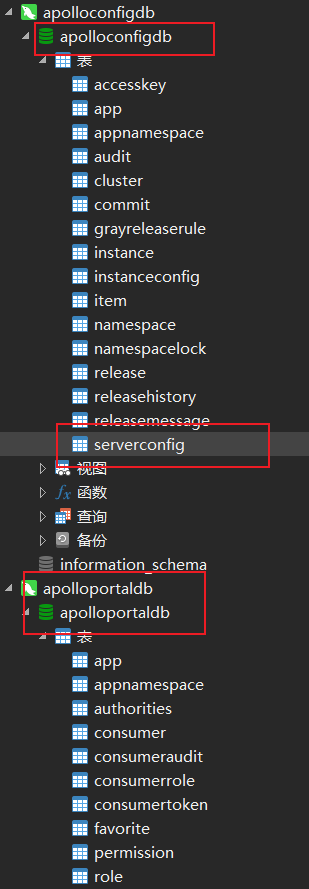
然后建立数据库连接,进入到快速包下面(apollo-quick-start),下面有demo.sh,进行编辑:
将对应的数据库名和地址修改成自己的。

在启动服务之前需要确认8070、8080、8090端口未被占用,然后直接启动./demo.sh
==== starting service ====
Service logging file is ./service/apollo-service.log
Started [10768]
Waiting for config service startup.......
Config service started. You may visit http://localhost:8080 for service status now!
Waiting for admin service startup....
Admin service started
==== starting portal ====
Portal logging file is ./portal/apollo-portal.log
Started [10846]
Waiting for portal startup......
Portal started. You can visit http://localhost:8070 now!
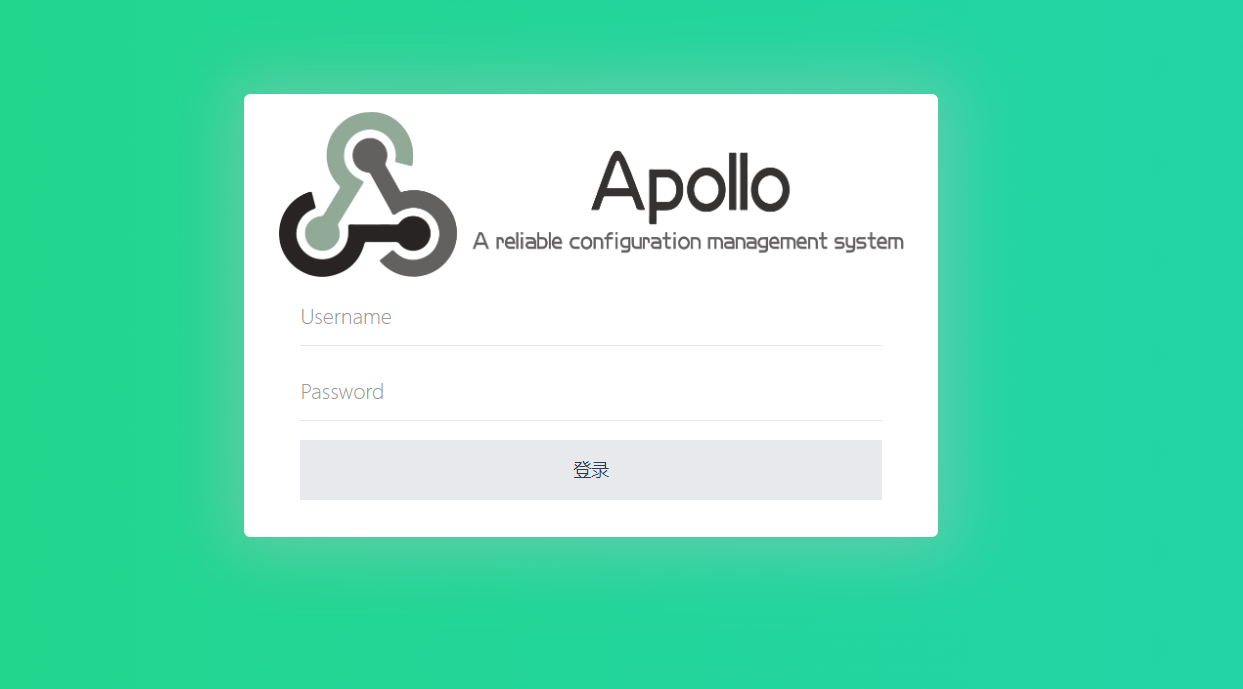
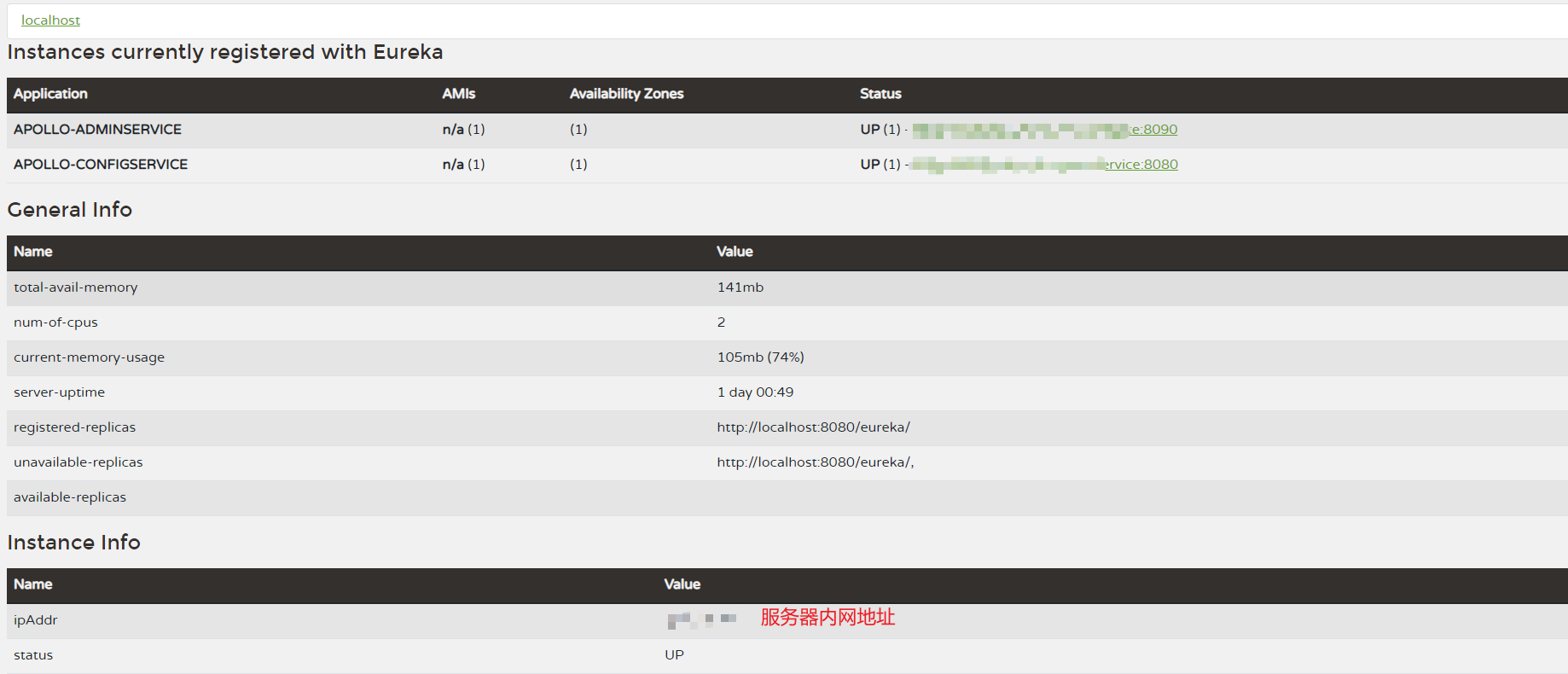
首先会启动erueka服务,然后启动portal 配置中心,最后访问[http://服务器外网地址:8070](http://服务器外网地址:8070)即可;账号:apollo,密码:admin;具体如下图所示:
docker部署#
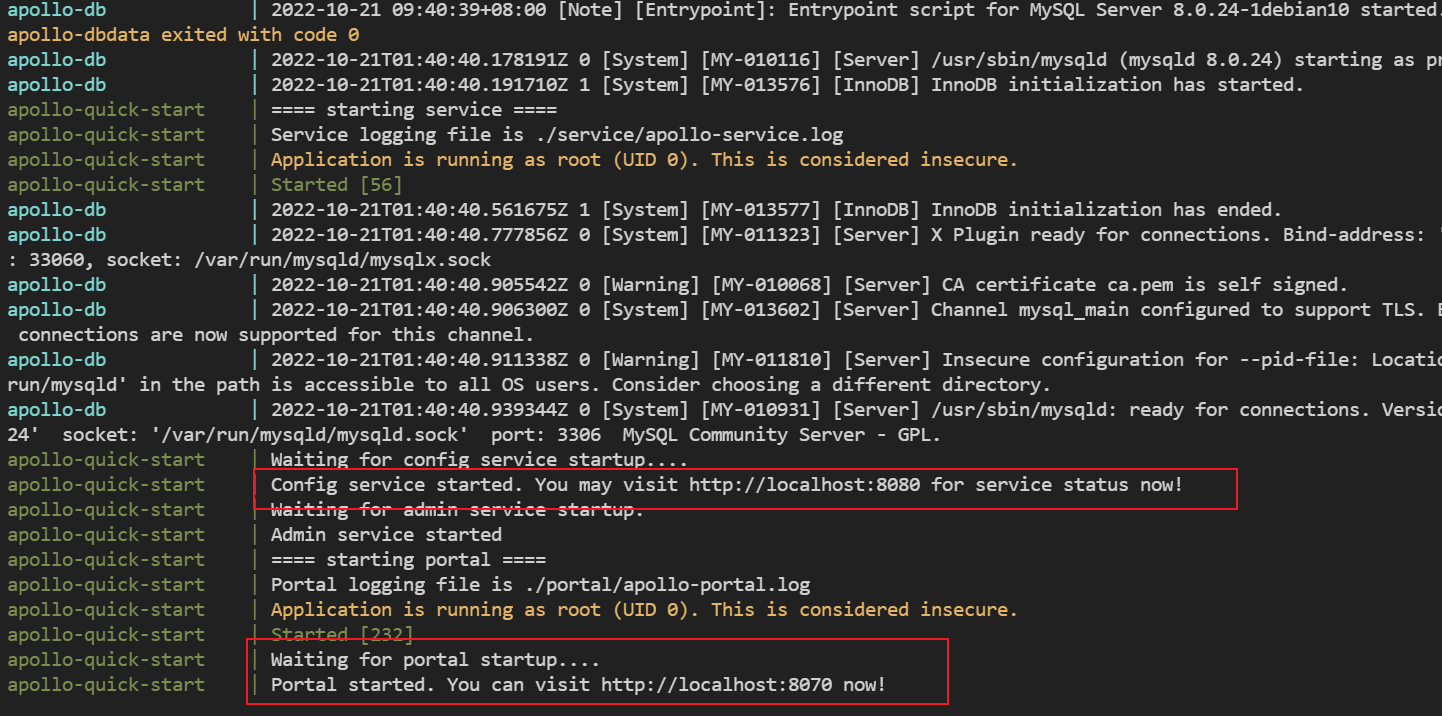
基于上述环境,我们暂停demo.sh的执行:./demo.sh stop,在快速包中(apollo-quick-start)使用docker-compose up运行;
SpringBoot集成Apollo#
这一步就是个坑😂,创建SpringBoot不多说,在maven仓库找到客户端;
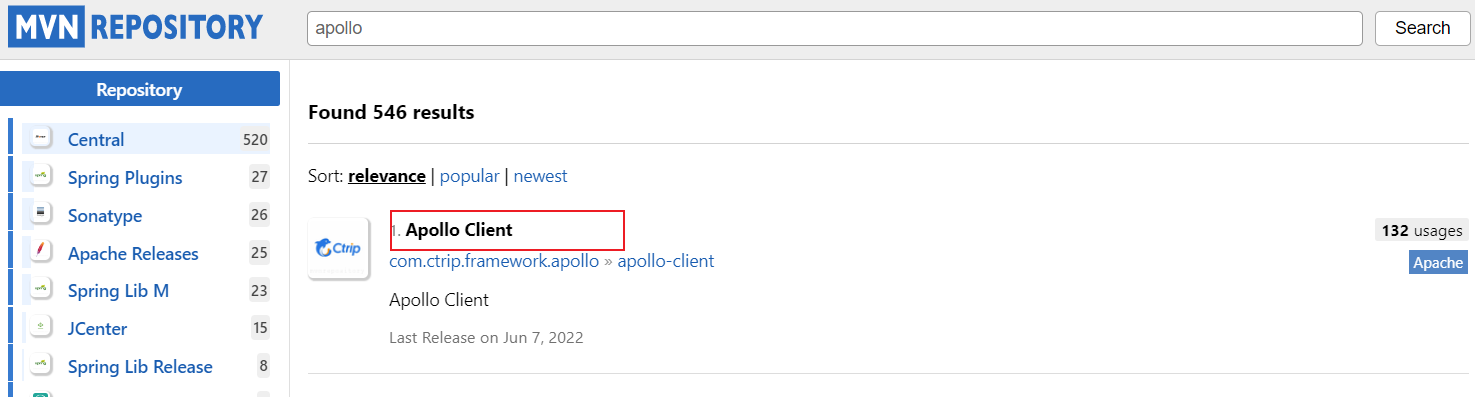
取最新版即可(截至2022年10月21日):
<dependency>
    <groupId>com.ctrip.framework.apollogroupId>
    <artifactId>apollo-clientartifactId>
    <version>2.0.1version>
dependency>
错误配置:
server:
  port: 8000
app:
  id: apolloTest
apollo:
  bootstrap:
    enabled: true
  meta: http://服务器外网地址:8080
在启动类上开启apollo:@EnableApolloConfig
@SpringBootApplication
@EnableApolloConfig
public class ApolloTestApplication {

    public static void main(String[] args) {
        SpringApplication.run(ApolloTestApplication.class, args);
    }

}
在服务器部署的Apollo会有问题,客户端请求的时候地址会出现服务器的内网地址,那肯定是访问不到的。

所以我们进行以下设置:
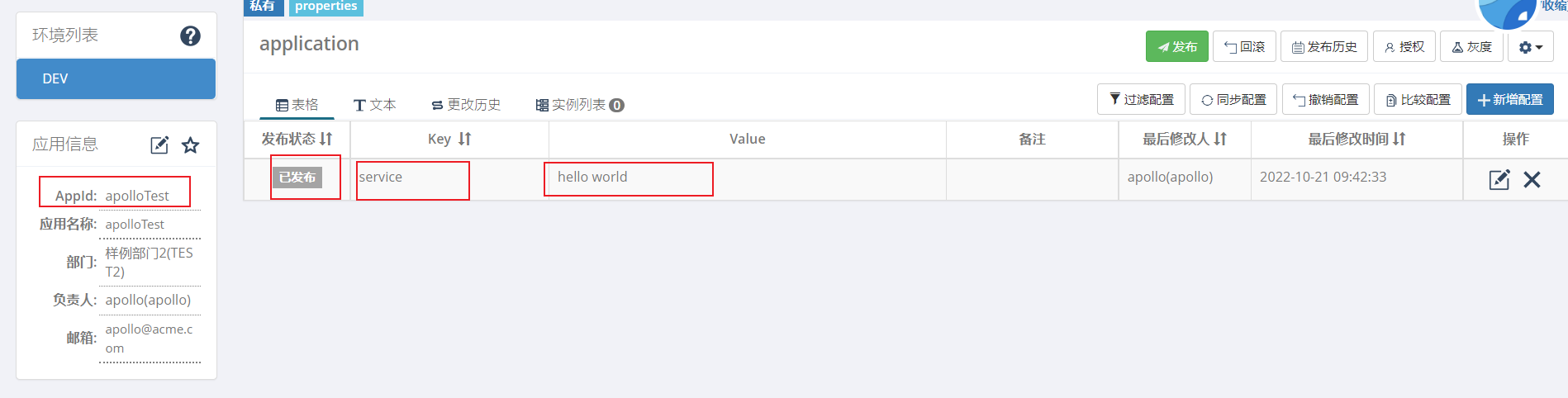
指定应用的AppId
app.id=apolloTest
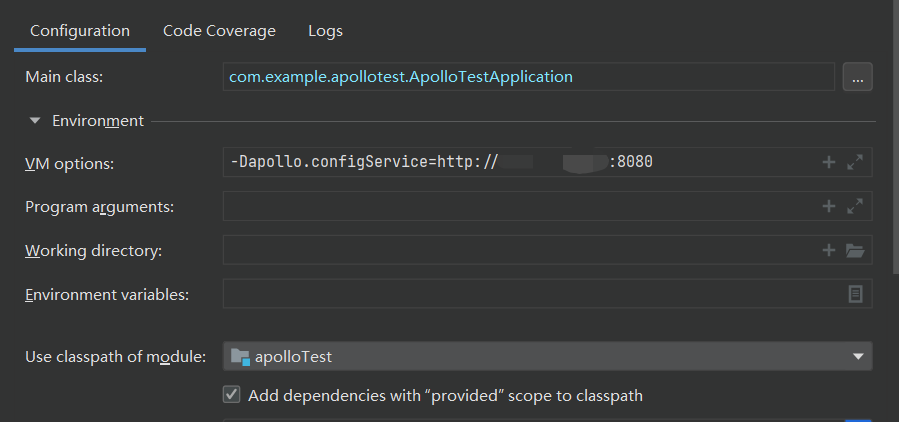
在服务启动设置上配置apollo参数;
-Dapollo.configService=http://服务器外网地址:8080
需要对应起来,新增配置key:service,value:hello world,并且是已发布
public class TestController {

    @Value(value = "${service}")
    private String name;

    @RequestMapping("test")
    public String test(){
        return "hello world -->"+name;
    }
}