-
springboot源码理解一、springboot源码环境搭建
springboot源码环境搭建
准备工作
jdk版本:“1.8.0_171”,maven版本:3.8.6。

springboot源码下载
地址:https://github.com/spring-projects/spring-boot/tags
2.2.9.RELEASE,2.3.0以上版本需要用gradle构建,会比较麻烦。
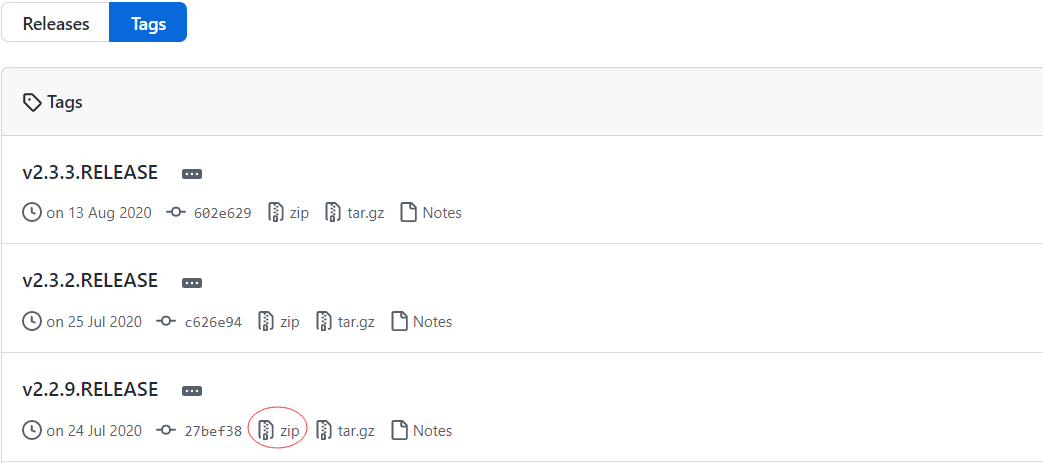
解压

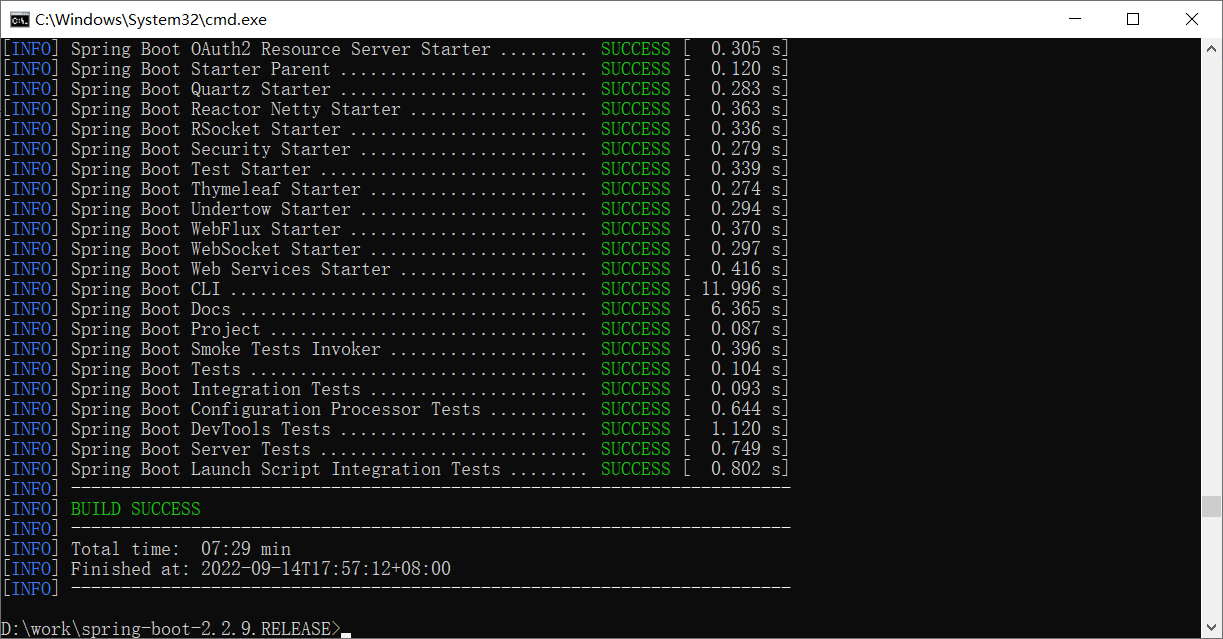
编译源码
打包
跳过测试,能节省很多时间。
mvn clean install -DskipTests- 1

时间可能会很长。错误一
This failure was cached in the local repository and resolution is not reattempted until the update interval of nexus-aliyun has elapsed or updates are forced. Original error: Could not transfer artifact。
This failure was cached in the local repository and resolution is not reattempted until the update interval of nexus-aliyun has elapsed or updates are forced. Original error: Could not transfer artifact。- 1
不要使用阿里云仓库,否则一些依赖下载不到会报错,
用maven自带的setting.xml。错误二
Failed to execute goal io.spring.javaformat:spring-javaformat-maven-plugin:0.0.22:validate (default) on project spring-boot-test-support: Formatting violations found in the following files。
Failed to execute goal io.spring.javaformat:spring-javaformat-maven-plugin:0.0.22:validate (default) on project spring-boot-test-support: Formatting violations found in the following files。- 1

先运行:mvn spring-javaformat:apply- 1

然后再打包。
导入idea
maven配置

导入项目

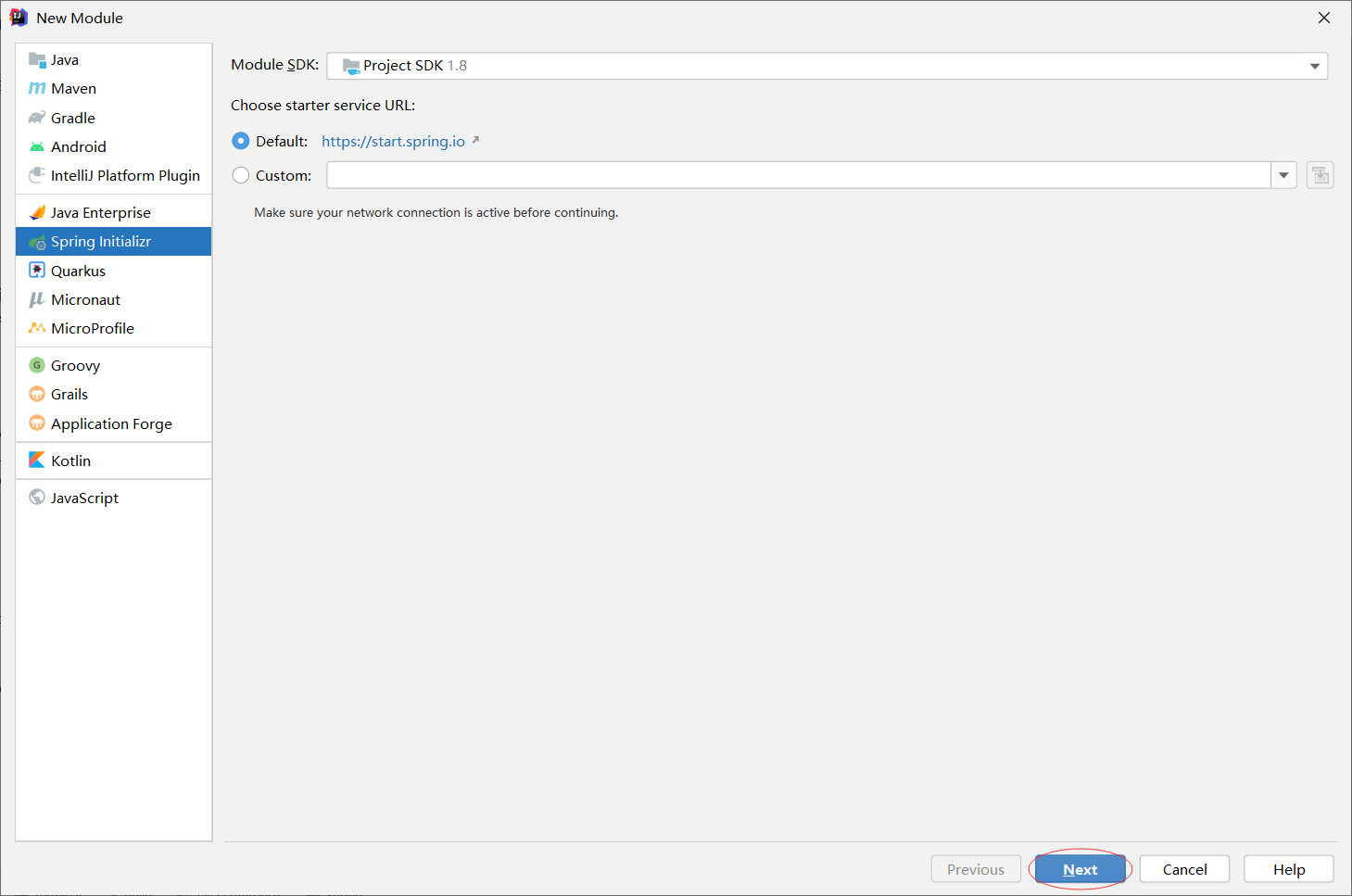
新建module
这样是为了方便我们debug调试。
spring-boot-mytest



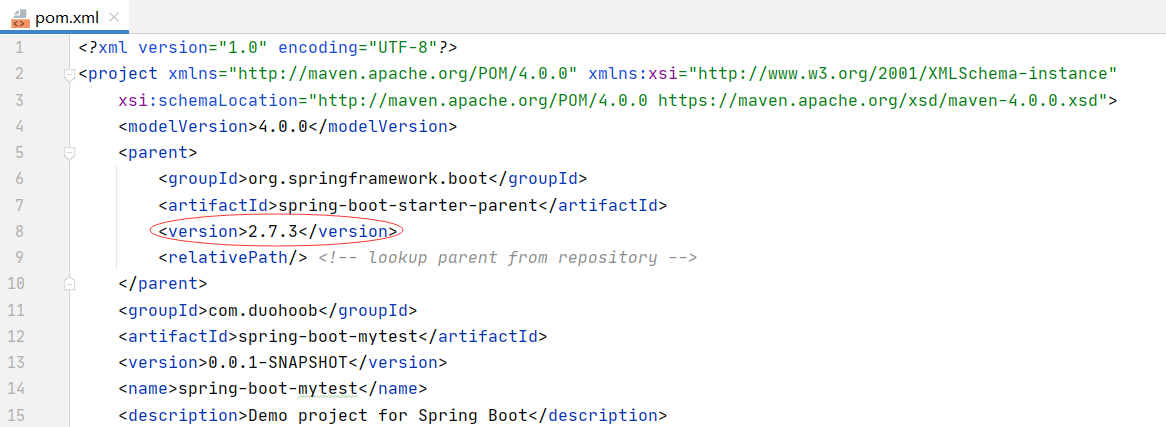
修改spring-boot-mytest的pom.xml
修改spring-boot-mytest的springboot版本号为:‘2.2.9.RELEASE’。
修改spring-boot-2.2.9.RELEASE的pom.xml
添加module。

刷新项目

添加controller
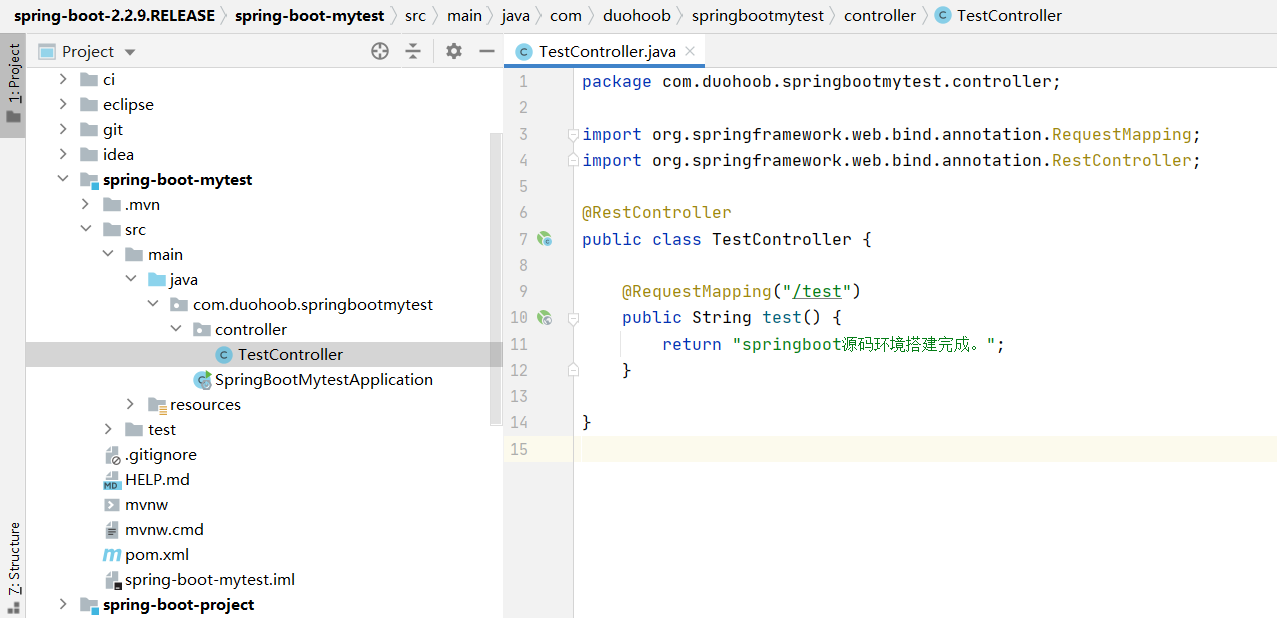
package com.duohoob.springbootmytest.controller; import org.springframework.web.bind.annotation.RequestMapping; import org.springframework.web.bind.annotation.RestController; @RestController public class TestController { @RequestMapping("/test") public String test() { return "springboot源码环境搭建完成。"; } }- 1
- 2
- 3
- 4
- 5
- 6
- 7
- 8
- 9
- 10
- 11
- 12
- 13
- 14
- 15
project structure
选中模块→src/main/java→sources。

run

访问
http://localhost:8080/test

-
相关阅读:
不安装运行时运行.NET程序
Python —— pytest框架
集合——List接口:关于ArrayList、LinkedList和Vector的区别
Zookeeper-3.8.0集群搭建
亚马逊云科技持续创新、领势而行,re:Invent颠覆想象
【Python基础知识】(16)Range的经典用例
asp.net社区医疗辅助诊断网站系统VS开发sqlserver数据库web结构c#编程
Training language models to follow instructions with human feedback 论文阅读
Chromium 通过IDL方式添加扩展API
实战项目:负载均衡式在线OJ
- 原文地址:https://blog.csdn.net/qq_35549286/article/details/126862499