-
pymysql的使用,sql注入问题
一:NaviCat的安装与使用
1.先到官网
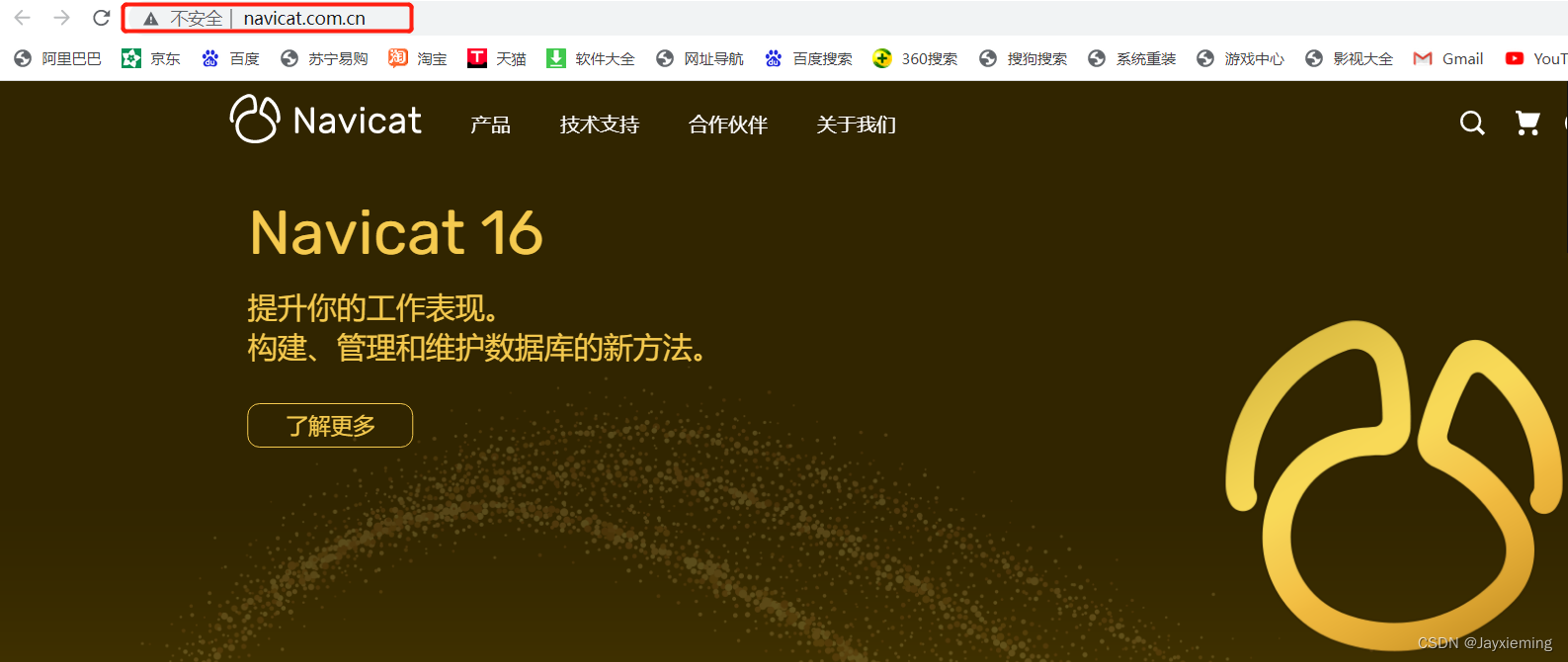
2.找到自己系统对应的下载即可

二:python操作MySQL
1.基本使用
1.首先需要导入pymysql模块
2.完整的代码
import pymysql # 1.连接mysql服务端 conn = pymysql.connect( host='127.0.0.1', port=3306, user='root', password='888', database='b1', charset='utf8mb4', autocommit=True, # 自动执行增删改查操作 ) # 2.产生一个游标对象 cursor = conn.cursor(cursor=pymysql.cursors.DictCursor) # 3.编写sql语句 sql = 'select * from t1' # 4.发送给服务端 cursor.execute(sql) # 5.获取命令的执行结果 res = cursor.fetchall() print(res) # [{'id': 0, 'name': 'ming'}]- 1
- 2
- 3
- 4
- 5
- 6
- 7
- 8
- 9
- 10
- 11
- 12
- 13
- 14
- 15
- 16
- 17
- 18
- 19
- 20
- 21
- 22
- 23
- 24
- 25
- 26
3.获取结果的三种方式:
# 1.获取结果中的第一条数据 cursor.fetchone() # 2.获取结果中的所有数据 cursor.fetchall() # 3.获取结果中指定条数的数据 n表示自定义条数,超出范围的话有多少条就展示多少条 cursor.fetchmany(n)- 1
- 2
- 3
- 4
- 5
- 6
- 7
- 8
4.指定位置,类似于文件中的光标的概念
# 1.relative 基于当前位置往后移动 cursor.scroll(1, mode='relative') # 2.基于数据集开头的位置往后移动 cursor.scroll(0, mode='absolute')- 1
- 2
- 3
- 4
- 5
2.基于数据库查询简单实现登录功能
import pymysql conn = pymysql.connect( host='127.0.0.1', port=3306, database='a1', user='root', password='888', charset='utf8mb4', autocommit=True, ) cursor = conn.cursor(cursor=pymysql.cursors.DictCursor) username = input('username').strip() password = input('password').strip() sql = 'select * from login where name=%s and pwd=%s' res = cursor.execute(sql, (username, password)) if res: print('登录成功') else: print('用户名或密码错误')- 1
- 2
- 3
- 4
- 5
- 6
- 7
- 8
- 9
- 10
- 11
- 12
- 13
- 14
- 15
- 16
- 17
- 18
- 19
- 20
- 21
- 22
- 23
- 24
- 25
- 26
3.插入数据
# 插入单条数据方法1: # sql = 'insert into login values(3, "xieming", "111")' # 插入单条数据方法2: # sql = 'insert into login(name, pwd) values("xieming", "111")' # res = cursor.execute(sql) # 插入多条数据 # sql = "insert into login(name, pwd) values(%s,%s)" # sql = "insert into login values(%s,%s)" # res = cursor.executemany(sql, [("xm", '111'), ('mx', '111')])- 1
- 2
- 3
- 4
- 5
- 6
- 7
- 8
- 9
- 10
三:sql注入问题
1.出现的sql注入问题:
当我们在用户登录系统中输入用户信息的时候会出现sql注入问题
select * from userinfo where name='jason' -- haha' and pwd='' select * from userinfo where name='xyz' or 1=1 -- heihei' and pwd=''- 1
- 2
2.本质:利用一些特殊符号的组合产生特殊的含义,使得正常的sql语句失效,从而逃脱正常的业务逻辑
3.措施:针对数据自己不要处理,交给pymysql中的方法(execute)自动去过滤处理
sql = "select * from userinfo where name=%s and pwd=%s" cursor.execute(sql, (username, password)) # 自动识别%s 并自动过滤各种符合 最后合并数据- 1
- 2
四:补充只知识点(了解)
1.as语法:给字字段和表起别名
2.comment语法:给表和字段添加注释信息
create table s1( id int comment '学生编号', name varchar(32) ) comment '这是一张学生信息表';- 1
- 2
- 3
- 4
3.concat、concat_ws语法
- concat:用于分组之前多个字段数据的拼接
SELECT concat( sid,'|', gender ) FROM student;- 1
- 2
- 3
- 4
- concat_ws:多个字段使用相同的分隔符拼接的时候,可以使用
SELECT CONCAT_WS( '$', sid, gender, class_id, sname ) FROM student;- 1
- 2
- 3
- 4
4.exists语法
- exists后面的sql语法有结果的情况下才会执行前面的语法
select * from userinfo where exists (select * from department where id<100)- 1
五:作业
import pymysql from pymysql import IntegrityError conn = pymysql.connect( host='127.0.0.1', port=3306, database='a1', user='root', password='888', charset='utf8mb4', autocommit=True, ) cursor = conn.cursor(cursor=pymysql.cursors.DictCursor) def register(): try: print('注册') username = input('username').strip() password = input('password').strip() sql = 'insert into login(name, pwd) values(%s,%s)' res = cursor.execute(sql, (username, password)) print(res) if res: print('注册成功') except IntegrityError: print('用户名已存在') def login(): print('登录') username = input('username').strip() password = input('password').strip() sql = 'select * from login where name=%s and pwd=%s' res = cursor.execute(sql, (username, password)) if res: print('登录成功') else: print('用户名或密码错误') func_dic = { '1': register, '2': login, } def run(): while True: print( """ 1 注册 2 登录 """ ) choice = input('请输入功能编号(q退出)').strip() if choice == 'q': return if choice in func_dic: func_dic.get(choice)() else: print('请输入正确的功能编号') run()- 1
- 2
- 3
- 4
- 5
- 6
- 7
- 8
- 9
- 10
- 11
- 12
- 13
- 14
- 15
- 16
- 17
- 18
- 19
- 20
- 21
- 22
- 23
- 24
- 25
- 26
- 27
- 28
- 29
- 30
- 31
- 32
- 33
- 34
- 35
- 36
- 37
- 38
- 39
- 40
- 41
- 42
- 43
- 44
- 45
- 46
- 47
- 48
- 49
- 50
- 51
- 52
- 53
- 54
- 55
- 56
- 57
- 58
- 59
- 60
- 61
- 62
- 63
- 64
- 65
- 66
- 67
-
相关阅读:
yalmip和cplex安装步骤(Matlab)
配置本地Maven仓库——IDEA配置本地Maven源
思腾云计算
人工智能知识全面讲解:Boosting族算法
Spark---核心概念(Spark,RDD,Spark的核心构成组件)详解
【云原生 | 38】Docker快速部署开源脚本语言PHP
基于JAVA个人信息管理系统计算机毕业设计源码+系统+mysql数据库+lw文档+部署
Python——数据结构
【ESP 保姆级教程】疯狂Node.js服务器篇 ——案例:ESP8266 + 环境监测 +NodeJs本地服务+文件存储数据 + 钉钉/微信/飞书报警
pytest自动化测试数据驱动yaml/excel/csv/json
- 原文地址:https://blog.csdn.net/Yydsaoligei/article/details/126409958
