前言
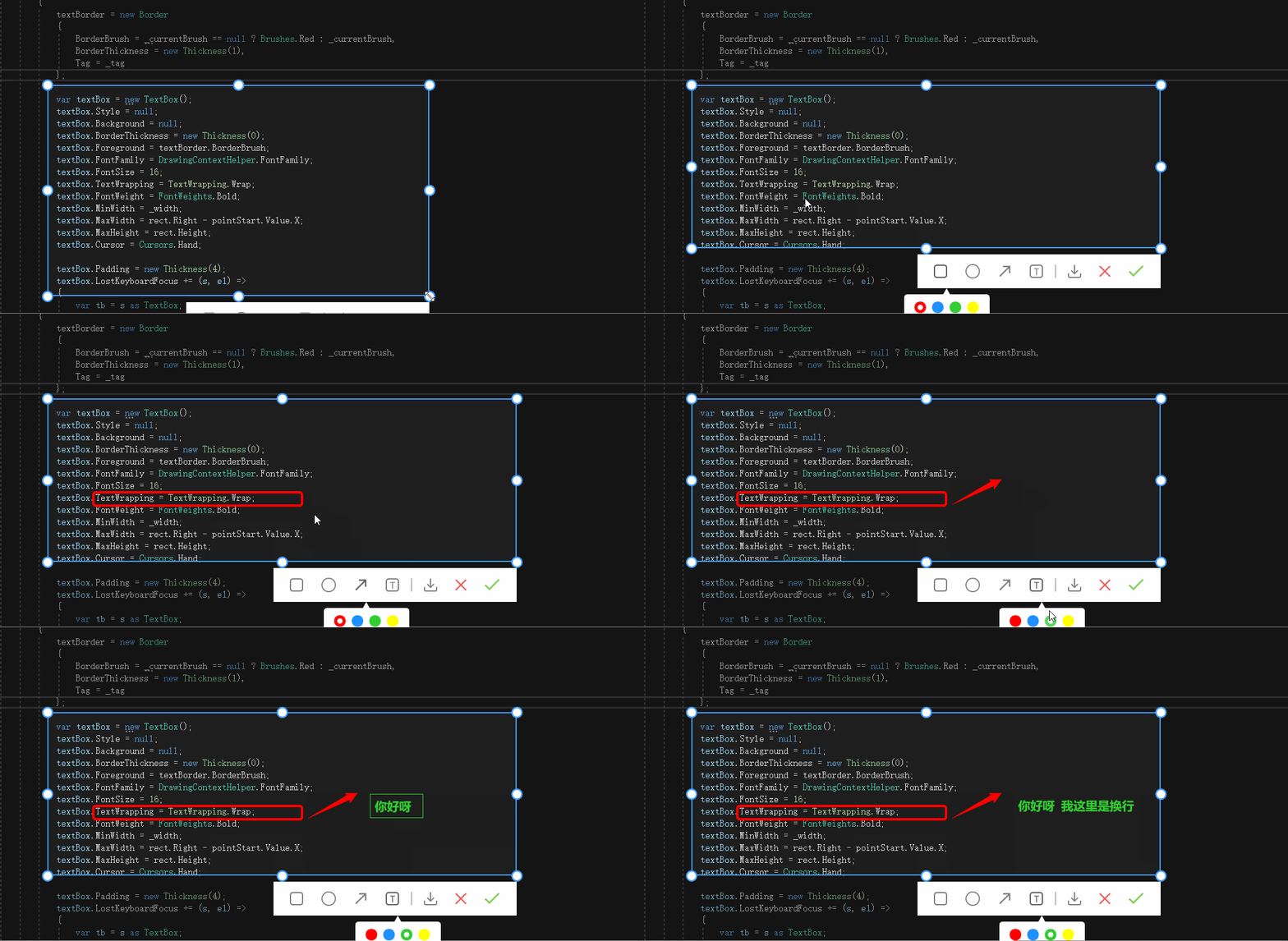
接着上周写的截图控件继续更新添加 文字。
1.WPF实现截屏「仿微信」
2.WPF 实现截屏控件之移动(二)「仿微信」
3.WPF 截图控件之伸缩(三) 「仿微信」
4.WPF 截图控件之绘制方框与椭圆(四) 「仿微信」
5.WPF 截图控件之绘制箭头(五)「仿微信」
6.WPF 截图控件之绘制箭头禁止越界(六)「仿微信」
正文
一、接着ScreenCut继续发电。
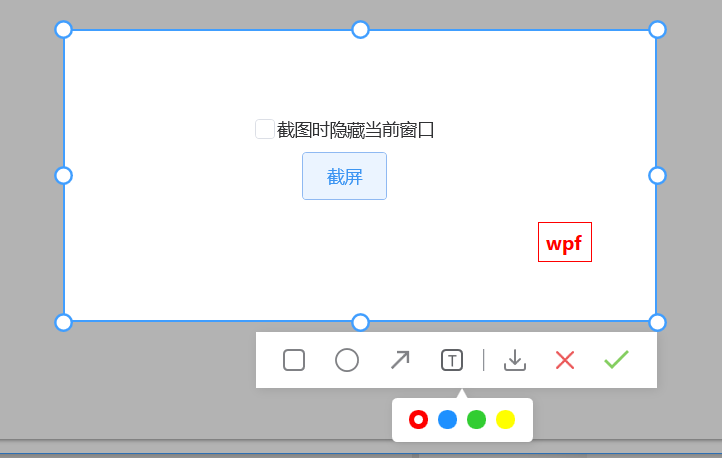
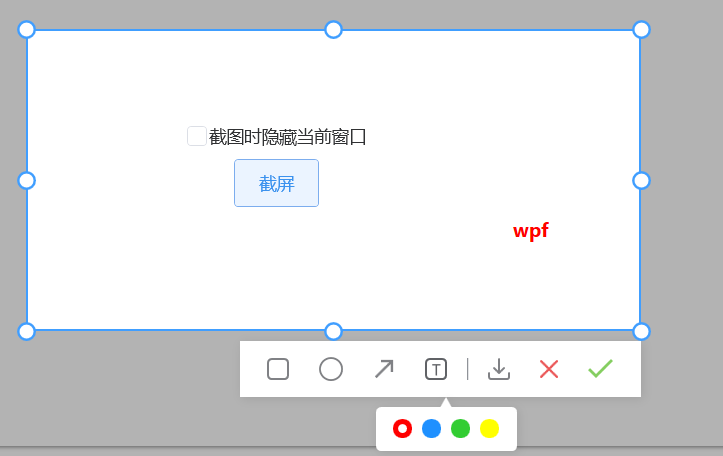
1)添加文字操作只允许在可编辑区域内
- 在添加文字、使用
Border嵌套TextBox
Border需注意:
1)当控件的高存放不下内容的时候需要将控件的SetTop设置向上移动,最大不能超过Rect的Top 需要监听宽高发生变化SizeChanged
TextBox需注意:
1)需要监听失去光标焦点LostKeyboardFocus后找TextBox的父控件设置边框为零。
👇
 void DrawText()
        {
            if (pointStart.Value.X < rect.Right
                &&
                pointStart.Value.X > rect.Left
                &&
                pointStart.Value.Y > rect.Top
                &&
                pointStart.Value.Y < rect.Bottom)
            {
                var currentWAndX = pointStart.Value.X + 40;
                if (textBorder == null)
                {
                    textBorder = new Border
                    {
                        BorderBrush = _currentBrush == null ? Brushes.Red : _currentBrush,
                        BorderThickness = new Thickness(1),
                        Tag = _tag
                    };

                    var textBox = new TextBox();
                    textBox.Style = null;
                    textBox.Background = null;
                    textBox.BorderThickness = new Thickness(0);
                    textBox.Foreground = textBorder.BorderBrush;
                    textBox.FontFamily = DrawingContextHelper.FontFamily;
                    textBox.FontSize = 16;
                    textBox.TextWrapping = TextWrapping.Wrap;
                    textBox.FontWeight = FontWeights.Bold;
                    textBox.MinWidth = _width;
                    textBox.MaxWidth = rect.Right - pointStart.Value.X;
                    textBox.MaxHeight = rect.Height;
                    textBox.Cursor = Cursors.Hand;

                    textBox.Padding = new Thickness(4);
                    textBox.LostKeyboardFocus += (s, e1) =>
                    {
                        var tb = s as TextBox;

                        var parent = VisualTreeHelper.GetParent(tb);
                        if (parent != null && parent is Border border)
                        {
                            border.BorderThickness = new Thickness(0);
                            if (string.IsNullOrWhiteSpace(tb.Text))
                                _canvas.Children.Remove(border);
                        }

                    };
                    textBorder.SizeChanged += (s, e1) =>
                    {
                        var tb = s as Border;
                        var y = y1;
                        if (y + tb.ActualHeight > rect.Bottom)
                        {
                            var v = Math.Abs(rect.Bottom - (y + tb.ActualHeight));
                            y1 = y - v;
                            Canvas.SetTop(tb, y1);
                        }
                    };
                    textBorder.PreviewMouseLeftButtonDown += (s, e) =>
                    {
                        SelectElement();
                        var border = s as Border;
                        border.BorderThickness = new Thickness(1);
                        frameworkElement = border;
                        frameworkElement.Opacity = .7;
                    };
                    textBorder.Child = textBox;
                    _canvas.Children.Add(textBorder);
                    textBox.Focus();
                    var x = pointStart.Value.X;

                    if (currentWAndX > rect.Right)
                        x = x - (currentWAndX - rect.Right);
                    Canvas.SetLeft(textBorder, x);
                    Canvas.SetTop(textBorder, pointStart.Value.Y);
                }
            }
        }
折叠 2)移除焦点 。
Keyboard.ClearFocus();
完整代码如下