-
gitcode代码仓库的基本使用
一、gitcode官网简介
GitCode 是 CSDN 为开发者提供的开源项目创新服务平台,秉承“创新、开放、协作、共享”的开源价值观,致力于为大规模开源开放协同创新助力赋能,打造创新成果孵化和新时代开发者培养的开源创新生态!支持公有云使用、私有化部署以及软硬一体化私有部署。
二、本地配置
1.安装git工具
yum -y install git- 1
2.配置本地git信息
[root@compute-node1 gitcode]# git config --global user.name "wangming" [root@compute-node1 gitcode]# git config --global user.email "123456@qq.com" [root@compute-node1 gitcode]# git config --global color.ui true [root@compute-node1 gitcode]#- 1
- 2
- 3
- 4
- 5
3.查看git个人信息
[root@compute-node1 gitcode]# cat ~/.gitconfig [user] name = wangming email = 123456@qq.com [color] ui = true- 1
- 2
- 3
- 4
- 5
- 6
- 7
二、创建本地仓库
1.创建本地工作区
[root@compute-node1 gitcode]# git init . Initialized empty Git repository in /git/gitcode/.git/ [root@compute-node1 gitcode]# ls -a . .. found_file.sh .git [root@compute-node1 gitcode]#- 1
- 2
- 3
- 4
- 5
- 6
2.将文件放入暂存区
[root@compute-node1 gitcode]# git add .- 1
3.将暂存区文件放入本地仓库
[root@compute-node1 gitcode]# git commit -m "1.0 master-wangming create item for test scripts " [master (root-commit) f1491e2] 1.0 master-wangming create item for test scripts 1 file changed, 21 insertions(+) create mode 100755 found_file.sh- 1
- 2
- 3
- 4
- 5
4.查看版本记录
[root@compute-node1 gitcode]# git log --oneline f1491e2 1.0 master-wangming create item for test scripts- 1
- 2
- 3
三、gitcode网站个人仓库配置
1.登录个人仓库
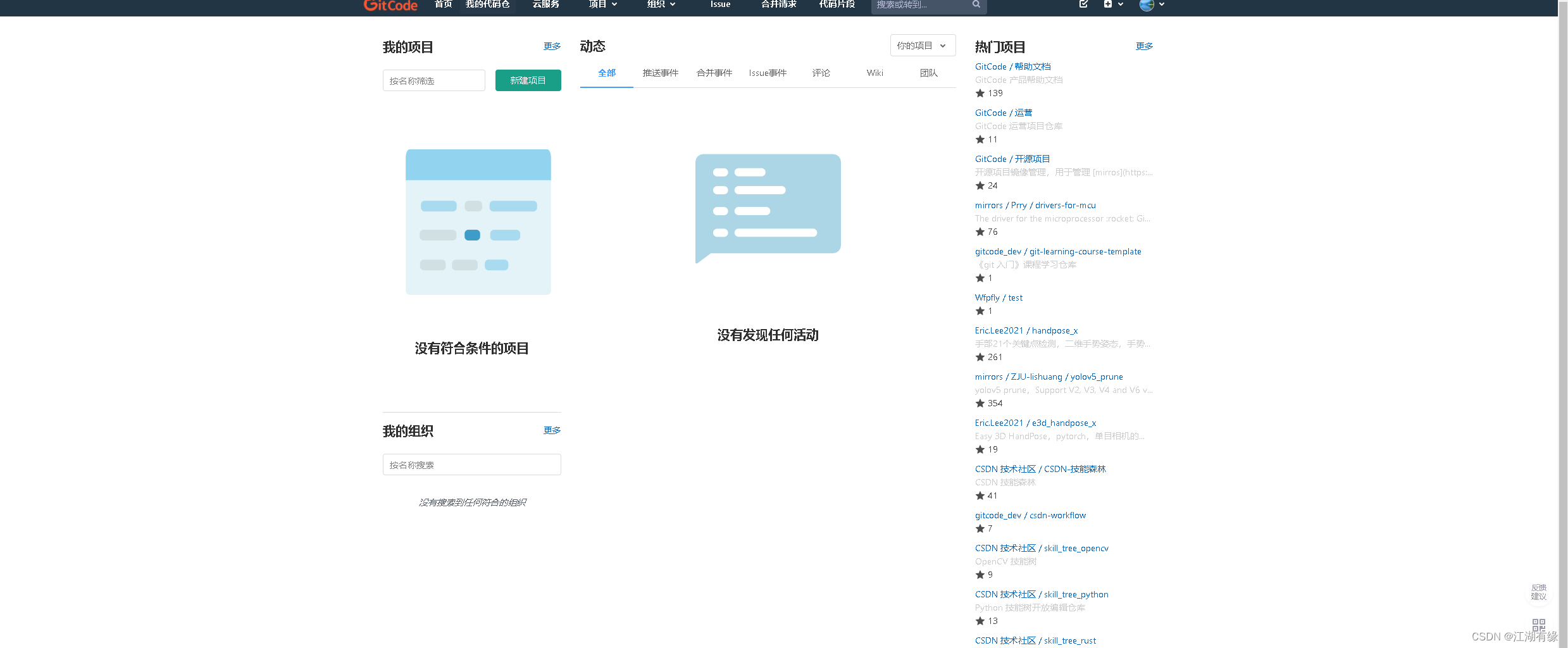
2.新建个人仓库
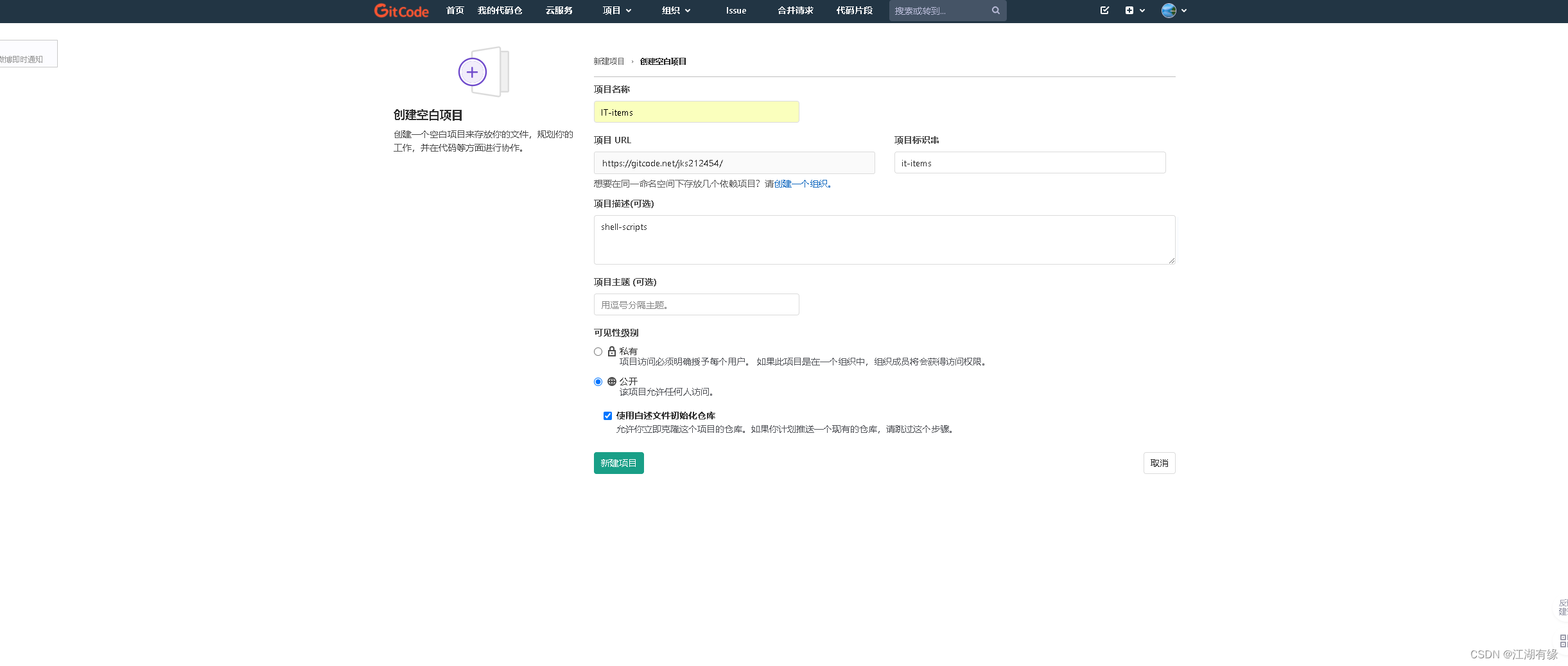
3.查看个人仓库
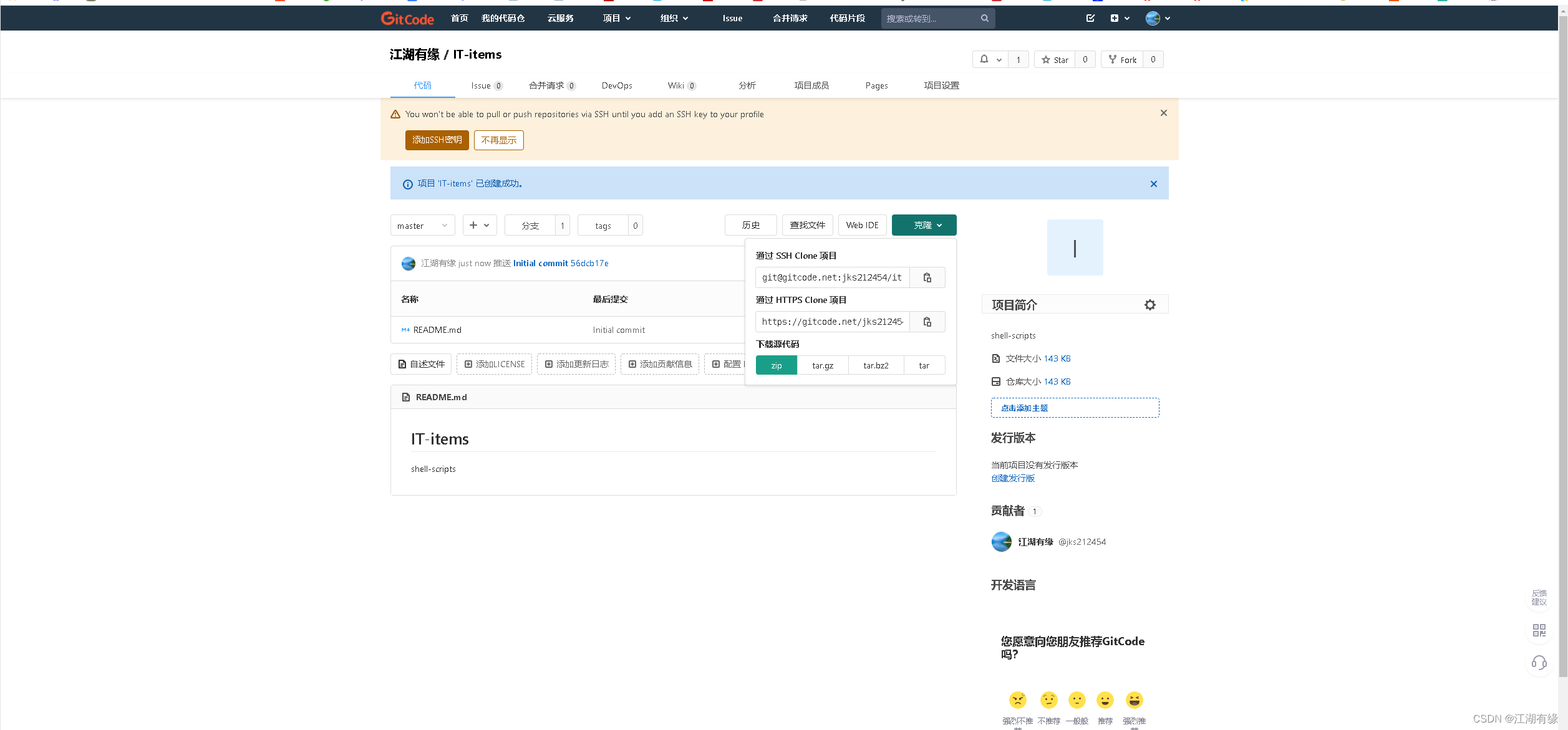
四、连接远程仓库
1.连接gitcode
[root@compute-node1 gitcode]# git remote add origin https://gitcode.net/jks212454/it-items.git [root@compute-node1 gitcode]#- 1
- 2
- 3
2.查看连接状态
[root@compute-node1 gitcode]# git remote -v origin https://gitcode.net/jks212454/it-items.git (fetch) origin https://gitcode.net/jks212454/it-items.git (push)- 1
- 2
- 3
五、配置ssh免密
1.查看本机公钥
[root@compute-node1 gitcode]# cat ~/.ssh/id_rsa.pub ssh-rsa AAAAB3NzaC1yc2EAAAADAQABAAABAQDjmRSBowMRzqDO4JFwveGTYZ/CtaOWKEu/G5GZ5HwYDDa/+Hps03DzXnOffkZARkPPmNNFVzE1/mCVA3LpMMDCeV3JfgrLLYSmwY4cNTgVMQ4NLs0uk4UkmBGwb/nP1IYX9Z+qpmGe/caUOFXGdvsGPRtjXC9llUGJCn1U4tkyhjX1hiwuPPlFl4XHw5w0EyCRwTtzzTn1Ma66DN5Ovc644GIbECnhVyOcXbzroZeiN3Ms+XfhVA/m9gCj9gXo+AUFC1wgHvwoBOLkx+PjKhOMz/nz4lSVEd/yURBGlcM6+wKYbTzeSdWGh0TG8mIMIBPd+vRIbNfW6R96NR/SLTMl root@localhost.localdomain- 1
- 2
- 3
2.添加公钥到gitcode
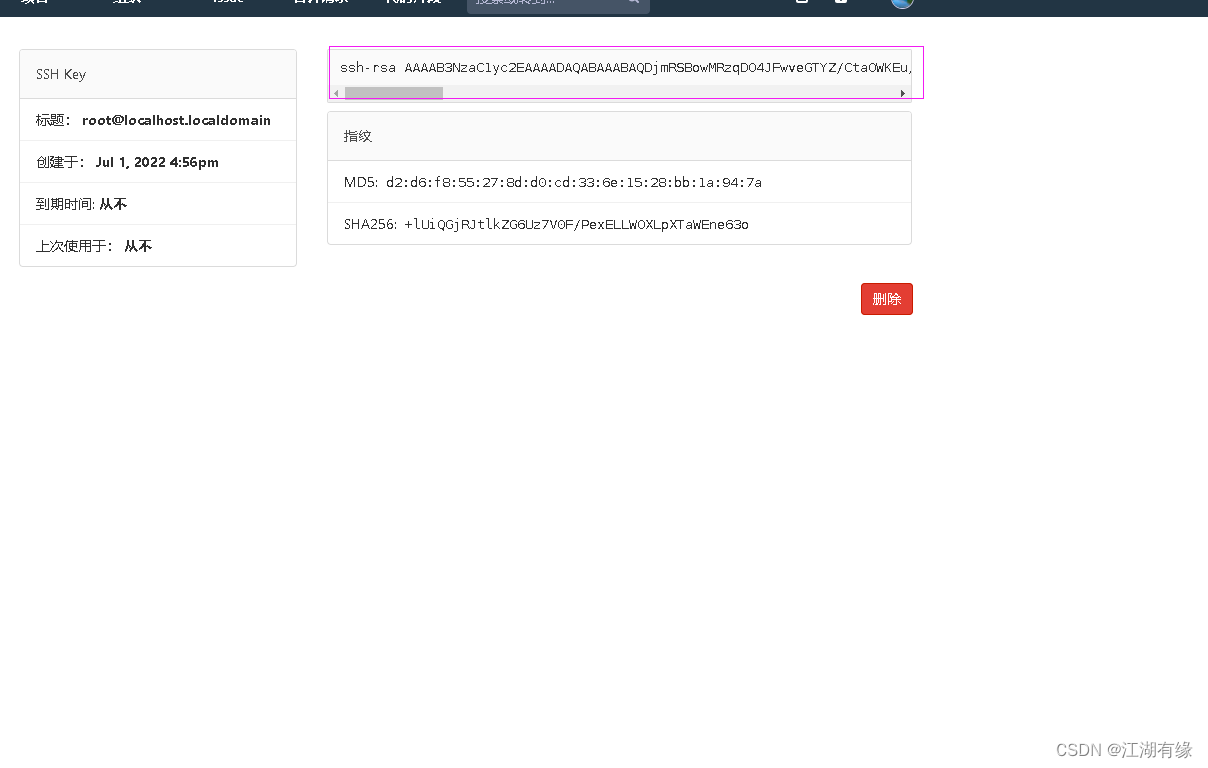
六、上传文件到gitcode
[root@compute-node1 gitcode]# git push git@gitcode.net:jks212454/it-items.git warning: push.default is unset; its implicit value is changing in Git 2.0 from 'matching' to 'simple'. To squelch this message and maintain the current behavior after the default changes, use: git config --global push.default matching To squelch this message and adopt the new behavior now, use: git config --global push.default simple See 'git help config' and search for 'push.default' for further information. (the 'simple' mode was introduced in Git 1.7.11. Use the similar mode 'current' instead of 'simple' if you sometimes use older versions of Git) Counting objects: 6, done. Delta compression using up to 2 threads. Compressing objects: 100% (4/4), done. Writing objects: 100% (5/5), 842 bytes | 0 bytes/s, done. Total 5 (delta 0), reused 0 (delta 0) To git@gitcode.net:jks212454/it-items.git 56dcb17..24c29d9 master -> master [root@compute-node1 gitcode]#- 1
- 2
- 3
- 4
- 5
- 6
- 7
- 8
- 9
- 10
- 11
- 12
- 13
- 14
- 15
- 16
- 17
- 18
- 19
- 20
- 21
- 22
- 23
- 24
- 25
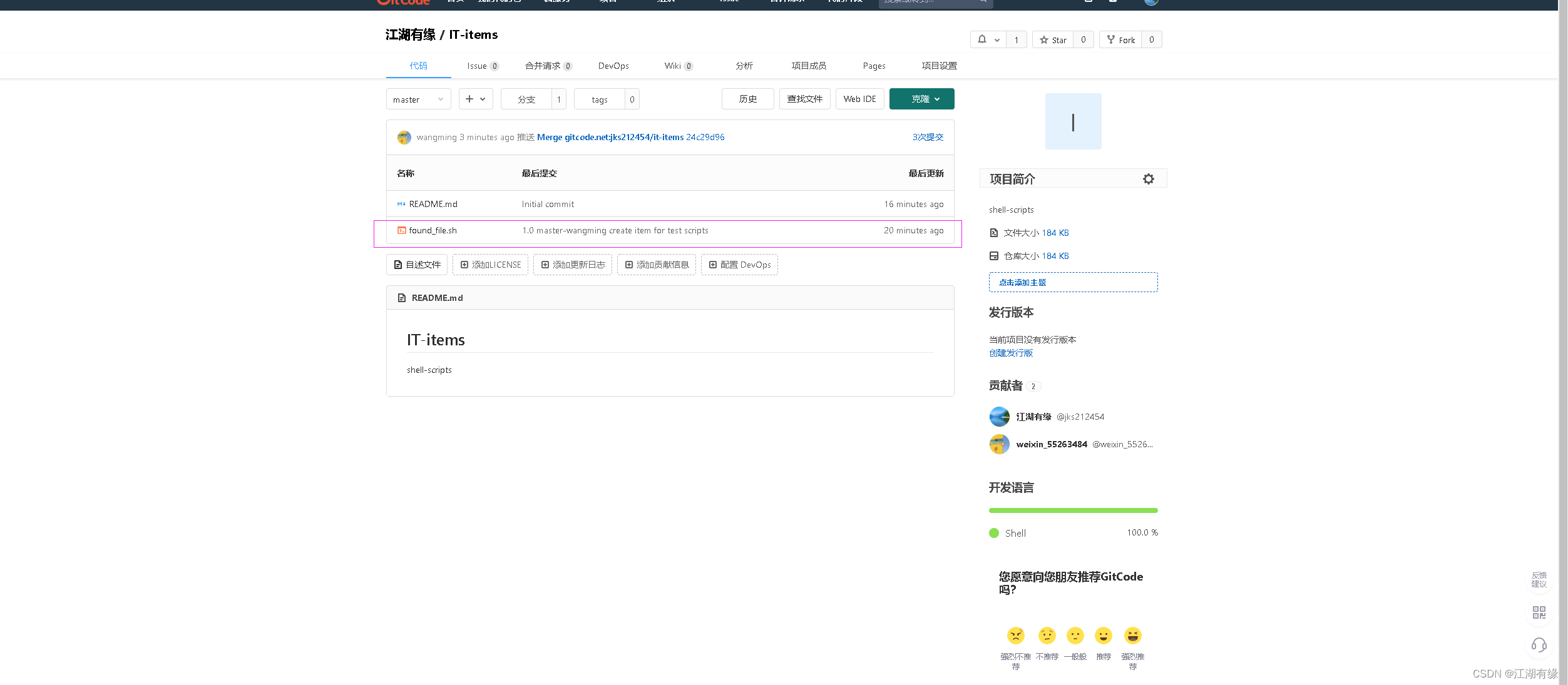
七、gitcode查看
-
相关阅读:
侯杰(面向对象上01)面向对象简介
修改系统时间导致mysql数据写入失败
高并发场景下的一些日志实践
git 常用命令
目标检测问题总结
35岁危机来临前,程序员如何未雨绸缪?
数据库事务的四种隔离级别
这个Spring Security登录插件牛啊,验证码、小程序、OAuth2都能快速接入
基于openOffice和python实现office转pdf和html示例代码
vue3 + Element-plus + Echarts 5.2 切换不更新、导出PDF不显示 解决方案
- 原文地址:https://blog.csdn.net/jks212454/article/details/125560429
