-
Android开发学习日记--利用元数据传递配置文件
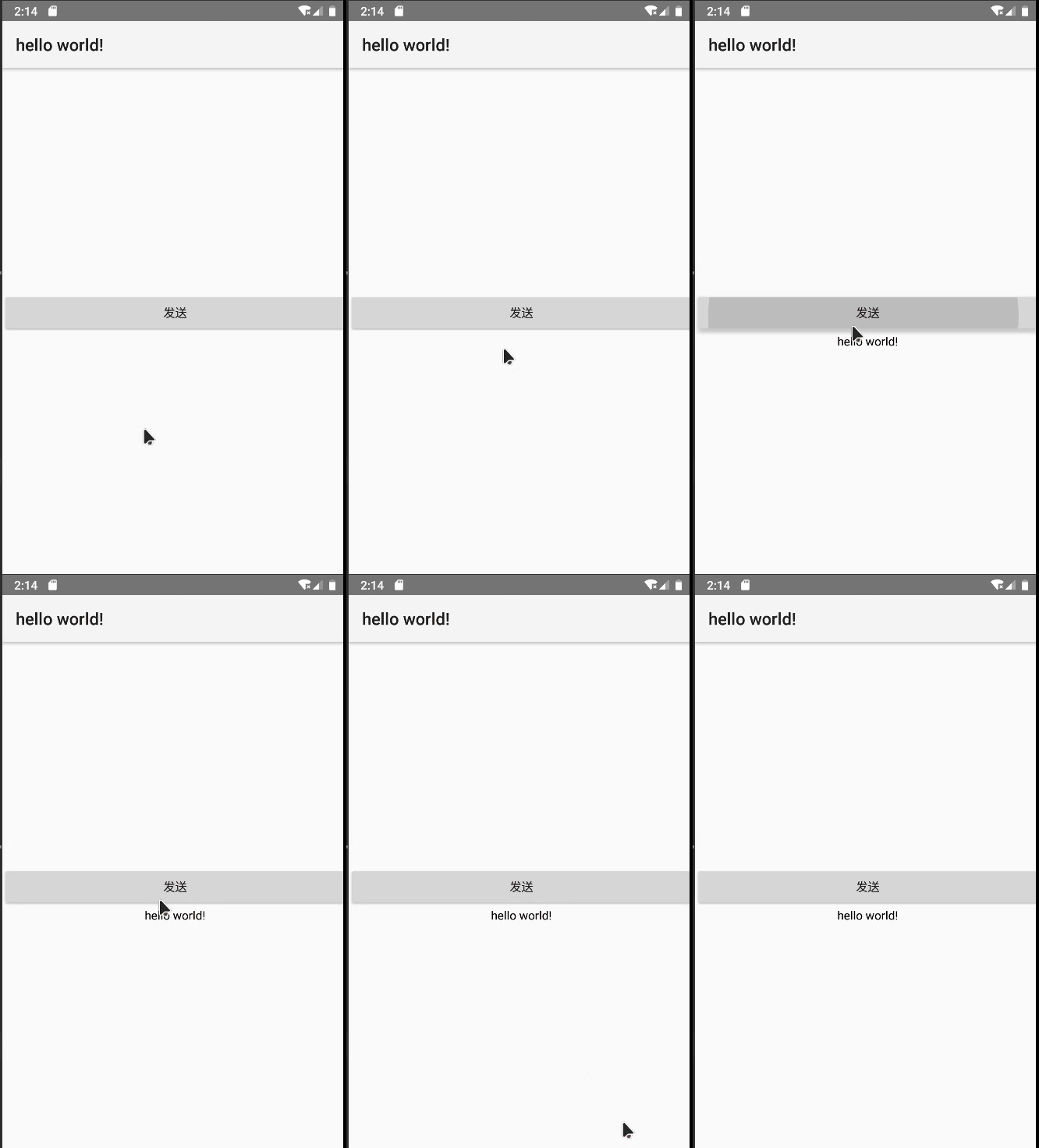
一、效果展示
二、实现步骤
尽管资源文件能够配置字符串参数,然而有时候为安全起见,某个参数要给某个活动专用,并不希望其 他活动也能获取该参数,此时就不方便到处使用getString 了。好在 Activity 提供了元数据( Metadata ) 的概念,元数据是一种描述其他数据的数据,它相当于描述固定活动的参数信息。打开 AndroidManifest.xml,在测试活动的 activity 节点内部添加 meta-data标签,通过属性 name 指定元数据 的名称,通过属性value指定元数据的值。1. 在AndroidManifest.xml文件添加元数据- <?xml version="1.0" encoding="utf-8"?>
- <manifest xmlns:android="http://schemas.android.com/apk/res/android"
- package="com.example.helloworld">
- <application
- android:allowBackup="true"
- android:icon="@mipmap/ic_launcher"
- android:label="@string/app_name"
- android:roundIcon="@mipmap/ic_launcher_round"
- android:supportsRtl="true">
- <activity
- android:name=".MainActivity"
- android:launchMode="standard"
- android:theme="@style/Theme.AppCompat.Light"
- android:exported="true">
- //添加在这里
- <meta-data android:name="slogan" android:value="hello world!" />
- <intent-filter>
- <action android:name="android.intent.action.VIEW" />
- <action android:name="android.intent.action.MAIN" />
- <category android:name="android.intent.category.LAUNCHER" />
- </intent-filter>
- </activity>
- </application>
- </manifest>
2.配置好了activity节点的meta-data标签,再回到Java代码获取元数据信息,获取步骤分为下列3步:
- 调用getPackageManager方法获得当前应用的包管理器。
- 调用包管理器的getActivityInfo方法获得当前活动的信息对象。
-
活动信息对象的 metaData 是 Bundle 包裹类型,调用包裹对象的 getString 即可获得指定名称的参数 值。
XML代码:
- <?xml version="1.0" encoding="utf-8"?>
- <LinearLayout xmlns:android="http://schemas.android.com/apk/res/android"
- xmlns:tools="http://schemas.android.com/tools"
- android:layout_width="match_parent"
- android:layout_height="match_parent"
- android:orientation="vertical"
- android:gravity="center"
- tools:context=".MainActivity">
- <Button
- android:id="@+id/request"
- android:layout_width="match_parent"
- android:layout_height="wrap_content"
- android:text="发送"
- />
- <TextView
- android:id="@+id/t1"
- android:layout_width="match_parent"
- android:layout_height="wrap_content"
- android:gravity="center"
- android:textColor="#000000"
- />
- </LinearLayout>
Java代码:
- import android.content.pm.ActivityInfo;
- import android.content.pm.PackageManager;
- import android.os.Bundle;
- import android.view.View;
- import android.widget.TextView;
- import androidx.annotation.Nullable;
- import androidx.appcompat.app.AppCompatActivity;
- public class MainActivity extends AppCompatActivity{
- @Override
- protected void onCreate(@Nullable Bundle savedInstanceState) {
- super.onCreate(savedInstanceState);
- setContentView(R.layout.activity_main);
- TextView textView=findViewById(R.id.t1);
- findViewById(R.id.request).setOnClickListener(new View.OnClickListener() {
- @Override
- public void onClick(View v) {
- try {
- PackageManager pa = getPackageManager(); //获取应用包管理器
- //从应用包管理器获取当前应用信息
- ActivityInfo act=pa.getActivityInfo(getComponentName(),PackageManager.GET_META_DATA);
- Bundle bundle=act.metaData; //获取活动附加的元数据信息
- String value=bundle.getString("slogan"); //从包裹中取出名为slogan的字符串
- textView.setText(value);
- } catch (PackageManager.NameNotFoundException e) {
- e.printStackTrace();
- }
- }
- });
- }
- }
-
相关阅读:
C++ 类的前置声明
Sublime Text 4 for Mac激活下载
Python画图系列——折线图
手把手教你在windows上安装mysql8.0最新版本数据库,保姆级教学
echarts-地图使用/配合散点图展示空气质量
大型网站系统架构演化实例_2.使用缓存改善网站性能
2024双非网安捡漏华五0854经验分享
玩转Redhat Linux 8.0【小测验2】有答案!
iOS打包错误The operation couldn’t be completed. (AppThinning.StubError error 1.)
day08PKI以及综合实验
- 原文地址:https://blog.csdn.net/m0_52238102/article/details/125539578
