1. 前言#
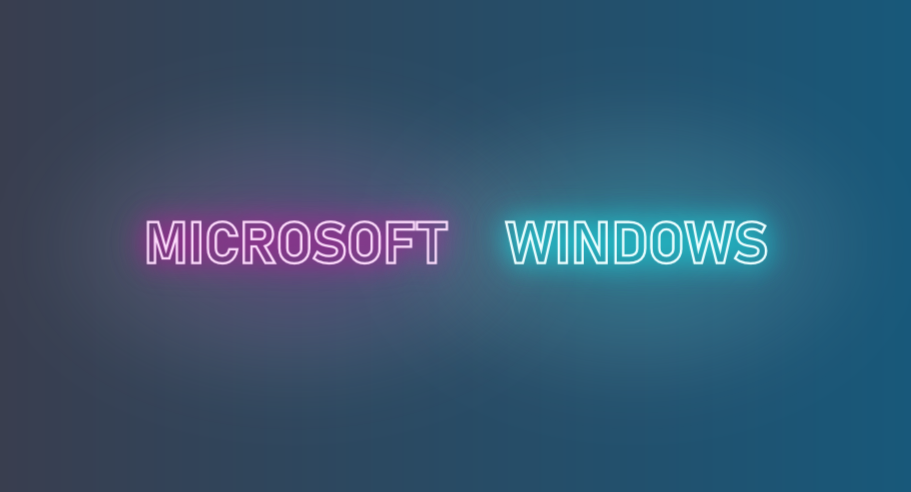
WPF 的 TextBlock 提供了大部分常用的文字修饰方法,在日常使用中基本够用。如果需要更丰富的表现方式,WPF 也提供了其它用起来复杂一些的工具去实现这些需求。例如这篇文章介绍的文字描边,就有几种方法可以在 WPF 中呈现。这篇文章将简单介绍这实现文字描边的方法。
2. 将文字转换位 Geometry#
实现文字描边的关键是使用 FormattedText 将文字转换为 Geometry,然后通过其它技术将 Geometry 加上边框再画出来。
在 WPF 中,Geometry 及它的派生类(EllipseGeometry、LineGeometry、PathGeometry、RectangleGeometry 等)用于描述 2D 形状的集合图形。而 FormattedText 的 BuildGeometry 函数可以将文字转换为 GeometryGroup(表示由其他 Geometry 对象组成的复合几何图形),代码如下:
private Geometry CreateTextGeometry()
{
// Create the formatted text based on the properties set.
FormattedText formattedText = new FormattedText(
Text,
CultureInfo.CurrentCulture,
FlowDirection.LeftToRight,
new Typeface(
FontFamily,
FontStyle,
FontWeight,
FontStretch),
FontSize,
System.Windows.Media.Brushes.Black,// This brush does not matter since we use the geometry of the text.
100);
// Build the geometry object that represents the text.
return formattedText.BuildGeometry(new Point(0, 0));
}
得到 Geometry 后,有两种方式将它画出来。
3. 使用 DrawingContext#
WPF 中的 DrawingContext 是一个基础的绘图对象,用于绘制各种图形,它的一个最简单的使用方式是重载 UIElement 的 OnRender 方法,在这个方法中绘制 UIElement 的UI:
// Override the OnRender call to add a Background and Border to the OffSetPanel
protected override void OnRender(DrawingContext dc)
{
SolidColorBrush mySolidColorBrush = new SolidColorBrush();
mySolidColorBrush.Color = Colors.LimeGreen;
Pen myPen = new Pen(Brushes.Blue, 10);
Rect myRect = new Rect(0, 0, 500, 500);
dc.DrawRectangle(mySolidColorBrush, myPen, myRect);
}
上面的示例代码用 DrawingContext 画了一个500 * 500 的正方形。除了正方形,DrawingContext 还提供了 DrawEllipse、DrawImage、DrawLine 等函数,用于画圆形、图像、线条等,也可以用 DrawText 函数画出文字。不过比起直接用 DrawText,DrawGeometry 会是一个更好的选择,因为它可以画出文字的边框。在上面的代码中我们已经将文字转为一个 Geometry,接下来直接调用 DrawGeometry 并加上边框:
protected override void OnRender(DrawingContext drawingContext)
{
base.OnRender(drawingContext);
var geometry = CreateTextGeometry();
// Draw the outline based on the properties that are set.
drawingContext.DrawGeometry(Foreground, new Pen(Stroke, StrokeThickness), geometry);
}
通过 Stroke, StrokeThickness 控制文字边框的颜色和粗细。
4. 自定义 Shape#
前面介绍的方法来自微软的 示例文档,不过既然都拿到文字的 Geometry 了,直接做成自定义的 Shape 不更好吗,Shape 还可以很简单地玩更多花样更多动画。用自定义 Shape 做空心文字的代码大致如下(省略了一些文本的自定义依赖属性):
public class TextShape : Shape
{
private double _height;
private double _width;
private Geometry _textGeometry;
[Localizability(LocalizationCategory.Text)]
public string Text
{
get { return (string)GetValue(TextProperty); }
set { SetValue(TextProperty, value); }
}
protected sealed override Geometry DefiningGeometry
{
get
{
return _textGeometry ?? Geometry.Empty;
}
}
protected override Size MeasureOverride(Size availableSize)
{
this.RealizeGeometry();
return new Size(Math.Min(availableSize.Width, _width), Math.Min(availableSize.Height, _height));
}
private void RealizeGeometry()
{
var formattedText = new FormattedText(
Text,
CultureInfo.CurrentCulture,
FlowDirection.LeftToRight,
new Typeface(FontFamily, FontStyle, FontWeight, FontStretch), FontSize, Brushes.Black, 100);
_height = formattedText.Height;
_width = formattedText.Width;
_textGeometry = formattedText.BuildGeometry(new Point());
}
}
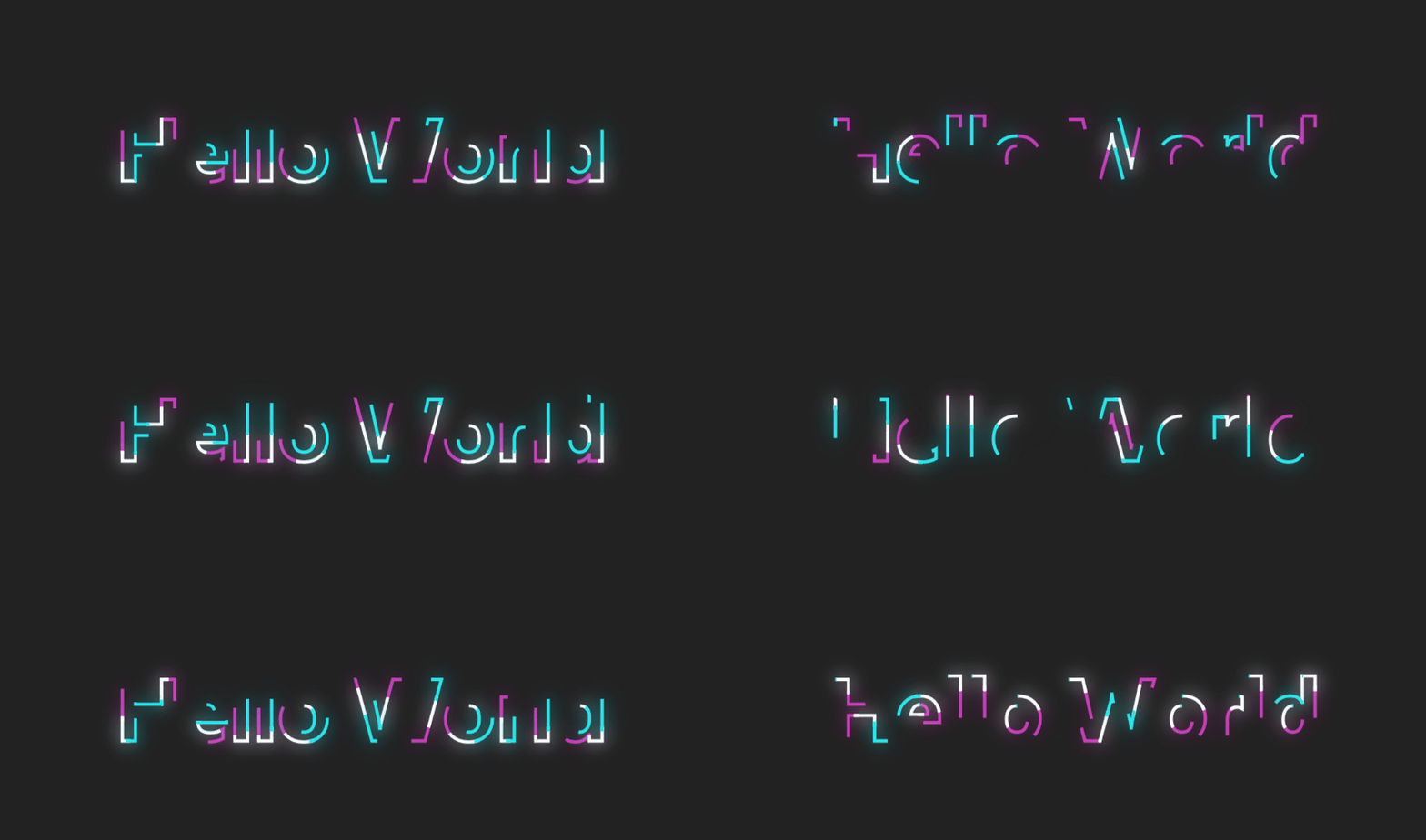
得到一个由文字转换成的 Shape 后除了可以实现文字描边,还可以玩很多动画,例如下面这种:
5. 最后#
这篇文章介绍了如何实现文字描边。除了文字描边,文章里介绍的文字转换成 Shape 还有很多中玩法,下一篇文章将简单试试其中一些。
另外,文字描边的方案还可以参考博客园的这篇博客,将文本字符串用GDI+生成Bitmap,然后转成BitmapImage:
6. 参考#
Geometry 概述 - WPF .NET Framework
GeometryGroup 类 (System.Windows.Media)
FormattedText 类 (System.Windows.Media)
DrawingContext 类 (System.Windows.Media)
UIElement.OnRender(DrawingContext) 方法 (System.Windows)