-
HarmonyOS NEXT应用开发—状态栏显隐变化
介绍
本示例介绍使用Scroll组件的滚动事件 onScroll 实现状态栏显隐变化。该场景多用于各种软件的首页、我的等页面中。
效果预览图

使用说明
- 加载完成后显示状态栏显隐变化页面,上下拖动屏幕,顶端状态栏出现显隐变化。
实现思路
- 在置顶位置使用stack组件添加两层状态栏。 源码参考NavigationBarChangeView.ets。
Stack() { ... Header({headOpacity: this.headOpacity, titleBackgroundColor: $r('app.color.ohos_id_color_background'), isTop: false}); Header({headOpacity: this.opacityDefaultValue, titleBackgroundColor: $r('app.color.transparent_color'), isTop: true}); }- 1
- 2
- 3
- 4
- 5
- 通过获取Scroll的偏移量,计算透明度,分别对状态栏的组件设置透明度来实现状态栏的显隐变化效果。 源码参考NavigationBarChangeView.ets。
Scroll(this.scroller) { ... } .width($r('app.string.width_and_height_value12')) .height($r('app.string.width_and_height_value12')) .scrollable(ScrollDirection.Vertical) .scrollBar(BarState.Off) .edgeEffect(EdgeEffect.None) .onScroll(() => { this.scrollOffset = this.scroller.currentOffset().yOffset; if(this.scrollOffset <= this.opacityComputeRadix) { this.headOpacity = this.scrollOffset / this.opacityComputeRadix; } else { this.headOpacity = this.opacityDefaultValue; } })- 1
- 2
- 3
- 4
- 5
- 6
- 7
- 8
- 9
- 10
- 11
- 12
- 13
- 14
- 15
- 16
- 17
高性能知识点
本示例使用了onScroll回调监听接口,此接口属于频繁回调接口,应该避免在内部进行冗余和耗时操作,例如避免打印日志。
工程结构&模块类型
navigationbarchange // har类型 |---view | |---NavigationBarChange.ets // 视图层-状态栏显隐变化页面- 1
- 2
- 3
模块依赖
参考资料
为了能让大家更好的学习鸿蒙(HarmonyOS NEXT)开发技术,这边特意整理了《鸿蒙开发学习手册》(共计890页),希望对大家有所帮助:
https://qr21.cn/FV7h05《鸿蒙开发学习手册》:
如何快速入门:
https://qr21.cn/FV7h05- 基本概念
- 构建第一个ArkTS应用
- ……

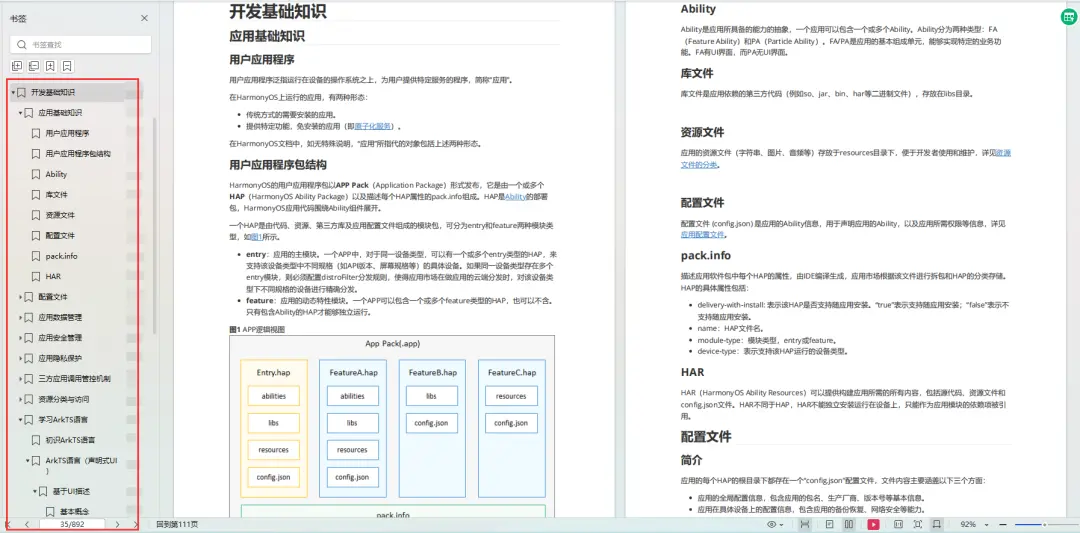
开发基础知识:
https://qr21.cn/FV7h05- 应用基础知识
- 配置文件
- 应用数据管理
- 应用安全管理
- 应用隐私保护
- 三方应用调用管控机制
- 资源分类与访问
- 学习ArkTS语言
- ……
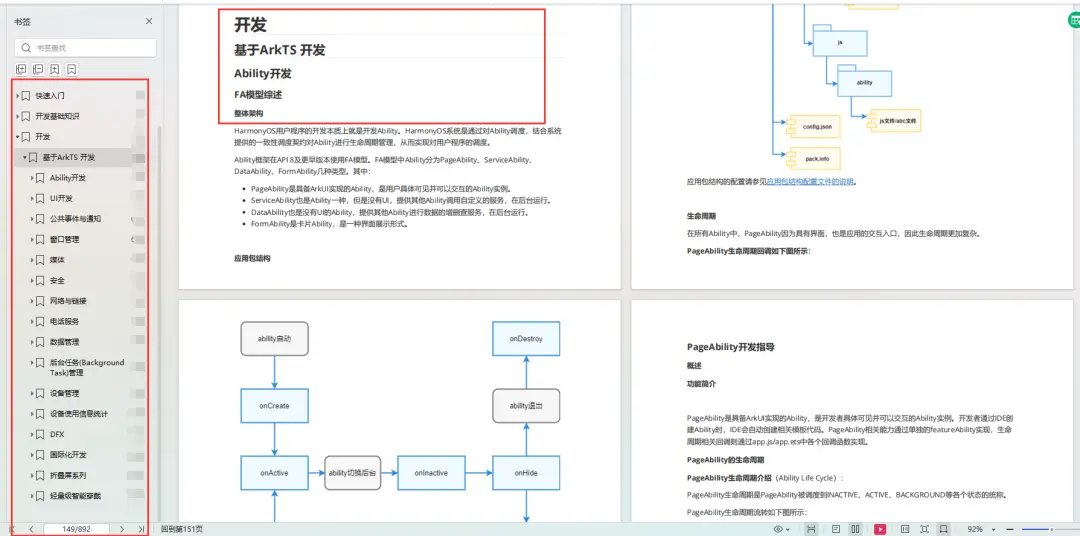
基于ArkTS 开发:
https://qr21.cn/FV7h05- Ability开发
- UI开发
- 公共事件与通知
- 窗口管理
- 媒体
- 安全
- 网络与链接
- 电话服务
- 数据管理
- 后台任务(Background Task)管理
- 设备管理
- 设备使用信息统计
- DFX
- 国际化开发
- 折叠屏系列
- ……
鸿蒙开发面试真题(含参考答案):
https://qr21.cn/FV7h05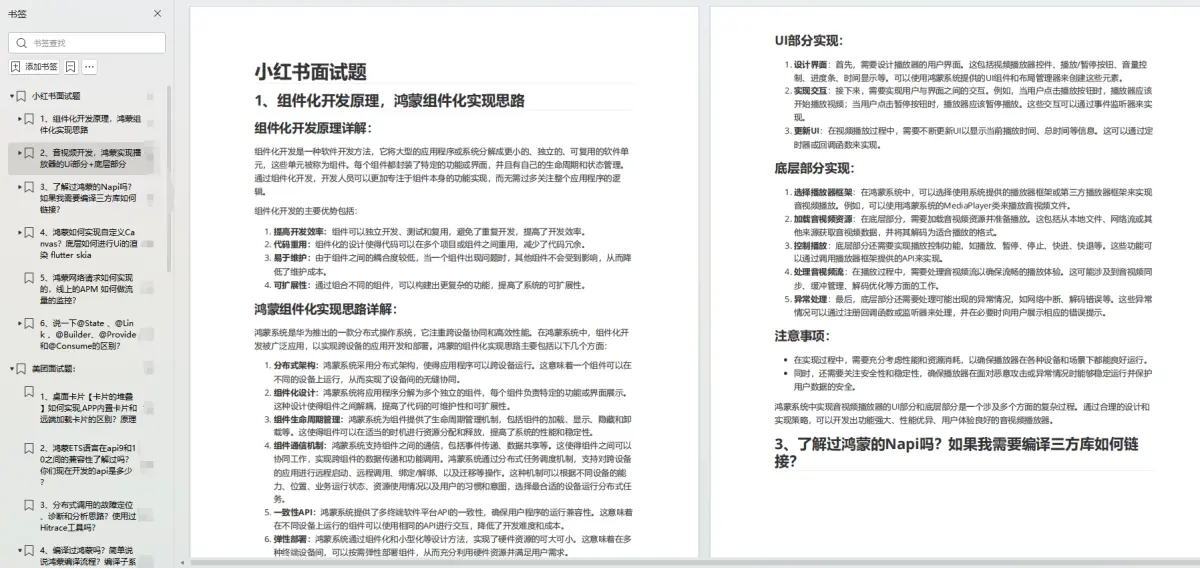
腾讯T10级高工技术,安卓全套VIP课程全网免费送:
https://qr21.cn/D2k9D5 -
相关阅读:
二叉树的最大深度(C++两种思路递归和层序)超详解小白入
【ACWing】3488. 最短路径
area.js 文件下载
Day93.SpringBoot: 配置、使用、原理
P1019 [NOIP2000 提高组] 单词接龙——dfs
Qt 信号与槽
英语字典的一些 关键字 解释:
前端页面初步开发
python安全工具开发笔记(二)——python Web编程
Leetcode2909. 元素和最小的山形三元组 II
- 原文地址:https://blog.csdn.net/weixin_61845324/article/details/136767994
