-
边玩边学!Python随机生成迷宫游戏的代码简单示例。
前言
随机生成迷宫游戏,是指使用随机算法生成一个可以解决的迷宫,玩家需要通过寻找通路,找到迷宫的出口。Python可以通过生成二维数组模拟迷宫的结构,使用深度优先搜索和广度优先搜索等算法找到通路。下面将从以下几个方面详细介绍。

一、生成迷宫的二维数组
迷宫是由一个二维数组来表示的,数组中每个元素表示迷宫的一个方块。使用Python可以通过numpy库来生成二维数组,例如二维数组shape为(5, 5)表示迷宫的大小为5x5,代码如下:
import numpy as np # 生成迷宫的二维数组 maze = np.zeros((5, 5), dtype=int) # 0 表示迷宫墙壁- 1
- 2
- 3
以上代码中,使用zeros函数生成一个初始化为0的二维数组,因为0表示迷宫的墙壁。
二、深度优先搜索算法寻找通路
深度优先搜索算法可以用来寻找迷宫的通路。从一个起始点开始,每次选择一个未访问过的相邻方块,并标记为已访问。如果此时已经到达迷宫的终点,则返回找到的通路;如果当前方块没有未访问的相邻方块,则回溯到之前的方块,并选择另一个相邻方块。代码如下:
def dfs(maze, start, end): rows, cols = maze.shape visited = np.zeros((rows, cols)) # 标记迷宫中的方块是否已访问 stack = [start] # 栈存储待访问的方块 directions = [(0, -1), (0, 1), (-1, 0), (1, 0)] # 定义四个方向 while stack: current = stack.pop() if current == end: return True x, y = current visited[x][y] = 1 for dx, dy in directions: new_x, new_y = x + dx, y + dy if 0 <= new_x < rows and 0 <= new_y < cols and not visited[new_x][new_y] and maze[new_x][new_y] == 1: stack.append((new_x, new_y)) return False- 1
- 2
- 3
- 4
- 5
- 6
- 7
- 8
- 9
- 10
- 11
- 12
- 13
- 14
- 15
- 16
三、生成迷宫的随机算法
随机算法主要用来生成迷宫的结构。使用深度优先搜索算法从起点到终点的过程中,同时将路径的方块标记为1,未标记的方块即为迷宫的墙壁。

def generate_maze(rows, cols, start, end): maze = np.zeros((rows, cols), dtype=int) # 0表示墙 stack = [start] # 栈存储待访问的方块 directions = [(0, -1), (0, 1), (-1, 0), (1, 0)] # 定义四个方向 while stack: current = stack.pop() x, y = current maze[x][y] = 1 # 标记为访问过的方块 neighbors = [] for dx, dy in directions: new_x, new_y = x + dx, y + dy if 0 <= new_x < rows and 0 <= new_y < cols and maze[new_x][new_y] == 0: neighbors.append((new_x, new_y)) if neighbors: stack.append(current) # 当前方块重新压入栈 next_block = neighbors[np.random.randint(len(neighbors))] # 随机选择下一个方块 if next_block == end: maze[next_block[0]][next_block[1]] = 1 break stack.append(next_block) return maze- 1
- 2
- 3
- 4
- 5
- 6
- 7
- 8
- 9
- 10
- 11
- 12
- 13
- 14
- 15
- 16
- 17
- 18
- 19
- 20
- 21
四、使用Pygame显示迷宫
使用Pygame库可以方便地显示迷宫的图像,代码如下:
import pygame # 绘制迷宫 def draw_maze(screen, maze, size): rows, cols = maze.shape w, h = size[0] // cols, size[1] // rows for i in range(rows): for j in range(cols): if maze[i][j] == 0: pygame.draw.rect(screen, (0, 0, 0), (j * w, i * h, w, h)) else: pygame.draw.rect(screen, (255, 255, 255), (j * w, i * h, w, h)) pygame.init() # 窗口大小 size = (500, 500) # 设置标题和窗口大小 pygame.display.set_caption("Maze Game") screen = pygame.display.set_mode(size) # 生成迷宫 maze = generate_maze(20, 20, (0, 0), (19, 19)) # 绘制迷宫 draw_maze(screen, maze, size) pygame.display.flip() running = True while running: for event in pygame.event.get(): if event.type == pygame.QUIT: running = False pygame.quit()- 1
- 2
- 3
- 4
- 5
- 6
- 7
- 8
- 9
- 10
- 11
- 12
- 13
- 14
- 15
- 16
- 17
- 18
- 19
- 20
- 21
- 22
- 23
- 24
- 25
- 26
- 27
- 28
以上代码中,使用Pygame库生成一个500x500的窗口,并在窗口中绘制迷宫。Maze Game是窗口的标题,20x20表示迷宫的大小,(0,0)和(19,19)分别表示起点和终点。
五、随机生成迷宫游戏完整代码
以下是整个随机生成迷宫游戏的完整代码:
import pygame import numpy as np def dfs(maze, start, end): rows, cols = maze.shape visited = np.zeros((rows, cols)) # 标记迷宫中的方块是否已访问 stack = [start] # 栈存储待访问的方块 directions = [(0, -1), (0, 1), (-1, 0), (1, 0)] # 定义四个方向 while stack: current = stack.pop() if current == end: return True x, y = current visited[x][y] = 1 for dx, dy in directions: new_x, new_y = x + dx, y + dy if 0 <= new_x < rows and 0 <= new_y < cols and not visited[new_x][new_y] and maze[new_x][new_y] == 1: stack.append((new_x, new_y)) return False def generate_maze(rows, cols, start, end): maze = np.zeros((rows, cols), dtype=int) # 0表示墙 stack = [start] # 栈存储待访问的方块 directions = [(0, -1), (0, 1), (-1, 0), (1, 0)] # 定义四个方向 while stack: current = stack.pop() x, y = current maze[x][y] = 1 # 标记为访问过的方块 neighbors = [] for dx, dy in directions: new_x, new_y = x + dx, y + dy if 0 <= new_x < rows and 0 <= new_y < cols and maze[new_x][new_y] == 0: neighbors.append((new_x, new_y)) if neighbors: stack.append(current) # 当前方块重新压入栈 next_block = neighbors[np.random.randint(len(neighbors))] # 随机选择下一个方块 if next_block == end: maze[next_block[0]][next_block[1]] = 1 break stack.append(next_block) return maze def draw_maze(screen, maze, size): rows, cols = maze.shape w, h = size[0] // cols, size[1] // rows for i in range(rows): for j in range(cols): if maze[i][j] == 0: pygame.draw.rect(screen, (0, 0, 0), (j * w, i * h, w, h)) else: pygame.draw.rect(screen, (255, 255, 255), (j * w, i * h, w, h)) # 初始化Pygame库 pygame.init() # 窗口大小 size = (500, 500) # 设置标题和窗口大小 pygame.display.set_caption("Maze Game") screen = pygame.display.set_mode(size) # 生成迷宫的二维数组 maze = generate_maze(20, 20, (0, 0), (19, 19)) # 绘制迷宫 draw_maze(screen, maze, size) # 刷新屏幕 pygame.display.flip() # 事件循环 running = True while running: for event in pygame.event.get(): if event.type == pygame.QUIT: # 点击关闭按钮 running = False # 退出Pygame库 pygame.quit()- 1
- 2
- 3
- 4
- 5
- 6
- 7
- 8
- 9
- 10
- 11
- 12
- 13
- 14
- 15
- 16
- 17
- 18
- 19
- 20
- 21
- 22
- 23
- 24
- 25
- 26
- 27
- 28
- 29
- 30
- 31
- 32
- 33
- 34
- 35
- 36
- 37
- 38
- 39
- 40
- 41
- 42
- 43
- 44
- 45
- 46
- 47
- 48
- 49
- 50
- 51
- 52
- 53
- 54
- 55
- 56
- 57
- 58
- 59
- 60
- 61
- 62
- 63
- 64
- 65
- 66
- 67
- 68
- 69
运行以上代码,即可生成随机生成迷宫游戏,并在Pygame窗口中显示。玩家需要自行找到通路,走到终点。
关于Python技术储备
学好 Python 不论是就业还是做副业赚钱都不错,但要学会 Python 还是要有一个学习规划。最后大家分享一份全套的 Python 学习资料,给那些想学习 Python 的小伙伴们一点帮助!
👉CSDN大礼包:《Python入门资料&实战源码&安装工具】免费领取(安全链接,放心点击)
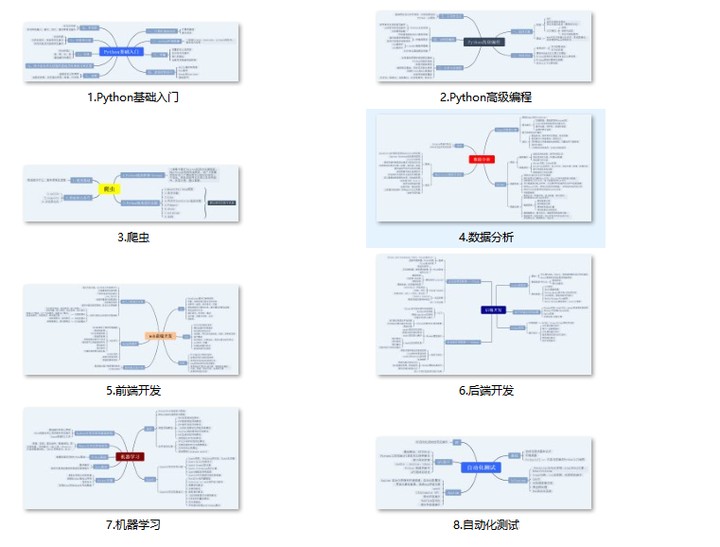
一、Python所有方向的学习路线
Python所有方向的技术点做的整理,形成各个领域的知识点汇总,它的用处就在于,你可以按照上面的知识点去找对应的学习资源,保证自己学得较为全面。
二、Python基础学习视频
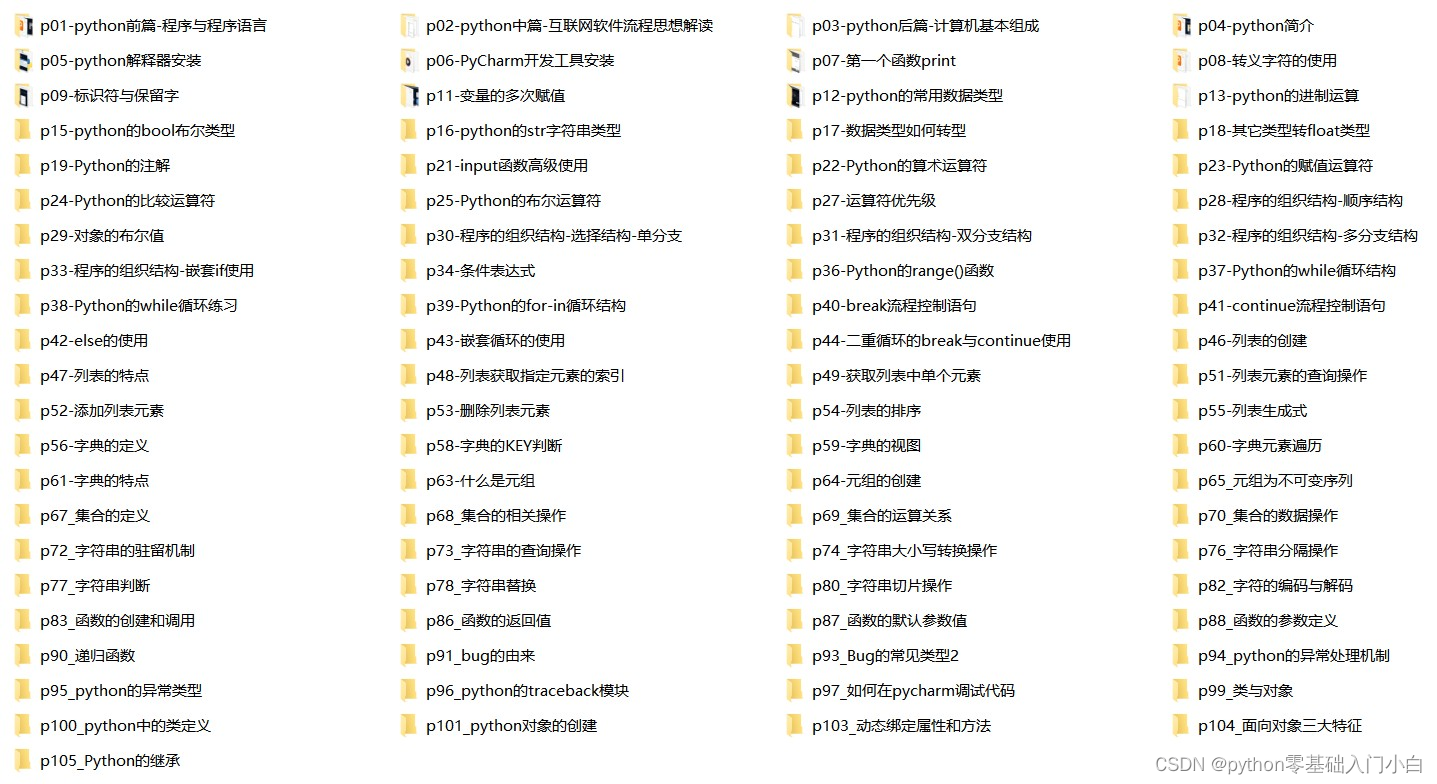
② 路线对应学习视频
还有很多适合0基础入门的学习视频,有了这些视频,轻轻松松上手Python~在这里插入图片描述
③练习题
每节视频课后,都有对应的练习题哦,可以检验学习成果哈哈!
因篇幅有限,仅展示部分资料三、精品Python学习书籍
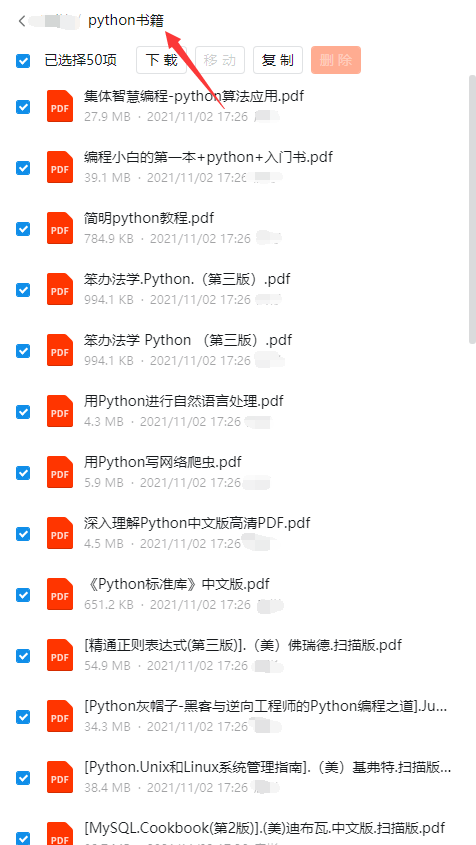
当我学到一定基础,有自己的理解能力的时候,会去阅读一些前辈整理的书籍或者手写的笔记资料,这些笔记详细记载了他们对一些技术点的理解,这些理解是比较独到,可以学到不一样的思路。
四、Python工具包+项目源码合集
①Python工具包
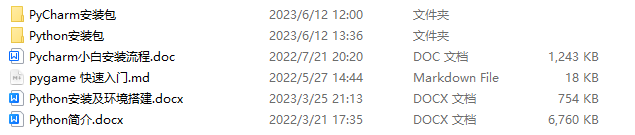
学习Python常用的开发软件都在这里了!每个都有详细的安装教程,保证你可以安装成功哦!
②Python实战案例
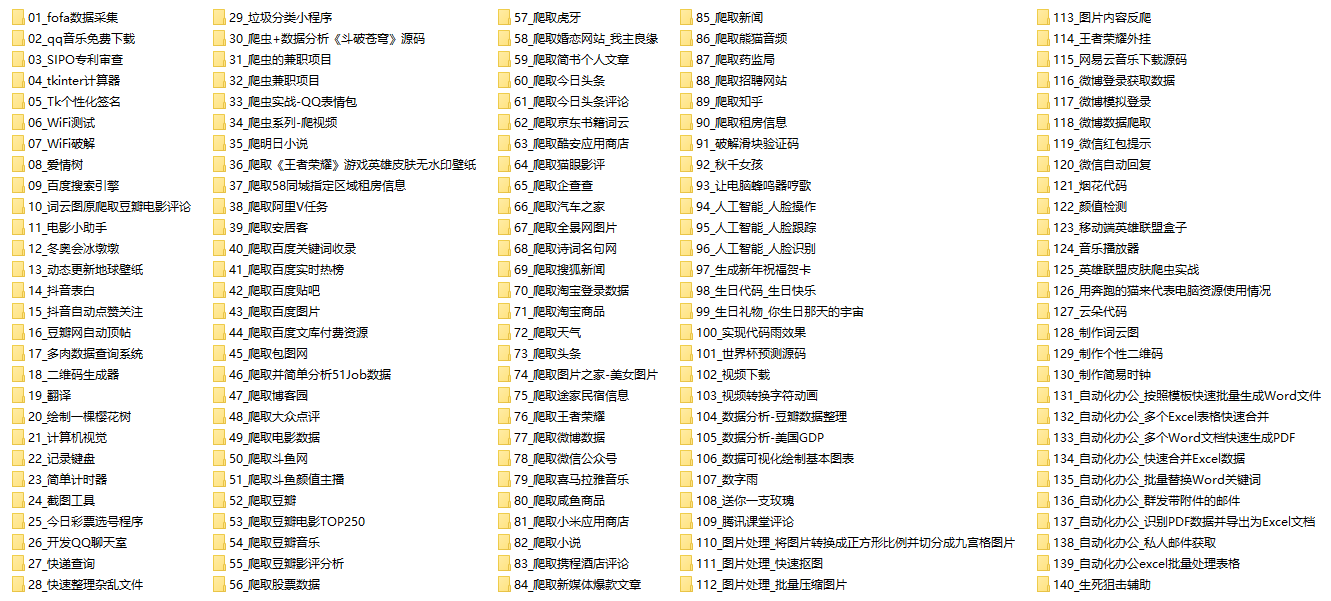
光学理论是没用的,要学会跟着一起敲代码,动手实操,才能将自己的所学运用到实际当中去,这时候可以搞点实战案例来学习。100+实战案例源码等你来拿!
③Python小游戏源码
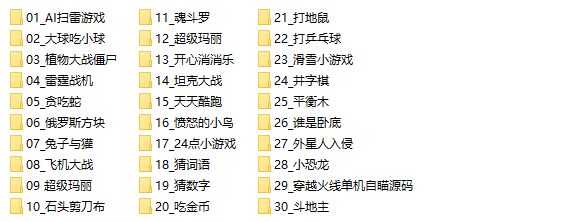
如果觉得上面的实战案例有点枯燥,可以试试自己用Python编写小游戏,让你的学习过程中增添一点趣味!
五、面试资料
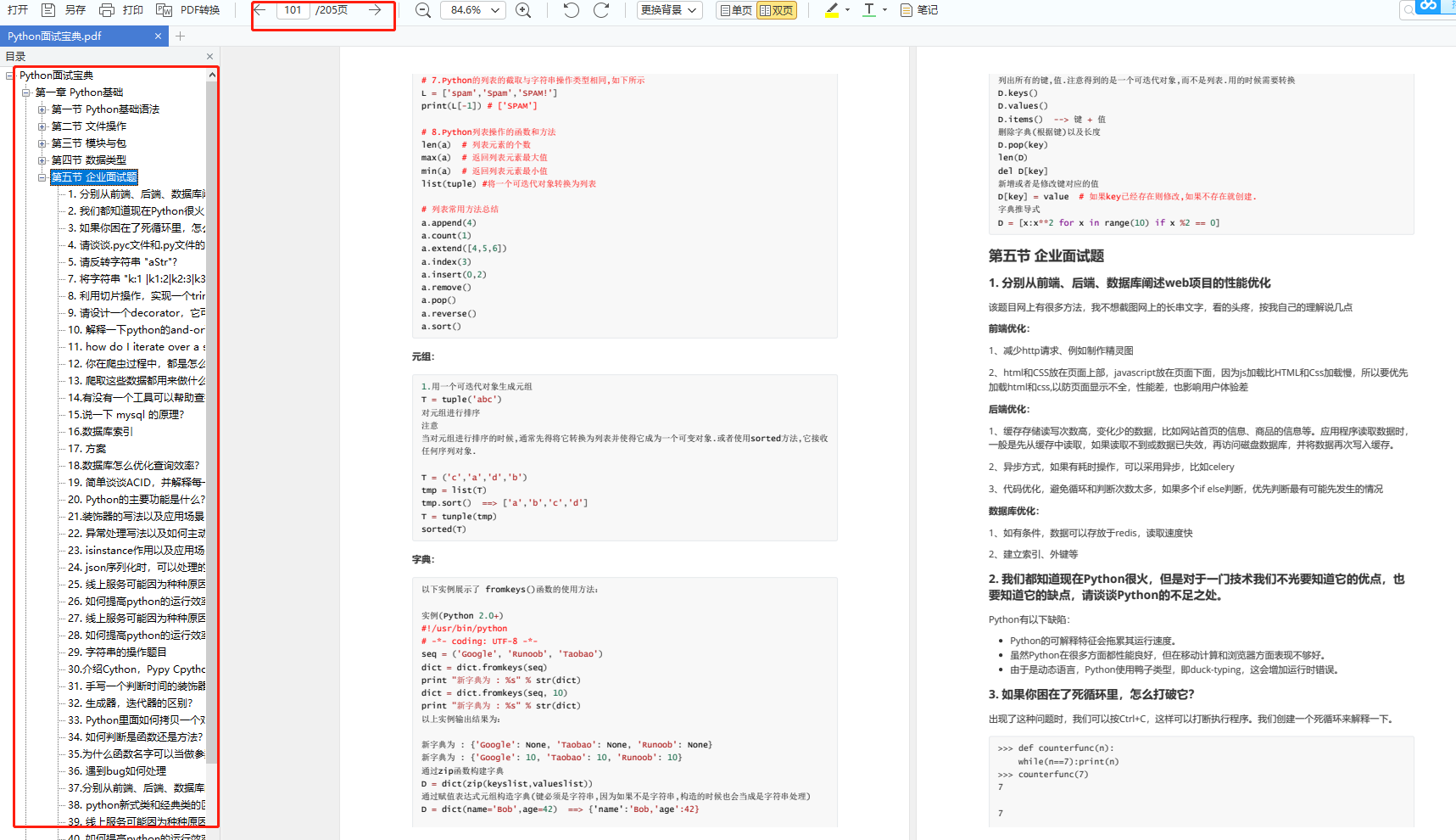
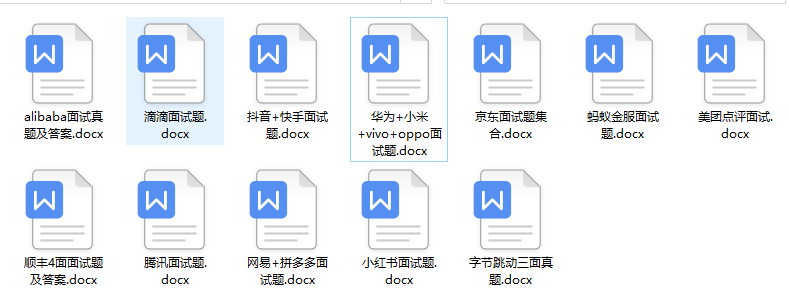
我们学习Python必然是为了找到高薪的工作,下面这些面试题是来自阿里、腾讯、字节等一线互联网大厂最新的面试资料,并且有阿里大佬给出了权威的解答,刷完这一套面试资料相信大家都能找到满意的工作。
六、Python兼职渠道
而且学会Python以后,还可以在各大兼职平台接单赚钱,各种兼职渠道+兼职注意事项+如何和客户沟通,我都整理成文档了。


这份完整版的Python全套学习资料已经上传CSDN,朋友们如果需要可以微信扫描下方CSDN官方认证二维码免费领取【保证100%免费】
-
相关阅读:
tcp字节传输(java)-自定义包头和数据识别
面试常问的dubbo的spi机制到底是什么?
【vue3源码】三、effectScope源码解析
【pytorch】1.6 tensor 计算
Spring OAuth2 Resource Server 配置
HCIP实验6
玩转Mysql系列 - 第24篇:如何正确的使用索引?
关于Flask_request中的参数介绍
掌握Midjourney视觉艺术的关键提示词指南
AMD发布22.8.2驱动,支持《黑道圣徒·重制版》
- 原文地址:https://blog.csdn.net/2301_80239908/article/details/134275994
