-
Nginx负载均衡&反向代理&动静分离
nginx负载均衡&反向代理&动静分离
环境
主机名 角色 环境 操作系统 IP地址 lb 负载均衡器 nginx/1.24.0 centos-8 192.168.179.10 lamp 动态网站服务器 lnmp架构+Discuz论坛 centos-8 192.168.179.11 n1 静态网站服务器 nginx/1.24.0 centos-8 192.168.179.100
说明
主机lamp部署一个动态网页,主机n1部署一个静态页面。主机lb部署nginx服务,实现动静分离的负载均衡
部署nginx服务、部署lnmp架构请阅读nginx服务和LNMP架构&部署Discuz论坛系统
部署动静分离
1.主机lnmp部署一个动态页面,在此以discuz论坛系统为例
部署lnmp架构&discuz论坛请阅读和LNMP架构&部署Discuz论坛系统
//配置访问根目录就访问到论坛 //修改配置文件默认的server下面的两个localtion [root@lnmp ~]# vim /usr/local/nginx/conf/nginx.conf ...... location / { root html/Discuz/upload; //改为论坛的根目录 index index.php index.html index.htm; } ...... location ~ \.php$ { root html/Discuz/upload; //改为论坛的根目录 fastcgi_pass 127.0.0.1:9000; fastcgi_index index.php; fastcgi_param SCRIPT_FILENAME /scripts$fastcgi_script_name; include fastcgi.conf; } ...... //重启nginx服务 [root@lnmp ~]# systemctl restart nginx.service- 1
- 2
- 3
- 4
- 5
- 6
- 7
- 8
- 9
- 10
- 11
- 12
- 13
- 14
- 15
- 16
- 17
- 18
- 19
- 20
2.主机n1部署两个静态页面
1.第一个静态页面 //创建一个目录,并编辑一个测试用的index.html文件 [root@n1 ~]# cd /usr/local/nginx/html/ [root@n1 html]# mkdir www.test1.com [root@n1 html]# vim www.test1.com/index.html [root@n1 html]# cat www.test1.com/index.html this is test1 //修改配置文件,创建第1个虚拟主机 [root@n1 ~]# vim /usr/local/nginx/conf/nginx.conf ...... server { listen 80; server_name www.test1.com; //第一个域名 ...... location / { root html/www.test1.com; //修改目录为网站文件的目录 index index.html index.htm; } ...... 2.第二个静态页面 //创建一个目录,并编辑一个测试用的index.html文件 [root@n1 ~]# cd /usr/local/nginx/html/ [root@n1 html]# mkdir www.test2.com [root@n1 html]# vim www.test2.com/index.html [root@n1 html]# cat www.test2.com/index.html this is test2 [root@n1 html]# //修改配置文件,创建第2个虚拟主机 ...... server { listen 8080; server_name www.test2.com; location / { root html/www.test2.com; index index.html index.htm; } } ...... //重启nginx服务 [root@n1 ~]# systemctl restart nginx.service- 1
- 2
- 3
- 4
- 5
- 6
- 7
- 8
- 9
- 10
- 11
- 12
- 13
- 14
- 15
- 16
- 17
- 18
- 19
- 20
- 21
- 22
- 23
- 24
- 25
- 26
- 27
- 28
- 29
- 30
- 31
- 32
- 33
- 34
- 35
- 36
- 37
- 38
- 39
- 40
- 41
- 42
- 43
- 44
- 45
- 46
- 47
访问动、静态页面
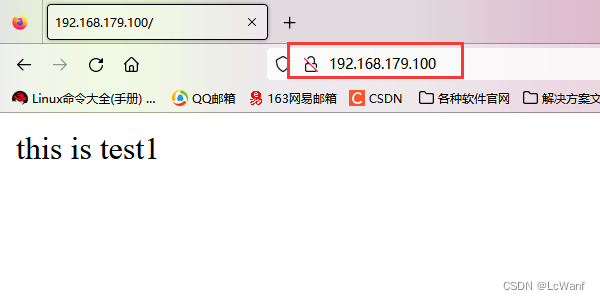
访问第一个静态
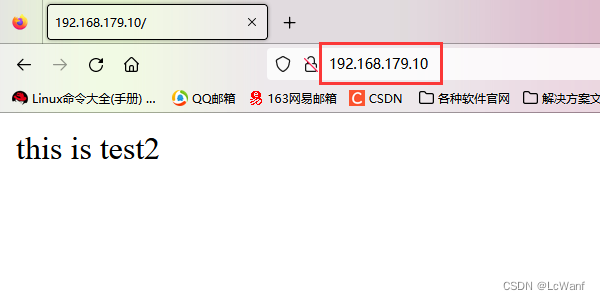
访问第二个静态

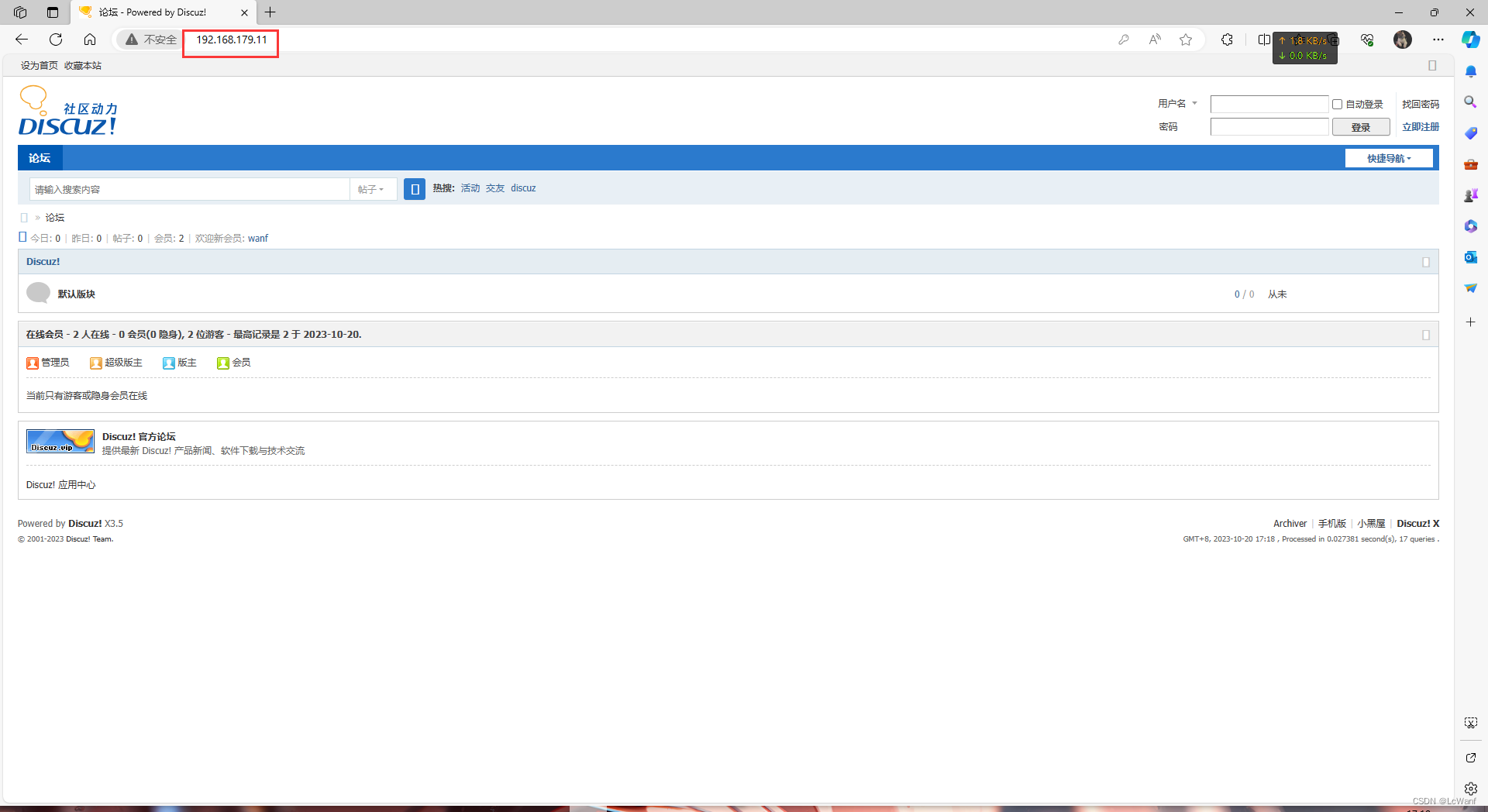
访问动态
配置负载均衡
在负载均衡器(主机lb)里配置
//修改配置文件,在http段里面写(与server平级) [root@lb ~]# vim /usr/local/nginx/conf/nginx.conf ...... upstream dynamic { server 192.168.179.11:80 weight=1; //动态页面 } upstream static { server 192.168.179.100:80 weight=1; //静态页面,有两个,做负载均衡 server 192.168.179.100:8080 weight=1; } ......- 1
- 2
- 3
- 4
- 5
- 6
- 7
- 8
- 9
- 10
- 11
- 12
配置反向代理
在负载均衡器(主机lb)里配置
在server段里面配,和localtion同级
1.//配置访问根目录就是访问静态页面 [root@lb ~]# vim /usr/local/nginx/conf/nginx.conf ...... location / { proxy_pass http://static; //访问根就跳转到静态页面 } ...... 2.//配置访问.php的就是访问动态页面 //找到这三行,取消注释,修改 [root@lb ~]# vim /usr/local/nginx/conf/nginx.conf ...... location ~ \.php$ { proxy_pass http://dynamic; } ...... //重启服务 [root@lb ~]# nginx -s stop [root@lb ~]# nginx- 1
- 2
- 3
- 4
- 5
- 6
- 7
- 8
- 9
- 10
- 11
- 12
- 13
- 14
- 15
- 16
- 17
- 18
- 19
- 20
访问测试
访问负载均衡器(主机lb)的ip,反向代理到静态页面

访问成功,刷新一下
成功实现负载均衡
访问负载均衡器(主机lb)的ip加index.php,反向代理到动态页面
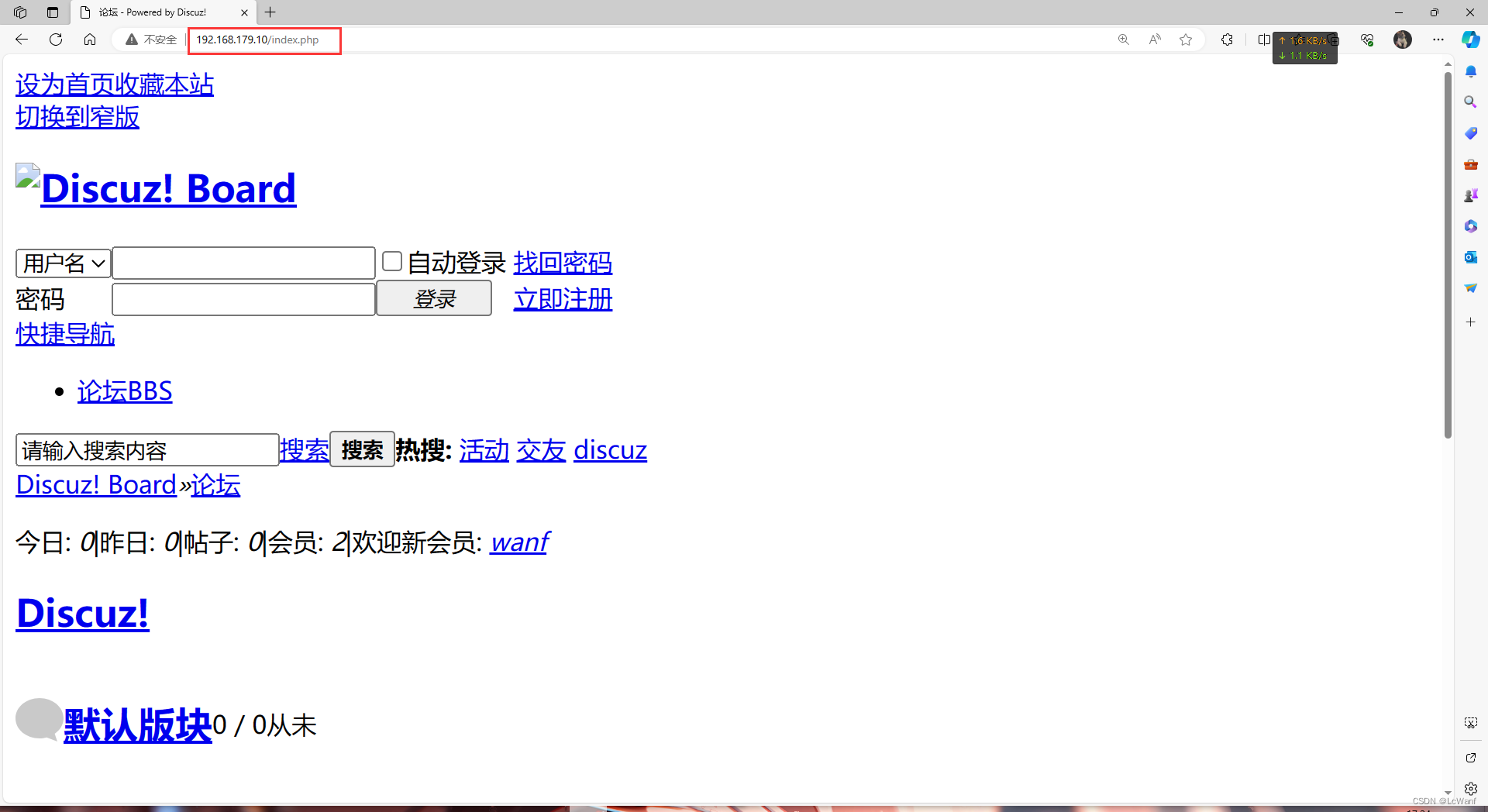
访问成功
因为负载均衡器本地没有动态页面的文件,所以没有图片显示
-
相关阅读:
Docker容器日志查看与清理(亲测有效)
BGP进阶:BGP 综合实验一
Http客户端OkHttp的基本使用
Windows云服务器 PHP搭建网站外网无法访问的问题
毕业设计2349基于jsp的网上订餐系统【程序源码+文档+调试运行】
MySQL基础【学习至数据的导入导出】
数据链路层——MAC地址欺骗及泛洪
嵌入式开发学习之--创建工程
Spark RDD惰性计算的自主优化
java selenium使用总结
- 原文地址:https://blog.csdn.net/qq_70246330/article/details/133952129
