-
HTML超链接标签
目录
1:页面间的链接
1.1 文字跳转:
- <!DOCTYPE html>
- <html lang="en">
- <head>
- <meta charset="UTF-8">
- <title>链接标签</title>
- </head>
- <body>
- <!-- a标签
- href:必填,表示要跳转到哪个页面
- -->
- <a href="https://www.baidu.com/">跳转百度</a>
- </body>
- </html>
浏览器翻译如下:
 点击之后自动跳转到百度:
1.2 图片跳转
1.1 是点击了文字之后进行跳转,这里演示点击图片进行跳转。
这里图片地址可参考上一篇文章
- <!DOCTYPE html>
- <html lang="en">
- <head>
- <meta charset="UTF-8">
- <title>链接标签</title>
- </head>
- <body>
- <!-- a标签
- href:必填,表示要跳转到哪个页面
- -->
- <a href="https://www.baidu.com/">
- <img src="../resources/image/01.jpg" alt="小狗图像" title="我是小金毛" width="300" height="300">
- </a>
- </body>
- </html>
浏览器翻译如下:
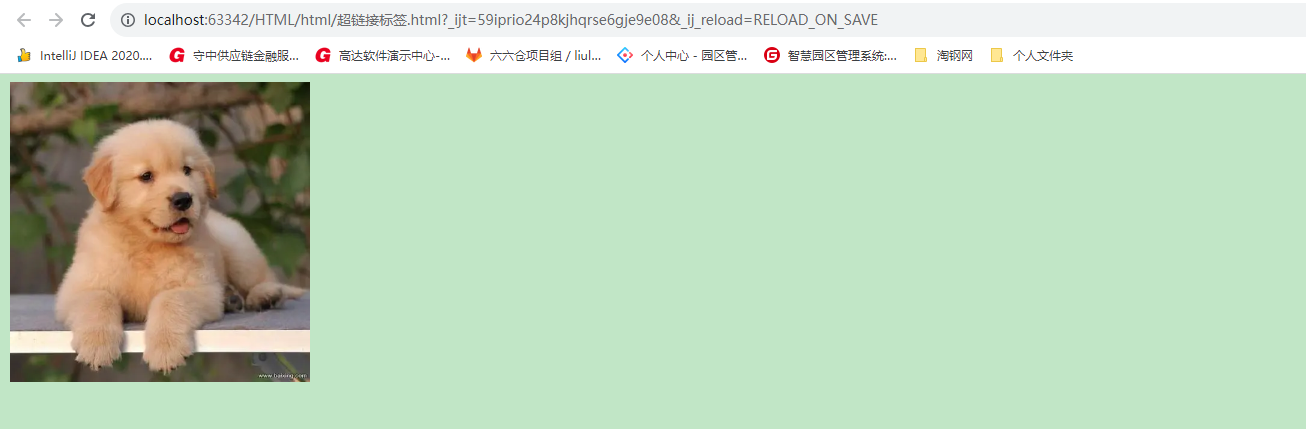
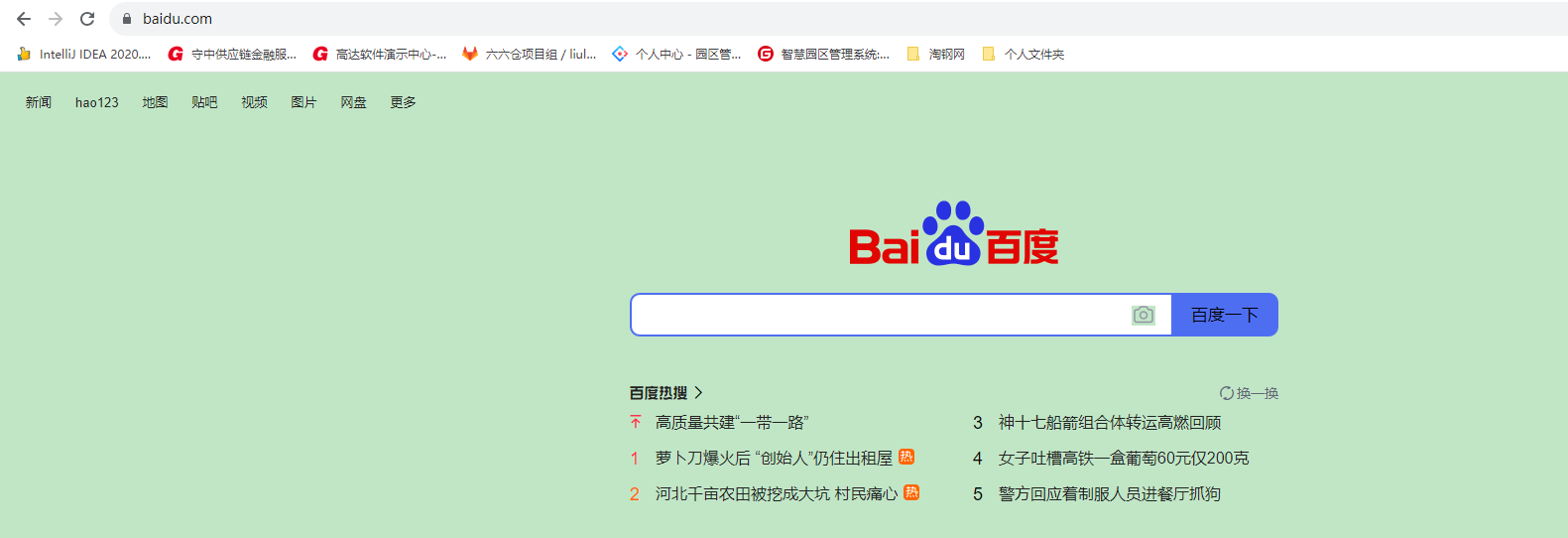
点击之后跳转到百度地址
注意:
例如:当超链接的a标签中有target的属性,并且属性值为_blank时
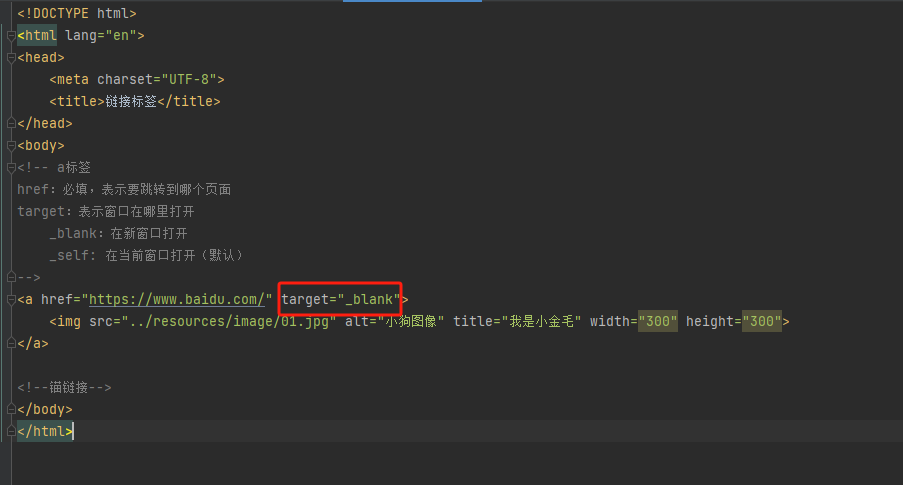
那么点击图片后就会跳转到一个新的窗口。
2:锚链接
锚链接:从一个页面跳转到另外一个页面(同页面也行)的指定地方
跳转页面:
- <!DOCTYPE html>
- <html lang="en">
- <head>
- <meta charset="UTF-8">
- <title>图像标签学习</title>
- </head>
- <body>
- <img src="../resources/image/01.jpg" alt="小狗图像" title="我是小金毛" width="300" height="300">
- <a href="超链接标签.html#down">跳转</a>
- </body>
- </html>
浏览器翻译后:

注意:href 标签中"超链接标签.html"是一个被跳转的URL,那后面的#down是什么,往下看
被跳转页面:
- <!DOCTYPE html>
- <html lang="en">
- <head>
- <meta charset="UTF-8">
- <title>链接标签</title>
- </head>
- <body>
- <!-- a标签
- href:必填,表示要跳转到哪个页面
- target:表示窗口在哪里打开
- _blank:在新窗口打开
- _self: 在当前窗口打开(默认)
- -->
- <a href="https://www.baidu.com/" target="_blank">
- <img src="../resources/image/02.jpg" alt="小猪图像" title="我是小猪" width="300" height="300">
- </a>
- <br/>
- <a href="https://www.baidu.com/" target="_blank">
- <img src="../resources/image/02.jpg" alt="小猪图像" title="我是小猪" width="300" height="300">
- </a>
- <br/>
- <a href="https://www.baidu.com/" target="_blank">
- <img src="../resources/image/02.jpg" alt="小猪图像" title="我是小猪" width="300" height="300">
- </a>
- <br/>
- <a href="https://www.baidu.com/" target="_blank">
- <img src="../resources/image/02.jpg" alt="小猪图像" title="我是小猪" width="300" height="300">
- </a>
- <br/>
- <a href="https://www.baidu.com/" target="_blank">
- <img src="../resources/image/02.jpg" alt="小猪图像" title="我是小猪" width="300" height="300">
- </a>
- <br/>
- <a href="https://www.baidu.com/" target="_blank">
- <img src="../resources/image/02.jpg" alt="小猪图像" title="我是小猪" width="300" height="300">
- </a>
- <br/>
- <a href="https://www.baidu.com/" target="_blank">
- <img src="../resources/image/02.jpg" alt="小猪图像" title="我是小猪" width="300" height="300">
- </a>
- <br/>
- <a name="down"></a>
- <!--锚链接-->
- </body>
- </html>
注意:最下面有一个。这个down是不是和跳转页面的那个down一样的,就相当于一个标记的意思,跳转到指定的地方
当点击跳转页面的跳转后,发现会自动跳转到被跳转页面的最下方。
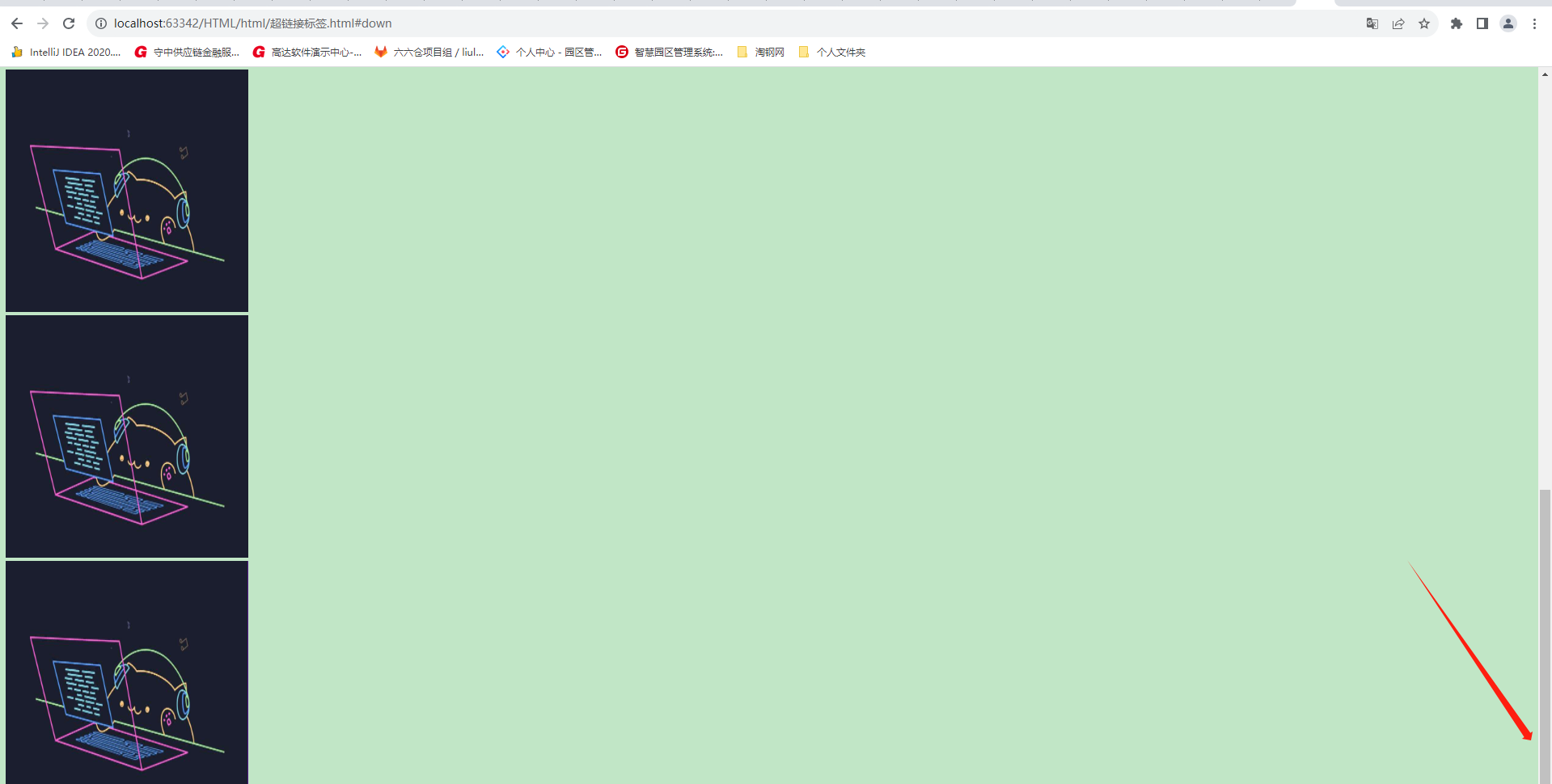
发现跳转过来之后在最下方。如果是正常打开的话就是调到最上方,这就是锚链接的作用
-
相关阅读:
05 MIT线性代数-转置,置换,向量空间Transposes, permutations, spaces
前端新手Vue3+Vite+Ts+Pinia+Sass项目指北系列文章 —— 第二章 环境部署
Python3中.whl文件介绍
盲盒商城小程序开发功能列表
web渗透之信息收集【完整版】
【解题报告】CF练一下题 | 难度CF2500左右
c++builder 6.0 使用ado
【leetcode】【剑指offer】【二进制中1的个数】
Linux驱动基础篇(一)GPIO(上)LED驱动
【面试题】JSON.stringify 和fast-json-stringify有什么区别
- 原文地址:https://blog.csdn.net/qq_50652600/article/details/133948729
