-
【数据可视化】—大屏数据可视化展示
【数据可视化】—大屏数据可视化展示
一、数据可视化
数据可视化的目的:借助于图形化工具,清晰有效的传达与沟通信息。
数据可视化可以把数据从冰冷的数字转换成图形,揭示蕴含在数据中的规律和道理。


二、 免费数据可视化库
Echarts
百度创建的这个库对于 Web 的数据可视化非常有用。它也提供英文版本,适用于大数据集。它还支持 SVG 和 Canvas 渲染。
适用于:所有环境

Highcharts
Highcharts 是一个用纯JavaScript编写的一个图表库, 能够很简单便捷的在web网站或是web应用程序添加有交互性的图表,并且免费提供给个人学习、个人网站和非商业用途使用。HighCharts支持的图表类型有曲线图、区域图、柱状图、饼状图、散状点图和综合图表。
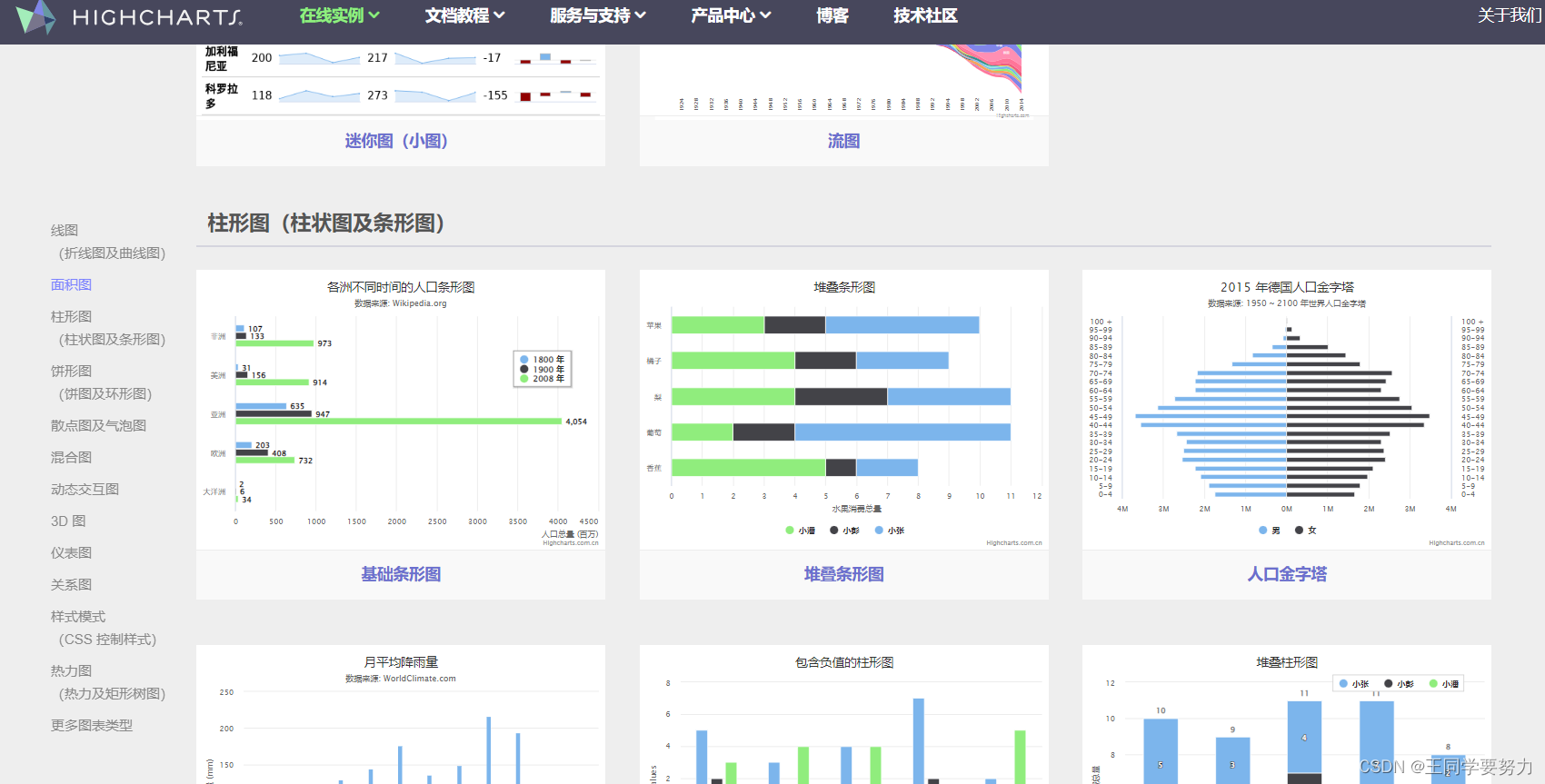
D3.js、AntV……三、Echarts使用五步曲

<style> .box{ width: 500px; height: 500px; background-color: pink; } </style> </head> <body> <div class="box"> </div> <script src="./js//echarts.min.js"></script> <script> //初始化 var myChart=echarts.init(document.querySelector(".box")) // 指定图表的配置项和数据 var option = { title: { text: 'ECharts 入门示例' }, tooltip: {}, legend: { data: ['销量'] }, xAxis: { data: ['衬衫', '羊毛衫', '雪纺衫', '裤子', '高跟鞋', '袜子'] }, yAxis: {}, series: [ { name: '销量', type: 'bar', data: [5, 20, 36, 10, 10, 20] } ] }; // 使用刚才指定的配置项和数据显示图表。 myChart.setOption(option); </script>- 1
- 2
- 3
- 4
- 5
- 6
- 7
- 8
- 9
- 10
- 11
- 12
- 13
- 14
- 15
- 16
- 17
- 18
- 19
- 20
- 21
- 22
- 23
- 24
- 25
- 26
- 27
- 28
- 29
- 30
- 31
- 32
- 33
- 34
- 35
- 36
- 37
- 38
- 39
- 40
- 41
- 42

四、项目实战

<!DOCTYPE html> <html lang="en"> <head> <meta charset="UTF-8" /> <meta name="viewport" content="width=device-width, initial-scale=1.0" /> <title>数据可视化</title> <link rel="stylesheet" href="./css/index.css" /> </head> <body> <!-- header --> <header> <h1>数据可视化-Echarts</h1> <div class="showTime"></div> <script> function time() { var vWeek, vWeek_s, vDay; vWeek = [ "星期天", "星期一", "星期二", "星期三", "星期四", "星期五", "星期六", ]; var date = new Date(); year = date.getFullYear(); month = date.getMonth() + 1; day = date.getDate(); hours = date.getHours(); minutes = date.getMinutes(); seconds = date.getSeconds(); vWeek_s = date.getDay(); document.querySelector(".showTime").innerHTML = year + "年" + month + "月" + day + "日" + "\t" + hours + ":" + minutes + ":" + seconds + "\t" + vWeek[vWeek_s]; } setInterval("time()", 1000); </script> </header> <!-- 主体部分 --> <section class="mainbox"> <div class="column"> <div class="panel bar"> <h2> 柱状图-就业行业 </h2> <div class="chart"></div> <div class="panel-footer"></div> </div> <div class="panel line"> <h2>折线图-人员变化</h2> <div class="chart"></div> <div class="panel-footer"></div> </div> <div class="panel pie"> <h2>饼形图-年龄分布</h2> <div class="chart"></div> <div class="panel-footer"></div> </div> </div> <div class="column"> <div class="no"> <div class="no-hd"> <ul> <li>125811</li> <li>104563</li> </ul> </div> <div class="no-bd"> <ul> <li>前端需求人数</li> <li>市场供应人数</li> </ul> </div> </div> <div class="map"> <div class="chart"></div> <div class="map1"></div> <div class="map2"></div> <div class="map3"></div> </div> </div> <div class="column"> <div class="panel bar1"> <h2>柱状图-技能掌握</h2> <div class="chart"></div> <div class="panel-footer"></div> </div> <div class="panel line1"> <h2>折线图-播放量</h2> <div class="chart"></div> <div class="panel-footer"></div> </div> <div class="panel pie1"> <h2>饼形图-地区分布</h2> <div class="chart"></div> <div class="panel-footer"></div> </div> </div> </section> <script src="js/flexible.js"></script> <script src="js/jquery.js"></script> <script src="js/echarts.min.js"></script> <script src="js/index.js"></script> <script src="js/china.js"></script> <script src="js/myMap.js"></script> </body> </html>- 1
- 2
- 3
- 4
- 5
- 6
- 7
- 8
- 9
- 10
- 11
- 12
- 13
- 14
- 15
- 16
- 17
- 18
- 19
- 20
- 21
- 22
- 23
- 24
- 25
- 26
- 27
- 28
- 29
- 30
- 31
- 32
- 33
- 34
- 35
- 36
- 37
- 38
- 39
- 40
- 41
- 42
- 43
- 44
- 45
- 46
- 47
- 48
- 49
- 50
- 51
- 52
- 53
- 54
- 55
- 56
- 57
- 58
- 59
- 60
- 61
- 62
- 63
- 64
- 65
- 66
- 67
- 68
- 69
- 70
- 71
- 72
- 73
- 74
- 75
- 76
- 77
- 78
- 79
- 80
- 81
- 82
- 83
- 84
- 85
- 86
- 87
- 88
- 89
- 90
- 91
- 92
- 93
- 94
- 95
- 96
- 97
- 98
- 99
- 100
- 101
- 102
- 103
- 104
- 105
- 106
- 107
- 108
- 109
- 110
- 111
- 112
- 113
- 114
- 115
- 116
- 117
- 118
- 119
- 120
- 121
- 122
- 123
- 124
- 125
* { margin: 0; padding: 0; box-sizing: border-box; } li { list-style: none; } @font-face { font-family: electronicFont; src: url(../font/DS-DIGIT.TTF); } body { font-family: Arial, Helvetica, sans-serif; margin: 0; padding: 0; /* 背景图定位 / 背景图尺寸 cover 完全铺满容器 contain 完整显示在容器内 */ background: url(../images/bg.jpg) no-repeat #000; background-size: cover; /* 行高是字体1.15倍 */ line-height: 1.15; } header { position: relative; height: 1.25rem; background: url(../images/head_bg.png) no-repeat top center; background-size: 100% 100%; } header h1 { font-size: 0.475rem; color: #fff; text-align: center; line-height: 1rem; } header .showTime { position: absolute; top: 0; right: 0.375rem; line-height: 0.9375rem; font-size: 0.25rem; color: rgba(255, 255, 255, 0.7); } .mainbox { min-width: 1024px; max-width: 1920px; padding: 0.125rem 0.125rem 0; display: flex; } .mainbox .column { flex: 3; } .mainbox .column:nth-child(2) { flex: 5; margin: 0 0.125rem 0.1875rem; overflow: hidden; } .panel { position: relative; height: 3.875rem; border: 1px solid rgba(25, 186, 139, 0.17); background: rgba(255, 255, 255, 0.04) url(../images/line\(1\).png); padding: 0 0.1875rem 0.5rem; margin-bottom: 0.1875rem; } .panel::before { position: absolute; top: 0; left: 0; content: ""; width: 10px; height: 10px; border-top: 2px solid #02a6b5; border-left: 2px solid #02a6b5; } .panel::after { position: absolute; top: 0; right: 0; content: ""; width: 10px; height: 10px; border-top: 2px solid #02a6b5; border-right: 2px solid #02a6b5; } .panel .panel-footer { position: absolute; left: 0; bottom: 0; width: 100%; } .panel .panel-footer::before { position: absolute; bottom: 0; left: 0; content: ""; width: 10px; height: 10px; border-bottom: 2px solid #02a6b5; border-left: 2px solid #02a6b5; } .panel .panel-footer::after { position: absolute; bottom: 0; right: 0; content: ""; width: 10px; height: 10px; border-bottom: 2px solid #02a6b5; border-right: 2px solid #02a6b5; } .panel h2 { height: 0.6rem; line-height: 0.6rem; text-align: center; color: #fff; font-size: 0.25rem; font-weight: 400; } .panel h2 a { margin: 0 0.1875rem; color: #fff; text-decoration: underline; } .panel .chart { height: 3rem; } .no { background: rgba(101, 132, 226, 0.1); padding: 0.1875rem; } .no .no-hd { position: relative; border: 1px solid rgba(25, 186, 139, 0.17); } .no .no-hd::before { content: ""; position: absolute; width: 30px; height: 10px; border-top: 2px solid #02a6b5; border-left: 2px solid #02a6b5; top: 0; left: 0; } .no .no-hd::after { content: ""; position: absolute; width: 30px; height: 10px; border-bottom: 2px solid #02a6b5; border-right: 2px solid #02a6b5; right: 0; bottom: 0; } .no .no-hd ul { display: flex; } .no .no-hd ul li { position: relative; flex: 1; text-align: center; height: 1rem; line-height: 1rem; font-size: 0.875rem; color: #ffeb7b; padding: 0.05rem 0; font-family: electronicFont; font-weight: bold; } .no .no-hd ul li:first-child::after { content: ""; position: absolute; height: 50%; width: 1px; background: rgba(255, 255, 255, 0.2); right: 0; top: 25%; } .no .no-bd ul { display: flex; } .no .no-bd ul li { flex: 1; height: 0.5rem; line-height: 0.5rem; text-align: center; font-size: 0.225rem; color: rgba(255, 255, 255, 0.7); padding-top: 0.125rem; } .map { position: relative; height: 10.125rem; } .map .chart { position: absolute; top: 0; left: 0; z-index: 5; height: 10.125rem; width: 100%; } .map .map1, .map .map2, .map .map3 { position: absolute; top: 50%; left: 50%; transform: translate(-50%, -50%); width: 6.475rem; height: 6.475rem; background: url(../images/map.png) no-repeat; background-size: 100% 100%; opacity: 0.3; } .map .map2 { width: 8.0375rem; height: 8.0375rem; background-image: url(../images/lbx.png); opacity: 0.6; animation: rotate 15s linear infinite; z-index: 2; } .map .map3 { width: 7.075rem; height: 7.075rem; background-image: url(../images/jt.png); animation: rotate1 10s linear infinite; } @keyframes rotate { from { transform: translate(-50%, -50%) rotate(0deg); } to { transform: translate(-50%, -50%) rotate(360deg); } } @keyframes rotate1 { from { transform: translate(-50%, -50%) rotate(0deg); } to { transform: translate(-50%, -50%) rotate(-360deg); } } @media screen and (max-width: 1024px) { html { font-size: 42px !important; } } @media screen and (min-width: 1920) { html { font-size: 80px !important; } }- 1
- 2
- 3
- 4
- 5
- 6
- 7
- 8
- 9
- 10
- 11
- 12
- 13
- 14
- 15
- 16
- 17
- 18
- 19
- 20
- 21
- 22
- 23
- 24
- 25
- 26
- 27
- 28
- 29
- 30
- 31
- 32
- 33
- 34
- 35
- 36
- 37
- 38
- 39
- 40
- 41
- 42
- 43
- 44
- 45
- 46
- 47
- 48
- 49
- 50
- 51
- 52
- 53
- 54
- 55
- 56
- 57
- 58
- 59
- 60
- 61
- 62
- 63
- 64
- 65
- 66
- 67
- 68
- 69
- 70
- 71
- 72
- 73
- 74
- 75
- 76
- 77
- 78
- 79
- 80
- 81
- 82
- 83
- 84
- 85
- 86
- 87
- 88
- 89
- 90
- 91
- 92
- 93
- 94
- 95
- 96
- 97
- 98
- 99
- 100
- 101
- 102
- 103
- 104
- 105
- 106
- 107
- 108
- 109
- 110
- 111
- 112
- 113
- 114
- 115
- 116
- 117
- 118
- 119
- 120
- 121
- 122
- 123
- 124
- 125
- 126
- 127
- 128
- 129
- 130
- 131
- 132
- 133
- 134
- 135
- 136
- 137
- 138
- 139
- 140
- 141
- 142
- 143
- 144
- 145
- 146
- 147
- 148
- 149
- 150
- 151
- 152
- 153
- 154
- 155
- 156
- 157
- 158
- 159
- 160
- 161
- 162
- 163
- 164
- 165
- 166
- 167
- 168
- 169
- 170
- 171
- 172
- 173
- 174
- 175
- 176
- 177
- 178
- 179
- 180
- 181
- 182
- 183
- 184
- 185
- 186
- 187
- 188
- 189
- 190
- 191
- 192
- 193
- 194
- 195
- 196
- 197
- 198
- 199
- 200
- 201
- 202
- 203
- 204
- 205
- 206
- 207
- 208
- 209
- 210
- 211
- 212
- 213
- 214
- 215
- 216
- 217
- 218
- 219
- 220
- 221
- 222
- 223
- 224
- 225
- 226
- 227
- 228
- 229
- 230
- 231
- 232
- 233
- 234
- 235
- 236
- 237
- 238
- 239
- 240
- 241
- 242
- 243
- 244
- 245
- 246
- 247
- 248
- 249
- 250
- 251
- 252
- 253
- 254
- 255
- 256
-
相关阅读:
c#手动签字实现
阿里云PolarDB-X荣获“2022 OSCAR 尖峰开源项目及开源社区”奖
将trivydb转转化为mysql、sqlite的小工具
IDEA翻译插件Translation报错 -> 更新 TKK 失败,请检查网络连接问题,已解决
4G RTU水文数据采集终端应用在水文监测终端系统
《C++ Primer》导学系列:第 4 章 - 表达式
【计算机网络笔记】路由算法之链路状态路由算法
数仓开发之DIM层
读周岭《认知觉醒》第一次有感
有了这款工具,自动化识别验证码再也不是问题
- 原文地址:https://blog.csdn.net/m0_46374969/article/details/133862187
