-
xray安装与bp组合使用-被动扫描
xray安装与bp组合使用-被动扫描
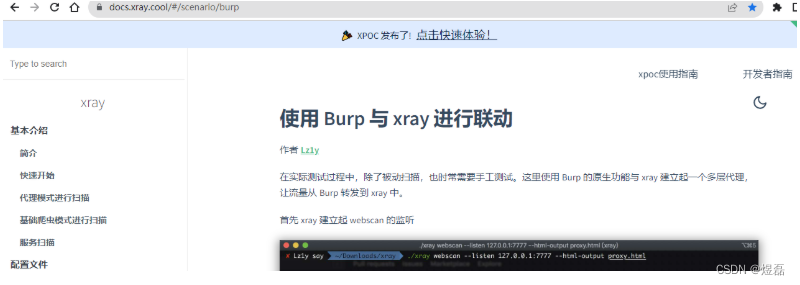
1 工具官方文档:
https://docs.xray.cool/#/scenario/burp- 1
参考视频教程:
https://www.bilibili.com/video/av940482397/?vd_source=07fe8b0af86975fbc5f3de79fd3d61862 xray官网
3 工具使用
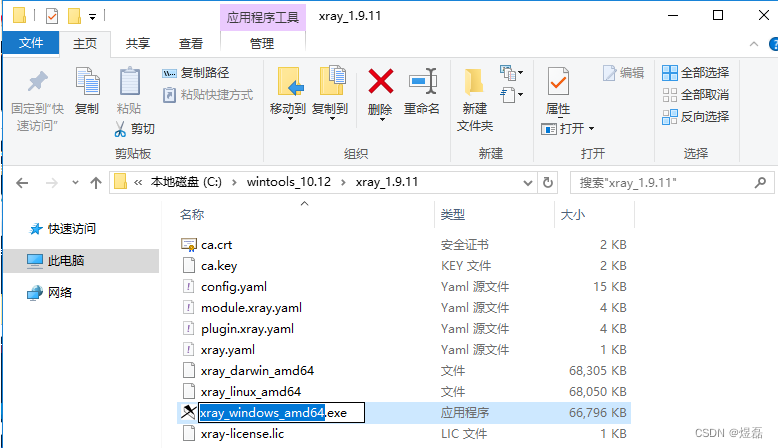
双击xray_windows_amd64.exe程序,让程序加载一下启动下程序文件
4 使用指令说明
#使用基础爬虫爬取并扫描整个网站 .\xray.exe webscan --basic-crawler http://wordy/ --html-output proxy.html #windows xray版单个url检测 .\xray_windows_amd64.exe webscan --url "http://example.com/?a=b" #使用http代理发起被动扫描, ./xray_linux_amd64 webscan --listen 127.0.0.1:8888 --html-output proxy.html #指定扫描 xray_windows_amd64.exe webscan --plugins cmd_injection,sqldet --url http://test.com xray_windows_amd64.exe webscan --plugins cmd_injection,sqldet --proxy 127.0.0.1:8888 ### 全网站扫描 xray_windows_amd64.exe webscan --basic-crawler http://192.168.225.213/ --html-output 2.html- 1
- 2
- 3
- 4
- 5
- 6
- 7
- 8
- 9
- 10
- 11
- 12
5 此为设置被动扫描
被动扫描根据点击的功能菜单进行具体扫描
C:\wintools_10.12\xray_1.9.11>xray_windows_amd64.exe webscan --listen 127.0.0.1:7777 --html-output 1.html webscan 针对web的扫描 7777是将端口占住 , --html-output 1.html 加1.html将扫描结果导出1.html,不加是不要扫描结果报告- 1
- 2
- 3
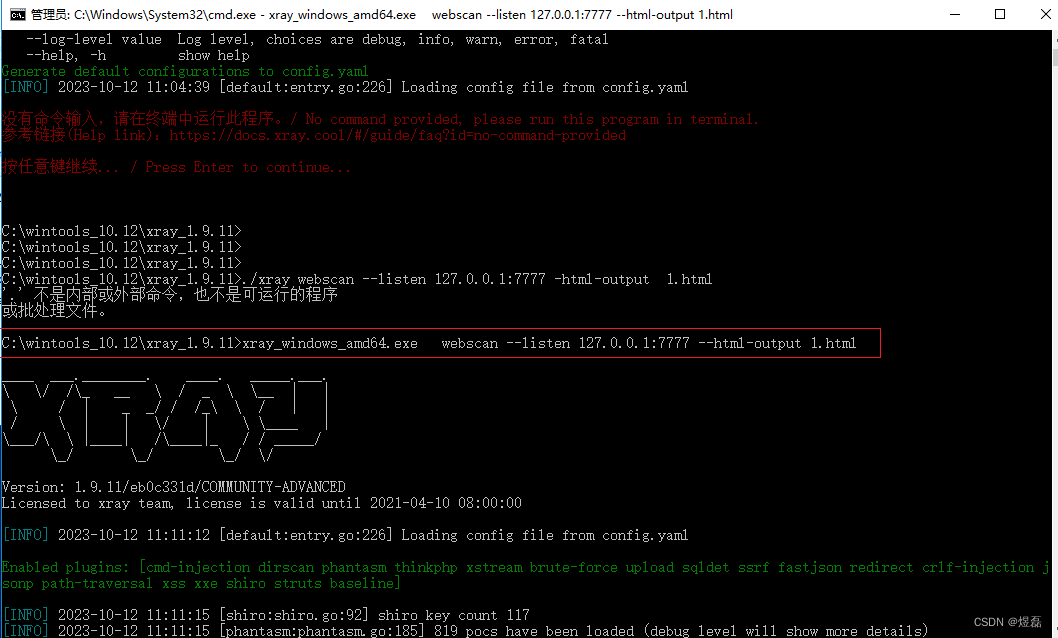
6 被动扫描-启动成功

7 启动bp
7.1 设置bp的上层代理

7.2 添加上层代理7777 --》指向的是xray

7.3 上层代理设置好后,框中多出一条

7.4 在设置bp的自己端口

8 安装火狐浏览器,安装ca证书,浏览器输入http:burp
安装证书也可参考
https://docs.xray.cool/#/tutorial/webscan_proxy\9 测试打开靶场,点击几个页面
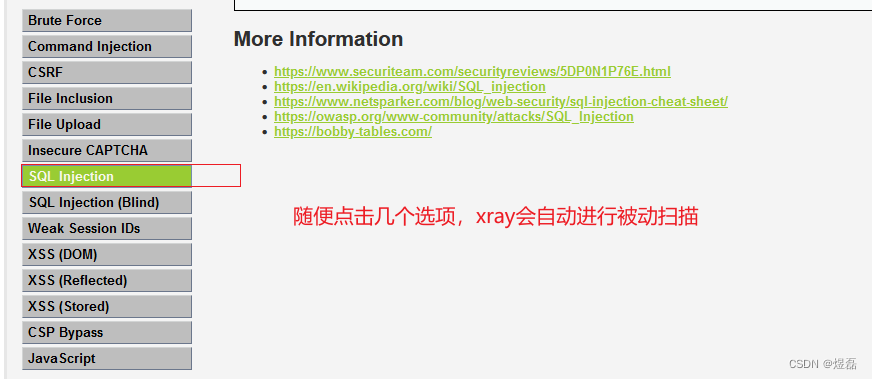
10 流量会经过bp,在转发给xray ,扫描后红色为存在的漏洞点
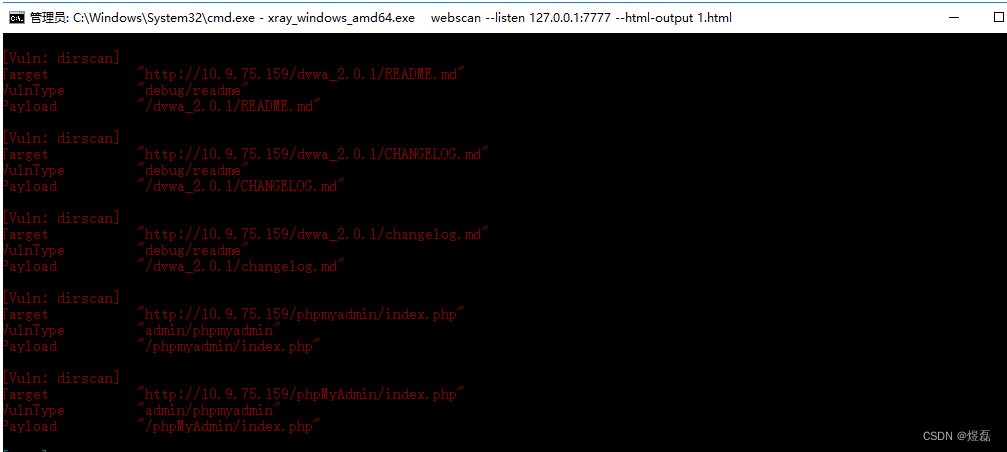
11 查看扫描的文件


12 测试完毕后,bp记得删除上层代理,选中点击remove

-
相关阅读:
Linux学习之epoll代码初学
关于opencv的contourArea计算方法
JS 原型和原型链
【JavaWeb - 网页编程】七 HTTP 协议 与 Servlet 技术
linux集群上的SCHRODINGER 分子对接工作流程
STM32控制数码管从0显示到99
【无标题】
【Ceph Cluster】完全删除Ceph集群
大二学生JavaScript实训大作业——动漫秦时明月7页 期末网页制作 HTML+CSS+JavaScript 网页设计实例 企业网站制作
物理学专业英语(词汇整理)--------07
- 原文地址:https://blog.csdn.net/weixin_42786460/article/details/133823467