-
安装下载Anaconda注意事项以及卸载
安装下载Anaconda注意事项以及卸载
- 一. 安装下载Anaconda注意事项,一定注意,否则白费力气
- 二. 如何彻底卸载anaconda3(win10)
- 三. Uninstalling Anaconda Distribution(准官方文档---卸载篇)
- Full Uninstall
- 1. In Windows, open Anaconda Prompt. In Mac or Linux, open your terminal application.
- 2. Install the `anaconda-clean` package:
- 3. Then, run `anaconda-clean`. Run the command by itself to remove all Anaconda-related files and directories with a confirmation prompt before deleting each one, or use the --yes argument to remove all those files and directories without being asked to confirm each one.
- 4. `anaconda-clean` creates a backup of all files and directories that might be removed in a folder named `.anaconda_backup` in your home directory. Also note that `anaconda-clean` leaves your data files in the AnacondaProjects directory untouched.
- Simple remove
- Removing Anaconda path from .bash_profile
一. 安装下载Anaconda注意事项,一定注意,否则白费力气
一、安装下载Anaconda前一定要将360卸载
360最好不要使用,不管是在下载过程中还是后续使用过程中,会拦截Anaconda,造成文件确实,在安装下载Anaconda前一定要将360卸载,若要使用杀毒软件,可以使用
火绒或腾讯管家二、python3.9.6会和anaconda冲突,卸载
计算机相关专业初学者在学习时总会对版本产生误解,认为最新的版本就是最好的,殊不知最新的版本发行后也是在试用阶段,不稳定,在大数据、深度学习领域,主流的python版本是
Python 3.7和Python 3.8,他们与3.9相差不是很大,但是前两者是经过市场检验过的稳定版本,也适配绝大多数深度学习所用到的相关文件与库,因此,请删除Python3.9 换前两者吧,这并不会对你的学习产生负面影响,相反,这适配与市面上绝大多数的代码,对你的学习帮助会更大,想要删除Python3.9,在控制面板卸载程序即可博主在刚接触深度学习的时候,因为对Anaconda不熟悉,也不知道下载前的注意事项,导致反复删除反复下载反复失败,看了所有报错的问题逐一进行排查也发现不了任何错误,甚至在
镜像源这种问题都会下载失败,最后请教了研究生学长再明白原来有很多简单的注意事项,也希望大家都能注意这一点,否则浪费的时间可就不是一点半点了。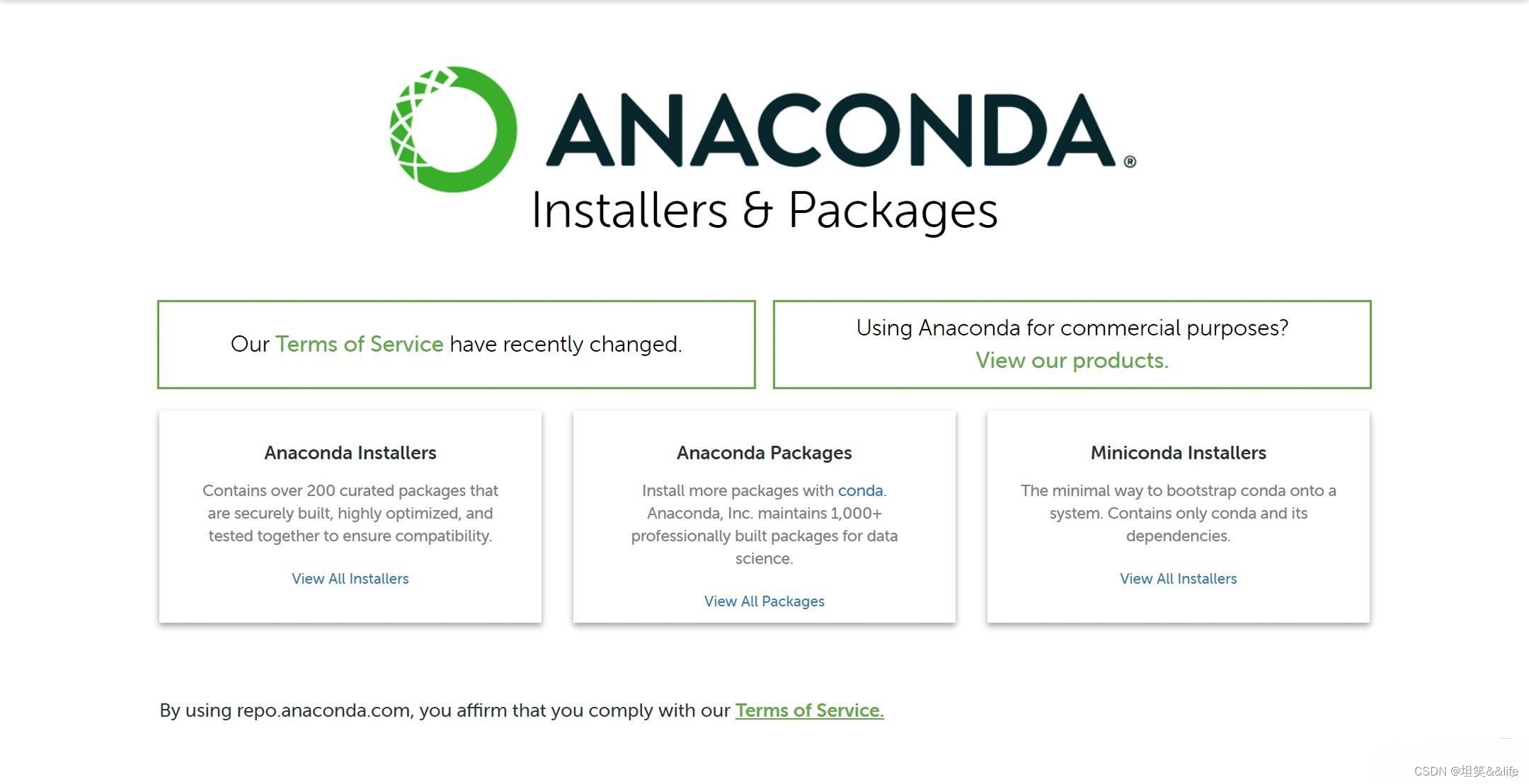
如果已经下载了Anaconda发现运行错误而且无法解决,并且没有注意这些注意事项,最好的解决方案是卸载后重新安装,否则后续还是会出现种种无法解决的问题,不如一开始就解决掉,如果不知道如何彻底卸载,可以看 二
二. 如何彻底卸载anaconda3(win10)
前言:
win10 + anaconda3
参考文档:anaconda官方删除文档
第一步:
找到anaconda的安装文件夹,双击运行
Uninstall文件
优点:方便快捷
缺点:无法将anaconda的配置文件删除第二步:
删除anaconda的相关配置文件,将
.conda .condarc文件彻底删除(Shift + Del)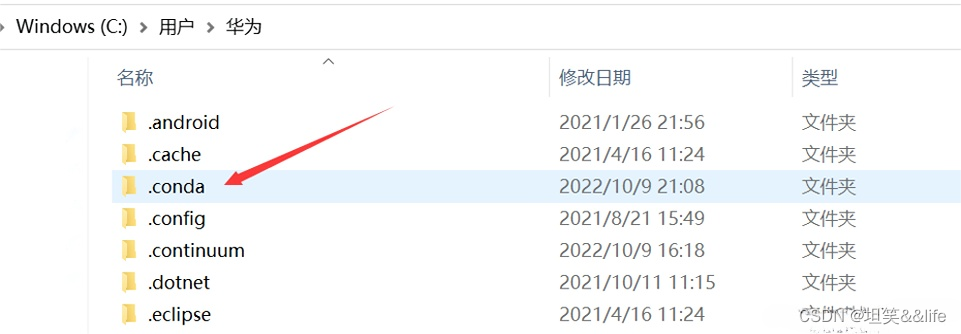
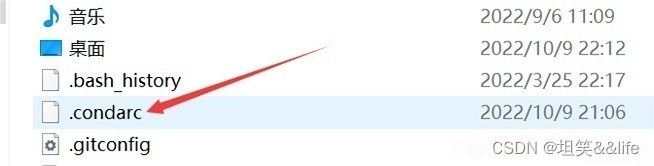
第三步:
在我的电脑中搜索conda anaconda 等待系统搜索完成后将相关所有文件删除
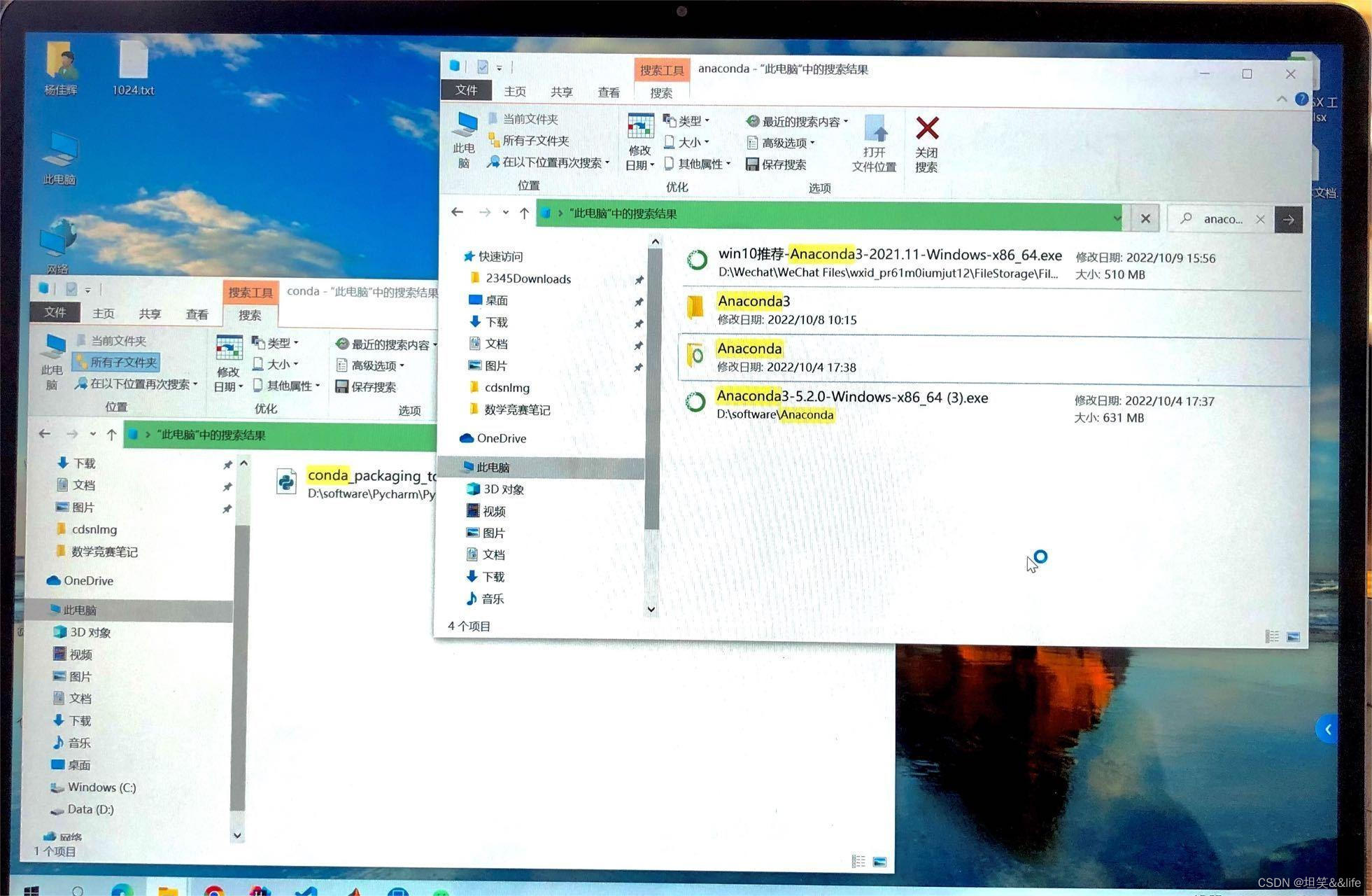
总结:anaconda安装容易出现错误,如果需要重新安装一定要讲之前的彻底删除干净,按照上面的三个步骤来操作就可以。还可以在Prompt中输入命令anaconda-clean --yes来进行操作,但如果已经Uninstall了,那就没有办法输入命令来删除配置文件了,只能使用这三个方法,就算使用了命令来操作,最后也要检查一下二三步是否真的卸载了。
三. Uninstalling Anaconda Distribution(准官方文档—卸载篇)
When uninstalling Anaconda, you have two options: a full uninstall or a simple remove. A simple remove is fine for most users. If you don’t want to completely remove every aspect of Anaconda Distribution from your computer, skip to
Simple remove.Full Uninstall
A full uninstall removes all traces of the configuration files and directories from Anaconda and its programs with the
anaconda-cleanprogram.1. In Windows, open Anaconda Prompt. In Mac or Linux, open your terminal application.
2. Install the
anaconda-cleanpackage:conda install anaconda-clean- 1
3. Then, run
anaconda-clean. Run the command by itself to remove all Anaconda-related files and directories with a confirmation prompt before deleting each one, or use the --yes argument to remove all those files and directories without being asked to confirm each one.# If you want to confirm each file and directory you are deleting anaconda-clean # If you don't want to be asked about each file and directory anaconda-clean --yes- 1
- 2
- 3
- 4
- 5
4.
anaconda-cleancreates a backup of all files and directories that might be removed in a folder named.anaconda_backupin your home directory. Also note thatanaconda-cleanleaves your data files in the AnacondaProjects directory untouched.- After using
anaconda-clean, follow the instructions inSimple removeto finish uninstalling Anaconda Distribution.
Simple remove
A simple remove will leave a few files behind, which for most users is just fine.
1. Windows
-
Open the file explorer.
-
Delete your environment (
anaconda3\envs) and package (anaconda3\pkgs) folders in your user folder. -
Open Add or remove programs and uninstall your Anaconda installation or your version of Python.
2. macOS or Linux
-
Open your terminal application.
-
Remove your entire Anaconda directory with
rm -rf. Depending on your installation, youranaconda2oranaconda3directory will be in your root folder or in your opt folder.# The following are a few examples of how you may need to delete your Anaconda folder rm -rf anaconda3 rm -rf ~/anaconda3 rm -rf ~/opt/anaconda3- 1
- 2
- 3
- 4
-
Close and reopen your terminal to refresh it. You should no longer see
(base)in your terminal prompt.
Removing Anaconda path from .bash_profile
If you use Linux or macOS, you may also wish to check your
.bash_profileor.zprofilefile in your home directory for a line such as:export PATH="/Users/jsmith/anaconda3/bin:$PATH"- 1
Note:Replace
/Users/jsmith/anaconda3/with your actual path.This line adds the Anaconda path to your PATH environment variable. It may refer to either Anaconda or Miniconda. After uninstalling Anaconda, delete this line.
-
Make sure you’re in your home directory. The easiest way to do this is to open a new terminal window.
-
Enter
open .bash_profileoropen .zprofileto open your terminal’s profile file. -
Delete the above line from the file.
-
Save.
-
Close and reopen your terminal to refresh it.
-
相关阅读:
LeetCode刷题复盘笔记—一文搞懂62. 不同路径 && 63. 不同路径 II(动态规划系列第三篇)
TCP沾包问题
Spring原理学习(一)容器接口与容器实现
【IIC通信】Chap.2 (I2C)IIC协议的特点;为什么IIC需要开漏输出、上拉电阻?
windows下最简单实用的拼接合并视频方法
go操作Kfaka
spring报错 @EnableAsync annotation metadata was not injected
some(),every()
网络安全--跑PIN破解WiFi(详细教程)
Linux下的Swap内存
- 原文地址:https://blog.csdn.net/weixin_54626591/article/details/133249084