-
004:vue使用relation-graph实现关系图谱
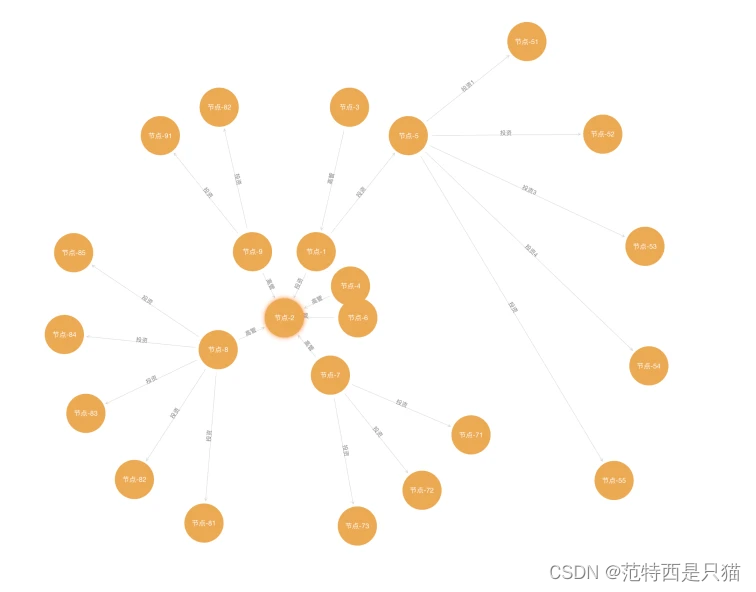
1. 效果

2. relation-graph简介
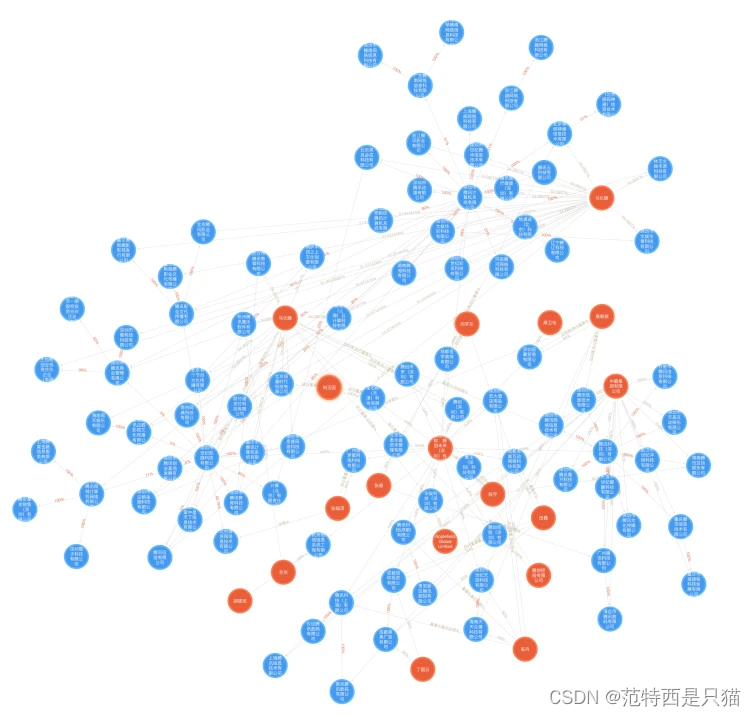
这是一个Vue关系图谱组件,可以展示如组织机构图谱、股权架构图谱、集团关系图谱等知识图谱,可提供多种图谱布局,包括
树状布局、中心布局、力学布局、自动布局等。3. 安装及使用
npm install relation-graph- 1
<template> <div> <div style="height:calc(100vh - 50px);"> <RelationGraph ref="seeksRelationGraph" :options="graphOptions" :on-node-click="onNodeClick" :on-line-click="onLineClick" /> div> div> template> <script> import RelationGraph from 'relation-graph' export default { name: 'Demo', components: { RelationGraph }, data() { return { graphOptions: { allowSwitchLineShape: true, allowSwitchJunctionPoint: true, defaultJunctionPoint: 'border' // 这里可以参考"Graph 图谱"中的参数进行设置:http://relation-graph.com/#/docs/graph } } }, mounted() { this.showSeeksGraph() }, methods: { showSeeksGraph() { var __graph_json_data = { rootId: 'a', nodes: [ // node配置选项:http://relation-graph.com/#/docs/node // node支持通过插槽slot完全自定义,示例:http://relation-graph.com/#/demo/adv-slot { id: 'a', text: 'A', borderColor: 'yellow' }, { id: 'b', text: 'B', color: '#43a2f1', fontColor: 'yellow' }, { id: 'c', text: 'C', nodeShape: 1, width: 80, height: 60 }, { id: 'e', text: 'E', nodeShape: 0, width: 150, height: 150 } ], lines: [ // link配置选项:http://relation-graph.com/#/docs/link { from: 'a', to: 'b', text: '关系1', color: '#43a2f1' }, { from: 'a', to: 'c', text: '关系2' }, { from: 'a', to: 'e', text: '关系3' }, { from: 'b', to: 'e', color: '#67C23A' } ] } this.$refs.seeksRelationGraph.setJsonData(__graph_json_data, (seeksRGGraph) => { // Called when the relation-graph is completed }) }, onNodeClick(nodeObject, $event) { console.log('onNodeClick:', nodeObject) }, onLineClick(linkObject, $event) { console.log('onLineClick:', linkObject) } } } script>- 1
- 2
- 3
- 4
- 5
- 6
- 7
- 8
- 9
- 10
- 11
- 12
- 13
- 14
- 15
- 16
- 17
- 18
- 19
- 20
- 21
- 22
- 23
- 24
- 25
- 26
- 27
- 28
- 29
- 30
- 31
- 32
- 33
- 34
- 35
- 36
- 37
- 38
- 39
- 40
- 41
- 42
- 43
- 44
- 45
- 46
- 47
- 48
- 49
- 50
- 51
- 52
- 53
- 54
- 55
- 56
- 57
- 58
- 59
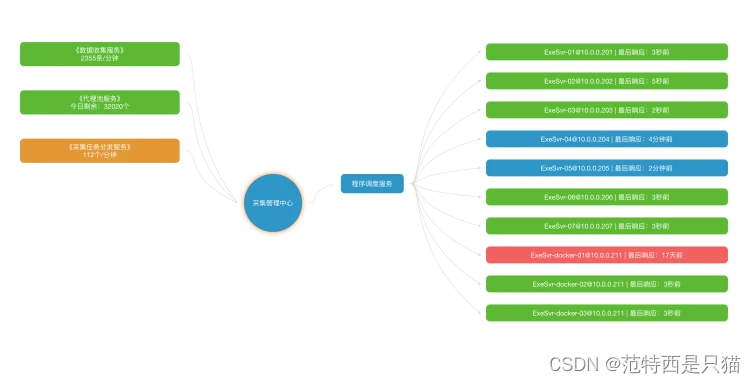
4. 其他更多示例


-
相关阅读:
聊聊 HTTP 性能优化
LVS负载均衡群集
安化云台山怎么玩?两日游攻略来啦
MODBUS转PROFINET网关TS-180连接西门子PLC和工业称重仪表
并发编程-Java内存模型
YOLO V1详解
代码随想录算法训练营第56天|583. 两个字符串的删除操作,72. 编辑距离 (昨天的疑虑今天豁然开朗了)
STL容器之list
一道思考题所引起动态跟踪 ‘学案’
二进制搭建以太坊节点
- 原文地址:https://blog.csdn.net/qq_36410795/article/details/133081015
