-
vue知识点————插槽 slot
slot 插槽 在父组件中引用的子组件 在父组件中写入百度 可在子组件slot插槽中展示出
父组件
<template> <div id="app"> <child url="https://www.baidu.com">百度child> div> template> <script> import child from "./components/child.vue"; export default { name: "App", components: { child, }, }; script> <style> style>- 1
- 2
- 3
- 4
- 5
- 6
- 7
- 8
- 9
- 10
- 11
- 12
- 13
- 14
- 15
- 16
- 17
- 18
- 19
子组件
<template> <div class="child"> <a :href="url"> <slot>slot> a> div> template> <script> export default { name: "nav_child", props: ["url"], }; script>- 1
- 2
- 3
- 4
- 5
- 6
- 7
- 8
- 9
- 10
- 11
- 12
- 13
- 14

插槽的作用域
父组件
<template> <div id="app"> <child url="https://www.baidu.com">百度---{{ user.name }}child> div> template> <script> import child from "./components/child.vue"; export default { name: "App", components: { child, }, data() { return { user: { name: "作用域", }, }; }, }; script> <style> style>- 1
- 2
- 3
- 4
- 5
- 6
- 7
- 8
- 9
- 10
- 11
- 12
- 13
- 14
- 15
- 16
- 17
- 18
- 19
- 20
- 21
- 22
- 23
- 24
- 25
- 26
- 27
子组件
<template> <div class="child"> <a :href="url"> <slot>slot> a> div> template> <script> export default { name: "nav_child", props: ["url"], }; script>- 1
- 2
- 3
- 4
- 5
- 6
- 7
- 8
- 9
- 10
- 11
- 12
- 13
- 14

这里父组件可以访问父组件的数据并且可在slot中展示到,不可以在父组件中访问子组件的数据,就相当于父组件百度—{{ user.name }}{{ url }}
这里的url是访问不到的 会报错,想拿到子组件的数据请看下面的代码具名插槽
父组件
<template> <div id="app"> <child> <template v-slot:header> <h1>header是标题h1> div> <template> <p>这是一段内容在匿名插槽中显示p> template> <template v-slot:footer> <p>footer是底部p> template> child> div> template> <script> import child from "./components/child.vue"; export default { name: "App", components: { child, }, data() { return { }; }, }; script> <style> style>- 1
- 2
- 3
- 4
- 5
- 6
- 7
- 8
- 9
- 10
- 11
- 12
- 13
- 14
- 15
- 16
- 17
- 18
- 19
- 20
- 21
- 22
- 23
- 24
- 25
- 26
- 27
- 28
- 29
- 30
- 31
- 32
- 33
- 34
- 35
子组件
<template> <div class="child"> <header> <slot name="header">slot> header> <main> <slot>slot> main> <footer> <slot name="footer">slot> footer> div> template> <script> export default { name: "nav_child", }; script>- 1
- 2
- 3
- 4
- 5
- 6
- 7
- 8
- 9
- 10
- 11
- 12
- 13
- 14
- 15
- 16
- 17
- 18
- 19
- 20
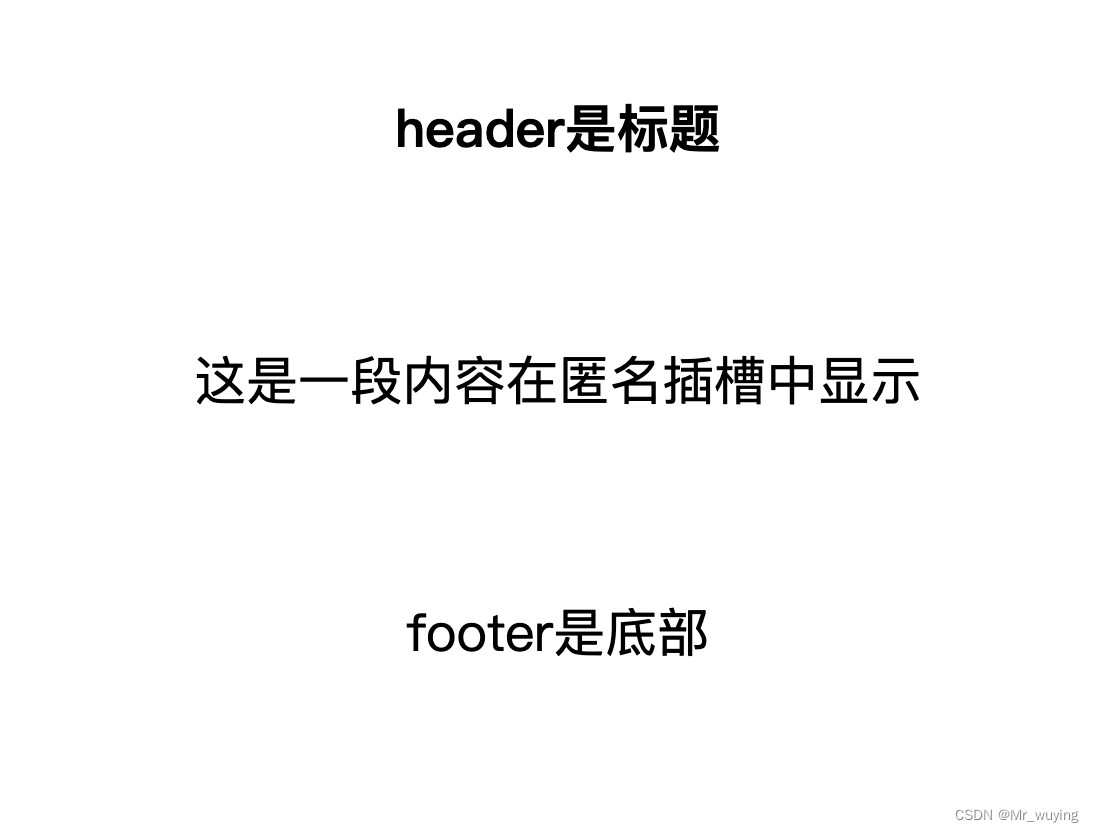
插槽中指定name 拿到对应的数据展示,如果没有知道成为匿名也就拿没有定义name的数据
插槽父组件访问子组件数据
父组件
<template> <div id="app"> <child url="https://www.baidu.com" v-slot="slotProp" >百度---{{ user.name }}地址为{{ slotProp.url }}child > div> template> <script> import child from "./components/child.vue"; export default { name: "App", components: { child, }, data() { return { user: { name: "作用域", }, }; }, }; script> <style> style>- 1
- 2
- 3
- 4
- 5
- 6
- 7
- 8
- 9
- 10
- 11
- 12
- 13
- 14
- 15
- 16
- 17
- 18
- 19
- 20
- 21
- 22
- 23
- 24
- 25
- 26
- 27
- 28
子组件
<template> <div class="child"> <a :href="url"> <slot :url="url">slot> a> div> template> <script> export default { name: "nav_child", props: ["url"], }; script>- 1
- 2
- 3
- 4
- 5
- 6
- 7
- 8
- 9
- 10
- 11
- 12
- 13
- 14
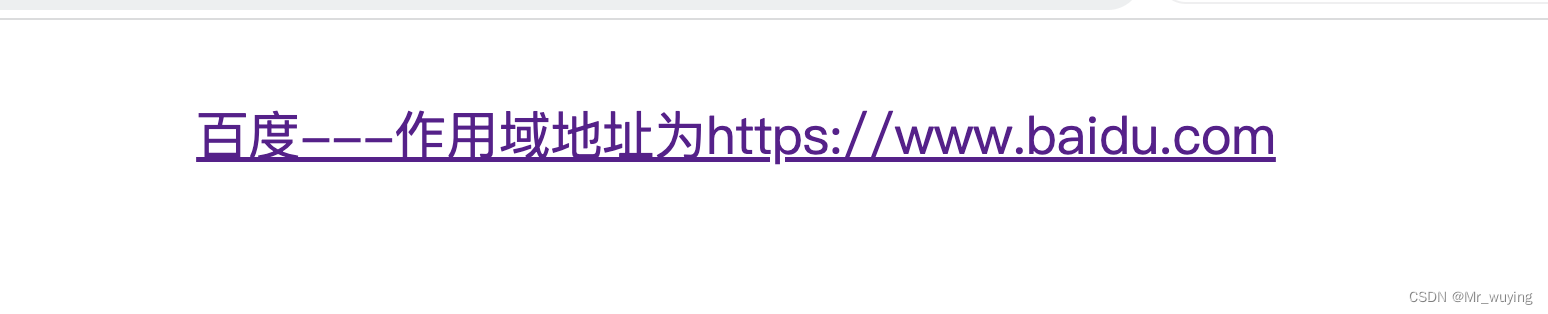
通过子组件在slot 上传递url值 在父组件中利用v-slot='slotProp’这样就可以拿到子组件的数据并展示出来
-
相关阅读:
Web framework-Gin(二)
Nginx搭建视频流媒体服务(Win)
QUIC简介
李航老师《统计学习方法》阅读笔记
Flutter小功能实现-咖啡店
spring中用到的设计模式
【Linux】权限完结
【HDU No. 4417】 超级马里奥 Super Mario
[Unity3d] 网络开发基础【个人复习笔记/有不足之处欢迎斧正/侵删】
Tomcat的安装和配置
- 原文地址:https://blog.csdn.net/j244233138/article/details/132738693
