-
SpringBoot学习(一)---初识SpringBoot
SpringBoot简介
SpringBoot是由Pivotal团队提供的全新框架,其设计目的是用来简化Spring应用的初始搭建以及开发过程
Springboot入门案例
1.创建springboot程序
创建New Module选择Spring Initializr

之后选中web下的Spring Web,点击creat创建springboot程序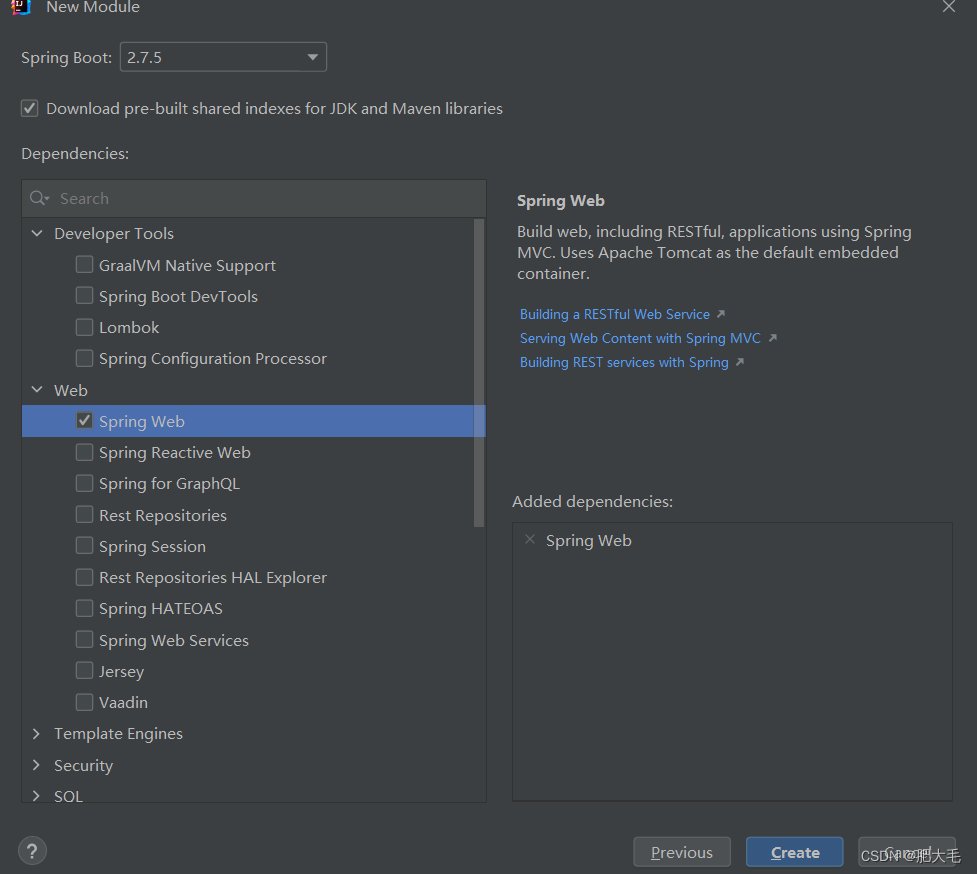
2.编写控制器
BookController类中写了一个方法,获取请求id
package com.itheima.controller; import org.springframework.web.bind.annotation.GetMapping; import org.springframework.web.bind.annotation.PathVariable; import org.springframework.web.bind.annotation.RequestMapping; import org.springframework.web.bind.annotation.RestController; @RestController @RequestMapping("/books") public class BookController { @GetMapping("/{id}") public String getById(@PathVariable Integer id) { System.out.println("id为"+id); return "Hello,SpringBoot!"; } }- 1
- 2
- 3
- 4
- 5
- 6
- 7
- 8
- 9
- 10
- 11
- 12
- 13
- 14
- 15
- 16
- 17
- 18
springboot内置了tomcat服务器,Application直接运行就可以启动tomcat服务器
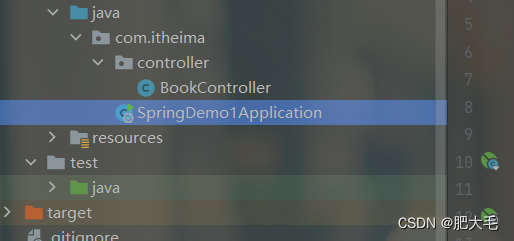
用postman发送请求,结果如下:

SpringBoot项目快速启动
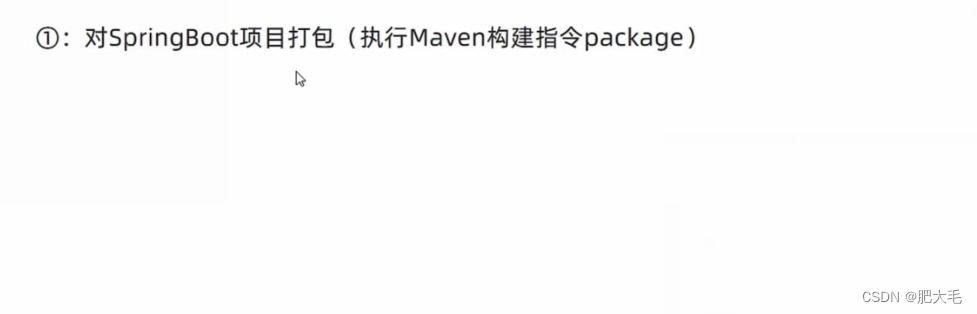
在命令窗口下输入启动指令:

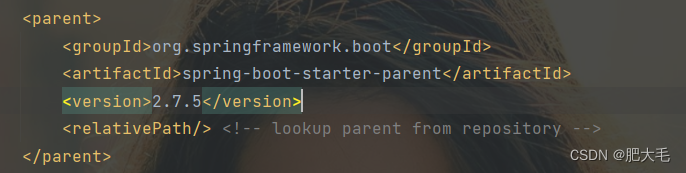
SpringBoot起步依赖
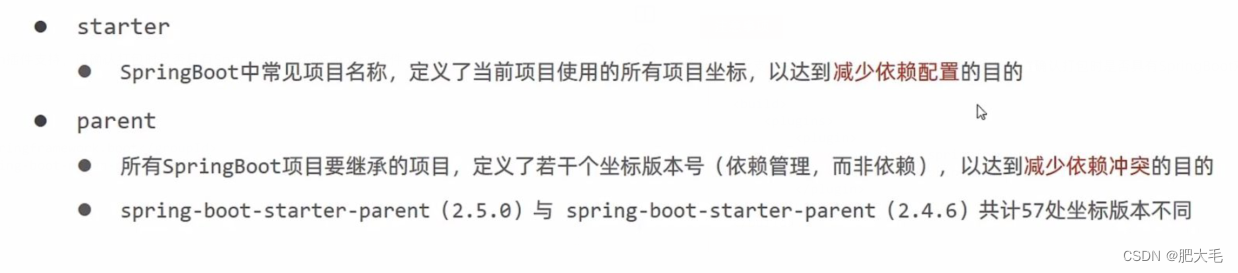

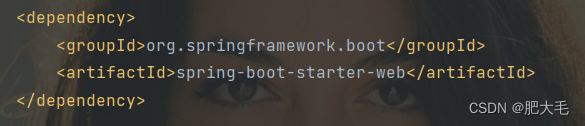
与web有关的依赖,包括tomcat服务器
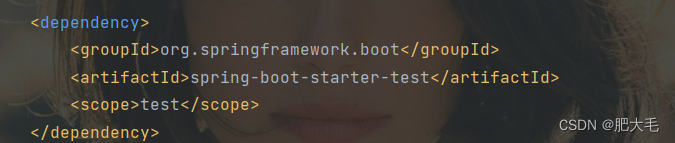
与测试有关的依赖,包含了是spring-test
SpringBoot程序启动
springboot在创建项目时,采用jar的打包方式
springboot的引导类Application是项目的入口,运行main方法就可以启动项目
Application类: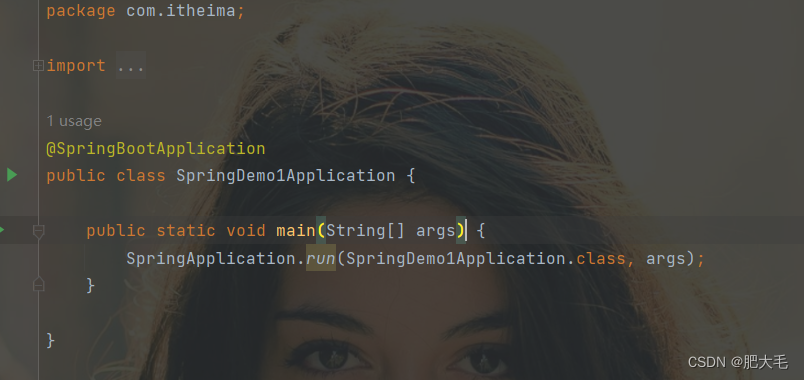
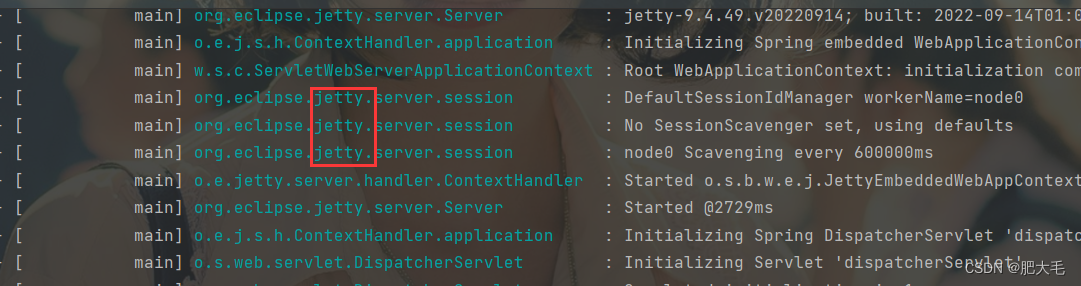
切换Web服务器
将springboot内置服务器tomcat切换为jetty服务器
先将tomcat服务器的依赖排除org.springframework.boot spring-boot-starter-web org.springframework.boot spring-boot-starter-tomcat - 1
- 2
- 3
- 4
- 5
- 6
- 7
- 8
- 9
- 10
再导入jetty服务器的依赖
org.springframework.boot spring-boot-starter-jetty - 1
- 2
- 3
- 4
启动项目,点击Application类,右键运行
-
相关阅读:
【看表情包学Linux】软件包管理器 yum | Vim 编辑器介绍 | Vim 文本批量化操作
OceanBase Docker体验
矩阵问题(宏观调度)
ModelScope平台
libtorch c++ 搭建分类网络进行训练和预测
为什么计算机对浮点型数字计算存在误差
Chow-Liu Tree
UMLChina建模知识竞赛第3赛季第13轮:SysML和系统工程知识
Clusterpedia 入围 “全球开源软件产品评选活动” 优胜奖
msf后渗透之文件交互指令、上传下载文件、屏幕截图、键盘记录、创建账户、音频录像和提权(上)
- 原文地址:https://blog.csdn.net/weixin_47109902/article/details/127744395
