-
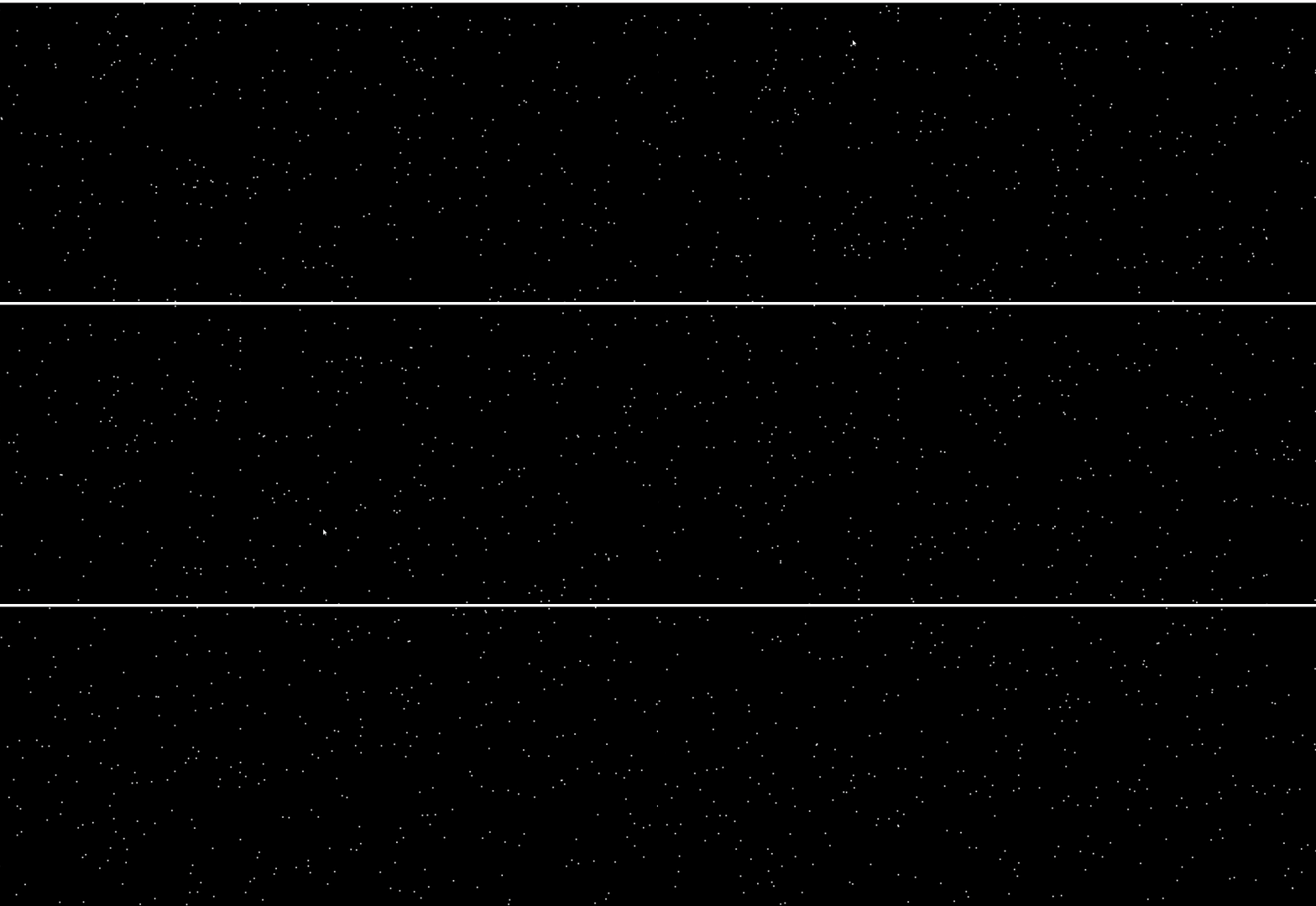
20多行js实现canvas雪夜下雪效果
前言
是HTML 5 新增的元素,可用于通过使用JavaScript中的脚本来绘制图形。实现canvas雪夜下雪效果
1、设置canvas标签的id为cvs,设置背景颜色为黑色
<canvas id="cvs" style="background-color: #000;">canvas>- 1
2、设置body外边距为0
<body style="margin: 0;">- 1
3、通过获取DOM元素获得画板
// 获取面版 const cvs = document.querySelector("#cvs");- 1
- 2
4、指定二维绘图
getContext() 方法可返回一个对象,该对象提供了用于在画布上绘图的方法和属性
getContext(‘2d’):它指定了二维绘图,并且导致这个方法返回一个环境对象,该对象导出一个二维绘图 API。const ctx = cvs.getContext('2d');- 1
5、设置宽高填满页面
// 取出屏幕的宽高 const {clientWidth:width,clientHeight:height} = document.documentElement; // 重设canvas的宽高 cvs.width =width; cvs.height =height;- 1
- 2
- 3
- 4
- 5
6、设置雪点的颜色
ctx.fillStyle='#ffffff';- 1
7、定义一个雪点数据
设置雪点个数为500个
const bgColors = Array.from(new Array(500)).map(v=>{ return { x:Math.random()*width, // 在宽度范围内随机 y:Math.random()*height, // 在高度范围内随机 step:Math.random()*2.5+0.5, // 运动速度随机 } })- 1
- 2
- 3
- 4
- 5
- 6
- 7
8、定义一个下雪函数
函数内部:
requestAnimationFrame()高频执行 → clearRect()清除画布 → beginPath()重新绘图的准备 → forEach遍历雪点 → fill()重设矩形 → fill()渲染 → 往下飘const render = ()=>{ // 2.清空 ctx.clearRect(0,0,width,height); // 3.重新绘图的标识 ctx.beginPath(); // 4.遍历 bgColors.forEach(v=>{ // 7.往下飘的效果 v.y = v.y > height?0:(v.y+v.step) // 5.重设一个矩形 ctx.rect(v.x,v.y,3,3) }) // 6.渲染 ctx.fill(); // 1.requestAnimationFrame制作高频执行 requestAnimationFrame(render); }- 1
- 2
- 3
- 4
- 5
- 6
- 7
- 8
- 9
- 10
- 11
- 12
- 13
- 14
- 15
- 16
- 17
9、调用下雨函数
render();- 1
二、完整代码及运行效果
完整代码
DOCTYPE html> <html lang="en"> <head> <meta charset="UTF-8"> <meta http-equiv="X-UA-Compatible" content="IE=edge"> <title>Documenttitle> head> <body style="margin: 0;"> <canvas id="cvs" style="background-color: #000;">canvas> body> <script> const cvs = document.querySelector("#cvs"); const ctx = cvs.getContext('2d'); // 取出屏幕的宽高 const {clientWidth:width,clientHeight:height} = document.documentElement; // 重设canvas的宽高 cvs.width =width; cvs.height =height; // 设置雪点的颜色 ctx.fillStyle='#ffffff'; // 定义雪点的数组 // 设置雪点个数为400个 const bgColors = Array.from(new Array(400)).map(v=>{ return { x:Math.random()*width, // 在宽度范围内随机 y:Math.random()*height, // 在高度范围内随机 step:Math.random()*2.5+0.5, // 运动速度随机 } }) // 定义render函数 const render = ()=>{ // 清空 ctx.clearRect(0,0,width,height); // 重新开始 ctx.beginPath(); // 遍历 bgColors.forEach(v=>{ // 往下飘的效果 v.y = v.y>height?0:(v.y+v.step) // 重设 ctx.rect(v.x,v.y,3,3) }) // 渲染 ctx.fill(); // requestAnimationFrame制作高频执行 requestAnimationFrame(render); } // 调用render()函数 render() script> html>- 1
- 2
- 3
- 4
- 5
- 6
- 7
- 8
- 9
- 10
- 11
- 12
- 13
- 14
- 15
- 16
- 17
- 18
- 19
- 20
- 21
- 22
- 23
- 24
- 25
- 26
- 27
- 28
- 29
- 30
- 31
- 32
- 33
- 34
- 35
- 36
- 37
- 38
- 39
- 40
- 41
- 42
- 43
- 44
- 45
- 46
- 47
- 48
- 49
- 50
- 51
- 52
- 53
- 54
运行结果
-
相关阅读:
人生如何破局?
cmake 代码版本管理
中学语文教学参考杂志社中学语文教学参考编辑部2022年第27期目录
对输入信号的抽样值求解码输出和量化误差
Android kotlin实现读取pdf和pptx文件
必背积分表
【Linux】线程
Go学习第十一章——协程goroutine与管道channel
PWM点灯
虚拟化设备-Virtio介绍
- 原文地址:https://blog.csdn.net/Vest_er/article/details/127443848
